The Constant Contact mobile app makes it quick and easy to create, customize, send, and track email campaigns anywhere, anytime. With detailed insights and reporting available right in the app, you can stay up to date on how your emails are performing. You can also stay on top of your social media game with posting and reporting all from the same place. Easily manage and grow your contact list and image library from your iOS or Android phone and tablet, too.
The Constant Contact iOS application now includes Apple Intelligence, the ultimate marketing assistant. Apple Intelligence can be accessed from any text box, including Facebook posts, LinkedIn announcements, or emails. It can help you find inspiration and create engaging content to share.
The Constant Contact mobile app can be downloaded or updated through the Apple App Store for iOS devices or the Google Play Store for Android devices. Search for the Constant Contact app to update or install it.
Note: Apple Intelligence is only available on compatible iOS devices and has been integrated into the iOS Constant Contact mobile application.
Our mobile app has many useful features:
The Constant Contact application allows you to log in to multiple profiles, letting you manage marketing for different businesses from one easy-to-use platform. Read Manage account logins with the Constant Contact mobile app.
Once you've logged in, you can:
If you're in a trial, you'll be able to see how many days remain so you can plan accordingly. If your social media accounts are disconnected, you’ll see an alert on your profile page that guides you through the steps to resolve the error.
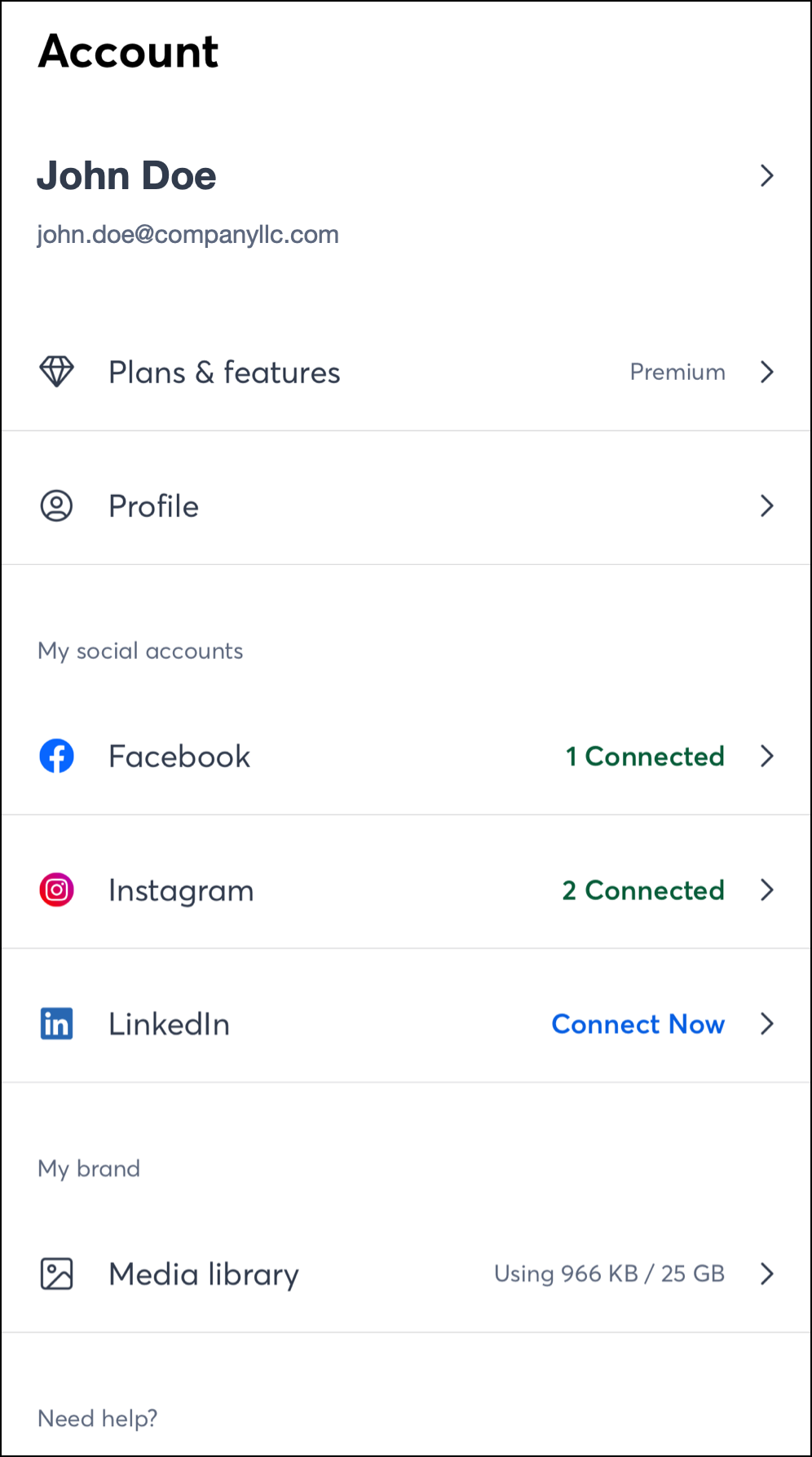
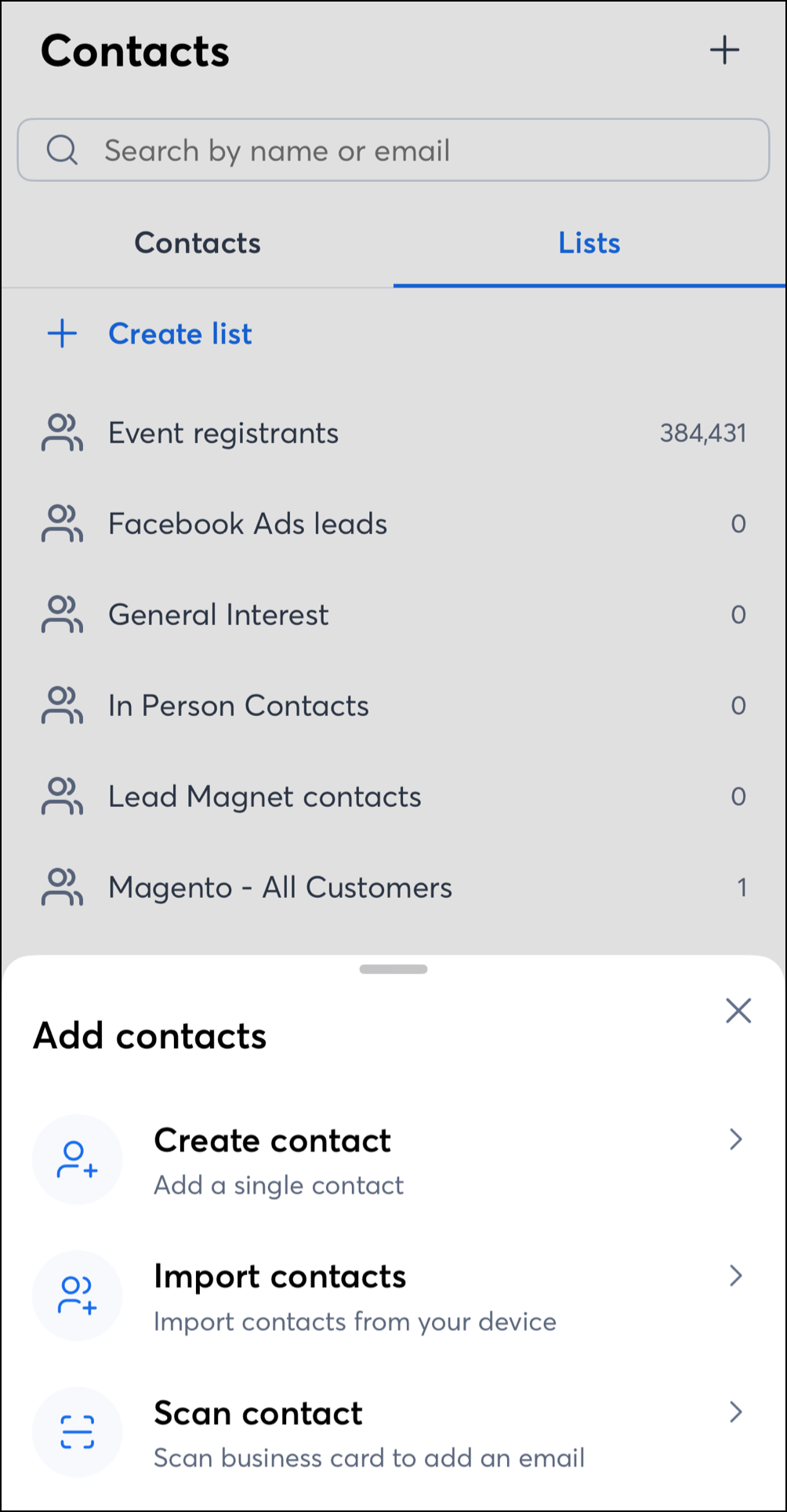
You can conveniently grow and manage your contact list within the mobile app.
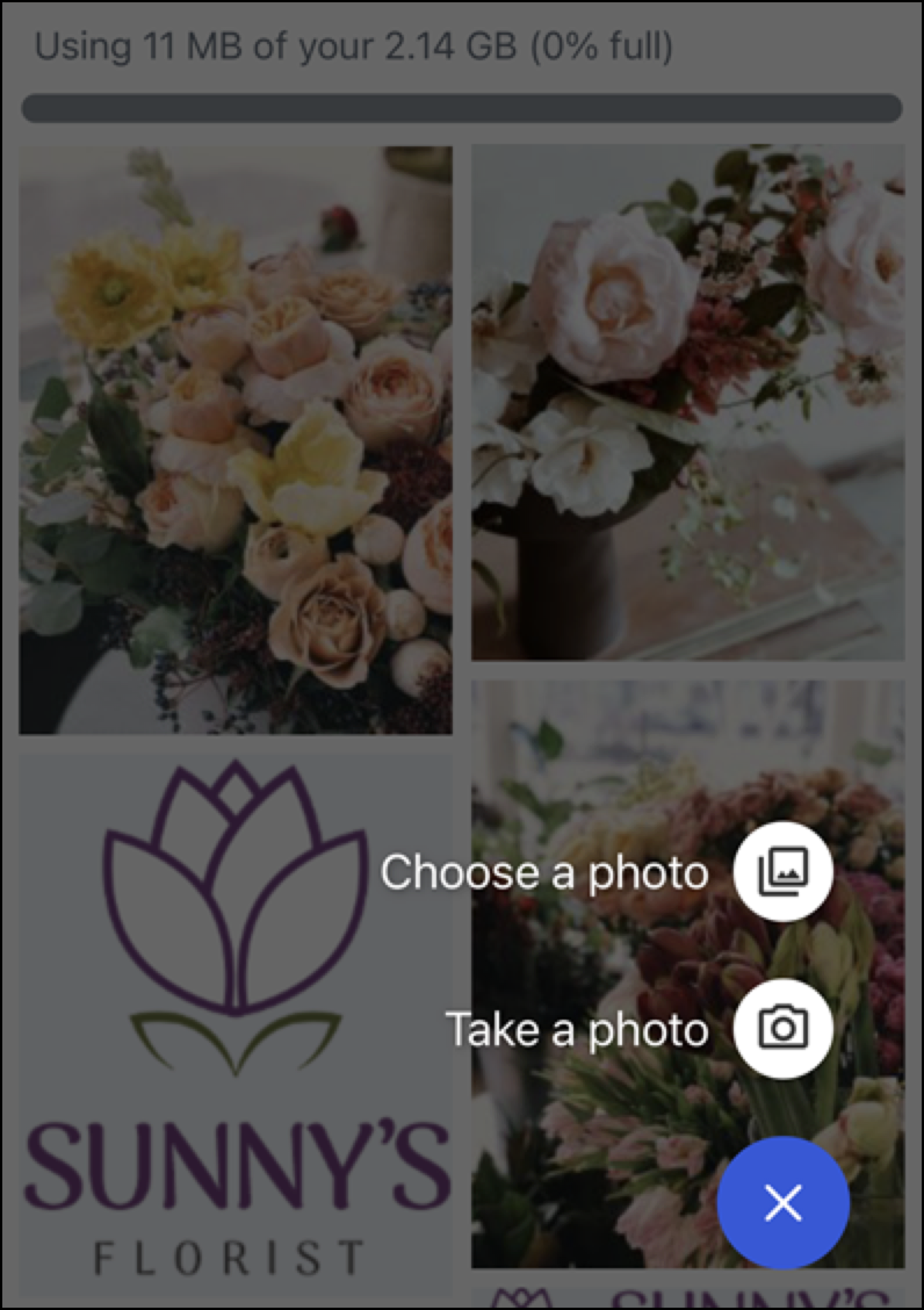
With the mobile app, you can also manage your Constant Contact image Library from your mobile device.
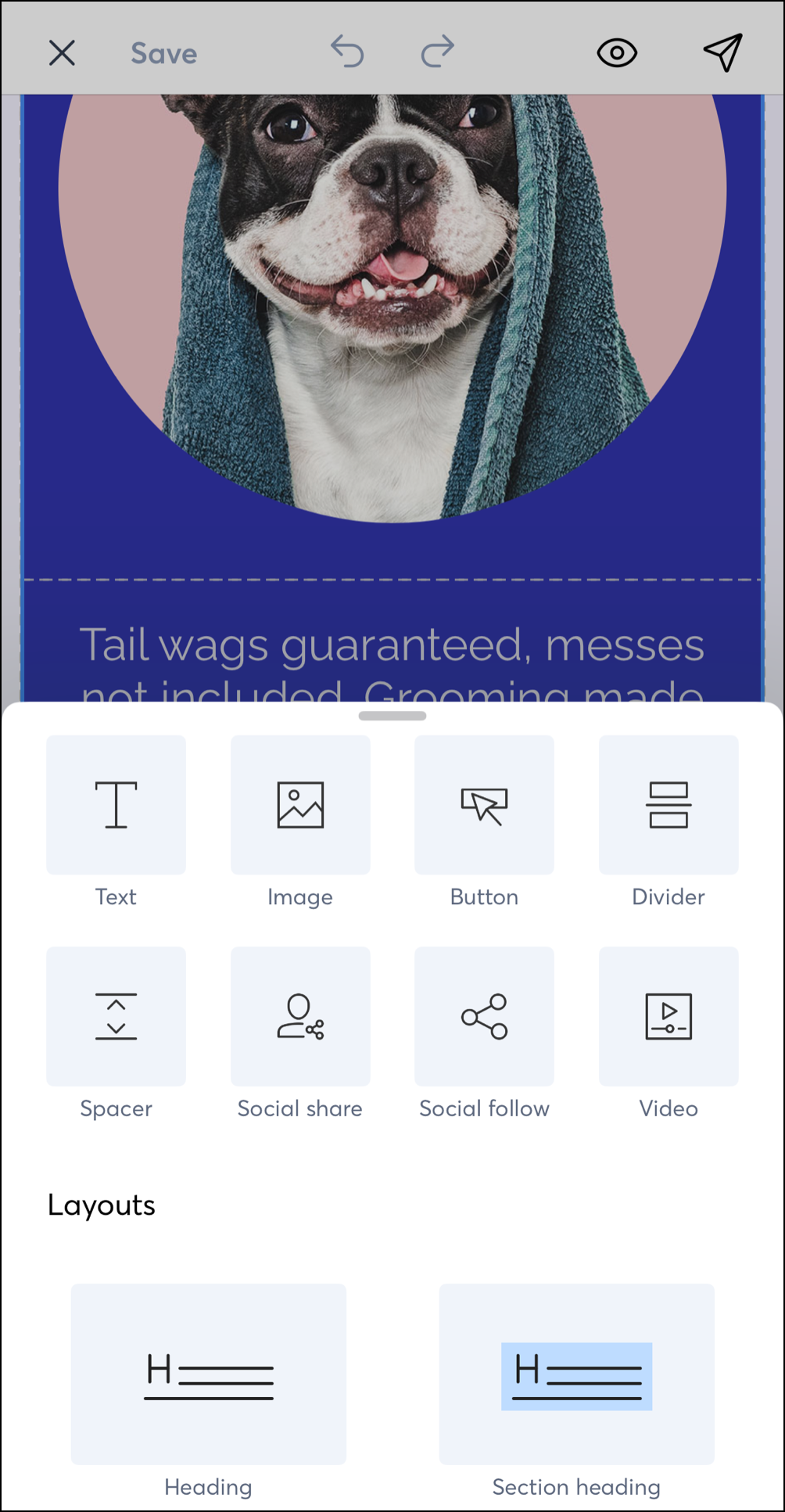
With our Cross Device Email Editor, you can manage your marketing efforts across multiple devices, allowing you to pick up exactly where you left off without losing anything.
Share updates to your social media pages right from the Constant Contact mobile app and track your posts' performance.
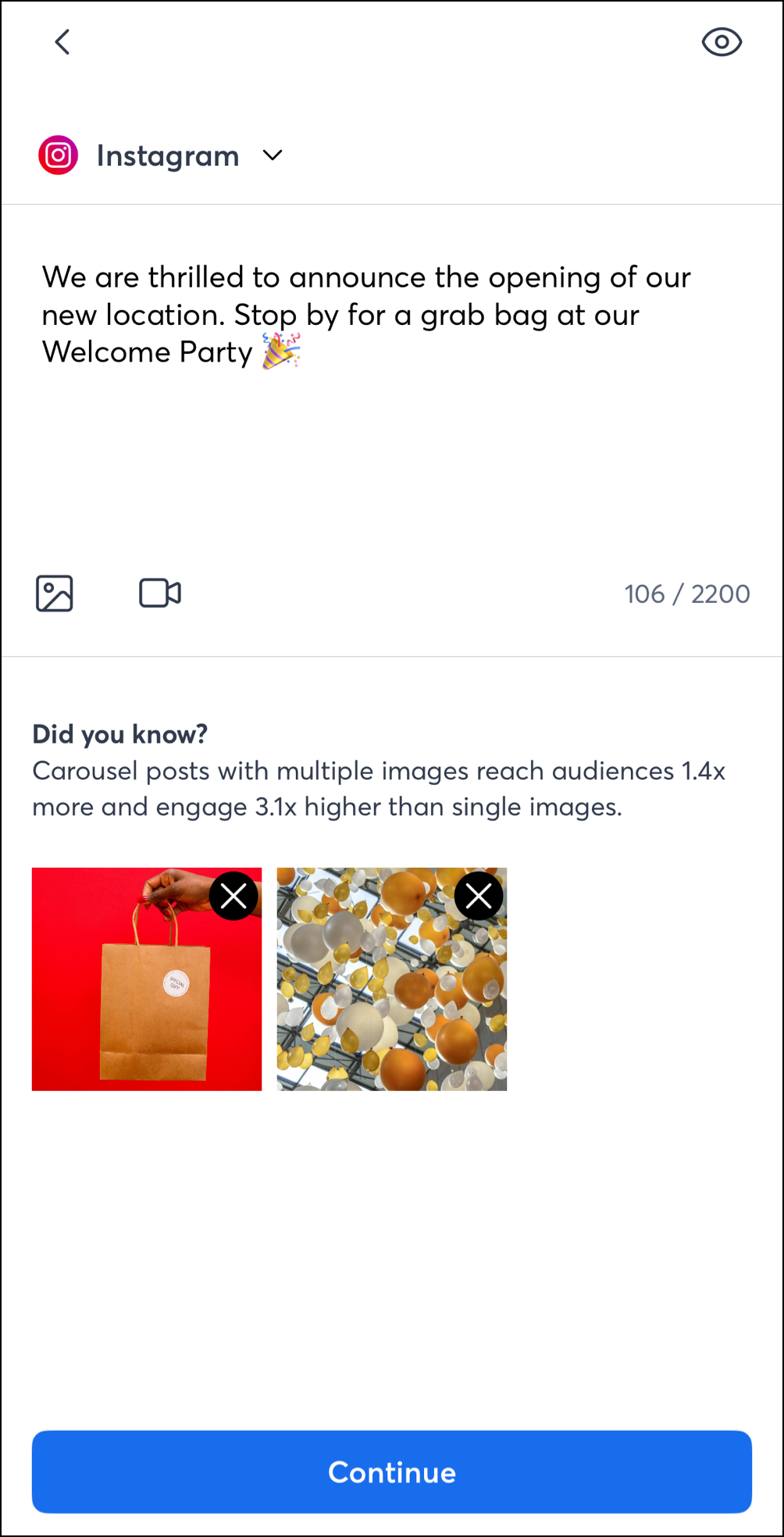
On compatible iOS devices, the Constant Contact app connects directly to Apple Intelligence to leverage new Writing Tools and the Image Playground. Use Apple Intelligence to build smarter marketing campaigns, write more persuasive emails, and create beautiful social posts in just minutes.
Apple Intelligence is compatible with any iPhone 16 model, the iPhone 15 Pro, or the iPhone 15 Pro Max, as well as any iPad with A17 Pro or M1. Devices must be running iOS 18.1 or later, or iPadOS 18.1 or later. Your device must have 7 GB of storage space available.
Note: For Apple Intelligence to work on your phone, the device and Siri language must be set to the same supported language. Read How to match the device language and Siri language on your iPhone to learn how.
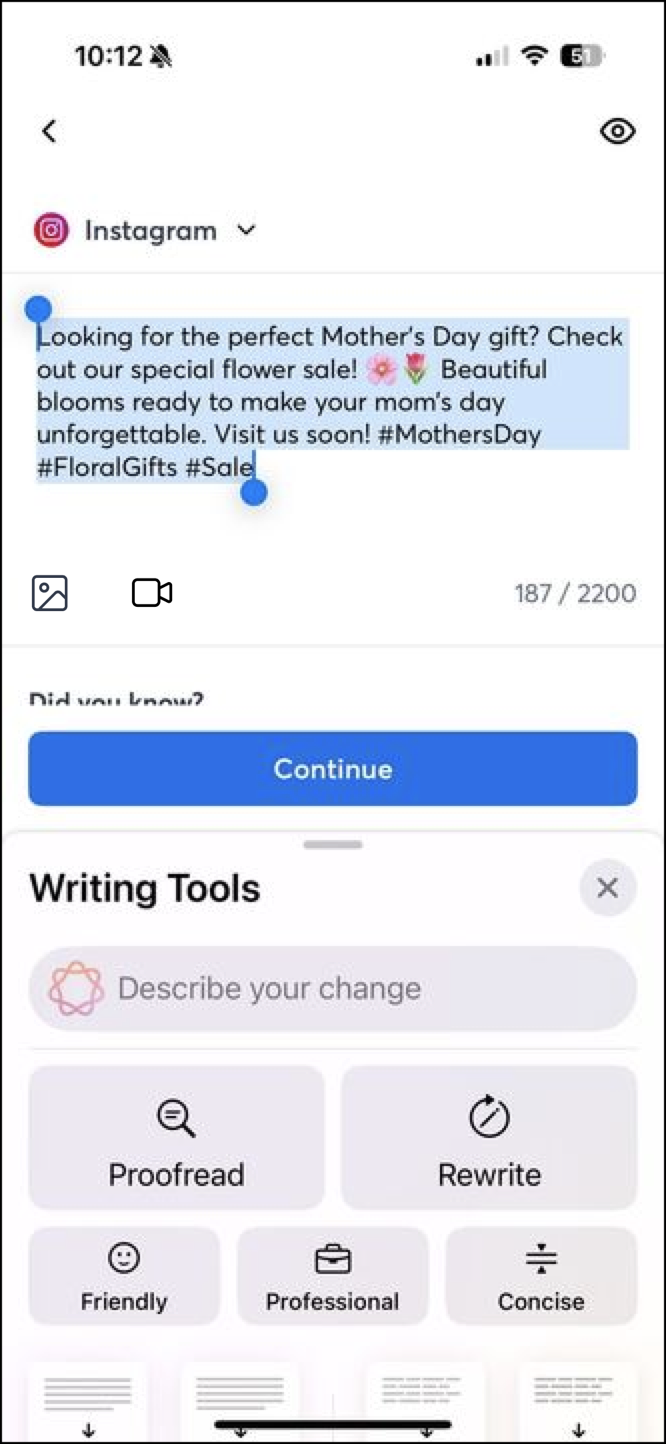 | 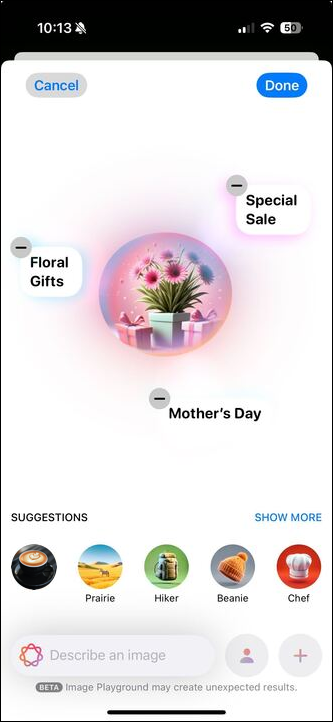 |
To create posts using Apple Intelligence’s Writing Tools or learn how to leverage Image Playground, read our How to use Apple Intelligence in the Constant Contact mobile app article.
Copyright © 2026 · All Rights Reserved · Constant Contact · Privacy Center