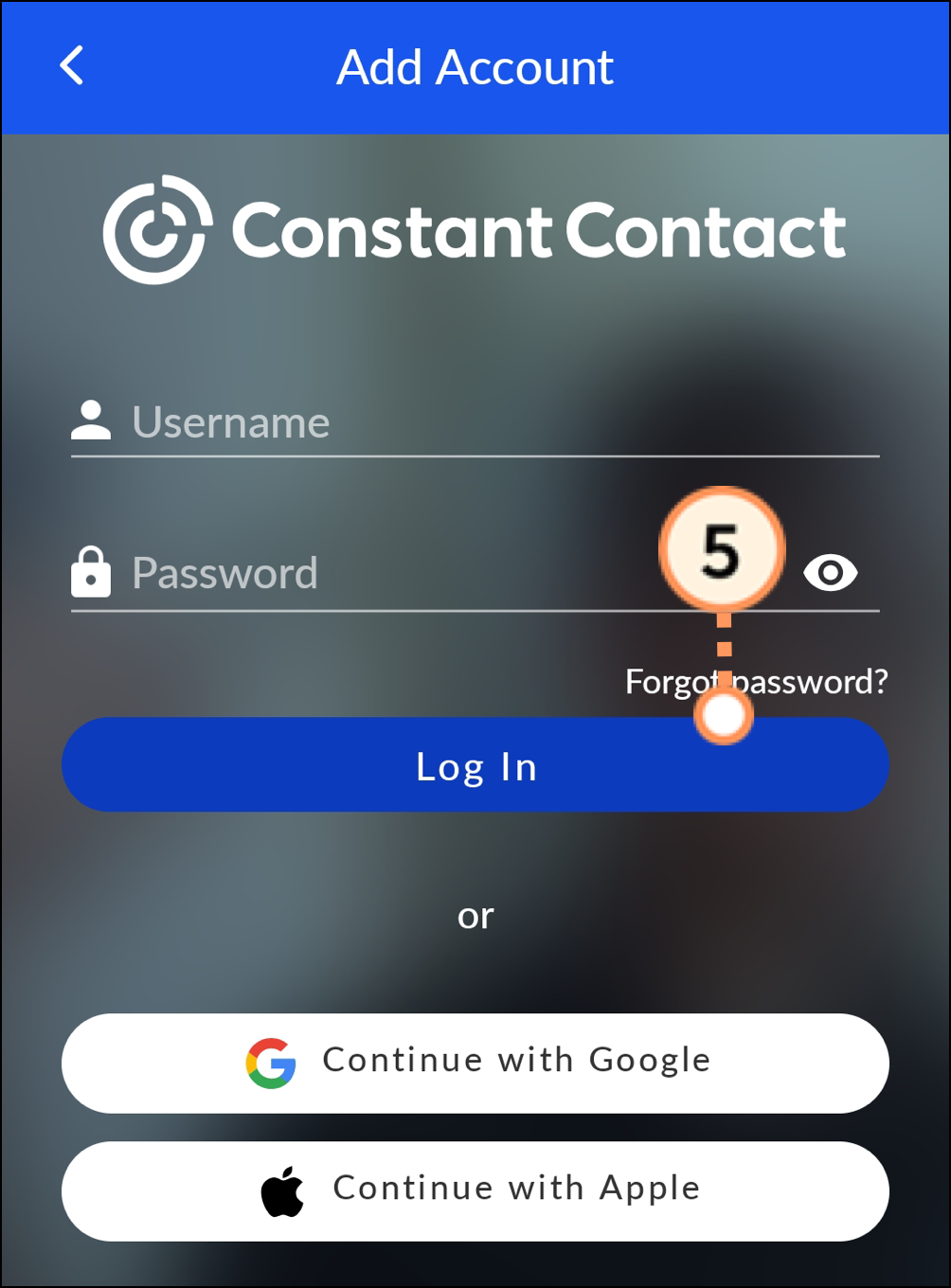
If you work with more than one Constant Contact account, you can add them to the app after you've installed it.
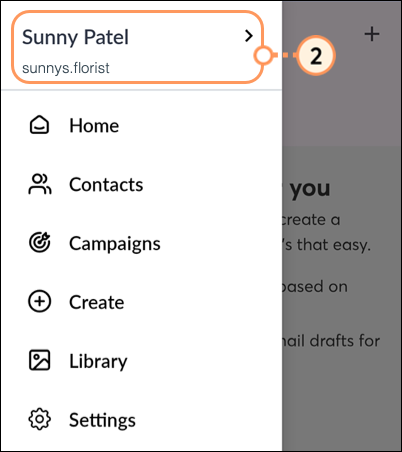
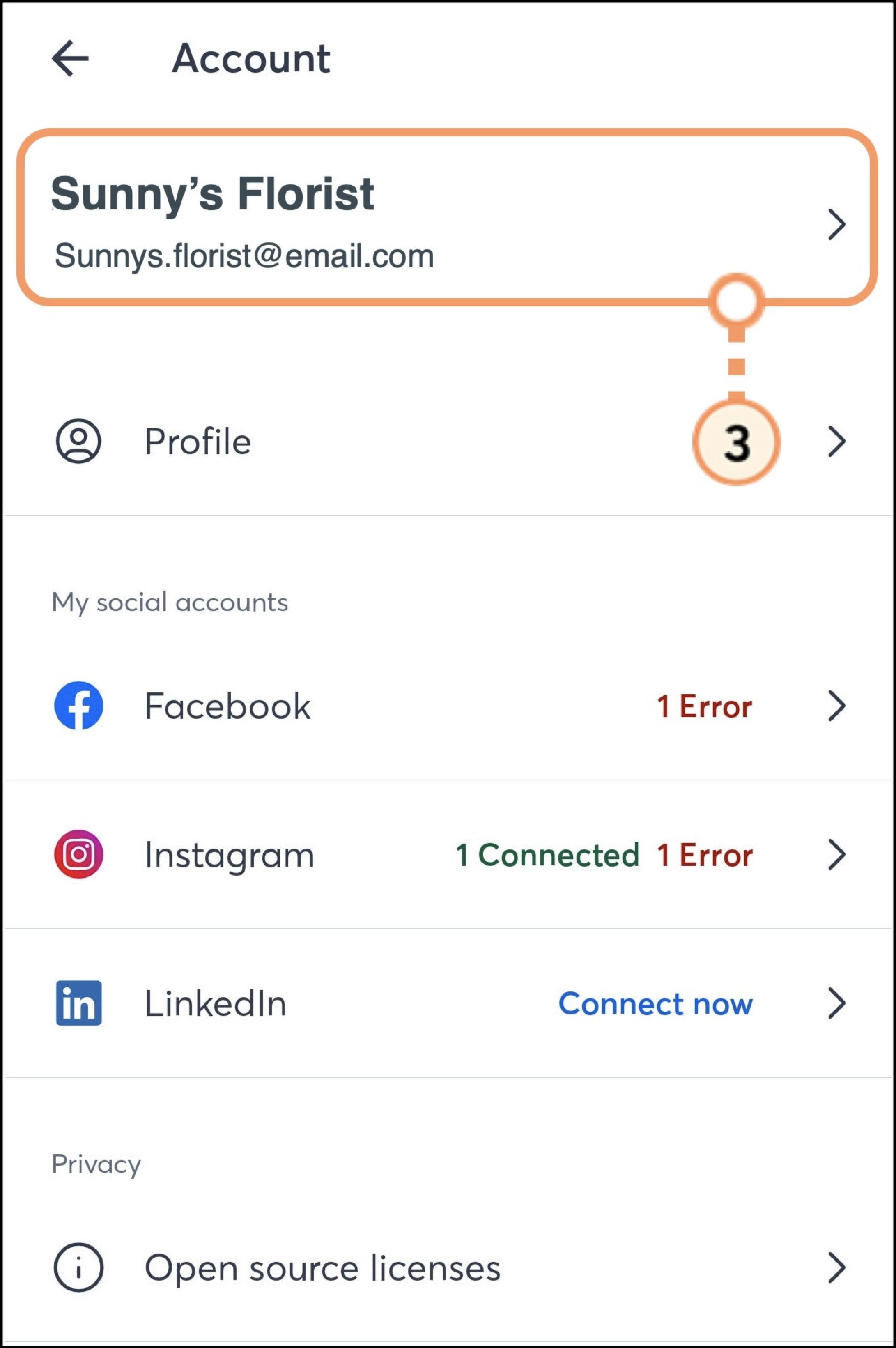
On Android, complete the following steps:
 Menu.
Menu.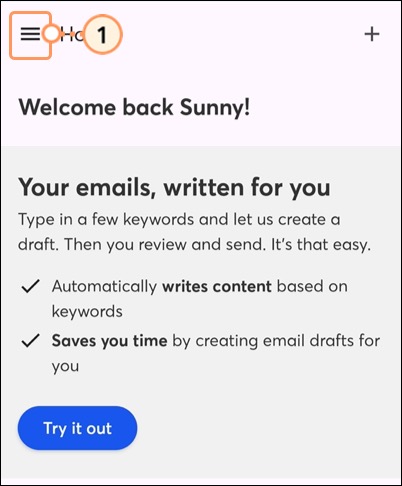

On iOS, complete the following steps:
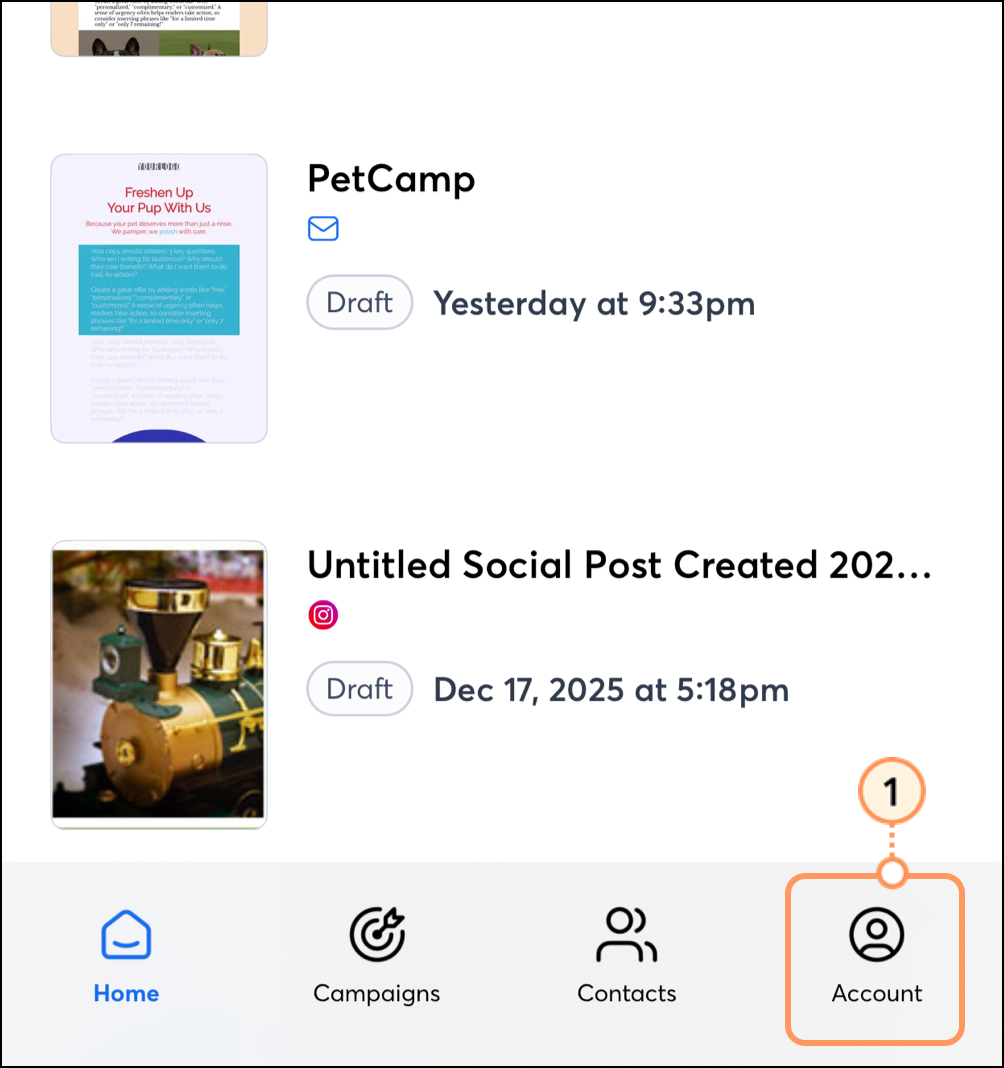
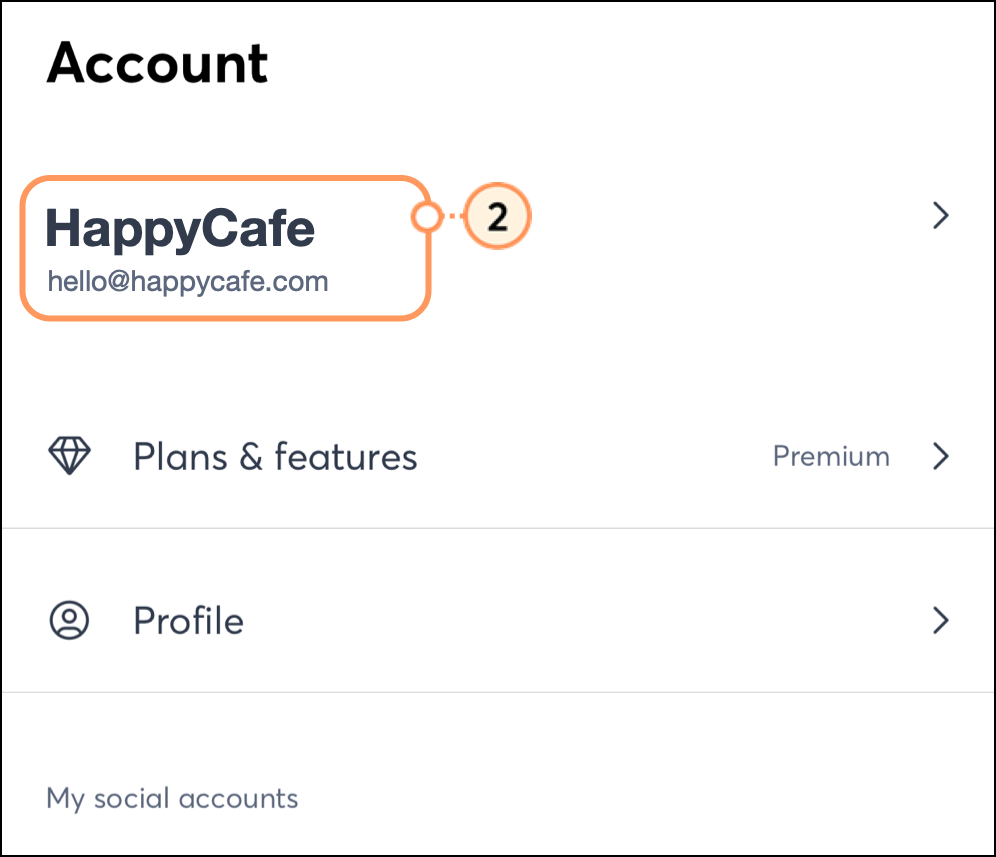
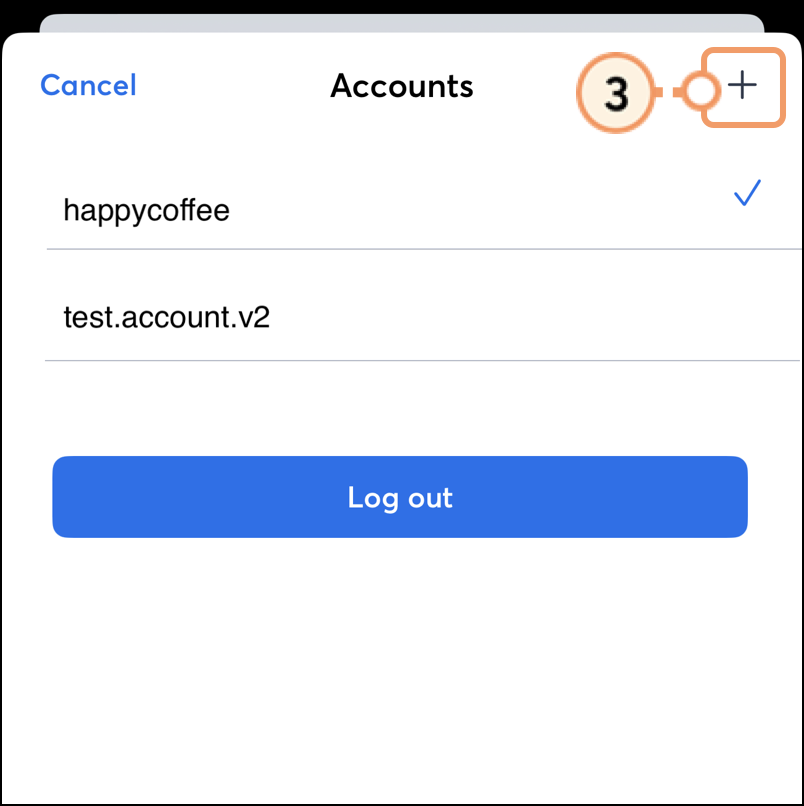
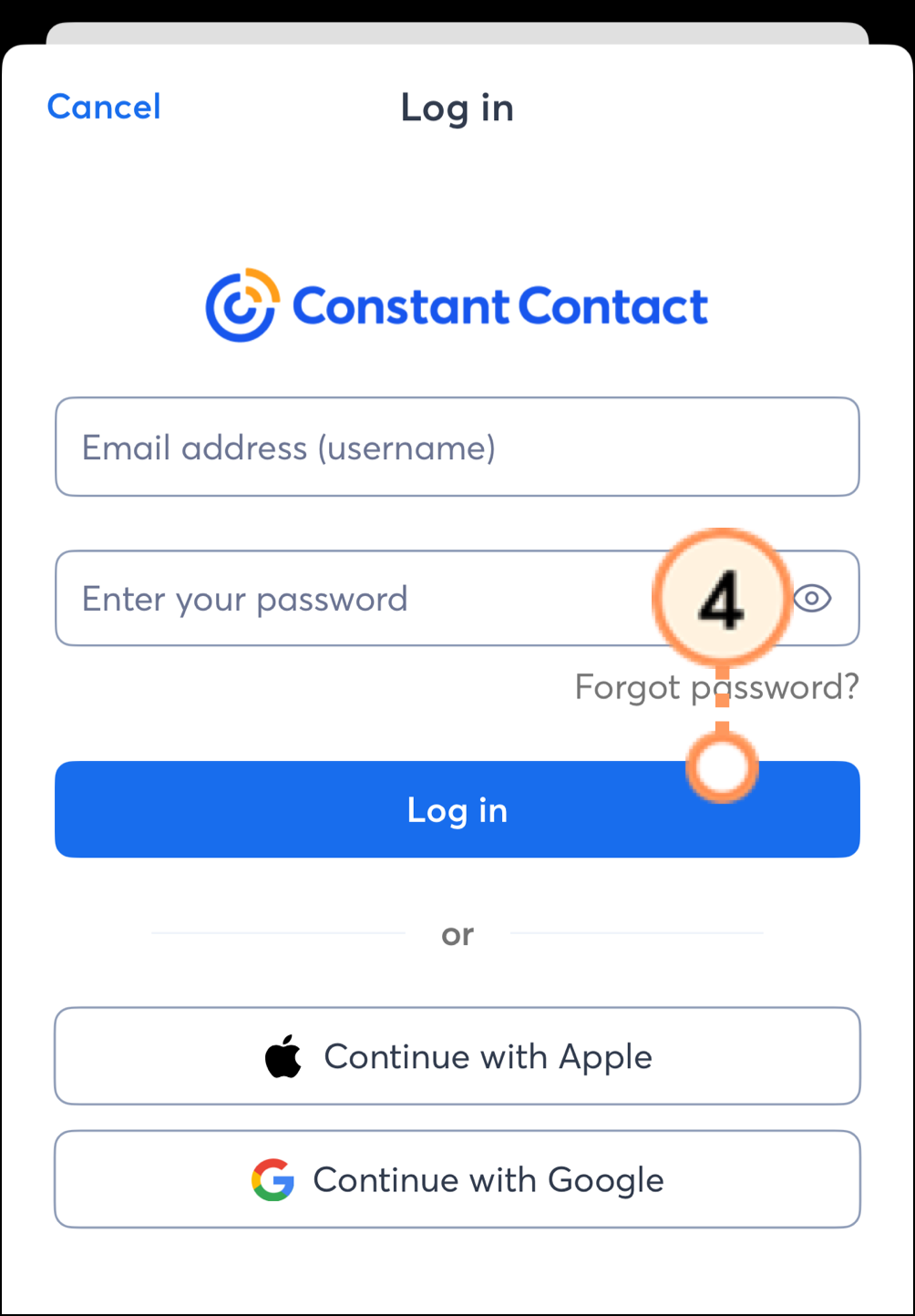
You can switch between accounts in the mobile application once you have logged in.
On Android, tap on the username of the account you'd like to switch to. The checkmark appears next to the selected account. 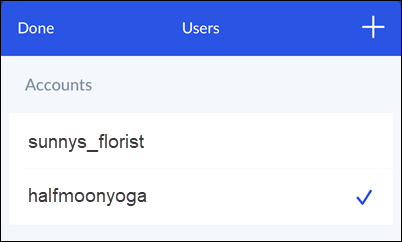
On iOS, tap the username of the account you want to switch into. The checkmark appears next to the selected account. 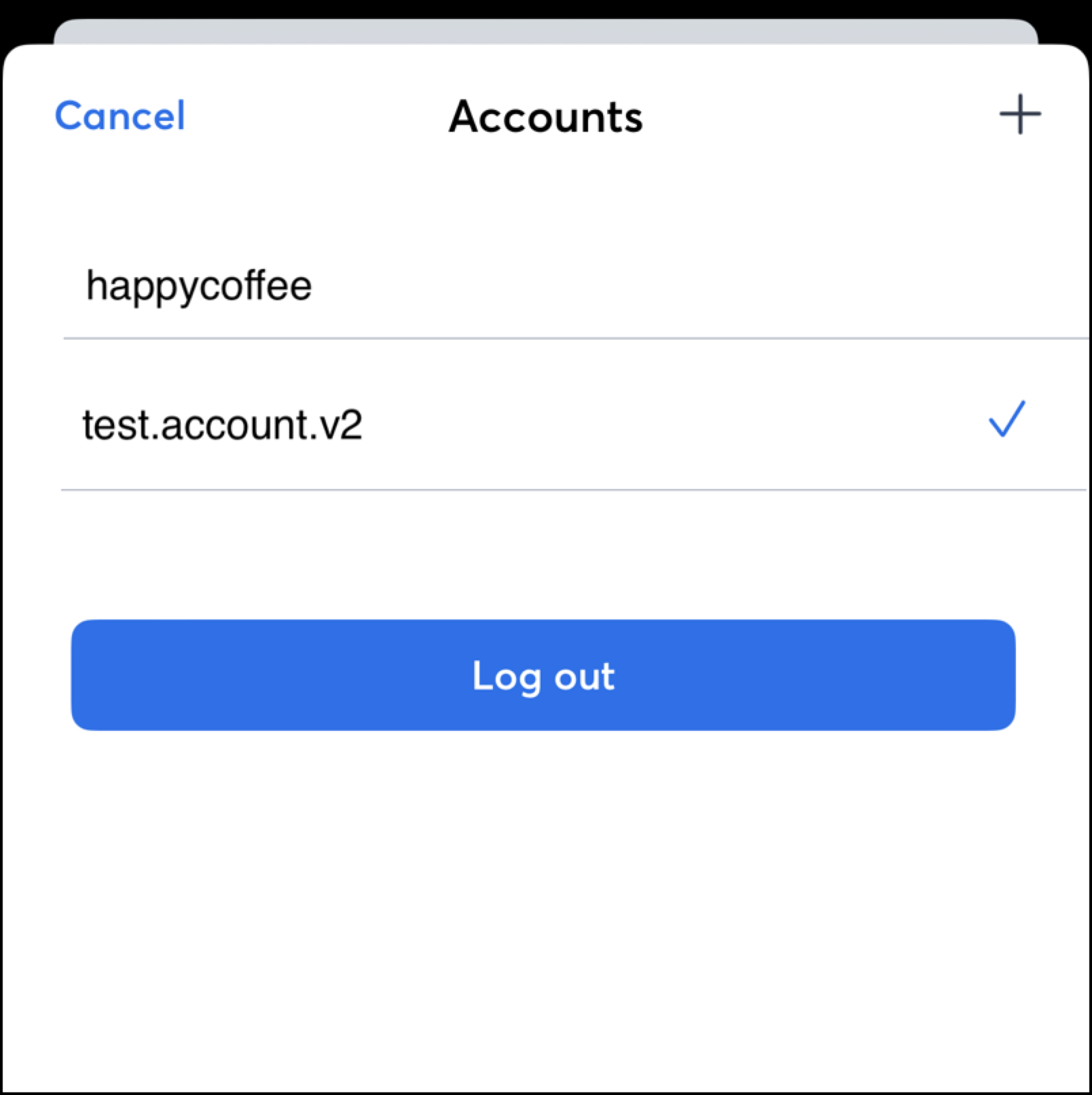
If you no longer need an account in your application, you can remove it.
On Android, swipe left on the account you want to remove and then tap Delete.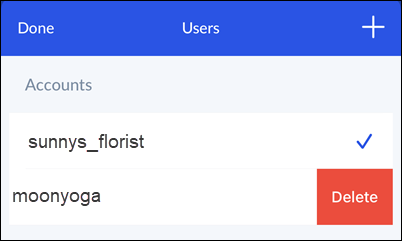
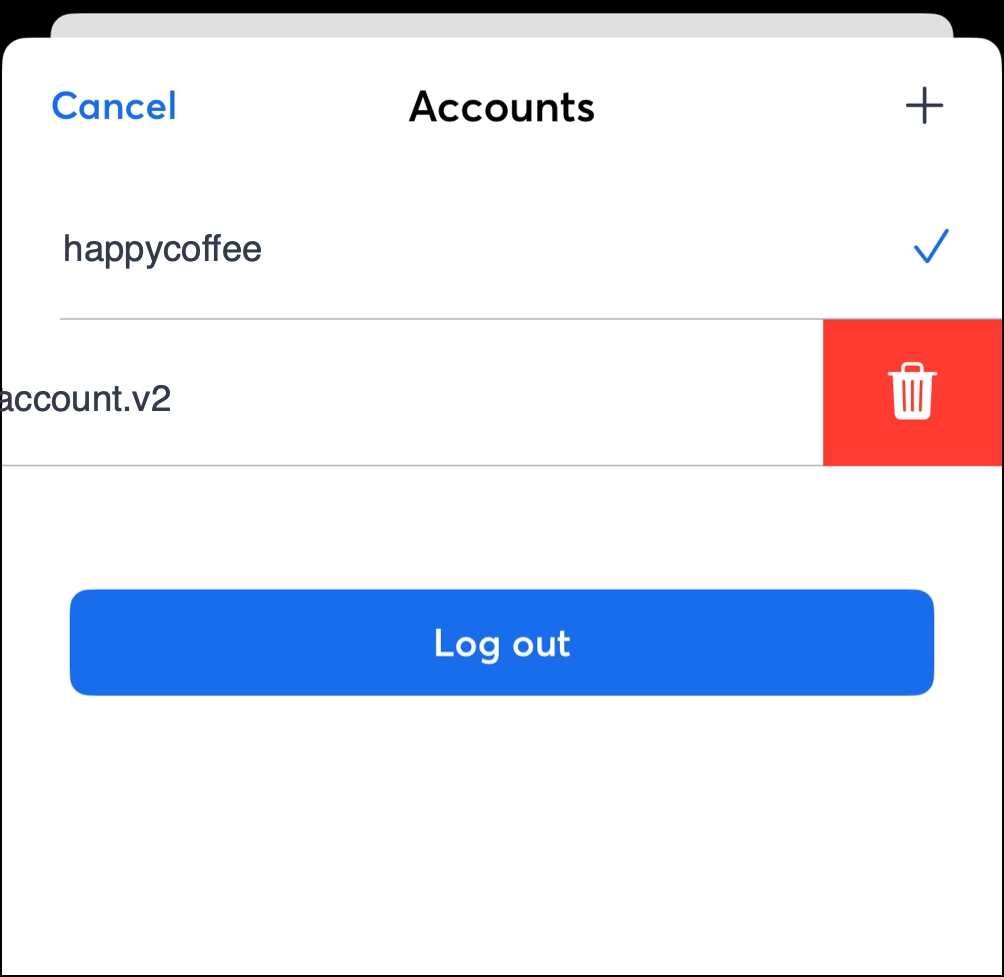
On iOS, swipe left on the account you want to remove, then tap the trash can icon.
You can log out of the application altogether.
On Android, complete the following steps:
Menu. 
On iOS, complete the following steps:
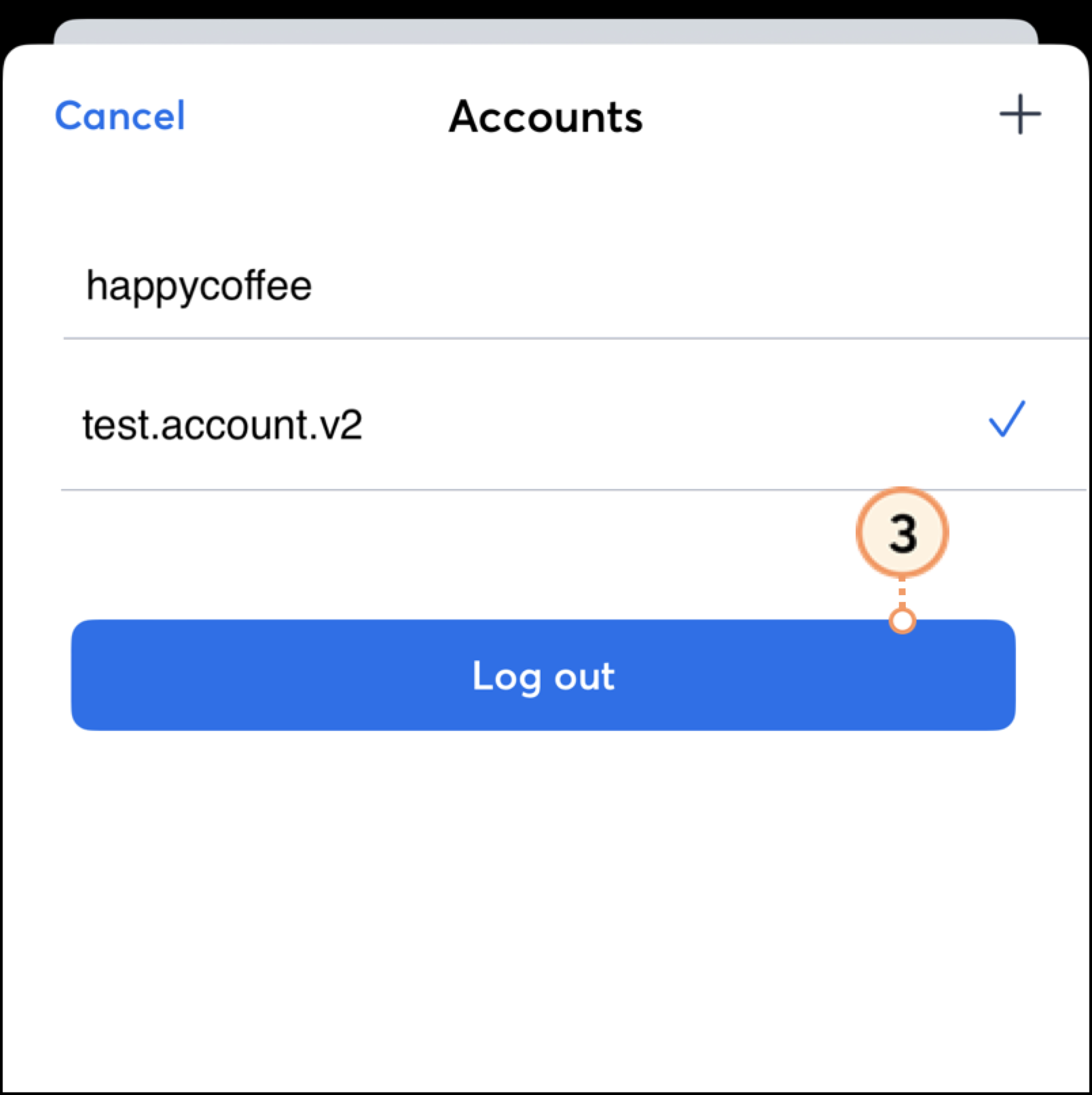
The next time you open the app, you'll be prompted to enter the username and password for any accounts previously associated with the application.
Copyright © 2026 · All Rights Reserved · Constant Contact · Privacy Center