This page includes the latest new features, product improvements, and major bug fixes:
Migrate contacts and emails with the ActiveCampaign integration
You can now import contacts and emails from ActiveCampaign with the ActiveCampaign integration. Market to your imported contacts with segmentation and automation tools and edit or customize your imported emails using the Constant Contact email editor. Learn more.
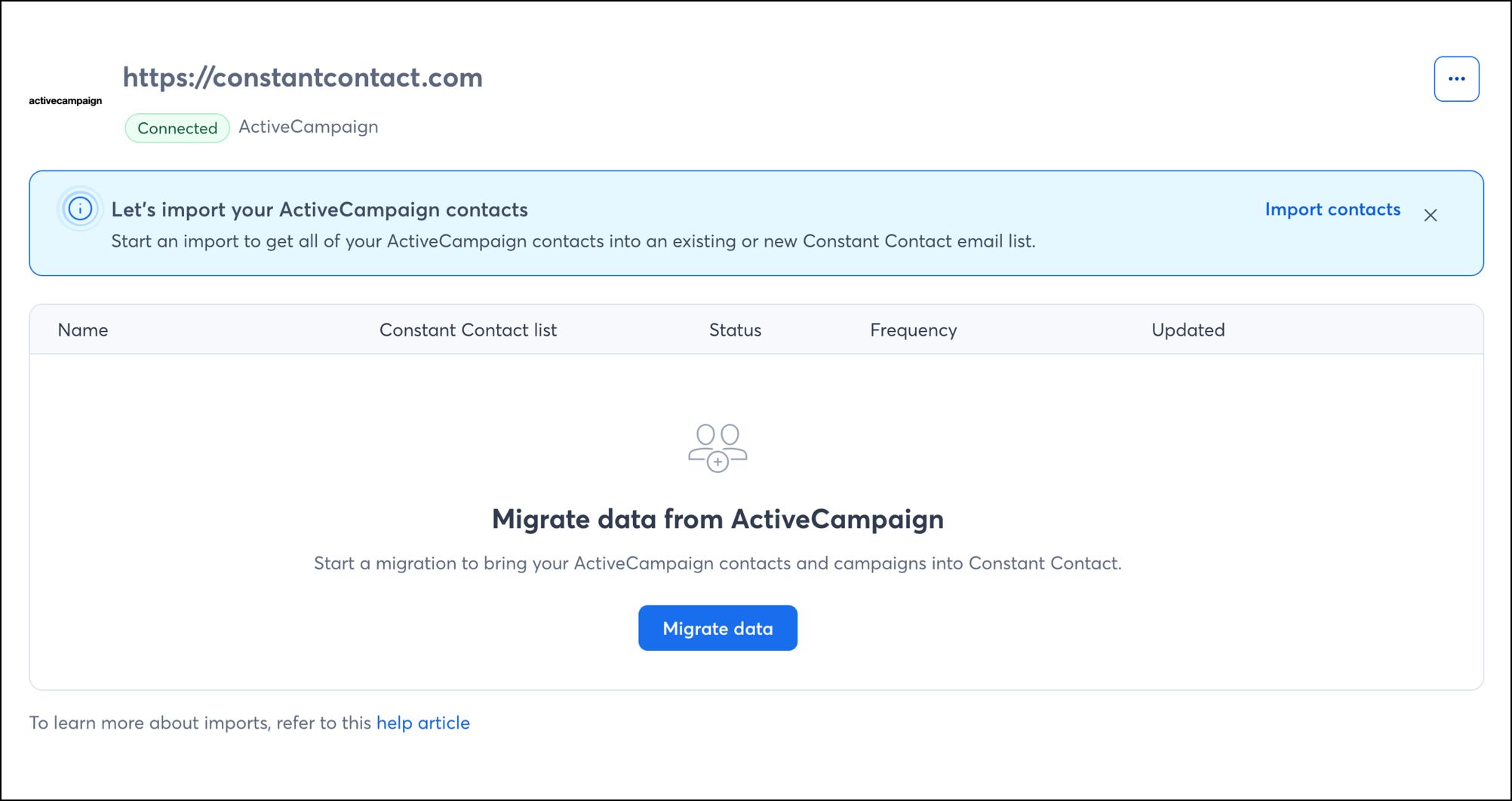
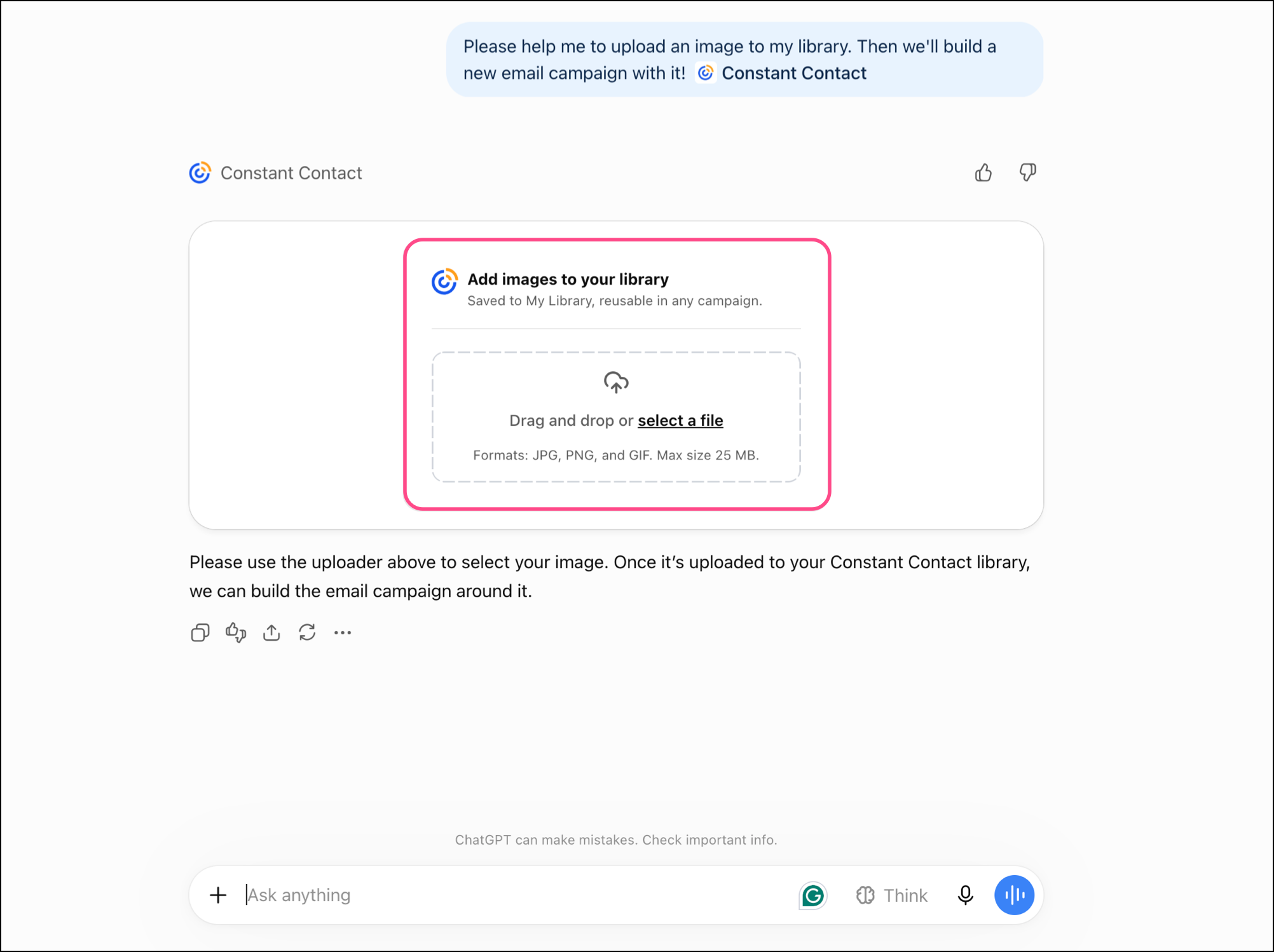
Image uploading with the Constant Contact ChatGPT plugin
You can now upload hosted images or direct image files to your Constant Contact library using the Constant Contact ChatGPT plugin. Ask ChatGPT to upload images—share an image URL, drag-and-drop your file, or select your file from your computer folder—without ever leaving your AI workflow. Learn more.
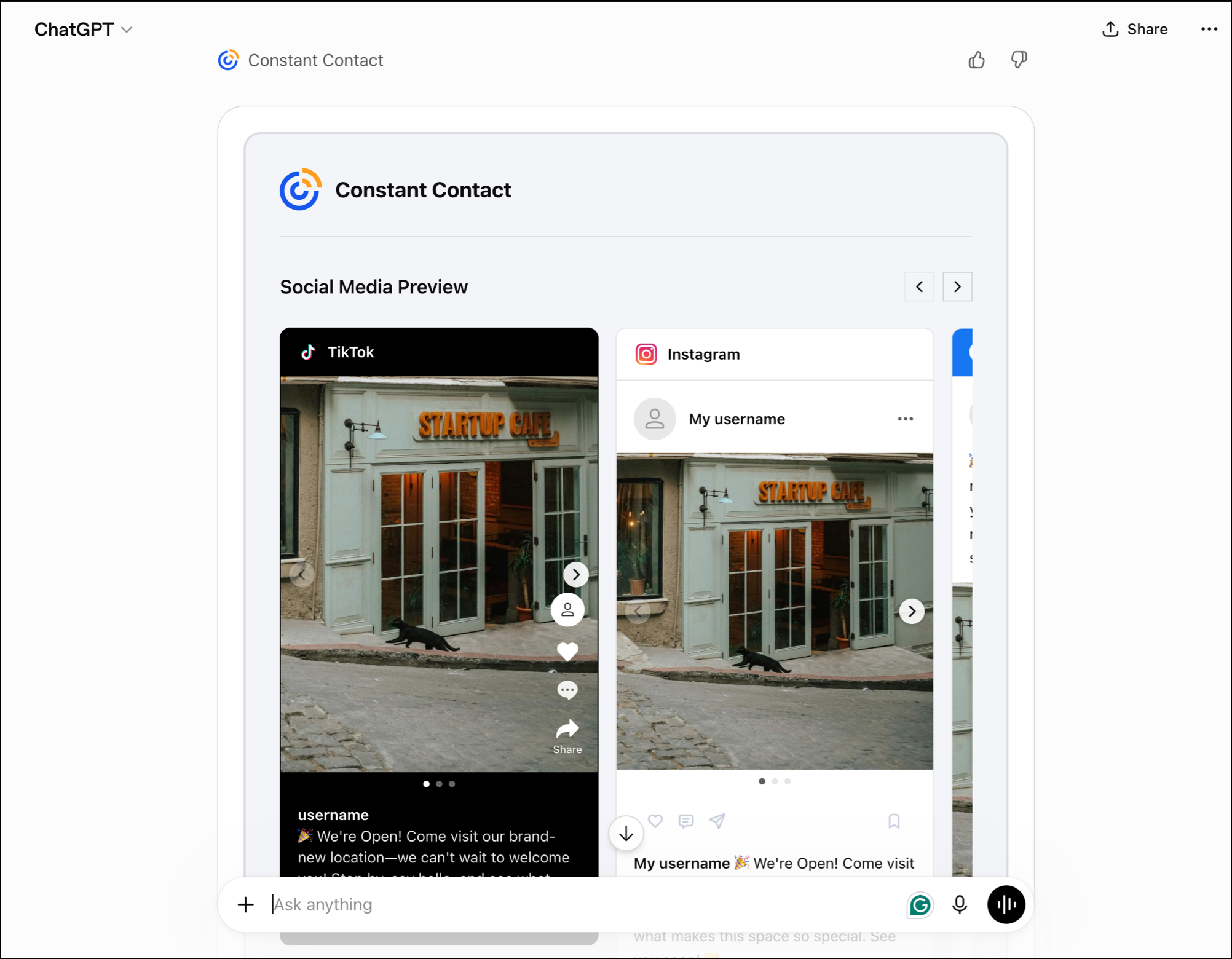
Social Posting with the Constant Contact ChatGPT plugin
You can now create social posts using Constant Contact's ChatGPT plugin. Create and preview new social posts in minutes while incorporating assets from your Library. Use your conversation with ChatGPT to optimize your captions, get suggestions on your content, and then push your social post into Constant Contact to send or schedule it. Learn more.
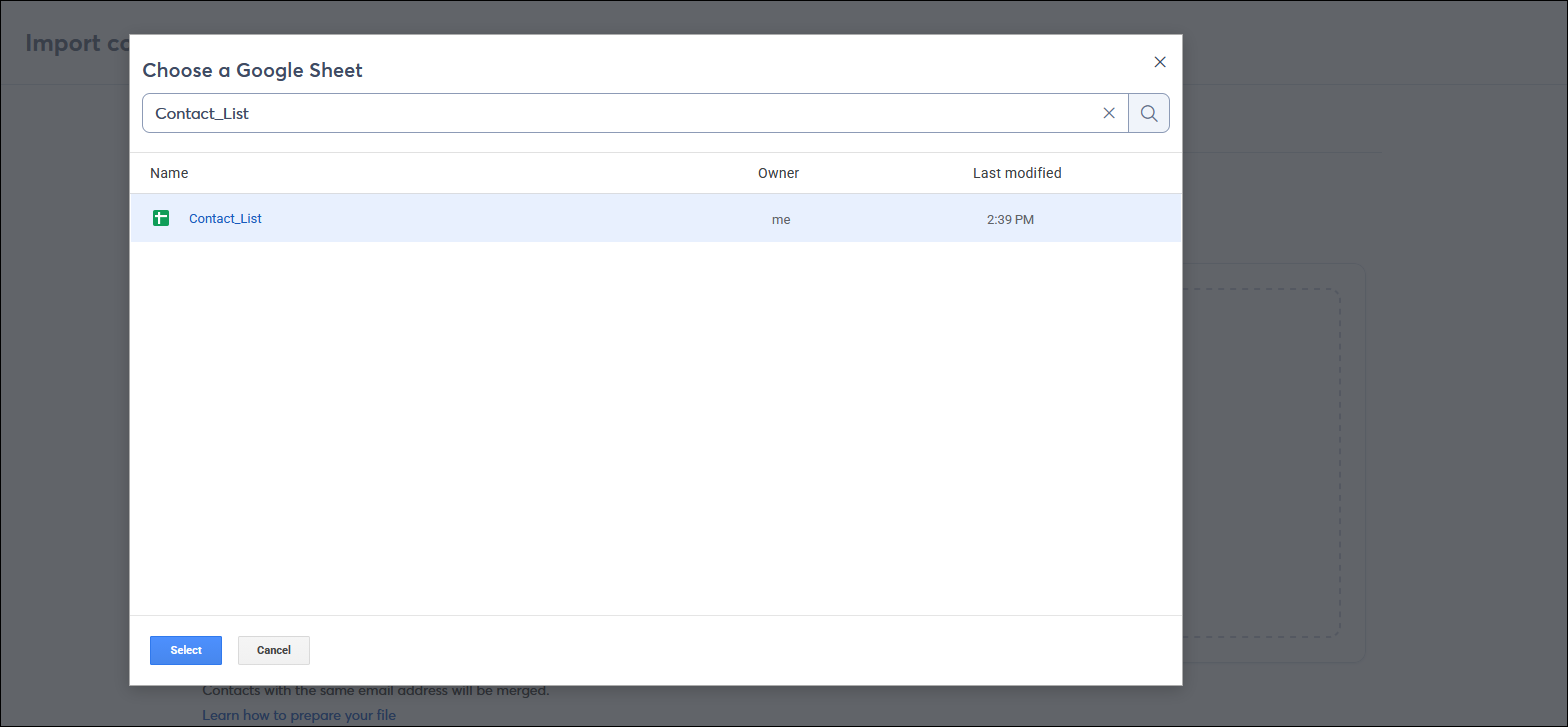
Add contacts via Google Sheet
You no longer need to convert your Google Sheet file into an Excel or CSV file before importing your contacts. You can now import directly into Constant Contact from a Google Sheet. Learn more.
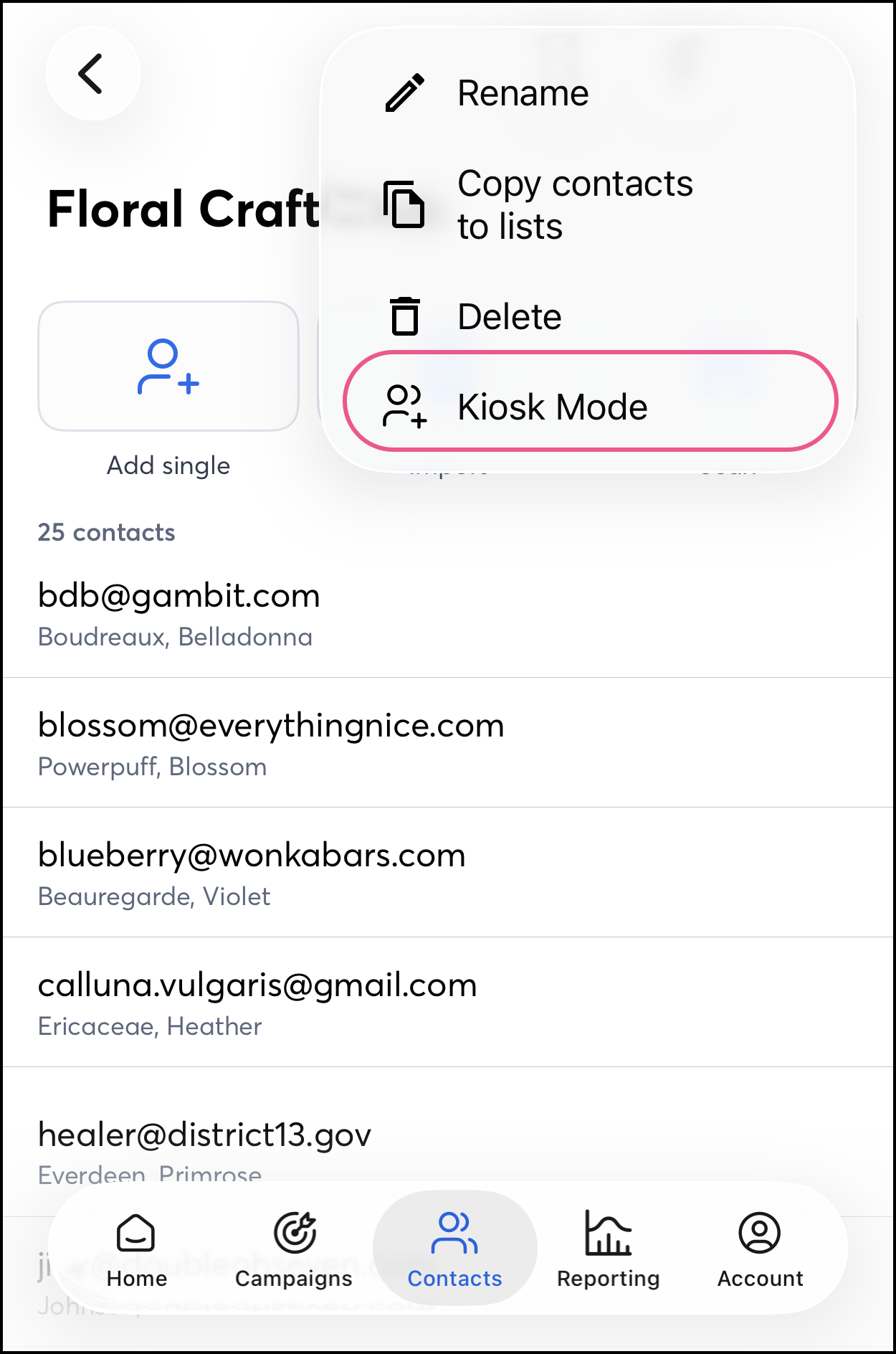
Kiosk Mode in the Constant Contact mobile app
The Constant Contact mobile app now includes Kiosk Mode for iOS, a feature that lets you display a full-screen sign-up form for contacts. This form pairs well with Kiosk Mode device settings on smartphones and tablets, freezing the form on your screen. Accept sign-ups at public events and in-person with Kiosk mode. Learn more.
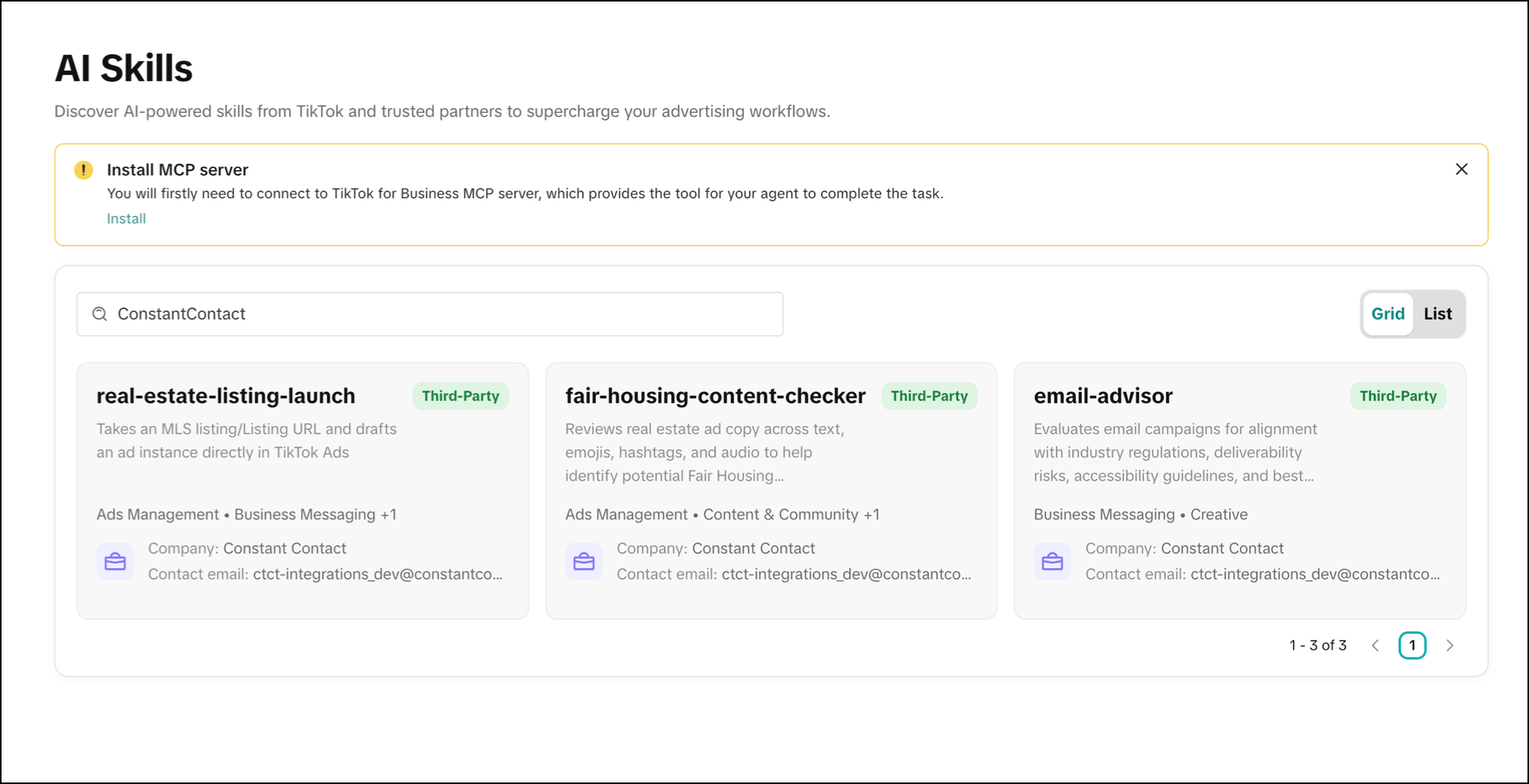
Constant Contact AI Skills in the TikTok Skills Hub
Constant Contact has released AI Skills in the TikTok Skills Hub, helping to review your real estate ad copy for Fair Housing considerations, evaluate email compliance for industry regulations and deliverability risks, and draft ready-to-review HTML TikTok ads from your MLS listings. While these tools flag compliance and regulatory risks for informational and marketing optimization purposes, they do not constitute formal legal advice. Learn more.
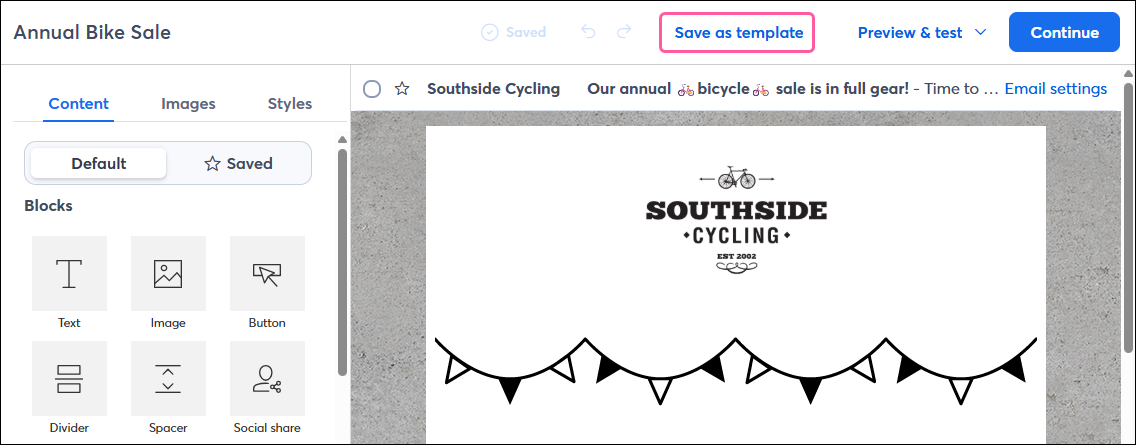
Save an email as a template from the editor
You can now easily save your email as a reusable template from within the editor, and it'll be available to select the next time you create an email! Learn more.
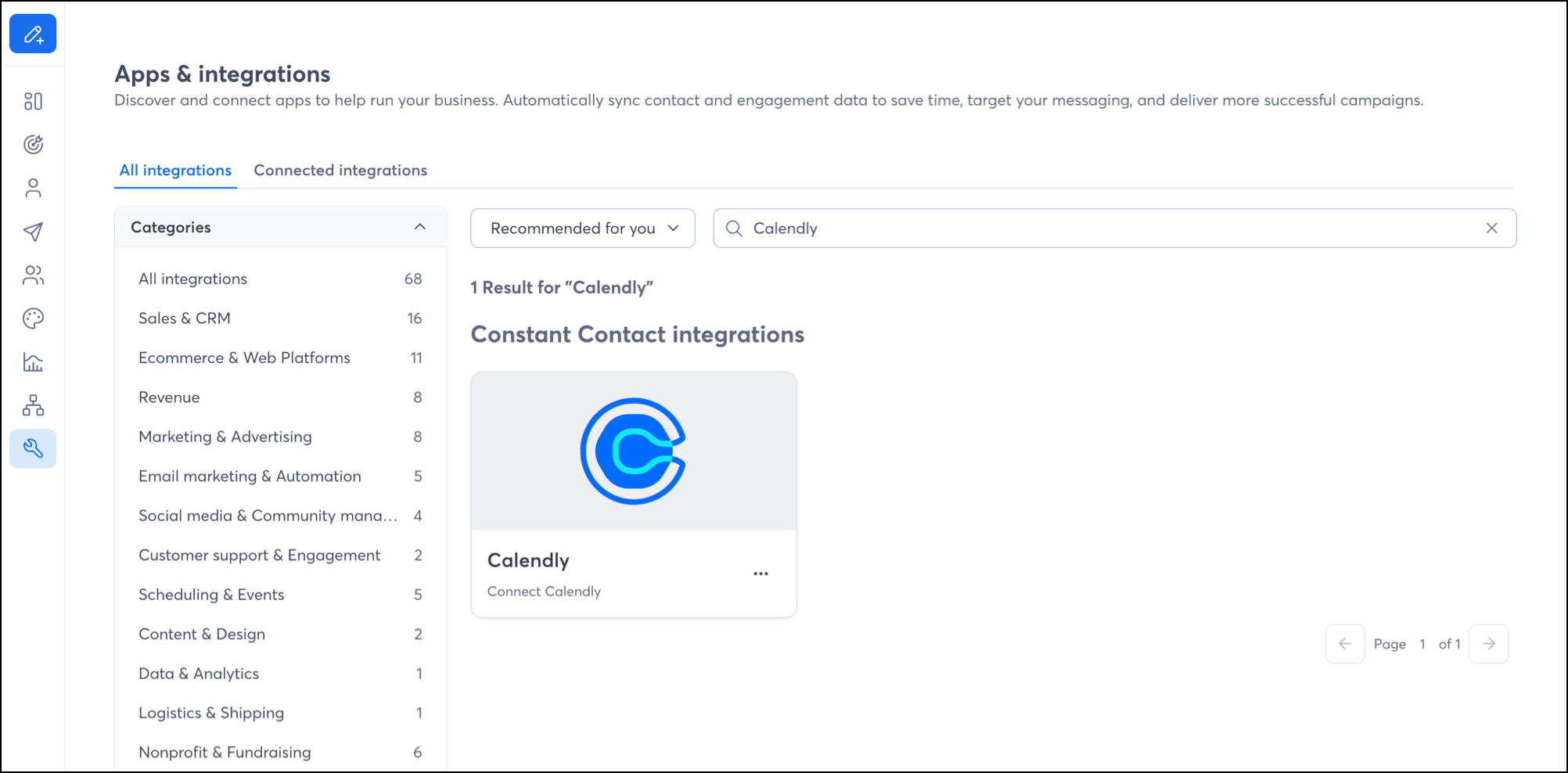
Calendly integration
With the new Calendly integration, leads from your scheduled meetings can now be easily integrated into your Constant Contact account. Capture leads through Calendly's meeting tools and feed those leads directly into your funnels and campaigns. Learn more.
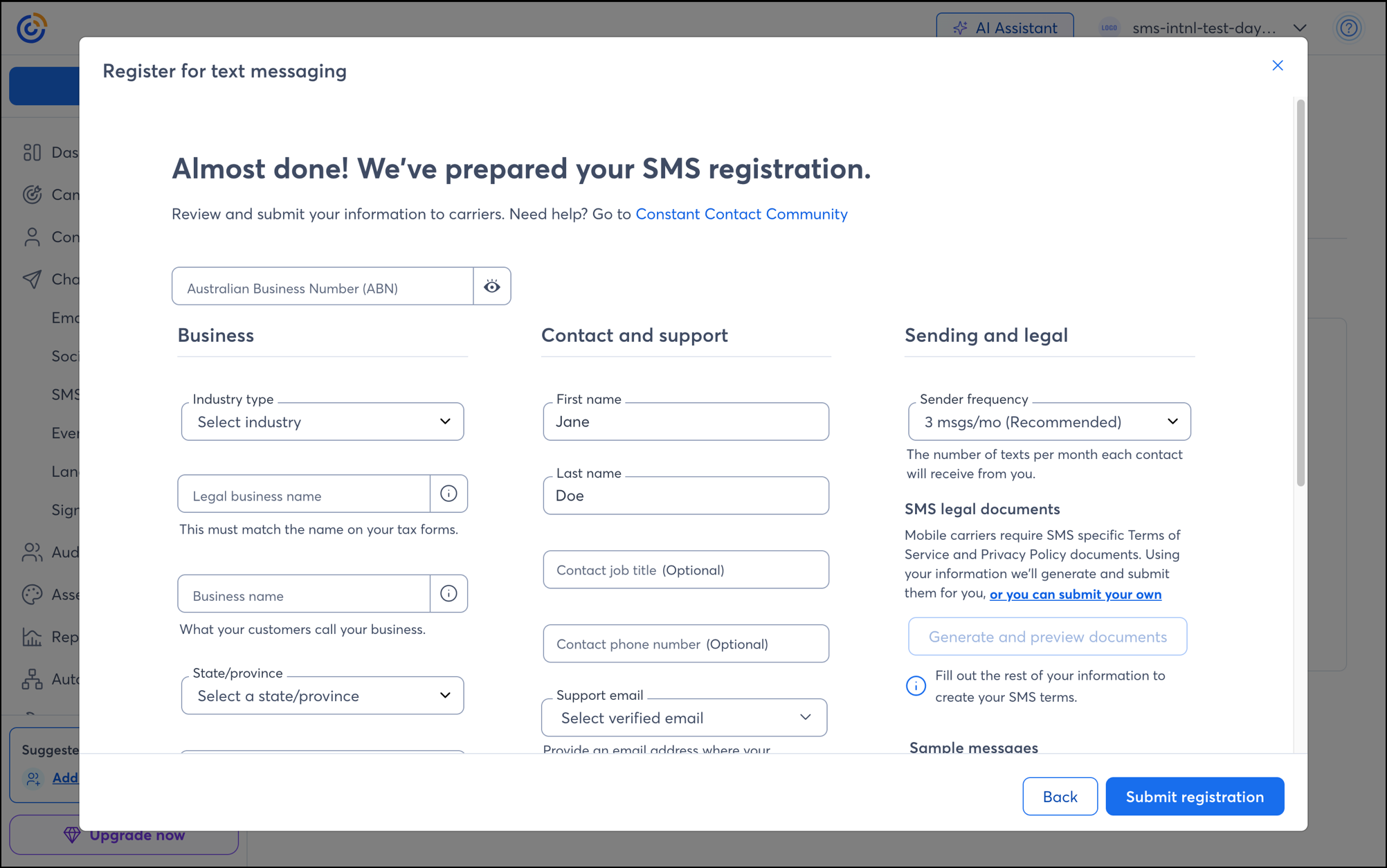
SMS marketing in Australia
Customers in Australia can now register for SMS marketing and send marketing text messages to contacts who have opted in for SMS. Learn more.
 | Join the conversation: We value our customers' feedback and use it to improve our products and services. Got something on your mind? Let us know! |
Copyright © 2026 · All Rights Reserved · Constant Contact · Privacy Center