 | Want help designing a logo? If you're having trouble creating the perfect logo, then leave it to us! With our Custom Logo Service, we'll provide you with three logo proofs and one round of revisions for your logo proof of choice. Give your organization fresh branding that'll have your customers remember exactly who you are at first glance! |
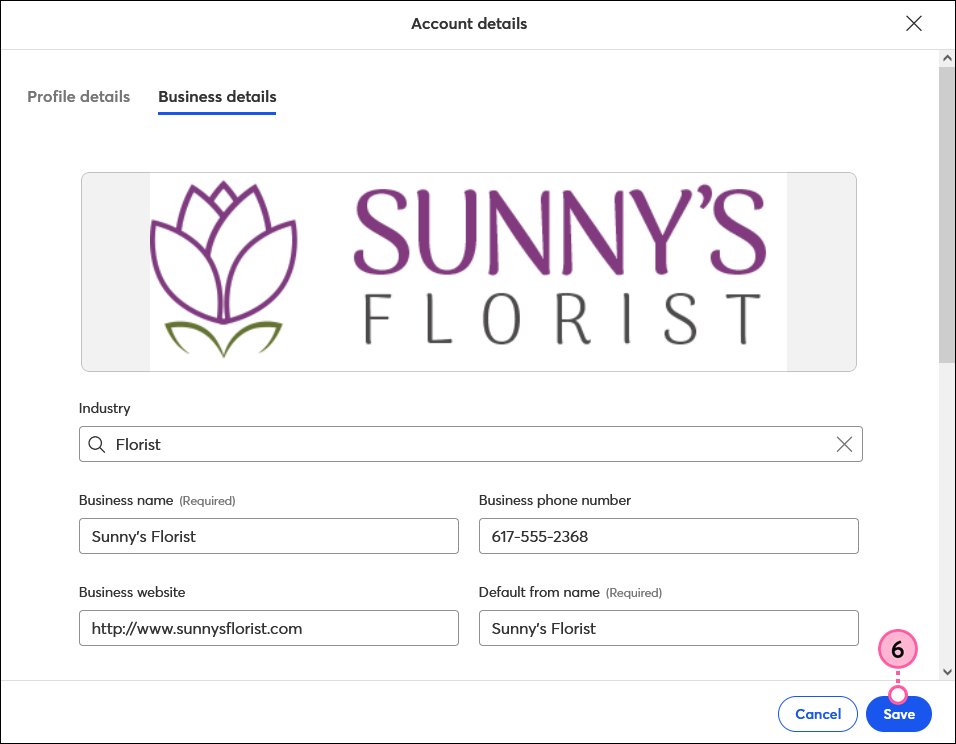
Including your logo in all of your communications helps to strengthen your brand and prevent spam complaints. After you upload your logo to your account, it'll automatically appear in any campaign with a logo block in the template.
Having a single functional logo takes up less space in your Library than having multiple versions of the same logo. Before uploading your logo to the Library, there are a few things you can do to optimize your image so you can get the most flexibility out of it in your email designs:
 | Did you know? You can add your logo to the BrandKit in your account, along with your brand colors and images, so they're easily accessible when creating your emails. From there, you can also create a branded theme for your email templates. |
If you want to save time creating your emails, adding your logo to your account settings is a big help! Once your logo is added, it's automatically pulled into our email templates. If you want to replace your logo in an email, you can always change the image, and it won't change the image that's stored in your account settings for future emails.
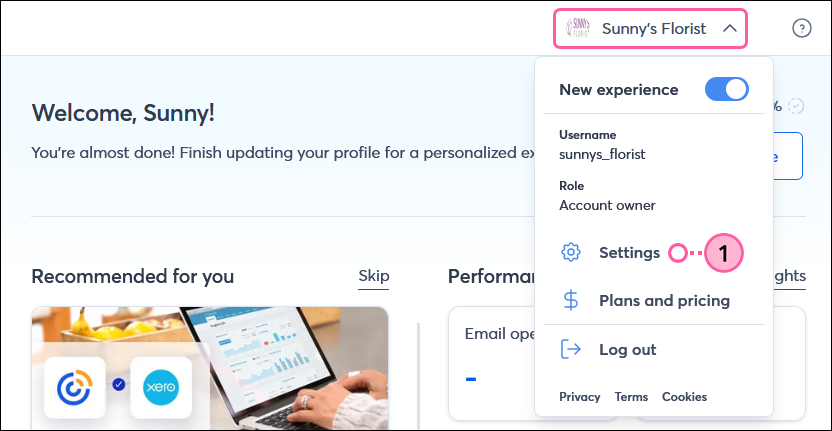
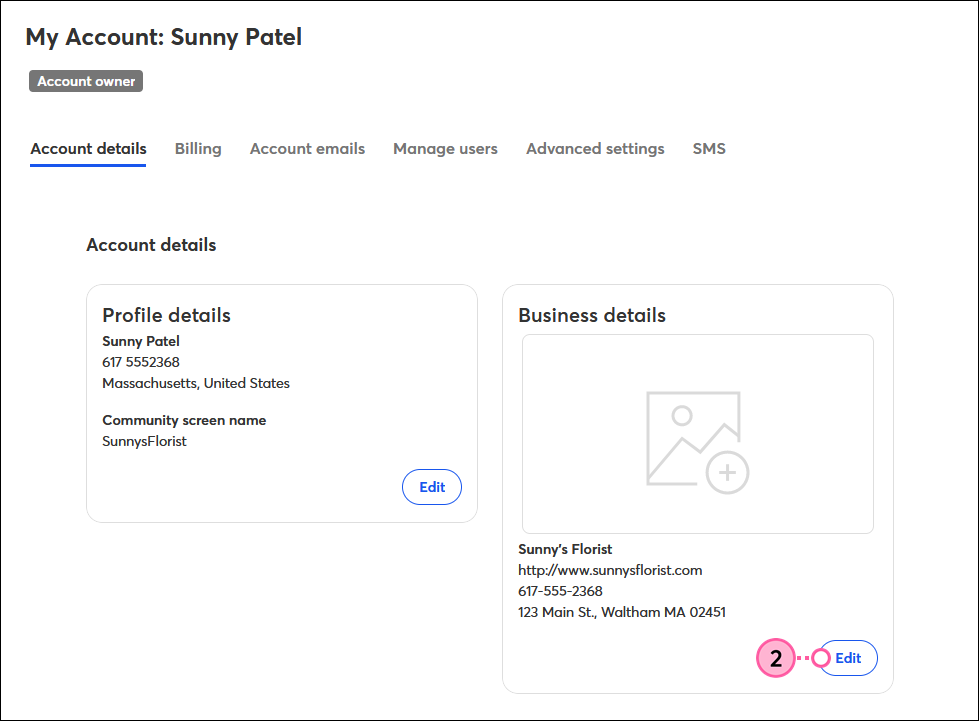
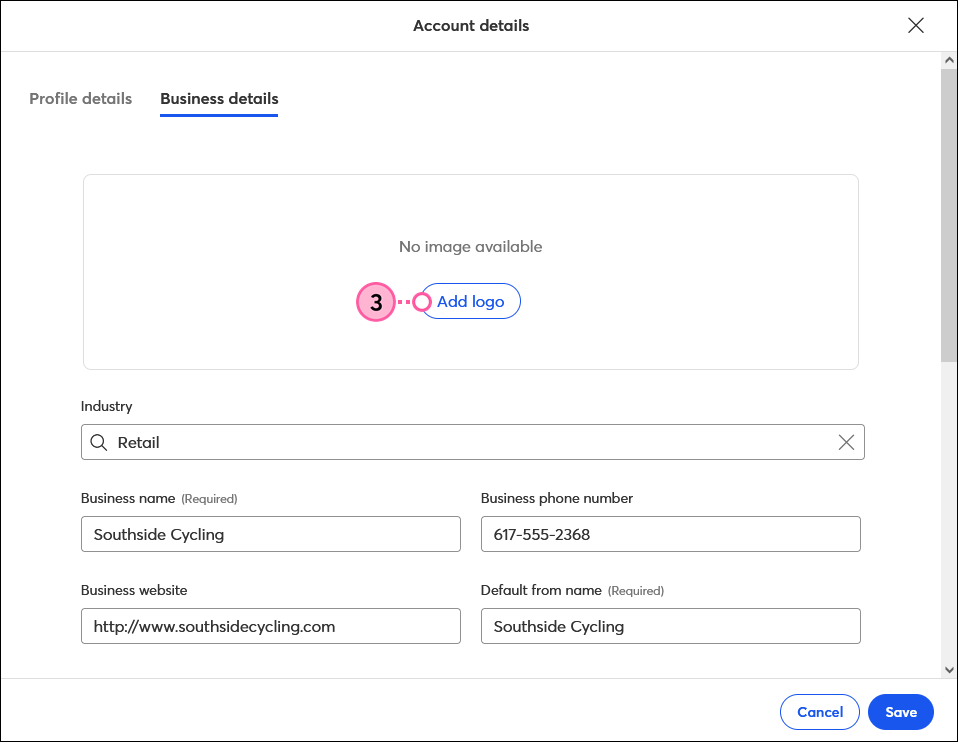
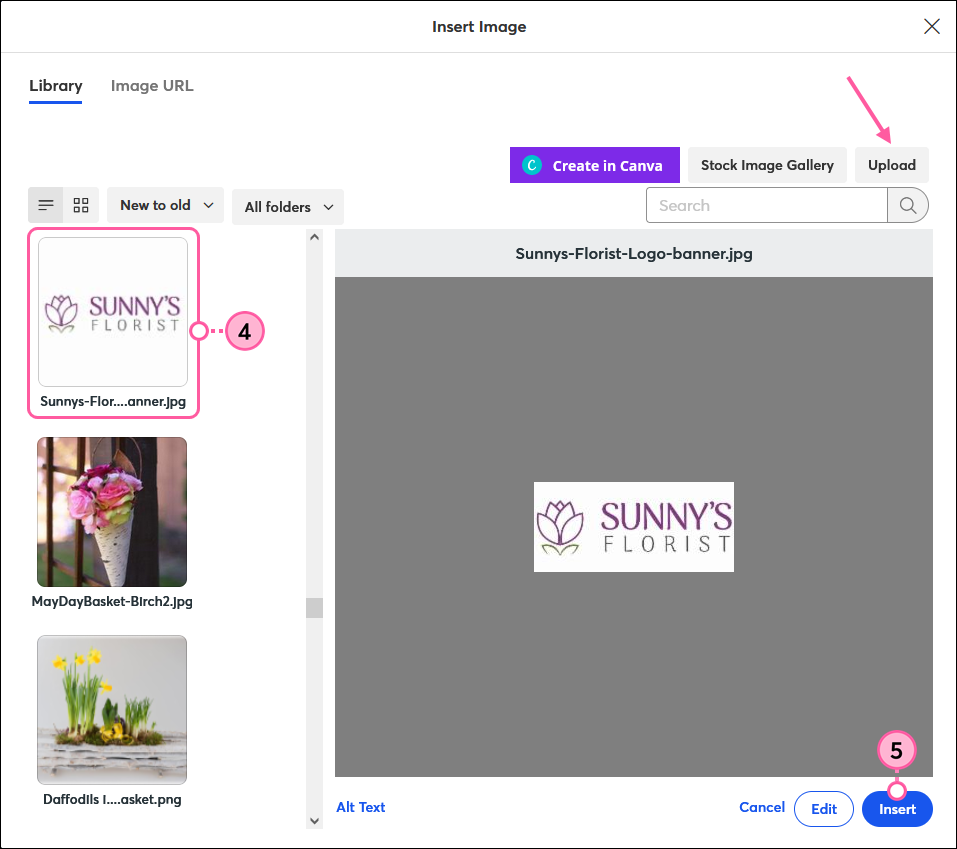
Your logo is your main visual identifier. When contacts receive your email, they see your email address, "From" name, and subject line, but they really start to see you when they open your email and lay their eyes on your branding. You want to make that first visual impression count! Top or bottom? Left or right? The answer depends on your email content.
The most popular place for a logo is at the top of the email, making it the first thing your contacts see when they read it. The logo can be small and centered or can span the entire width of the email as a banner. Using a banner in a Welcome Email is a great idea because it's the first email your new contacts receive from you.

If you're not planning to center your logo, make sure it's placed on the left-hand side since we read left to right. This ensures the logo remains the first thing your readers see, even when it's next to other content. Place a standout headline, your business hours, or a quote next to your logo to make the most of the space.

While less common, placing a logo at the bottom of an email can be effective, especially if you keep your email short. Place your logo to the left of your social media icons or contact information to make effective use of the space. Make sure you brand your email with your colors and use your email header effectively so there's no doubt who it's from.
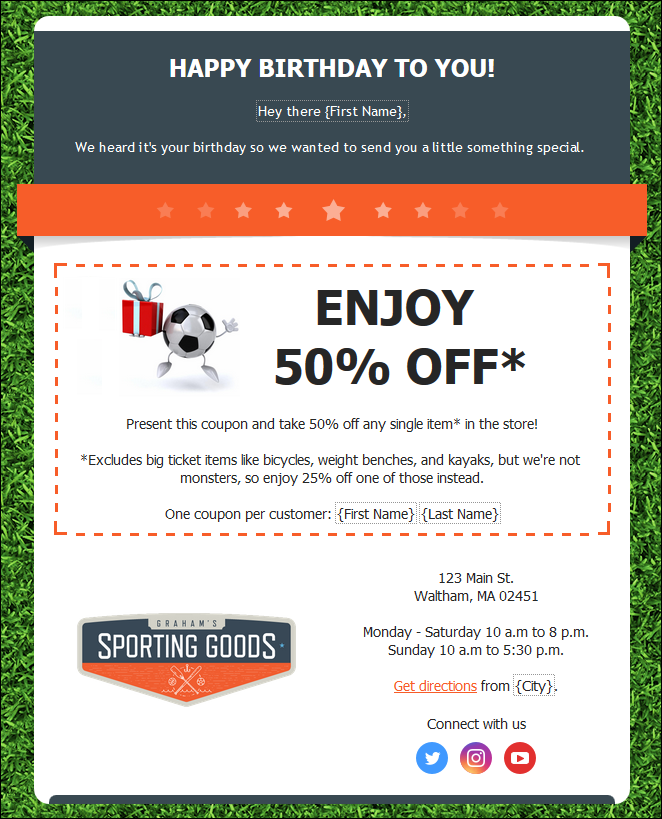
| Tip: It's a best practice to link your logo to your website. All you have to do is insert your logo into your email as you would any other image, then turn it into a clickable image link. |
Copyright © 2026 · All Rights Reserved · Constant Contact · Privacy Center