Cropping is a great way to highlight your subject, center a lopsided image, or adjust the image's shape to better fit your design. By trimming a little extra material off your image, you can give your email a more balanced look.
 | Design tip: Wide images that are cropped short are great for banners at the top of an email because they decrease the email's length, while still highlighting the subject. |
If you're already working in an email, you don't have to leave your draft to crop your image — editing tools are available from within the email editor:
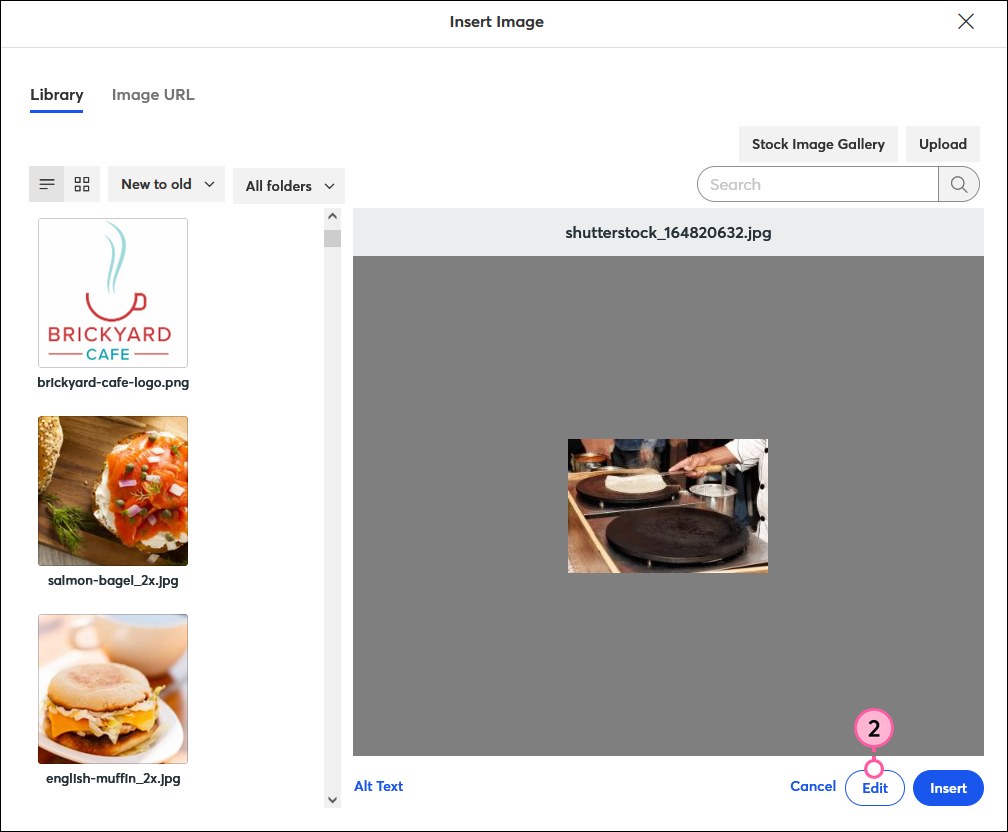
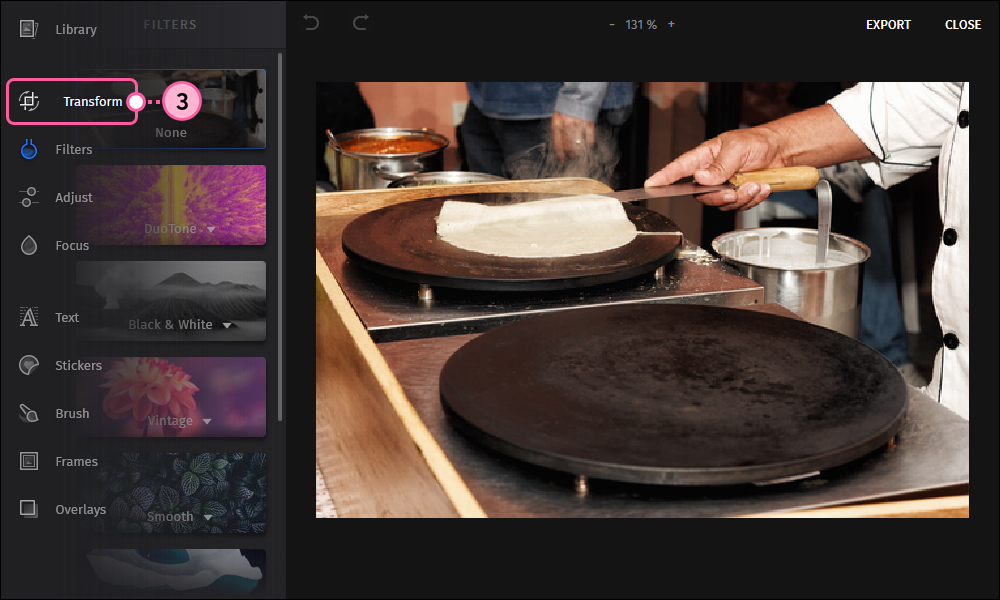
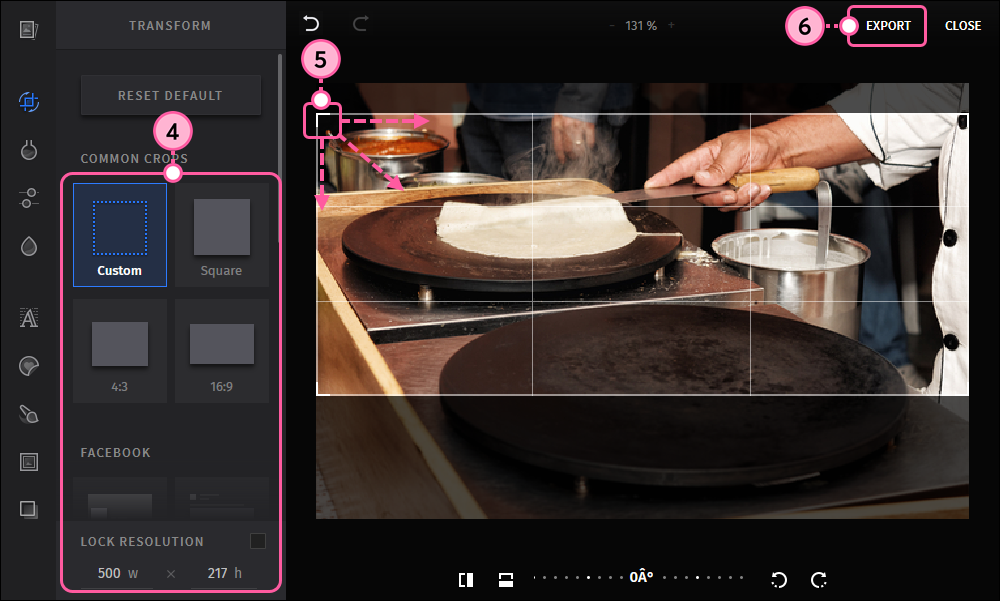
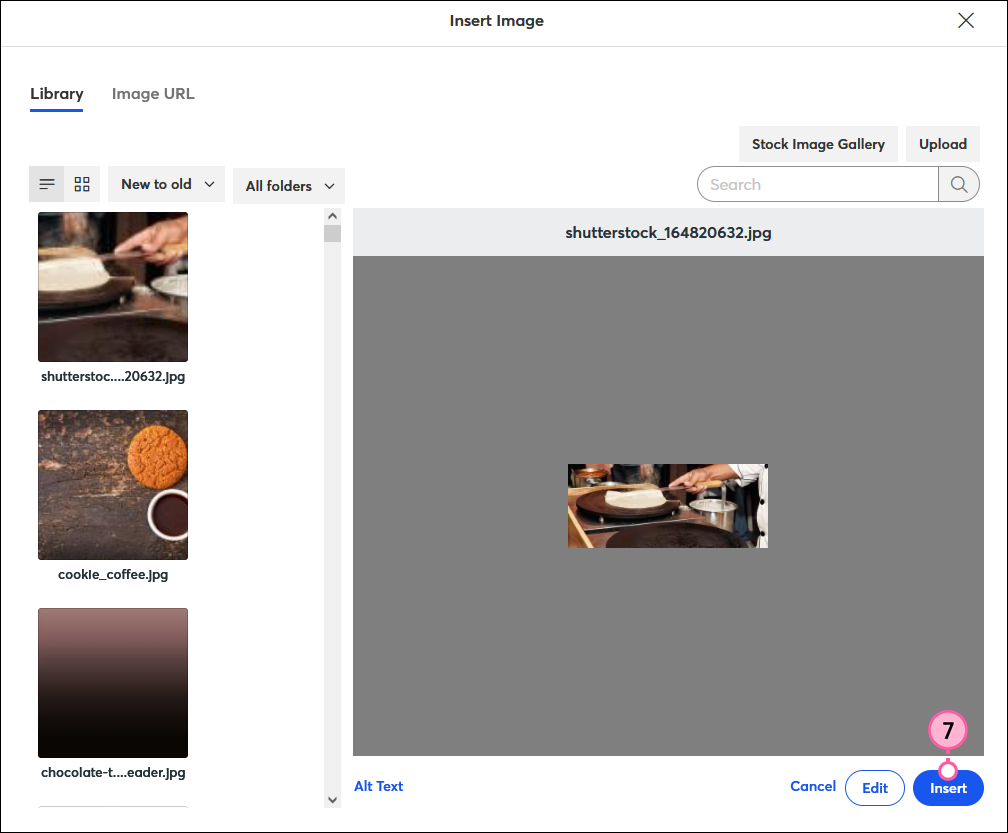
To further customize your image, try resizing the image or adjusting the image padding until you achieve the right balance in your template. The image editor also offers a range of tools to help you create the perfect email design!
Copyright © 2026 · All Rights Reserved · Constant Contact · Privacy Center