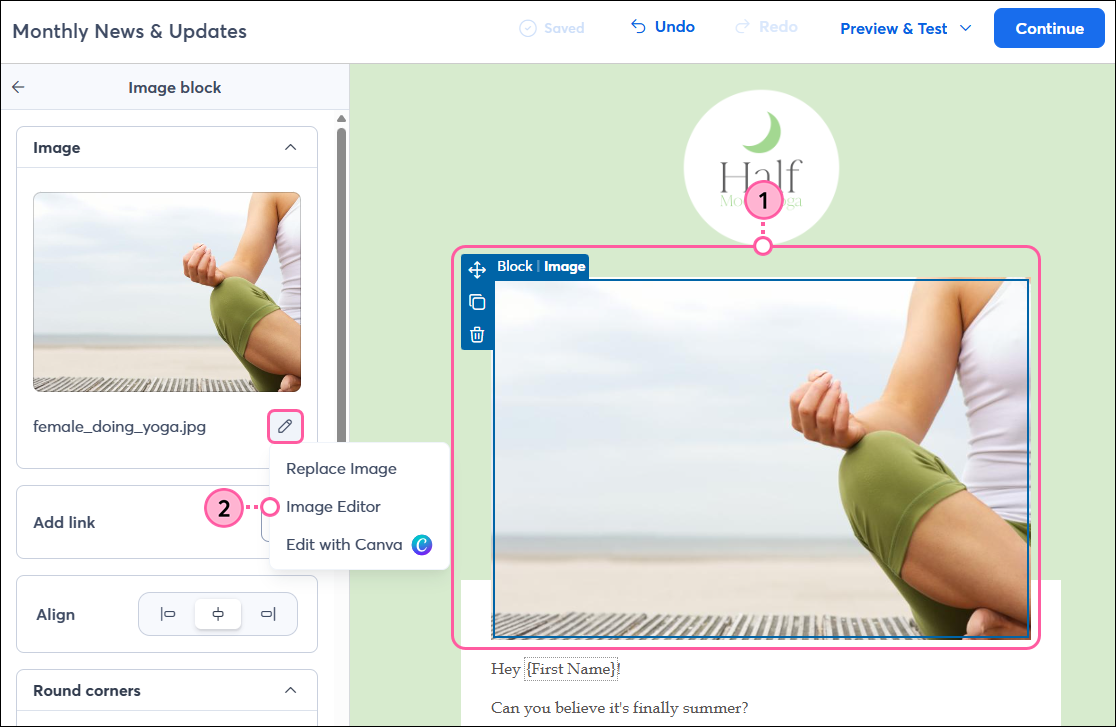
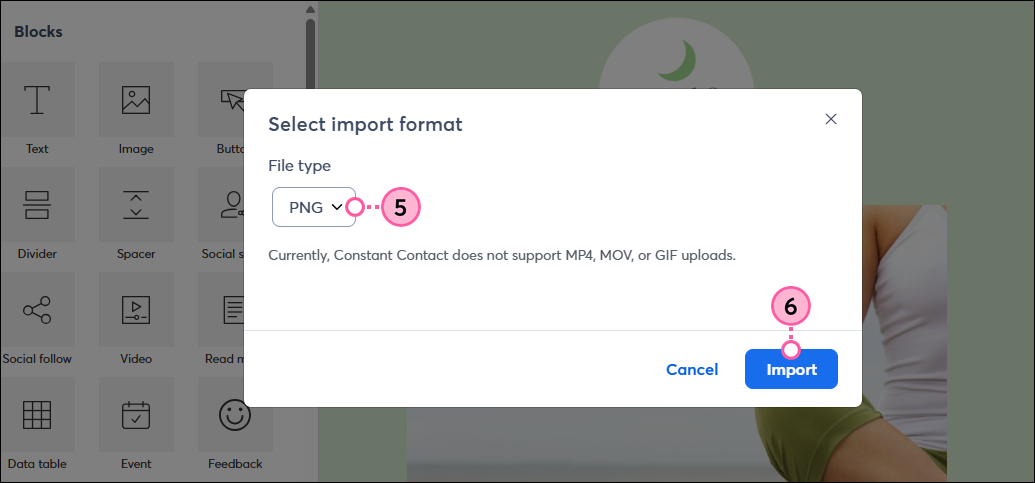
After adding an image to your email, you can modify it using our editing tools or Canva, without leaving your email draft! You can further customize the Image block design to fine-tune the look of your email.
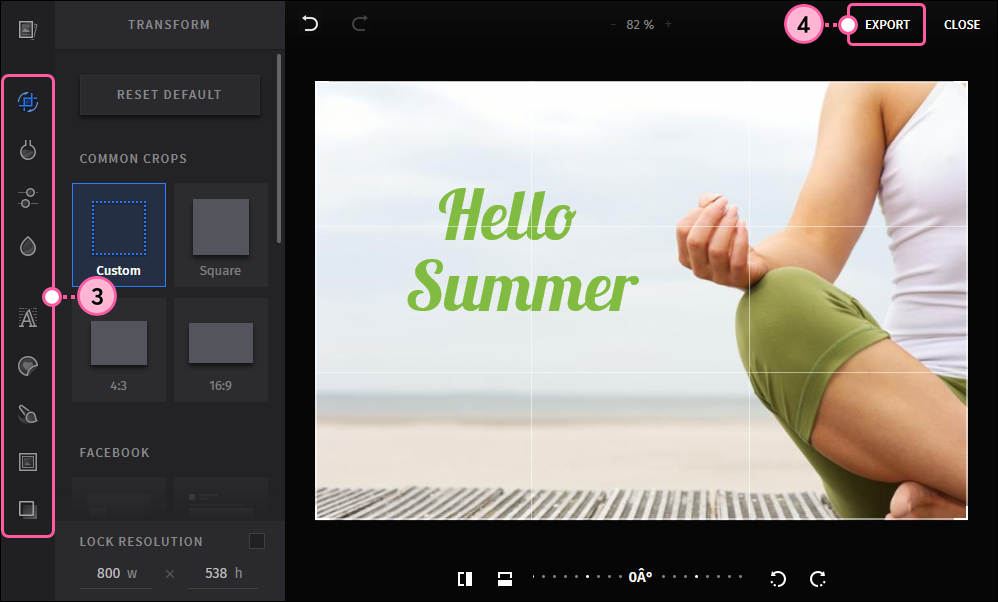
Our image editor lets you make tons of enhancements to your image, including cropping, rotating, adding filters, frames, text, and more!
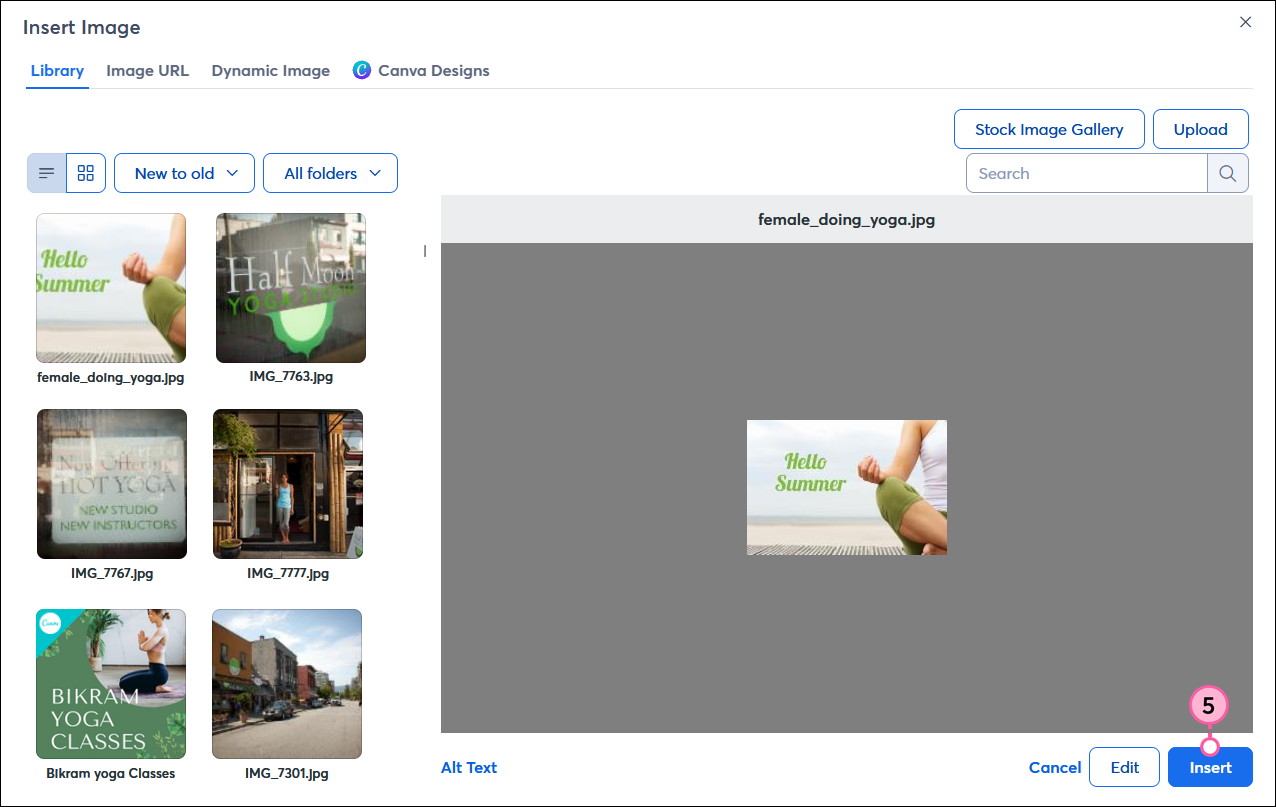
You can access our image editing tools while working on your email:
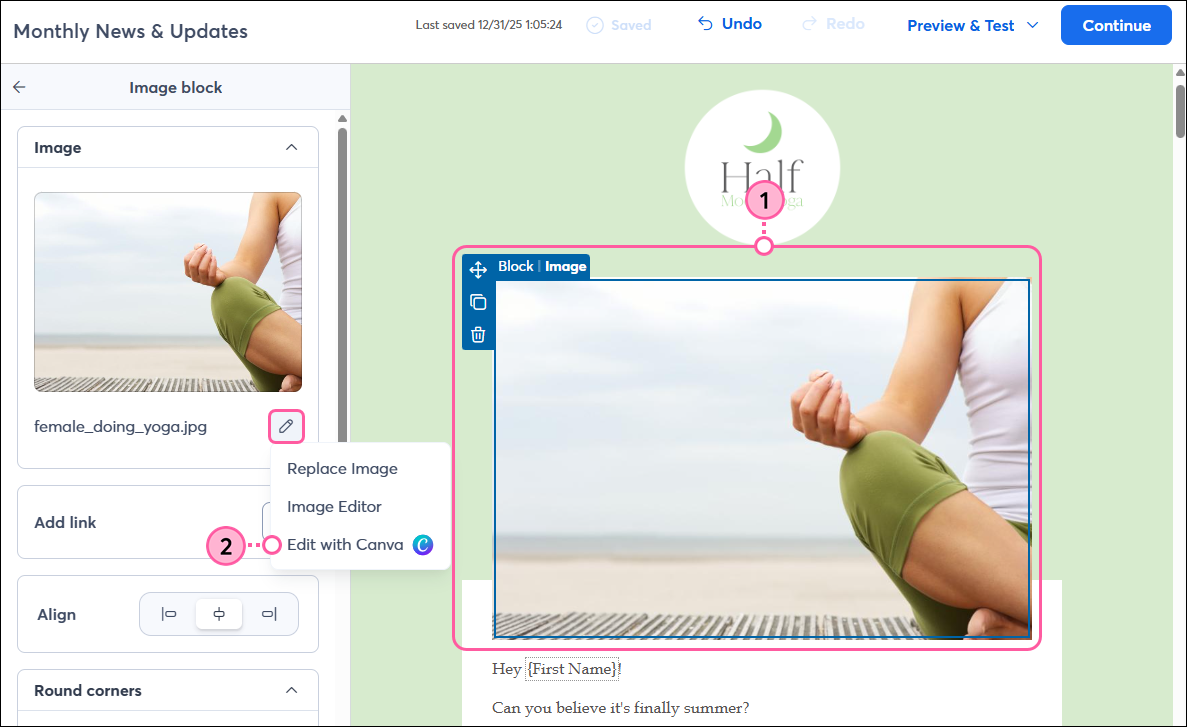
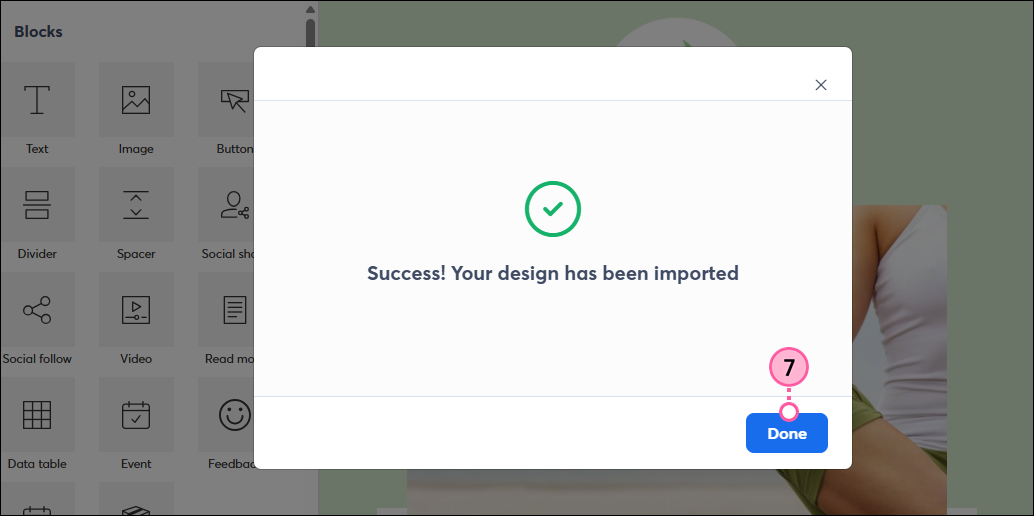
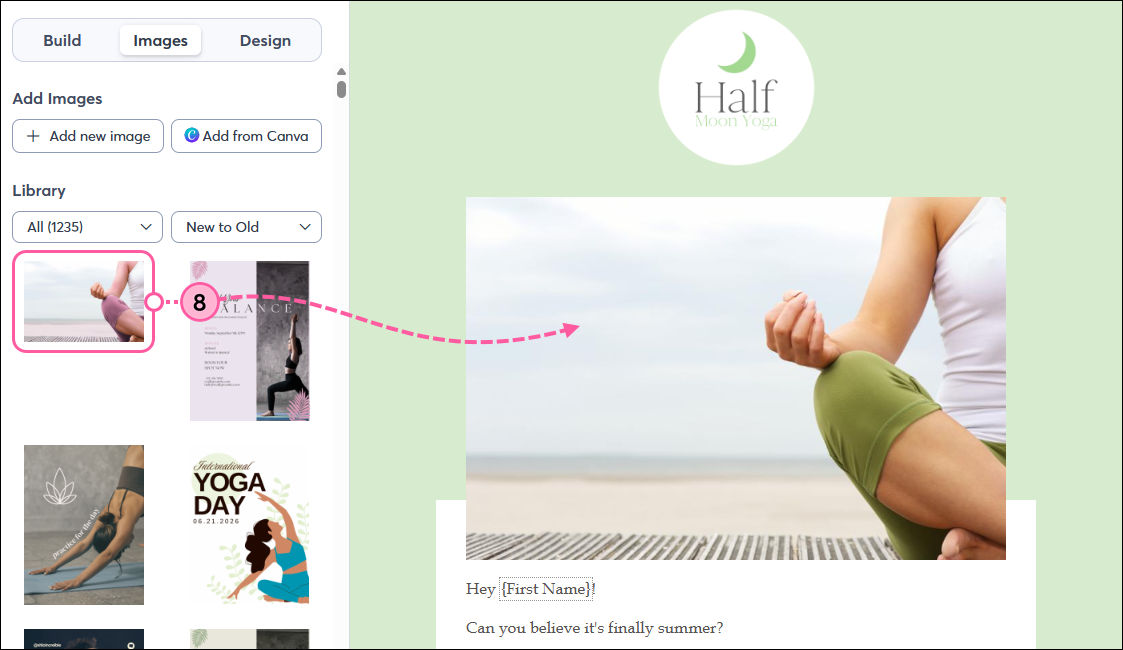
You can seamlessly edit any image with Canva, whether it was created in Canva or not! It’ll be automatically saved to your Constant Contact Library and can be inserted directly into your email.
 | Did you know? Canva offers a free plan for everyone, and non-profits can enjoy the Pro plan at no cost! |

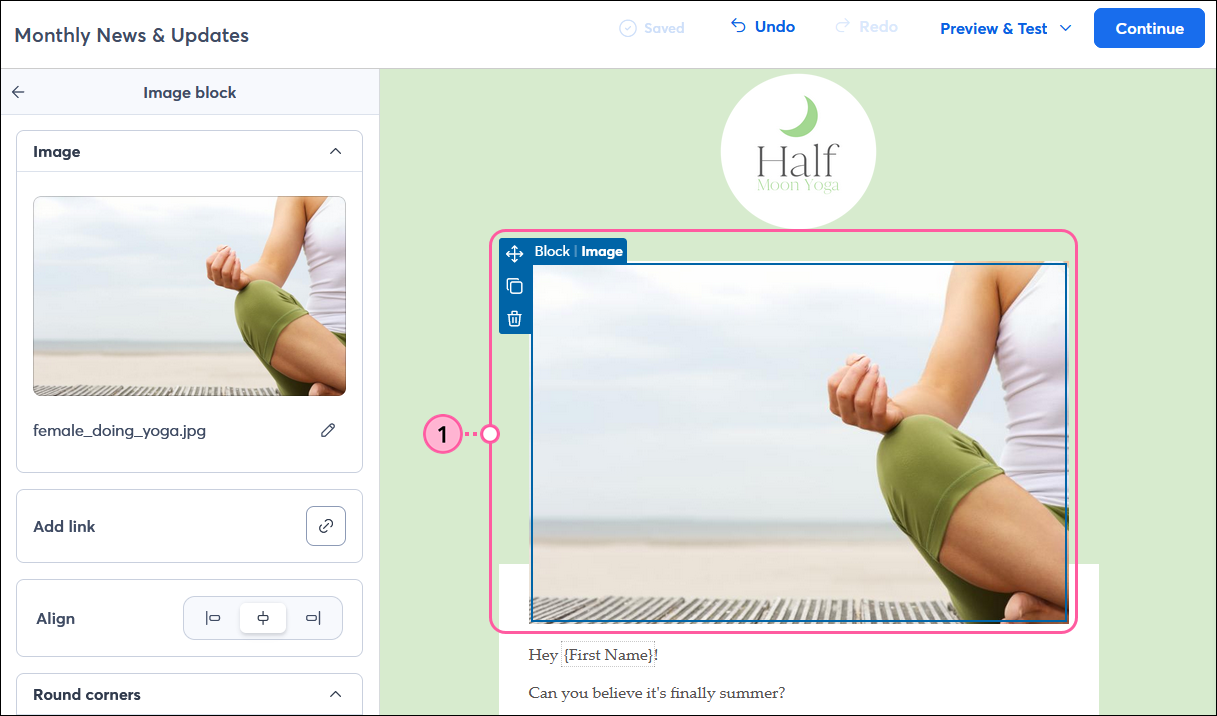
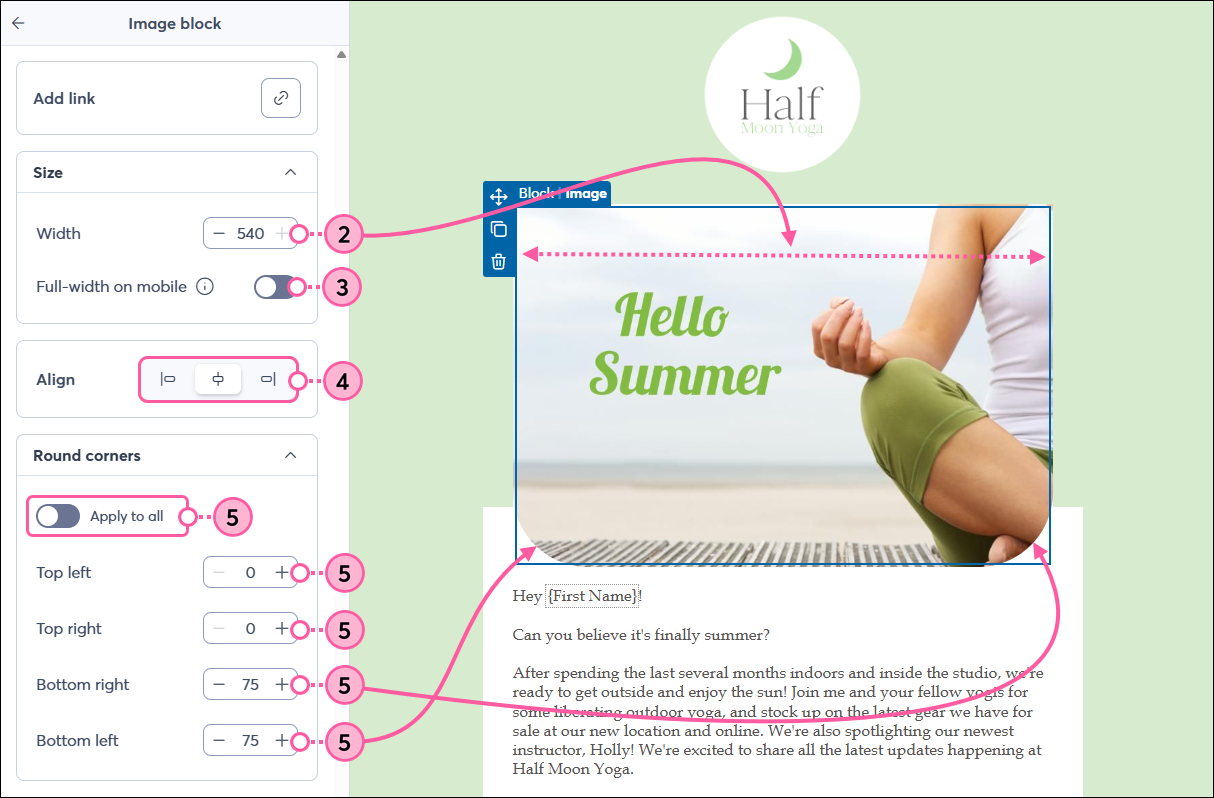
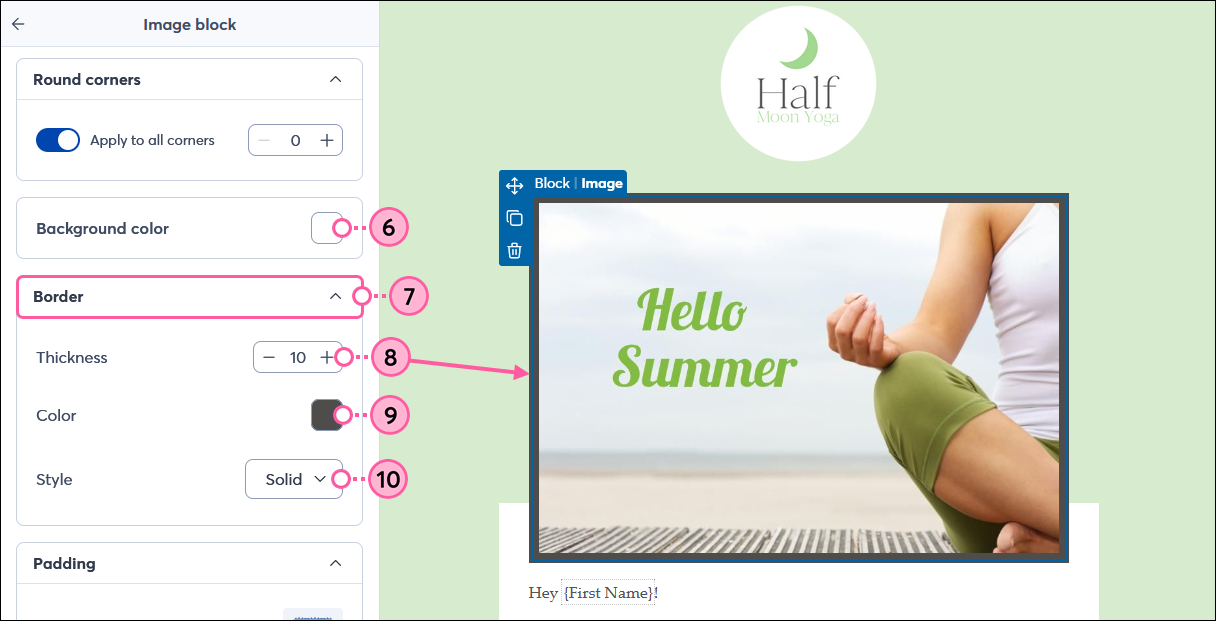
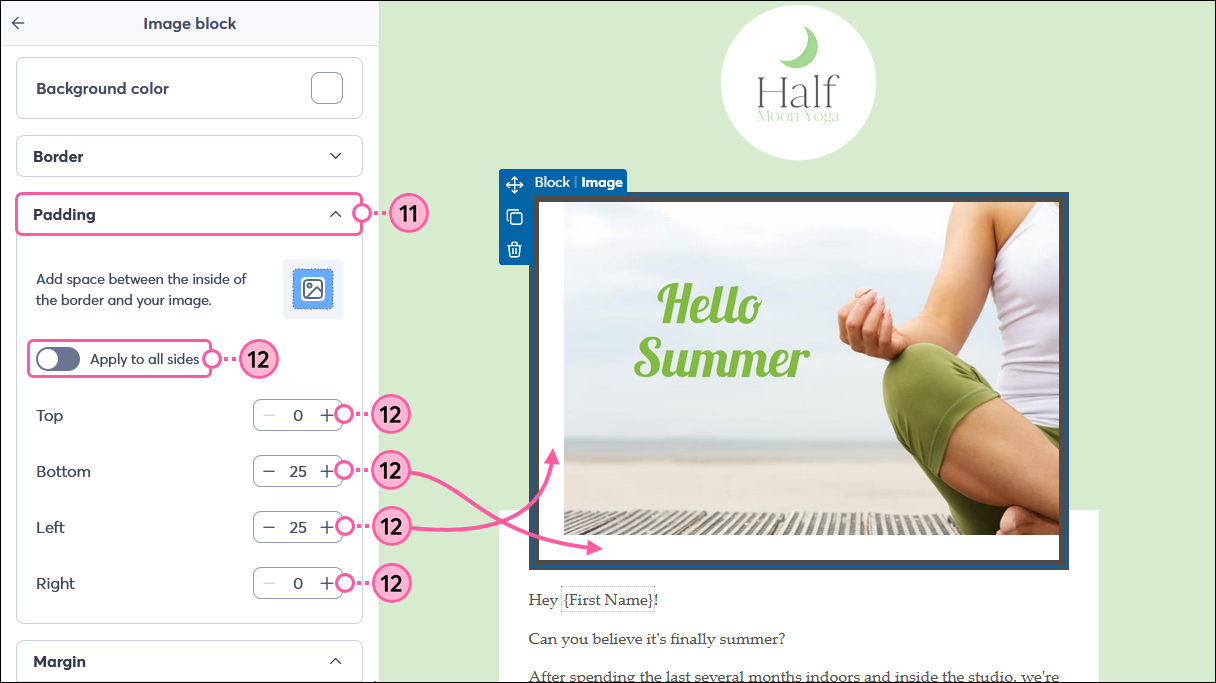
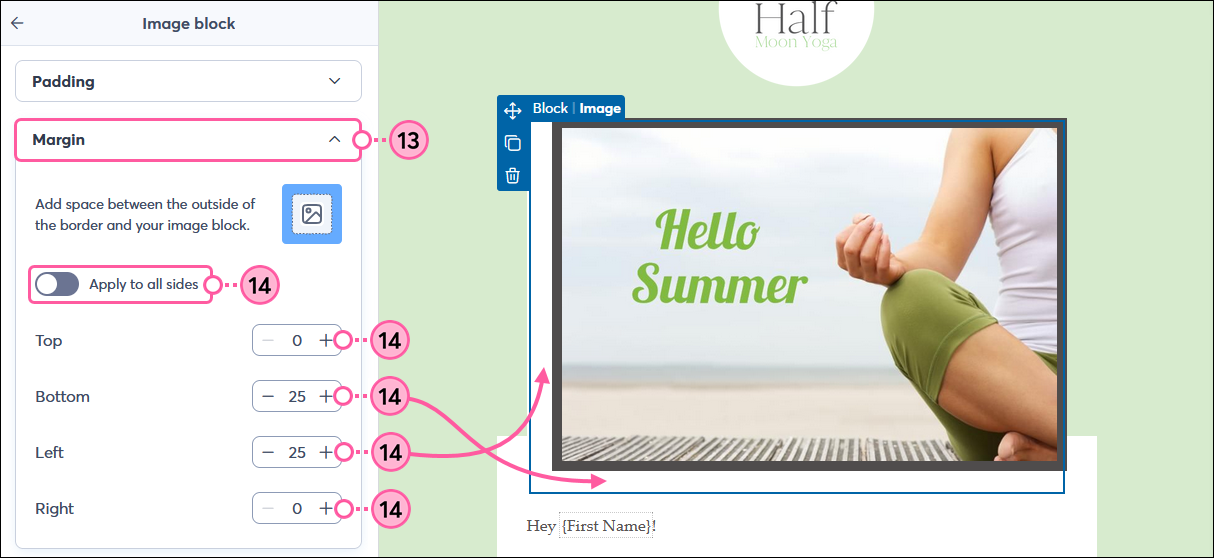
You can also further customize the look of your image using the options in the left-hand panel, including rounding the corners, adding a border, and more.
Copyright © 2026 · All Rights Reserved · Constant Contact · Privacy Center