If you use Canva to create graphics, you can easily connect your account to Constant Contact to create, edit, and insert images directly into your emails, Custom Landing Pages, Sign-up Landing Pages, Survey Pages, Events, and Social Posts.
There are a few places you can connect your Canva account and create images to use in your campaigns:
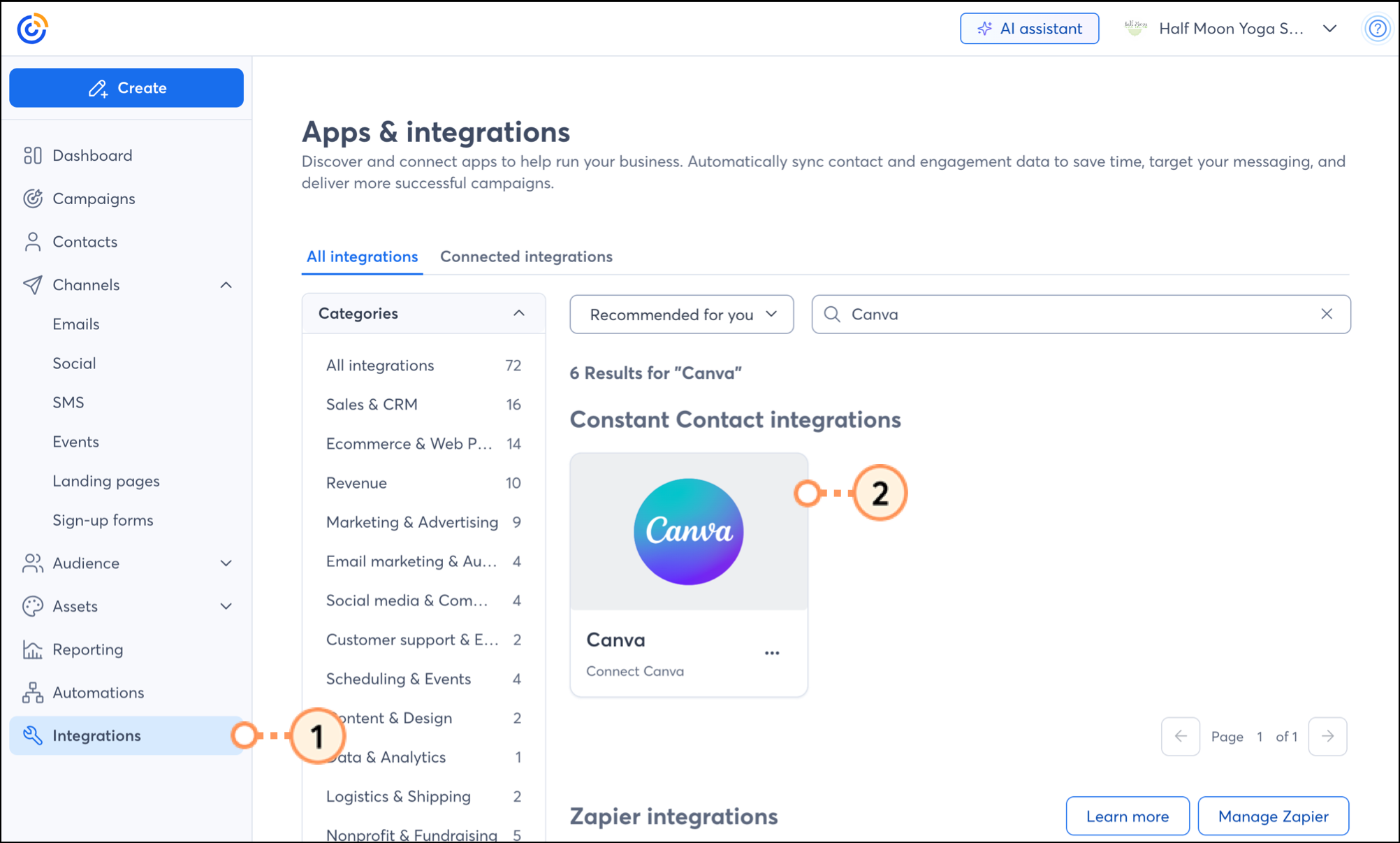
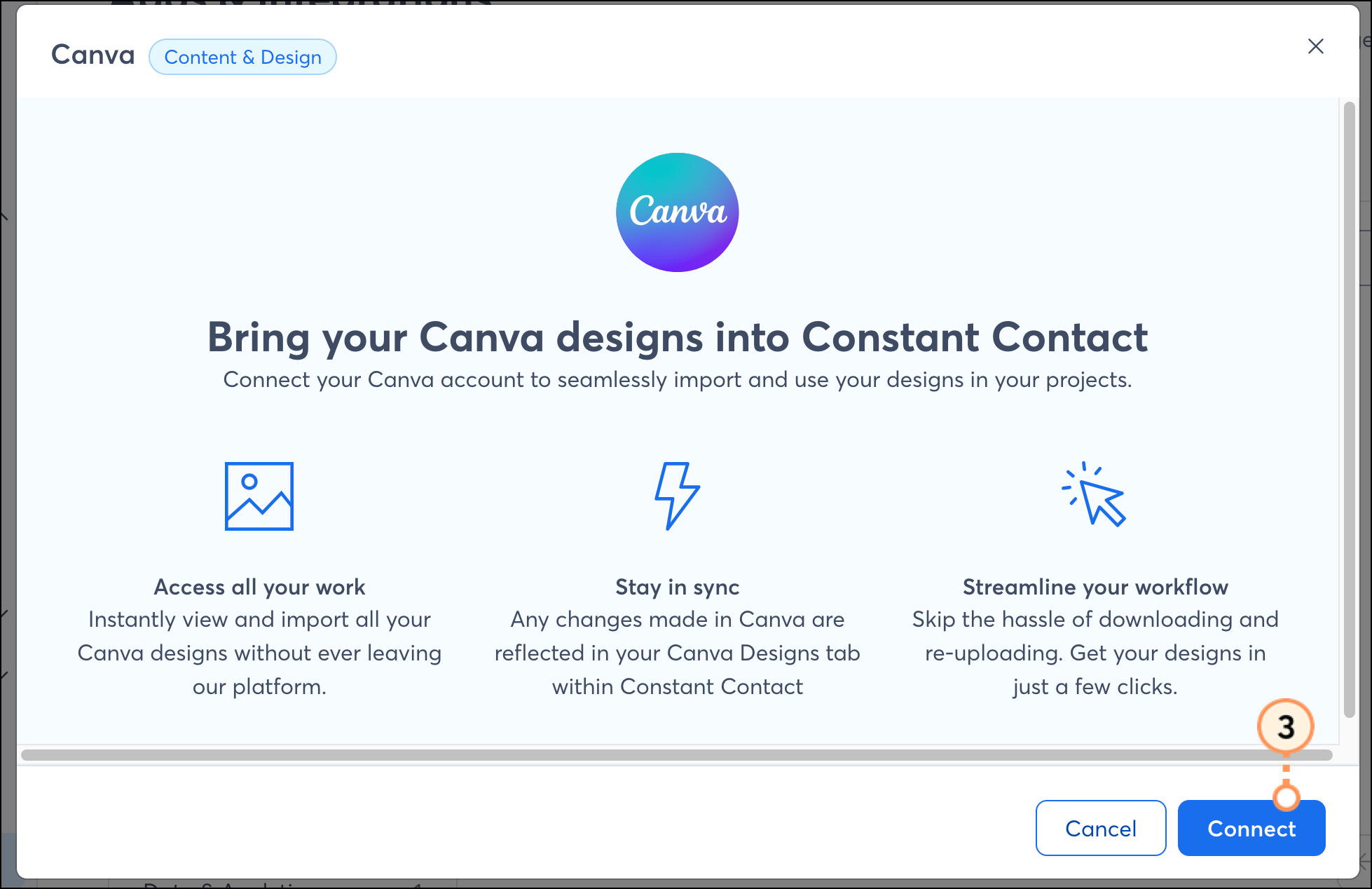
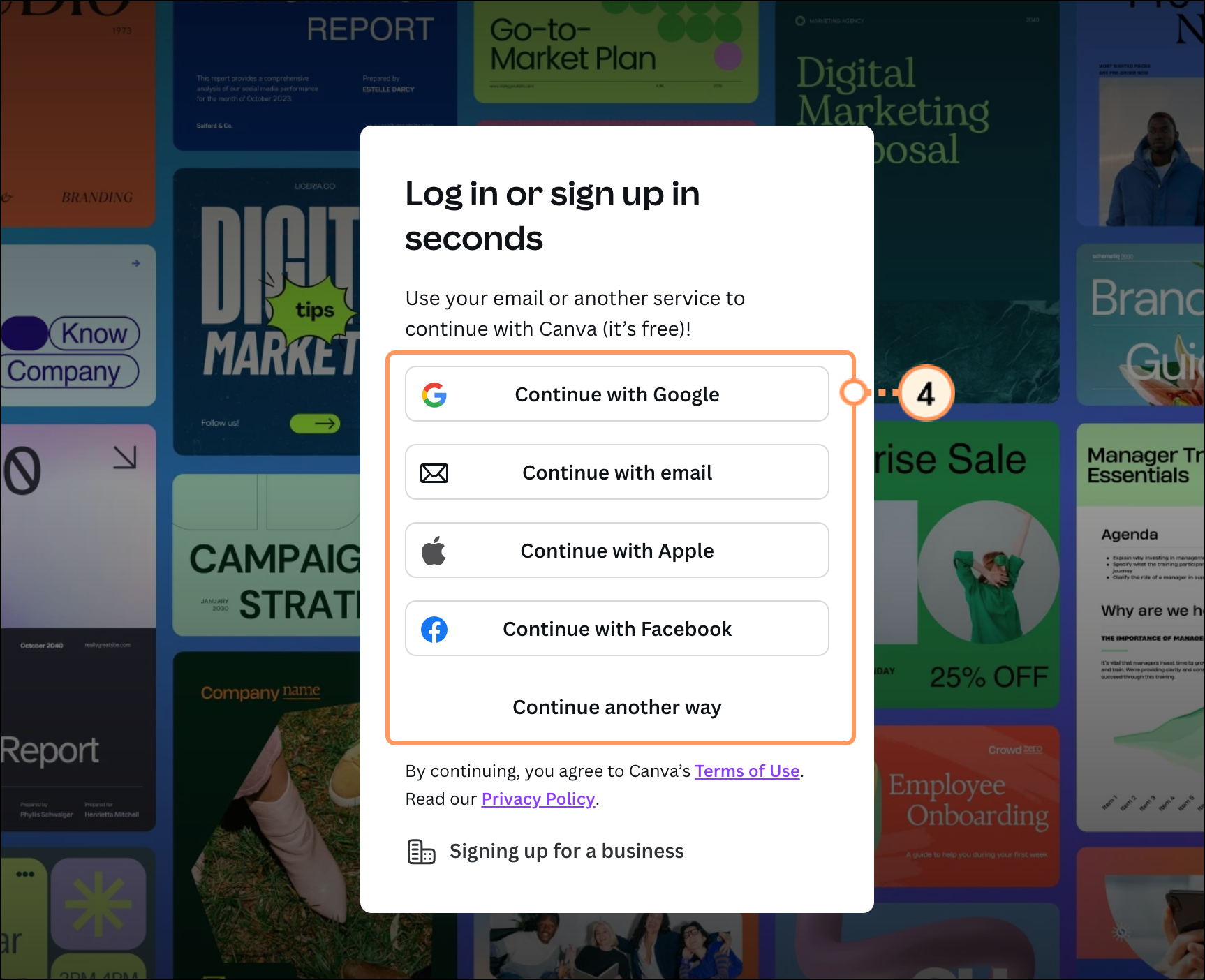
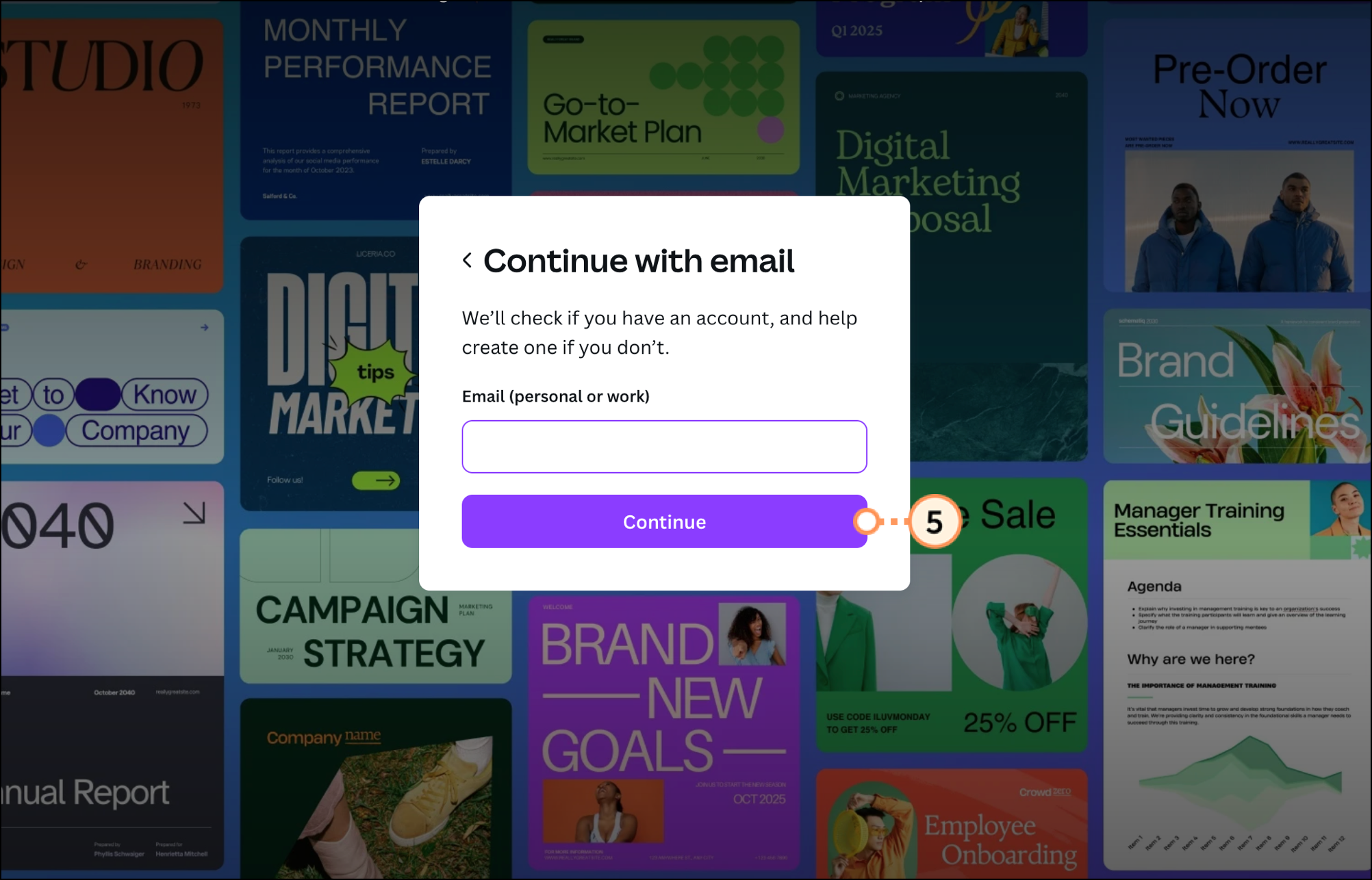
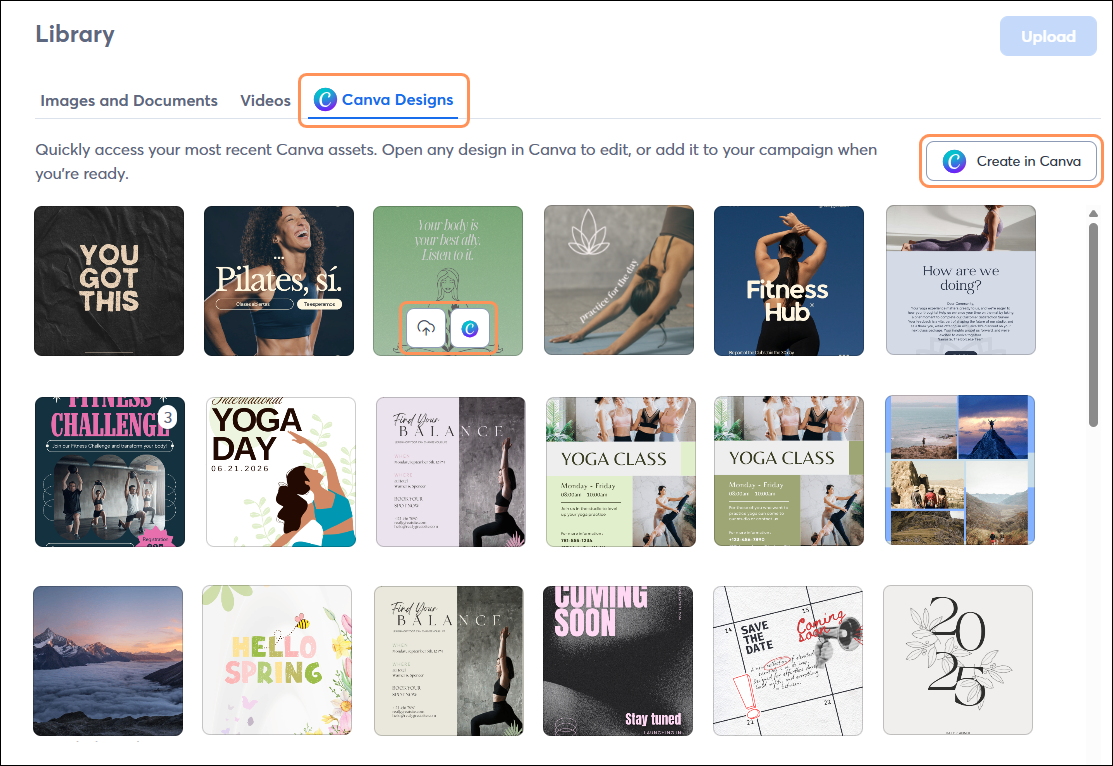
Once connected, you’ll be able to access your Canva designs right from your Constant Contact Library and when inserting images into your emails, landing pages, survey pages, and social posts. Plus, create a new design or edit any image with Canva, whether it was created in Canva or not, right from Constant Contact.
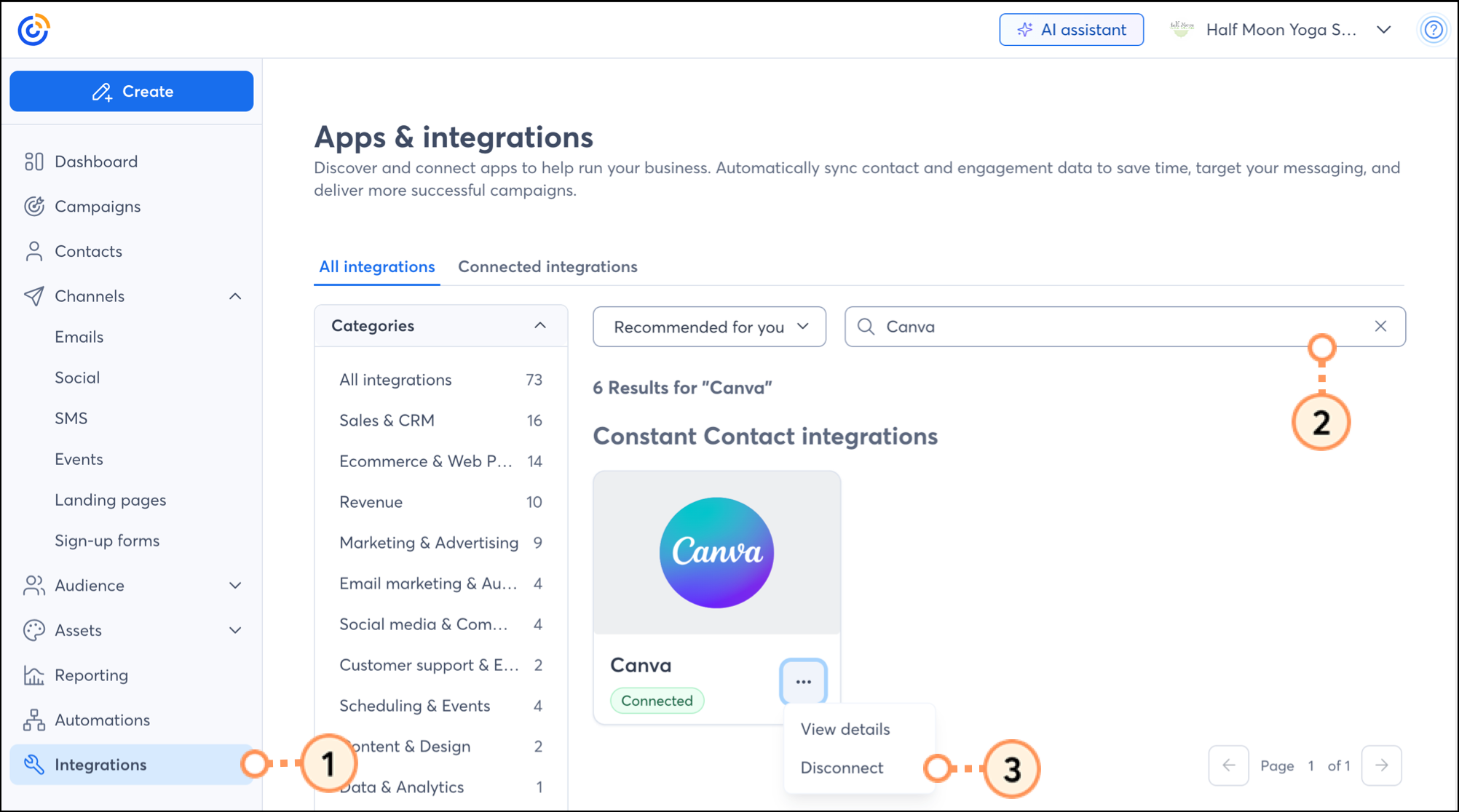
To disconnect your Canva account:
Copyright © 2026 · All Rights Reserved · Constant Contact · Privacy Center