If you use Canva to create graphics, you can easily connect your account to Constant Contact to instantly access all of your Canva designs or create new ones to insert directly into your emails, landing pages, social posts, surveys, and events. You can also send a fully-designed email from Canva directly to your Constant Contact contacts, or publish a social post created in Canva straight to your social media profiles.
 | Did you know? Canva offers a free plan for everyone, and non-profits can enjoy the Pro plan at no cost! |
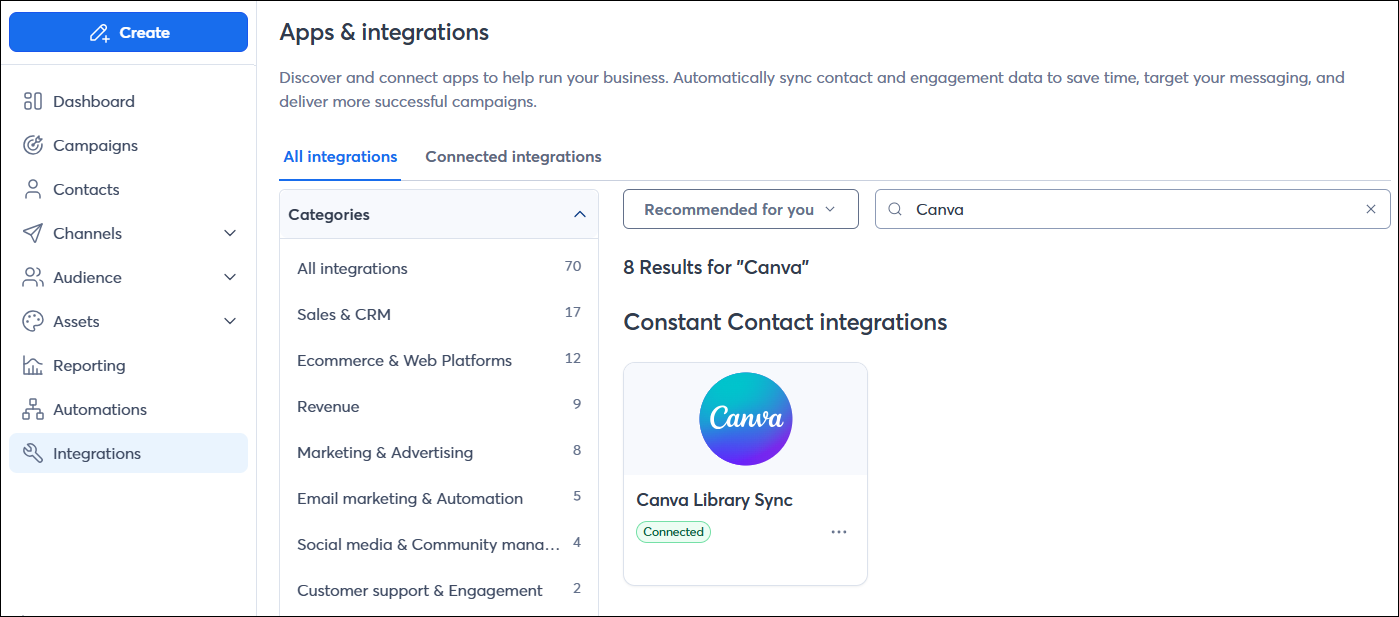
To get started, connect your Canva account to your Constant Contact account. You can connect from within your Constant Contact Library, the campaign editors, or from the Integrations tab, as shown in the article linked below:
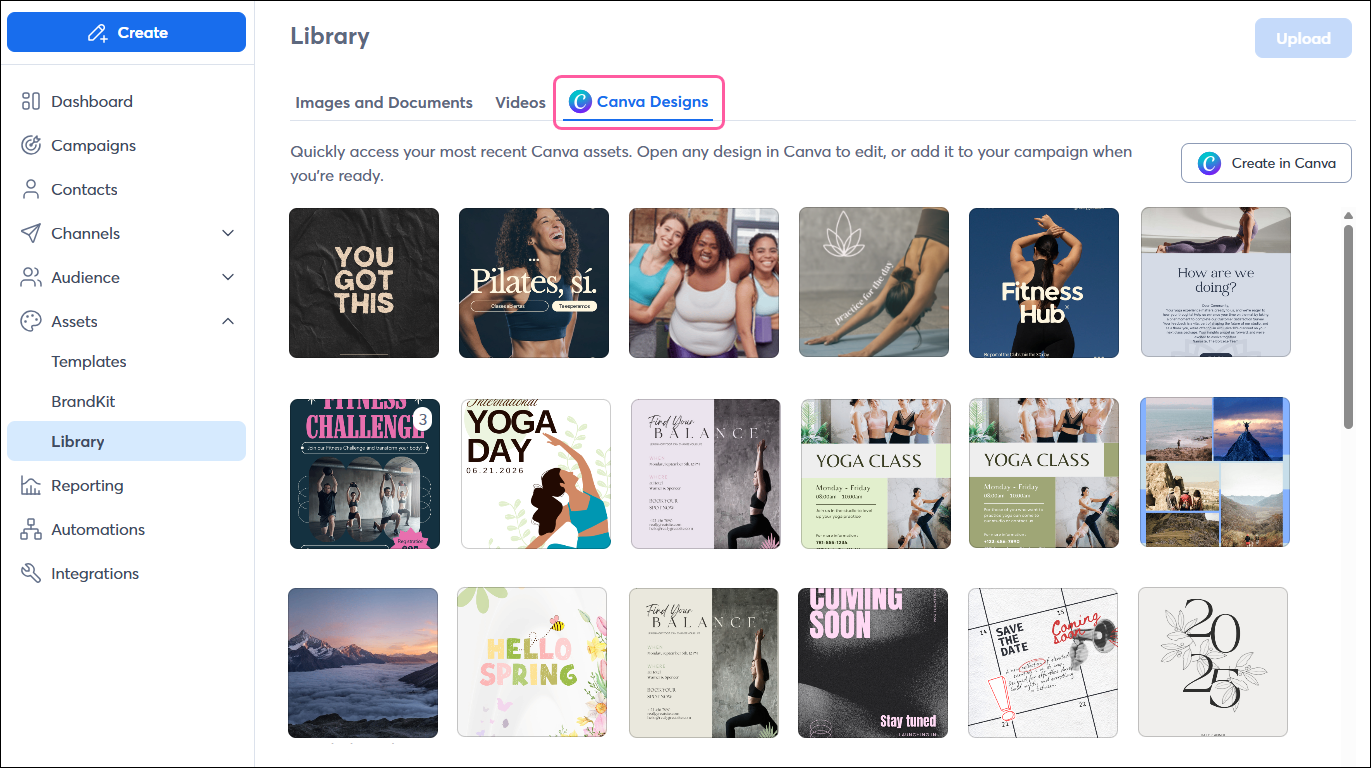
Once connected, you'll be able to access your Canva designs right from your Constant Contact Library, where you can select designs to import into your Library to use later in your campaigns or create a new Canva design to import:
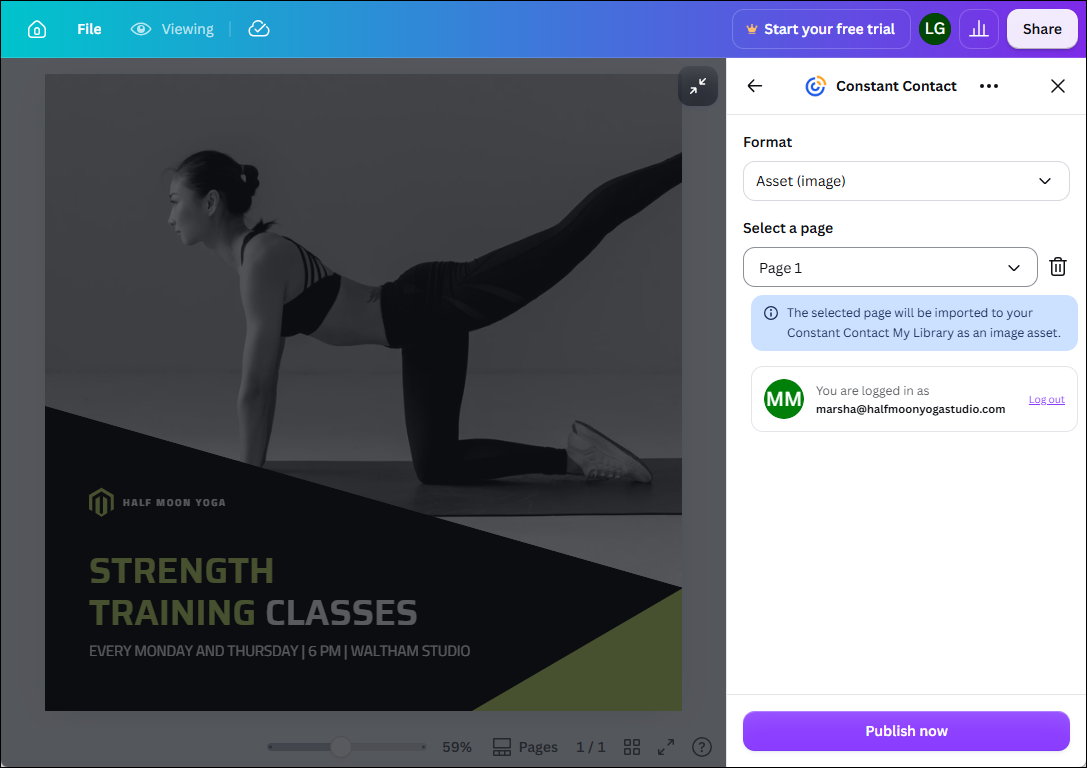
Or if you're working in Canva, you can easily share your design to your Contant Contact Library:
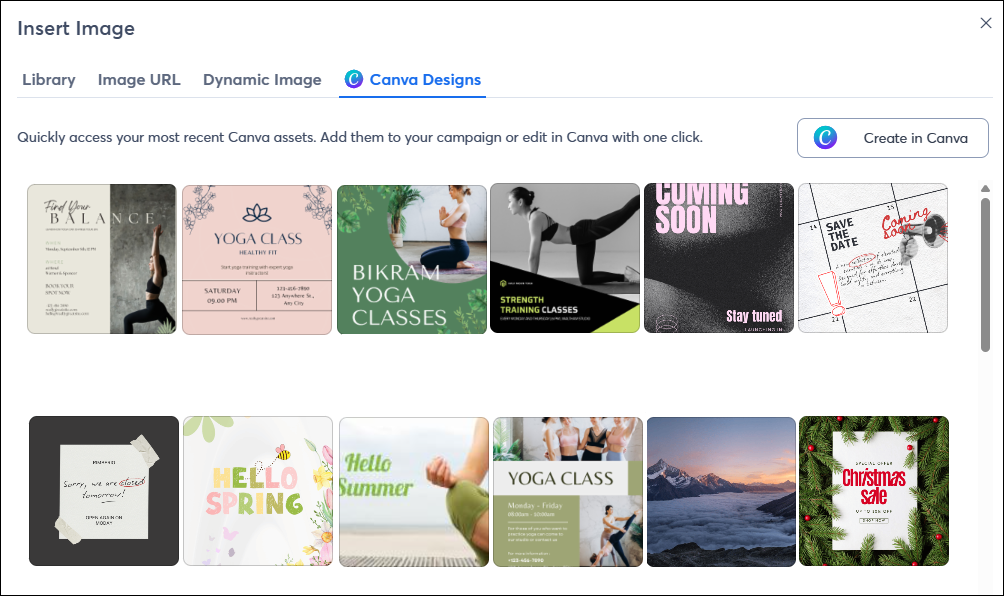
While working on a campaign, you can quickly access all of your Canva designs right from the editor to insert into your campaign, or create something new on the spot:
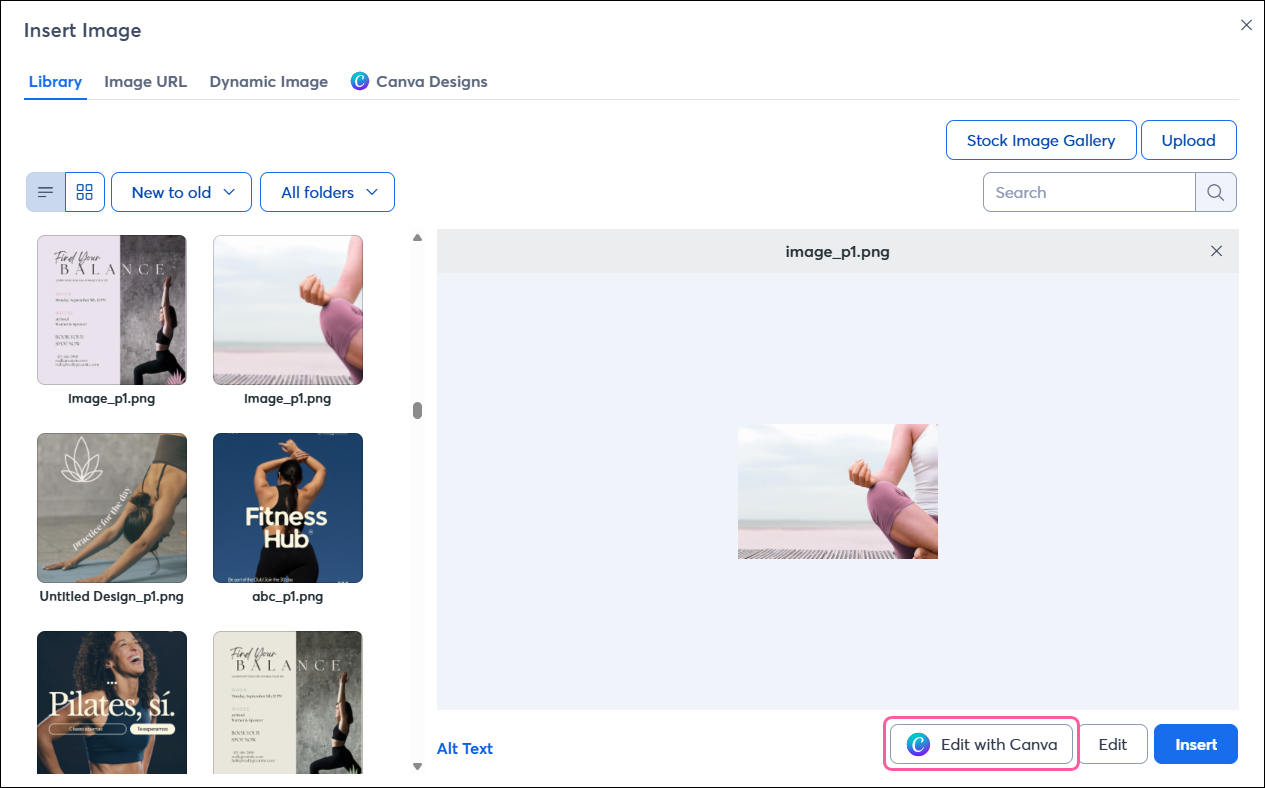
From within your Constant Contact Library or when editing a campaign, you can seamlessly modify any image with Canva, whether it was created in Canva or not!
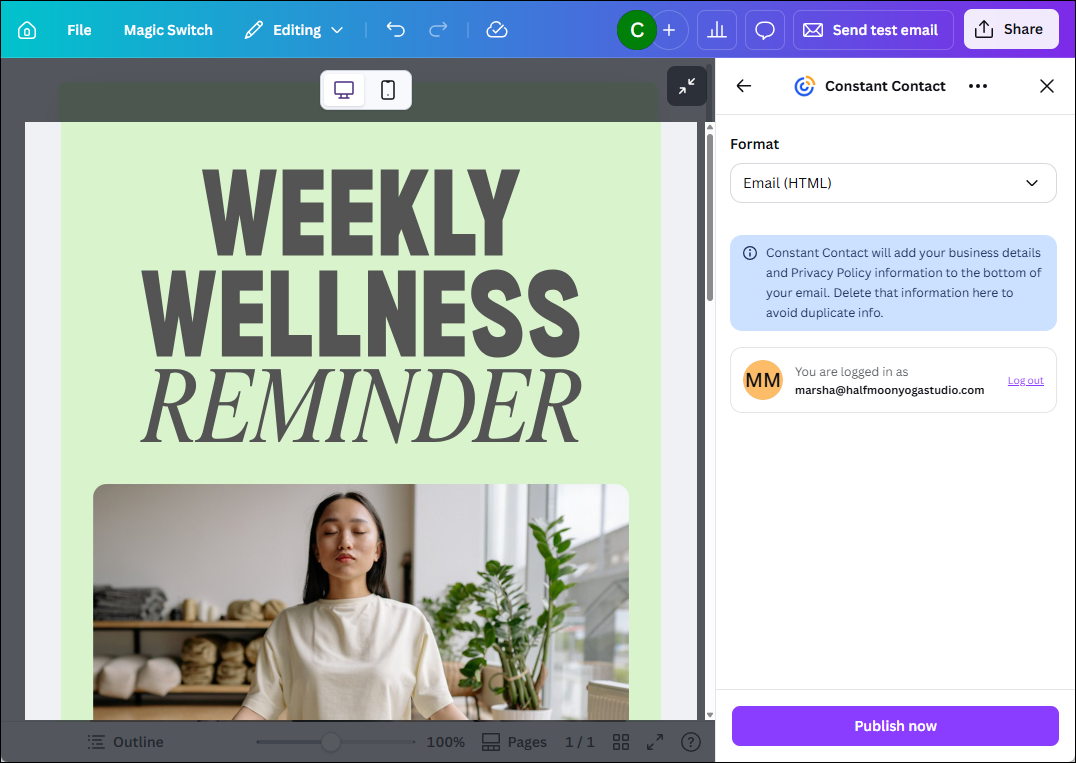
If you’ve designed a full email in Canva, you can quickly export it to your Constant Contact account to send it to your contacts:
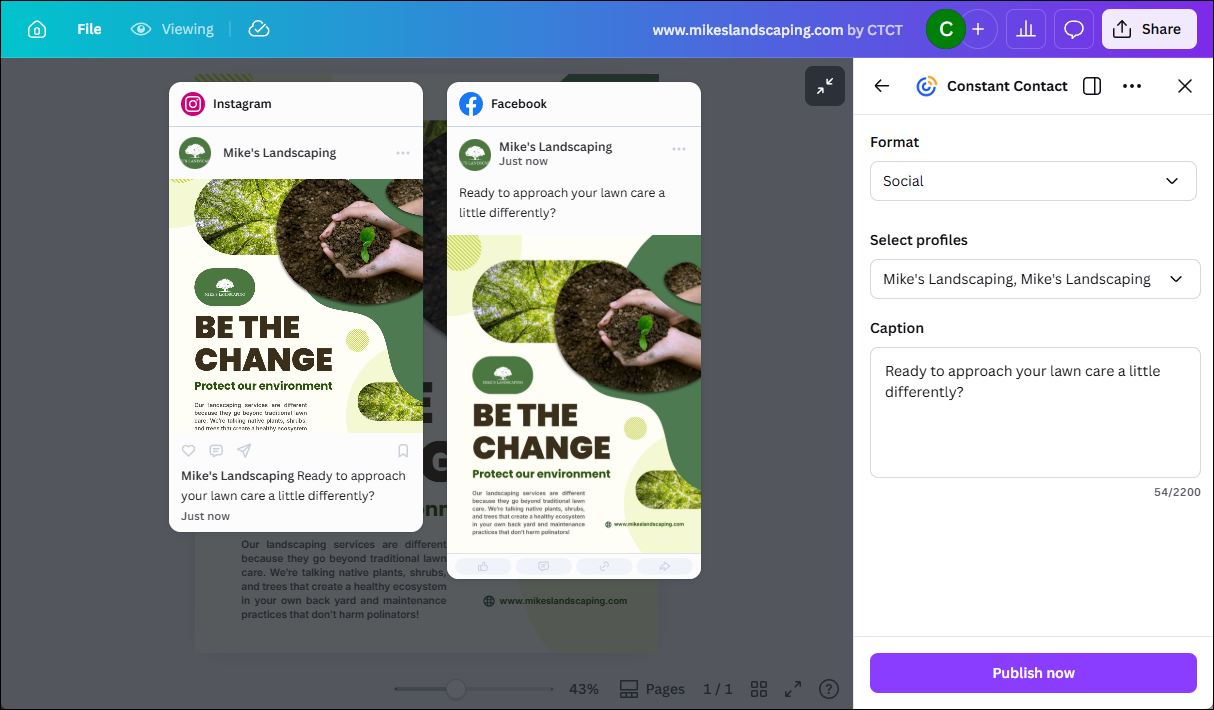
You can also design a full social post within Canva and share it directly to the social profiles connected to your Constant Contact account:
Copyright © 2026 · All Rights Reserved · Constant Contact · Privacy Center