If you create graphics in Canva, you can easily export them to your Constant Contact Library for you to use later in your campaigns, including emails, social posts, and landing pages.
Please note: Video, Doc, Whiteboard, and Sheet formats are currently not supported for sharing to your Constant Contact Library. If you want to save a PDF design to your Library, you can import it from within Constant Contact.
From your Canva account:
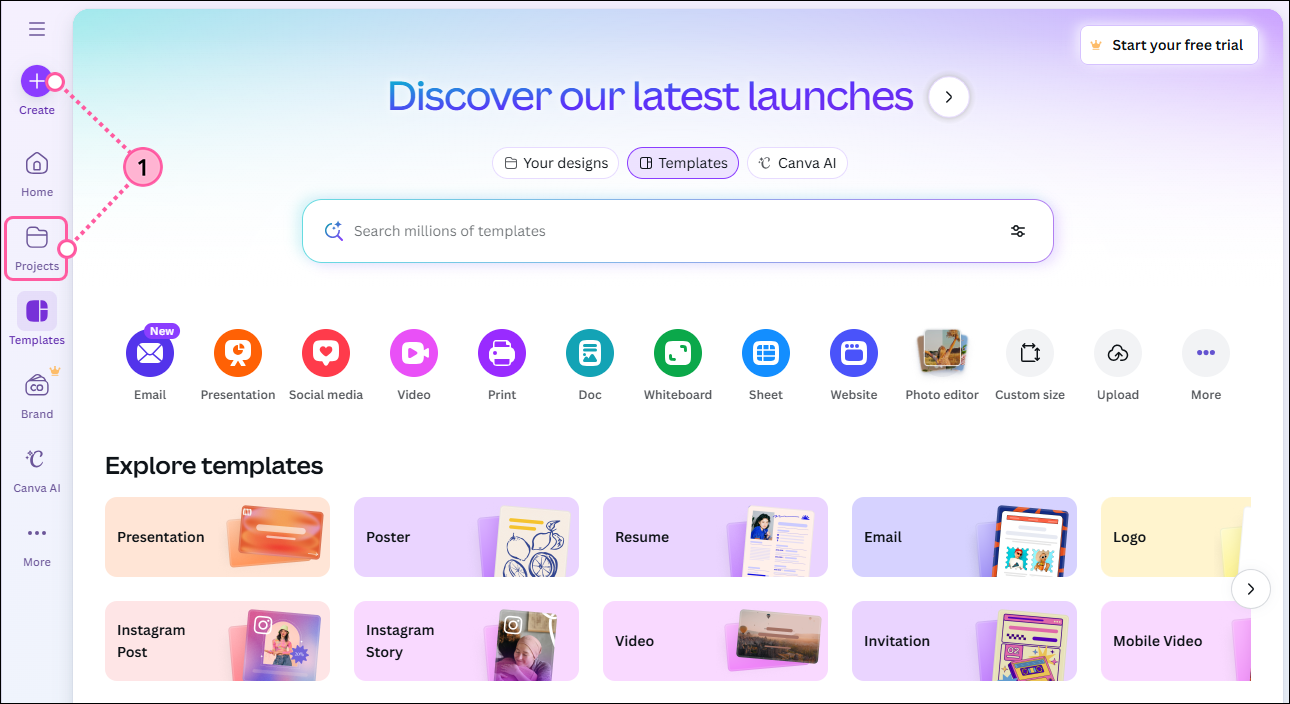
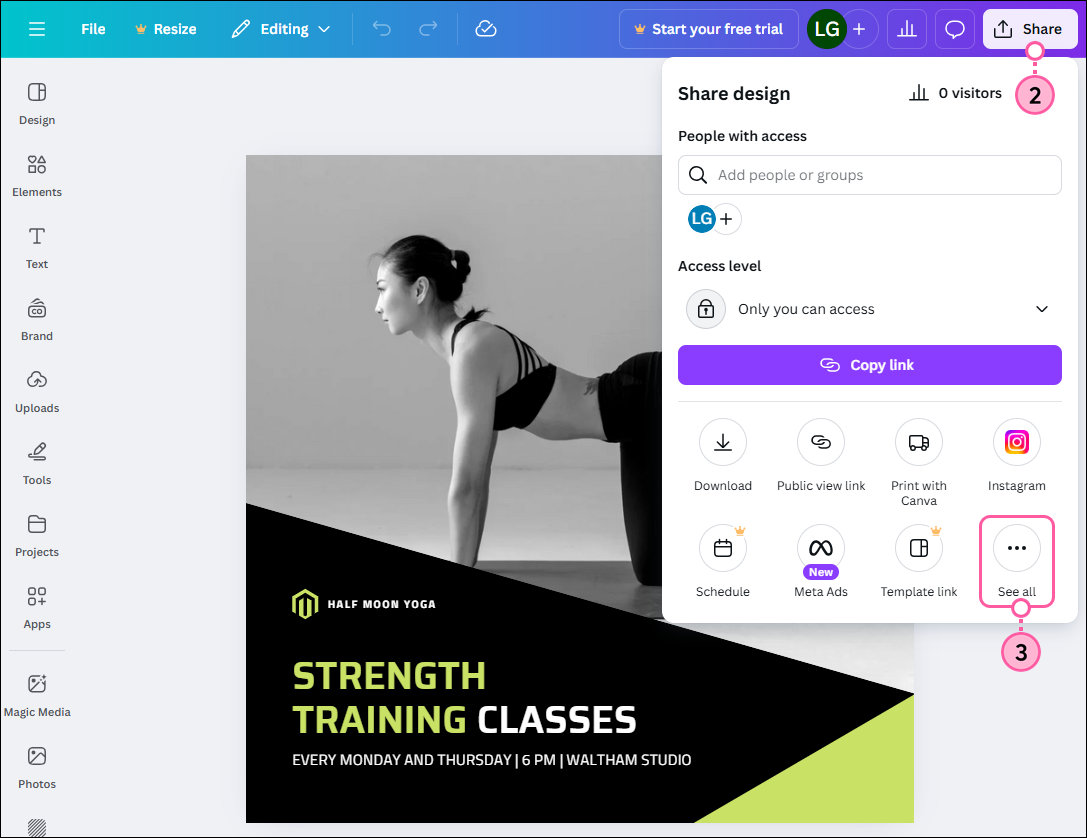
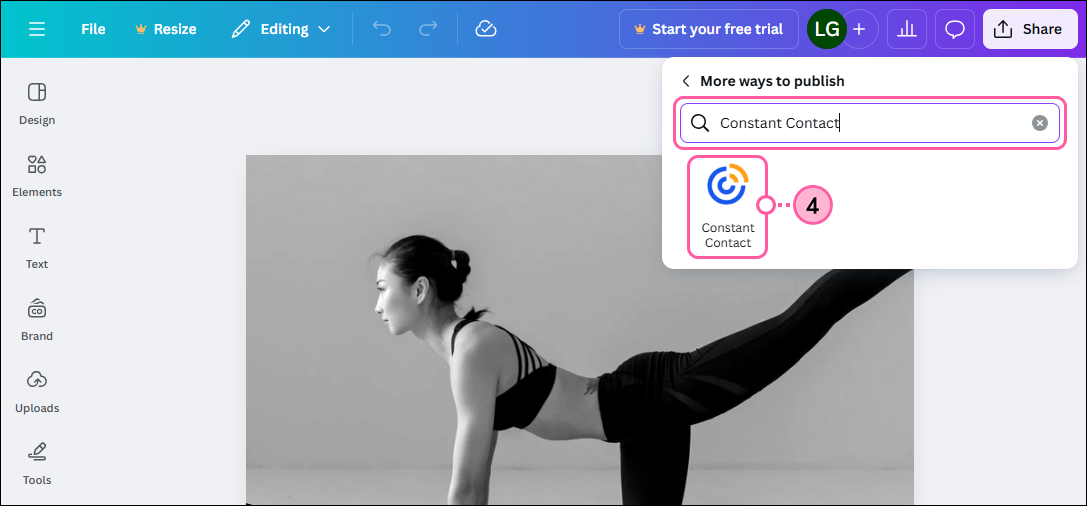
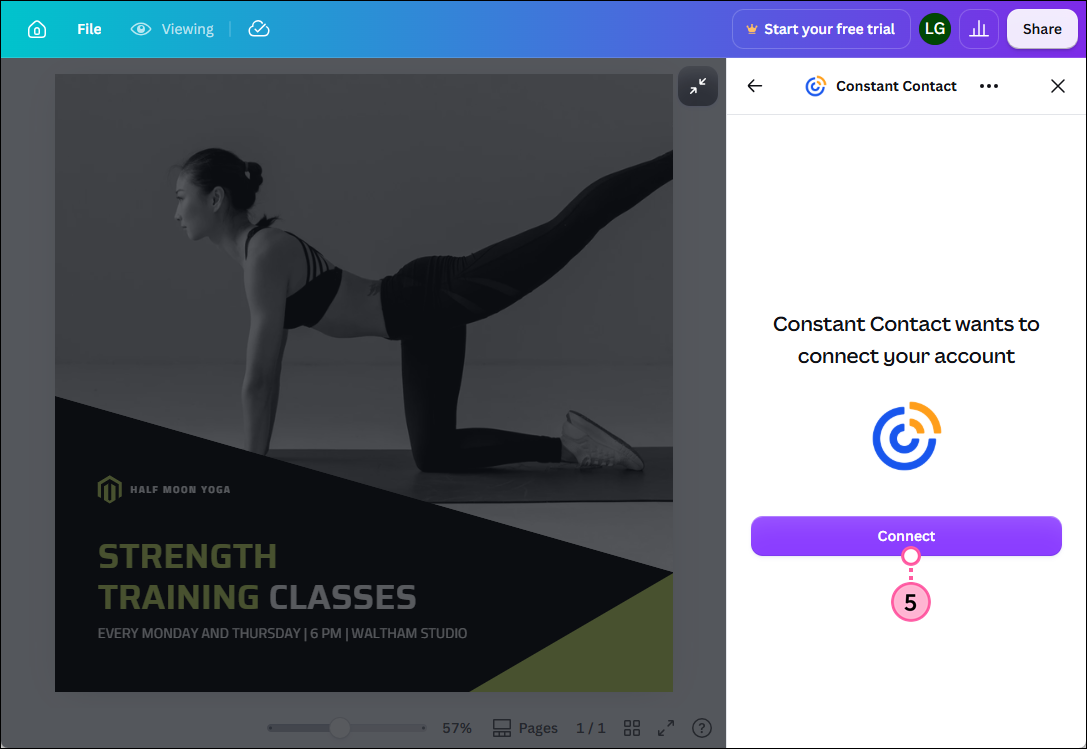
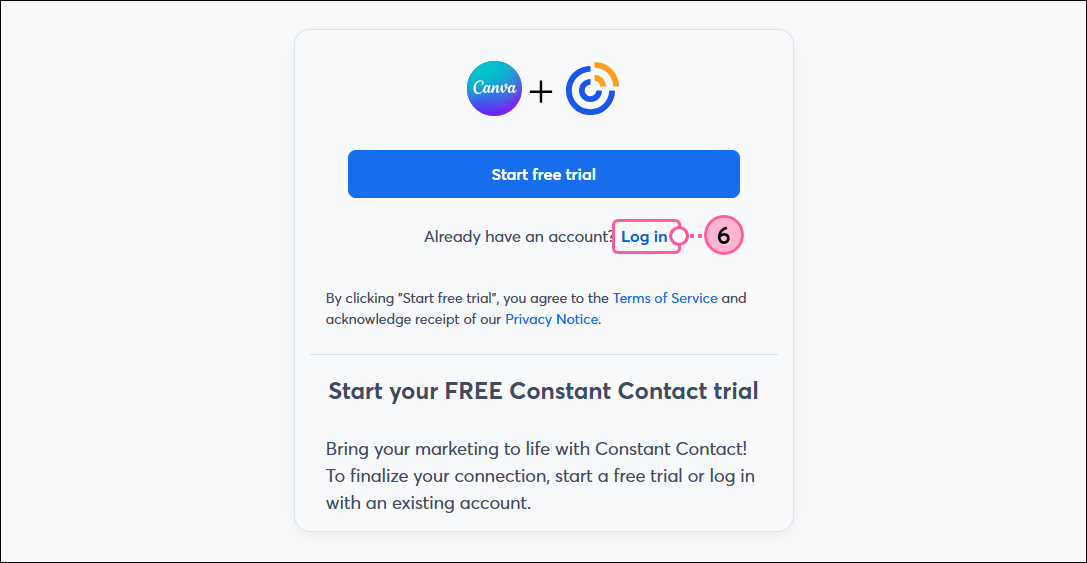
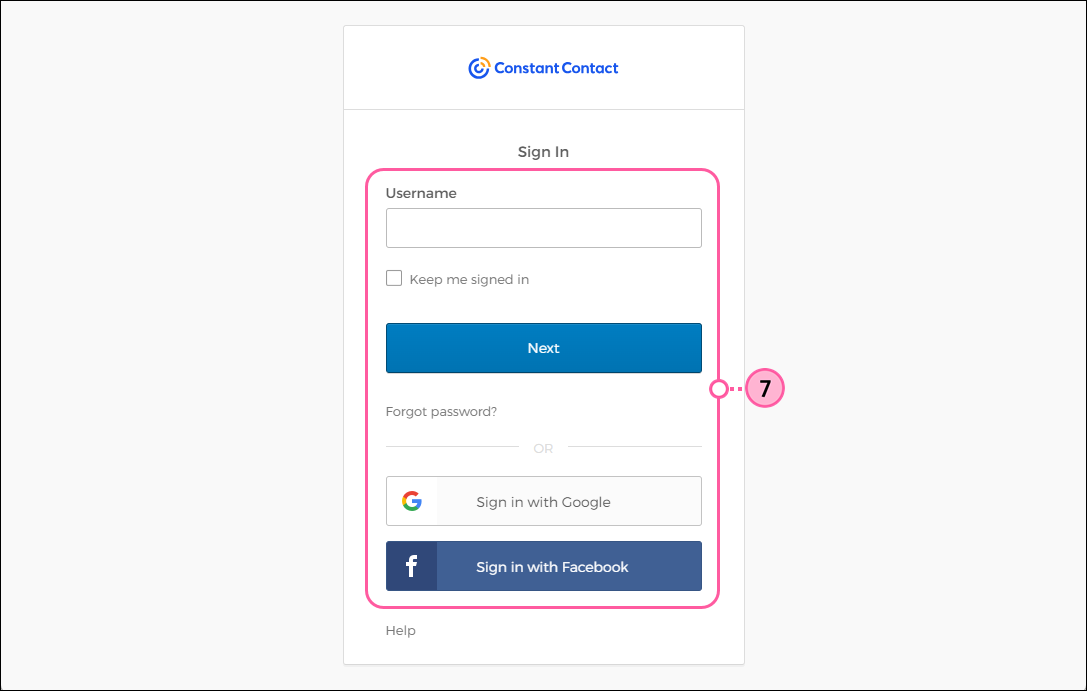
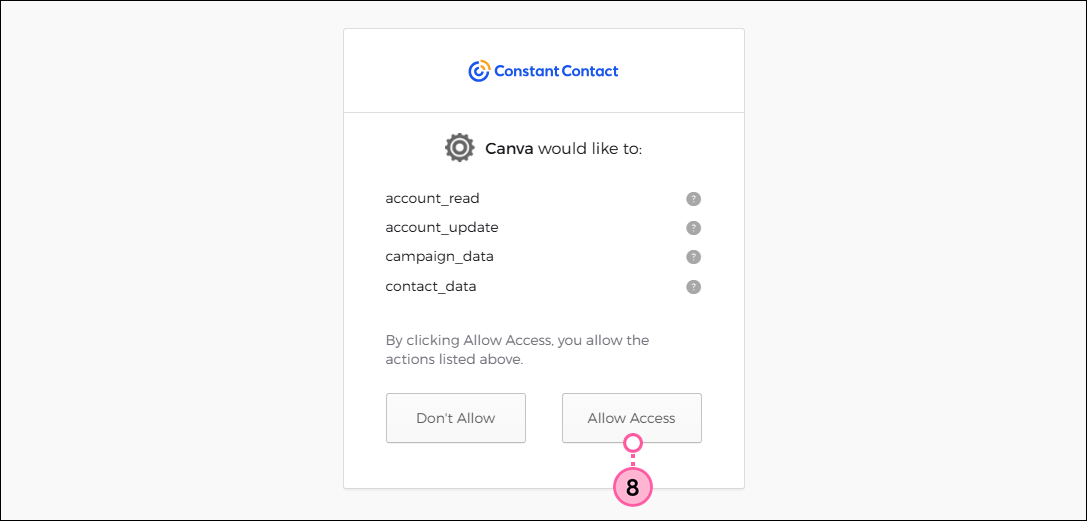
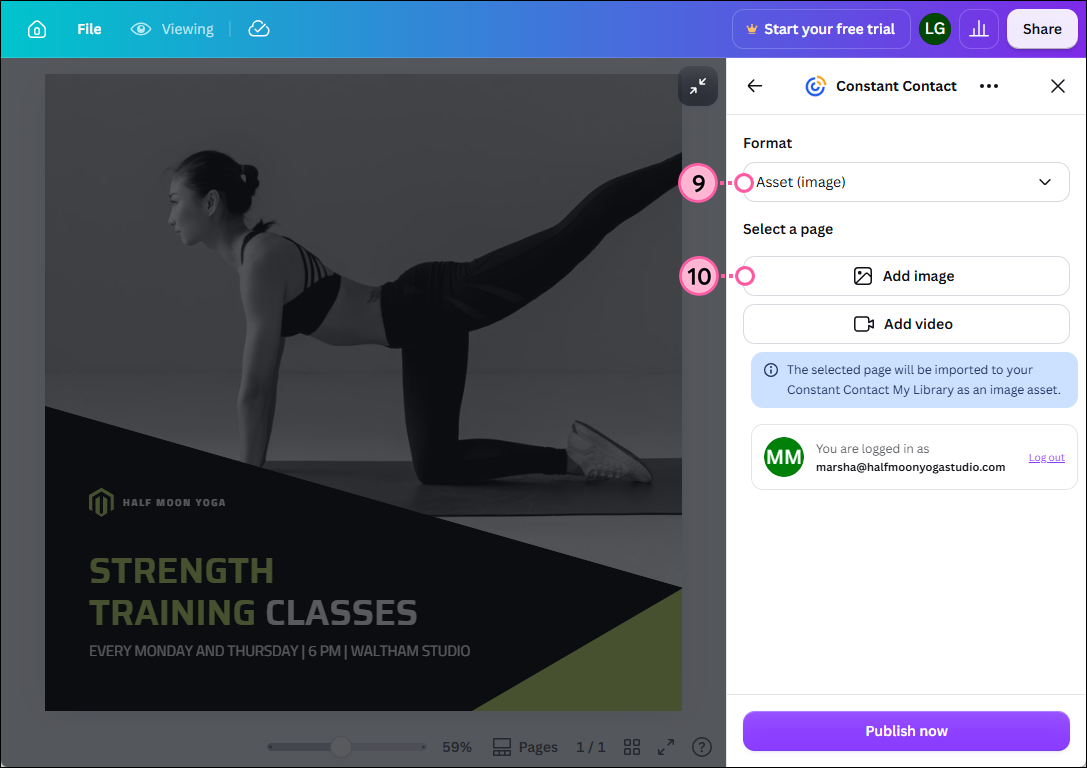
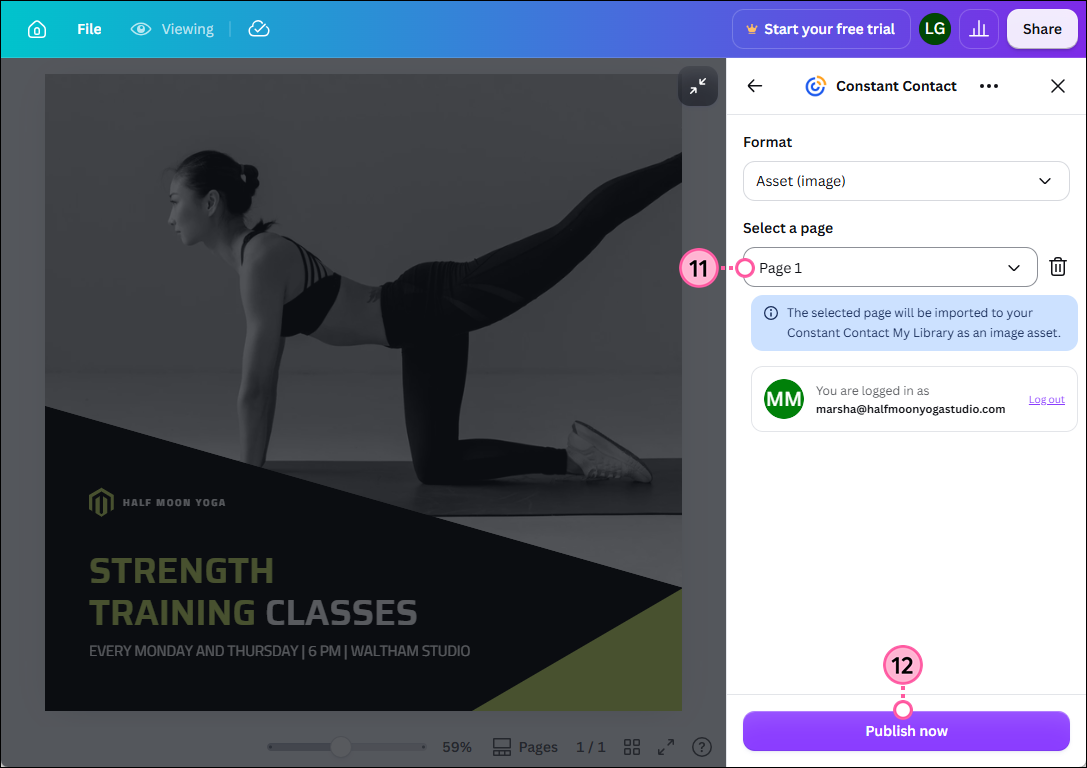
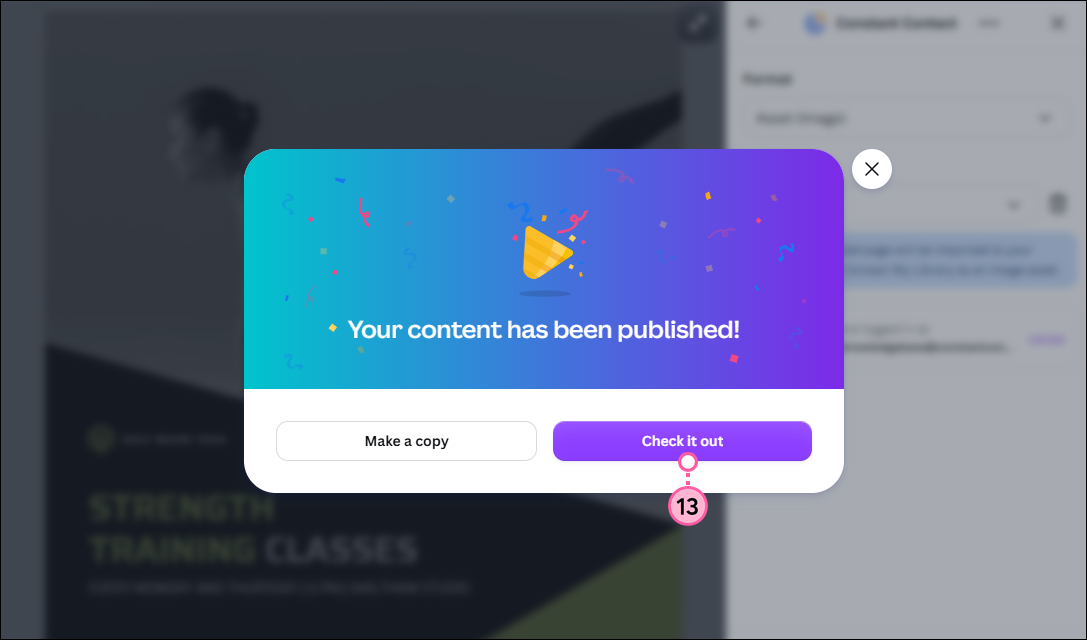
The graphic will now be available in your Constant Contact Library, where you can customize it further using our image editor or Canva, and it will be available to use in your campaigns.
Copyright © 2026 · All Rights Reserved · Constant Contact · Privacy Center