Constant Contact has launched a ChatGPT app that lets you create and preview new emails and social posts in minutes, incorporating assets from your Library. You can also optimize your subject line, preheader text, captions, and other email or social post details.
Note: If you have an image hosted elsewhere or saved on your computer, you can ask ChatGPT to upload it to your Constant Contact library. Read Upload images to your library using the Constant Contact ChatGPT plugin to learn more.
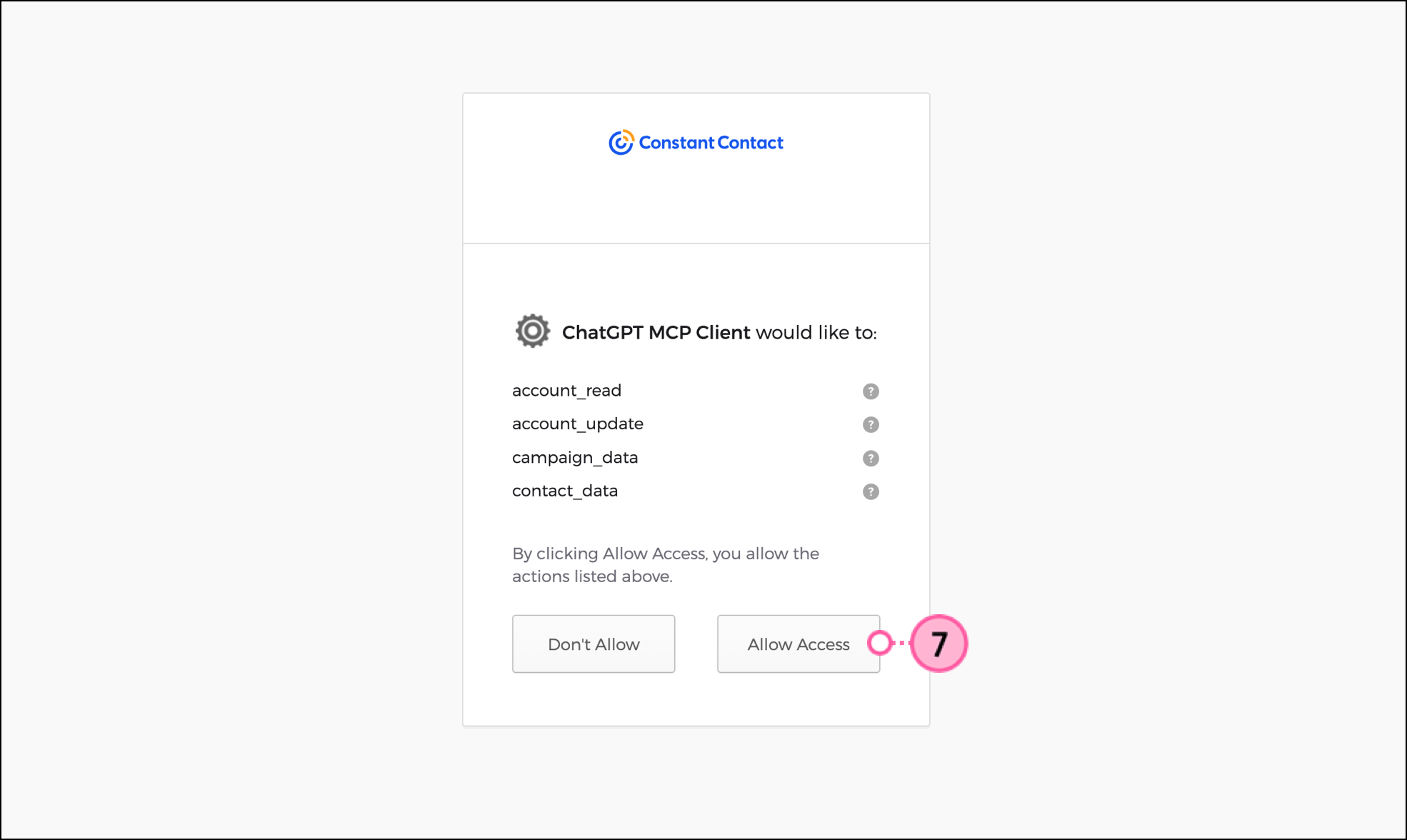
The Constant Contact ChatGPT app is available for installation on ChatGPT's Apps page. Apps let you chat about your business use cases using the ChatGPT interface, with the context of the business or product that launched the application, making it faster and easier to complete projects.
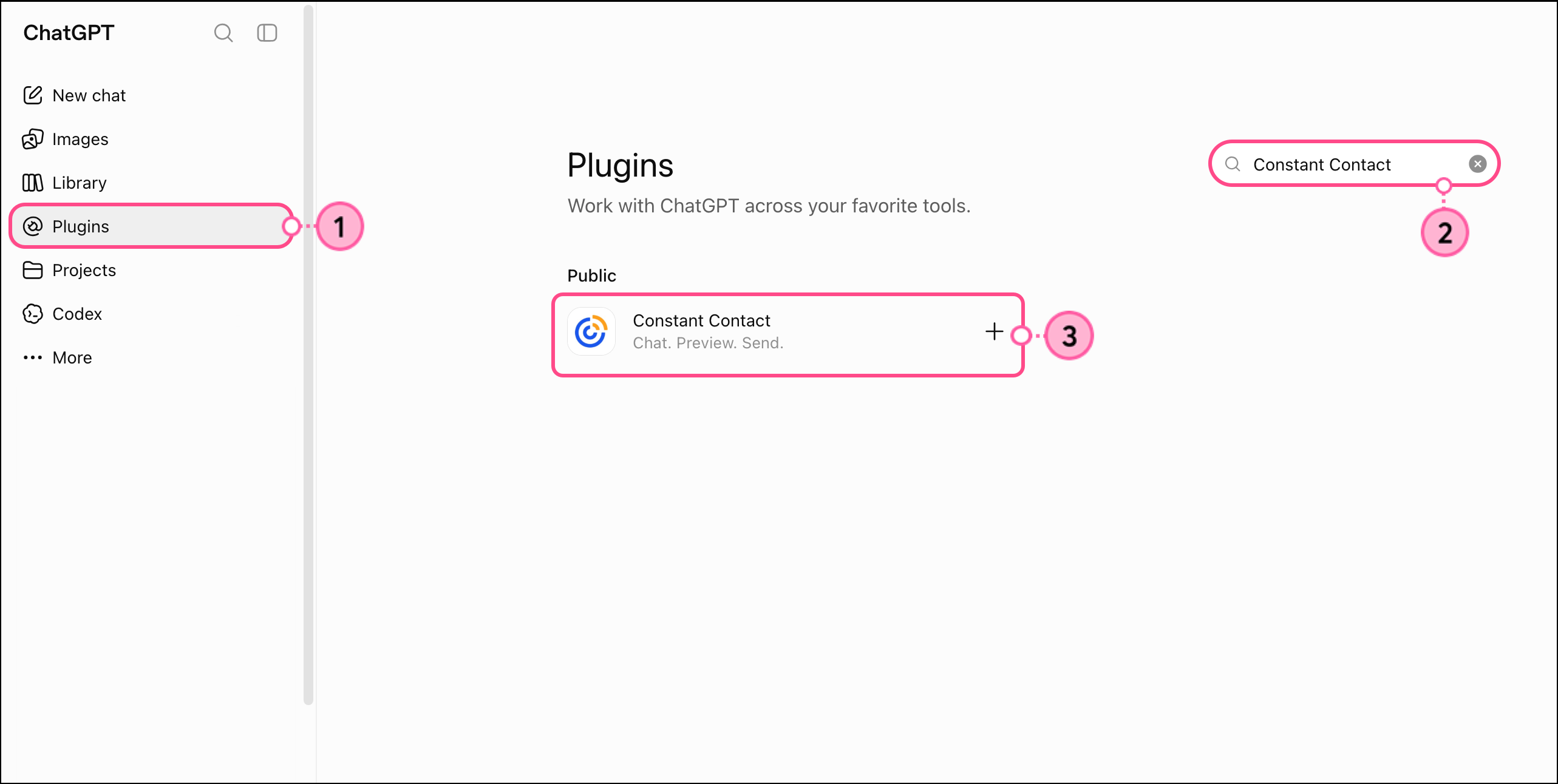
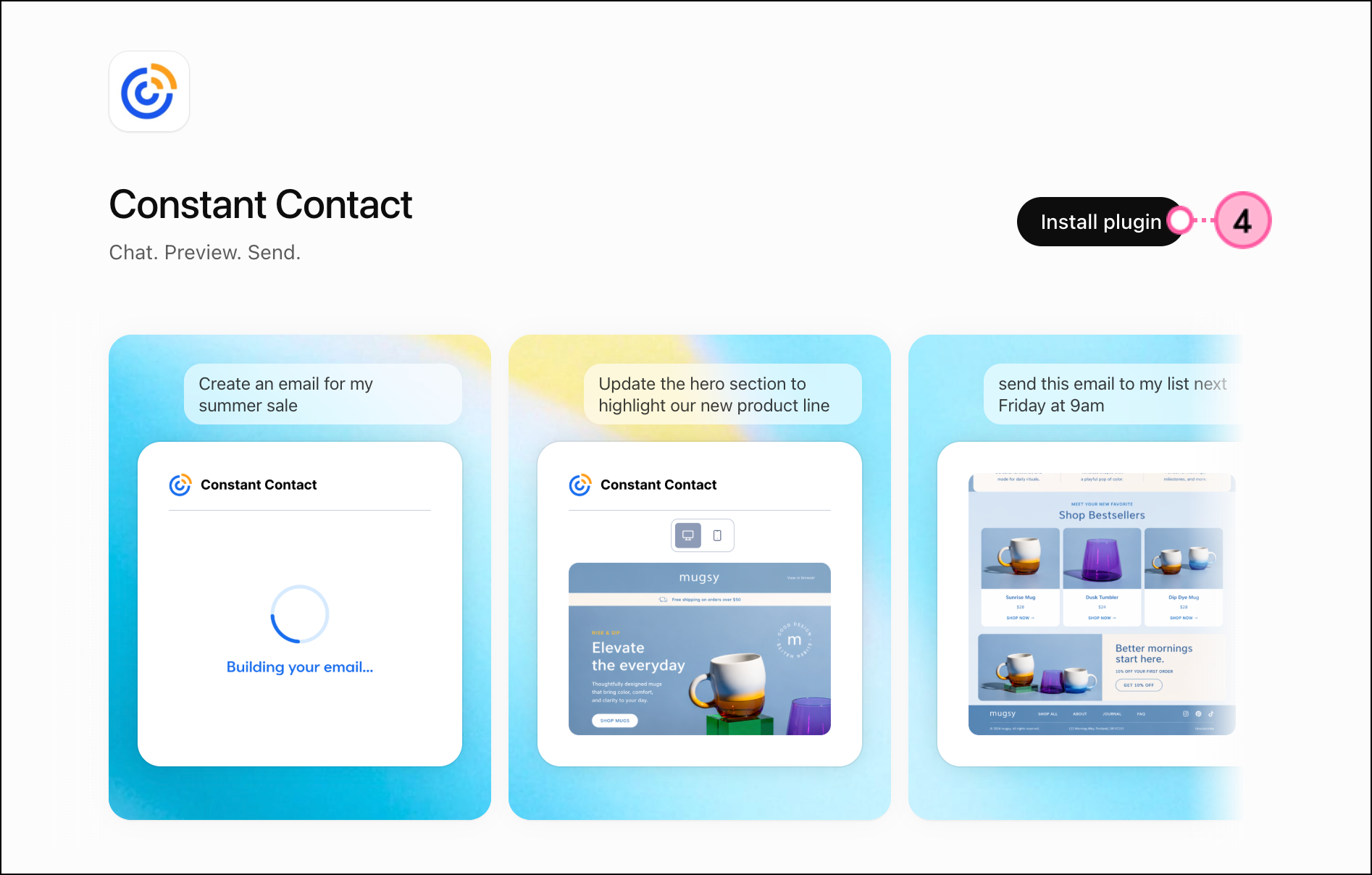
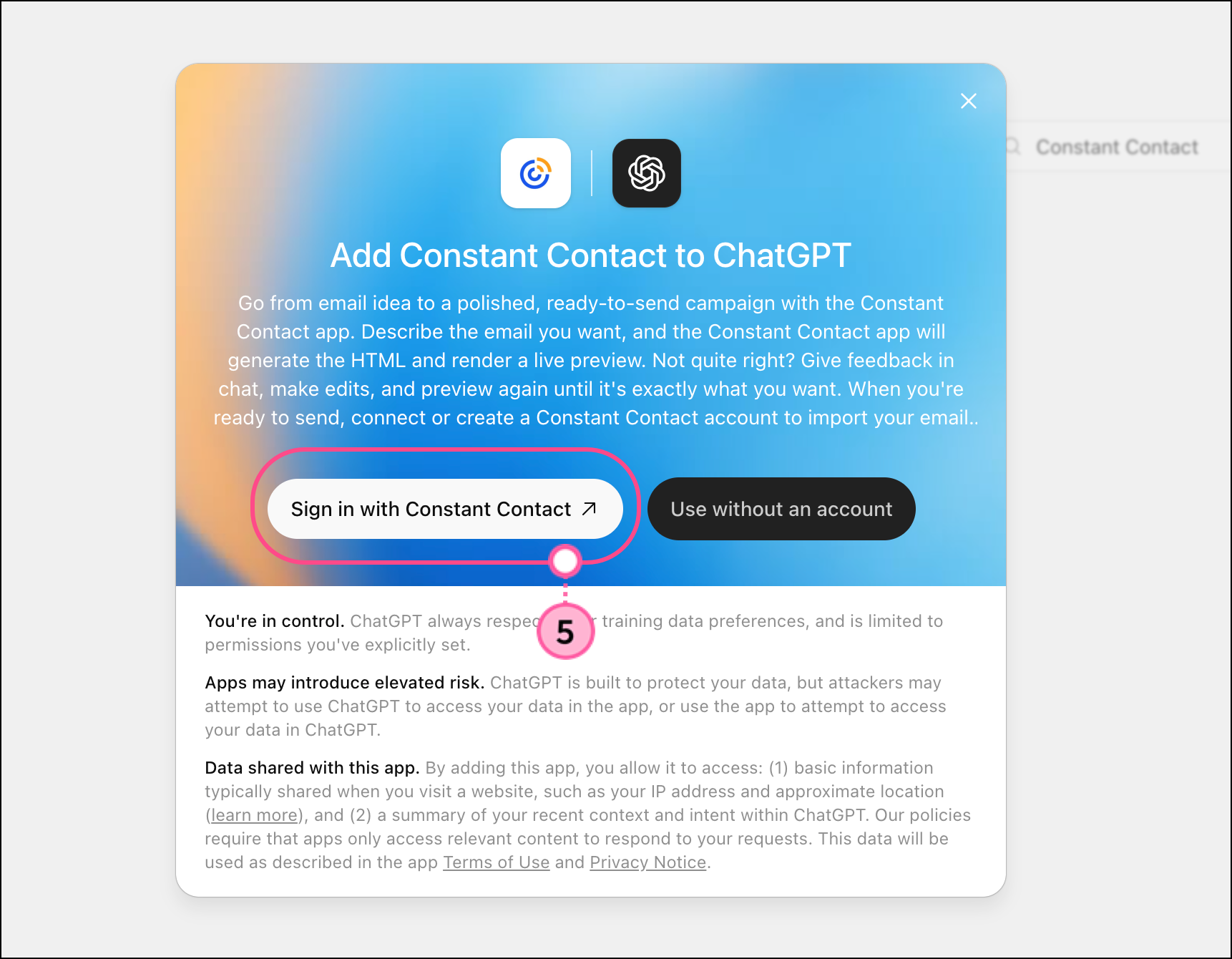
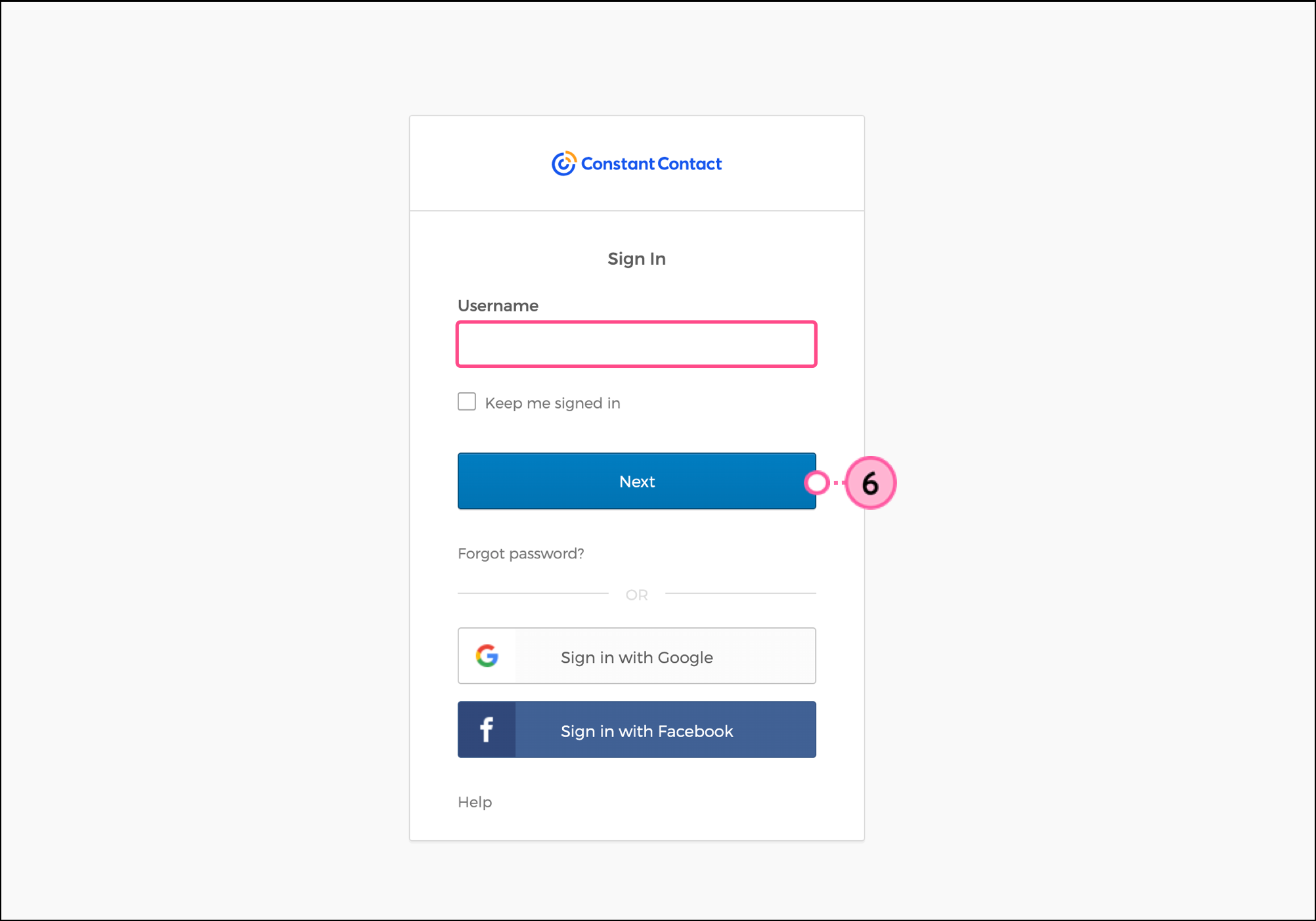
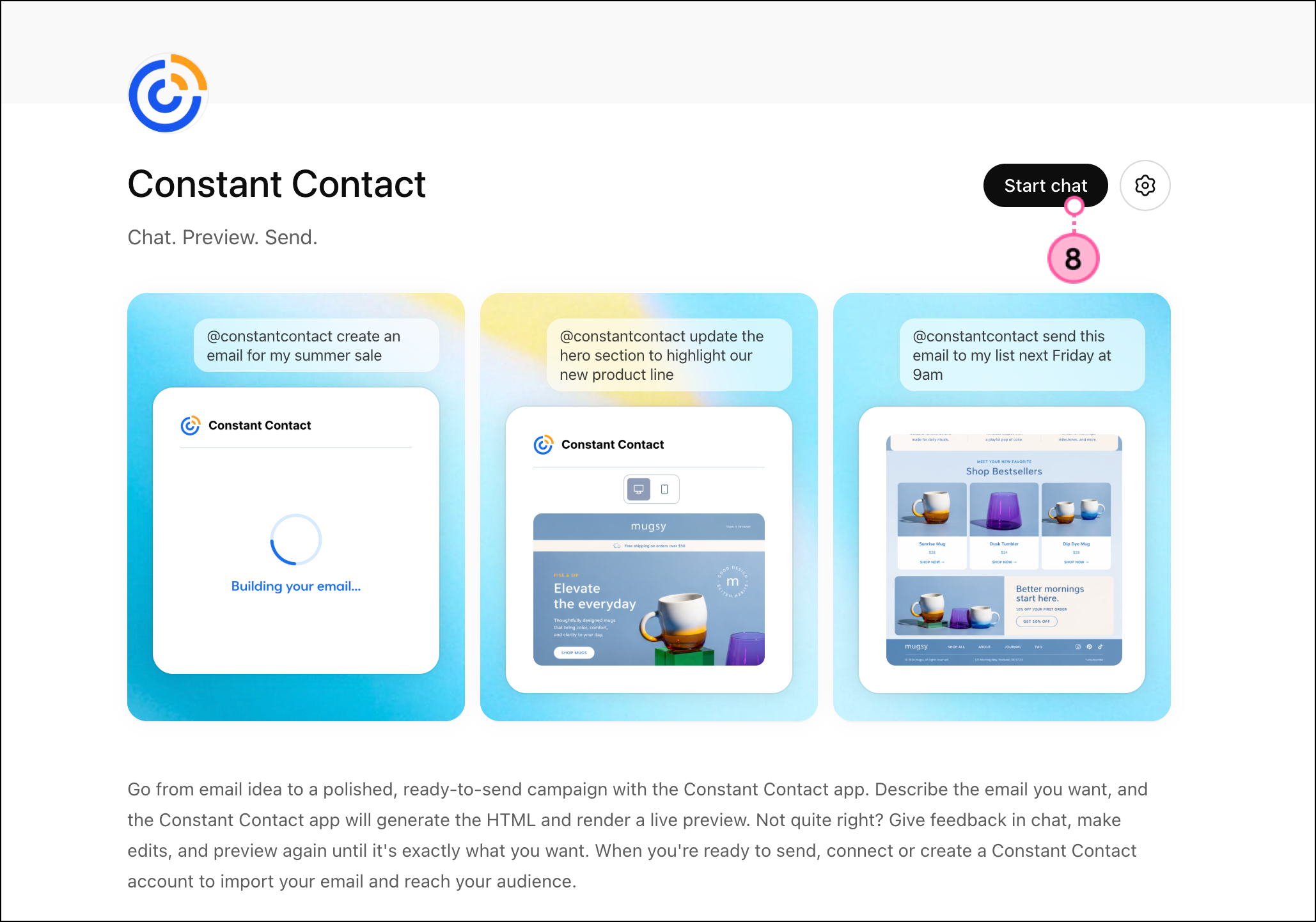
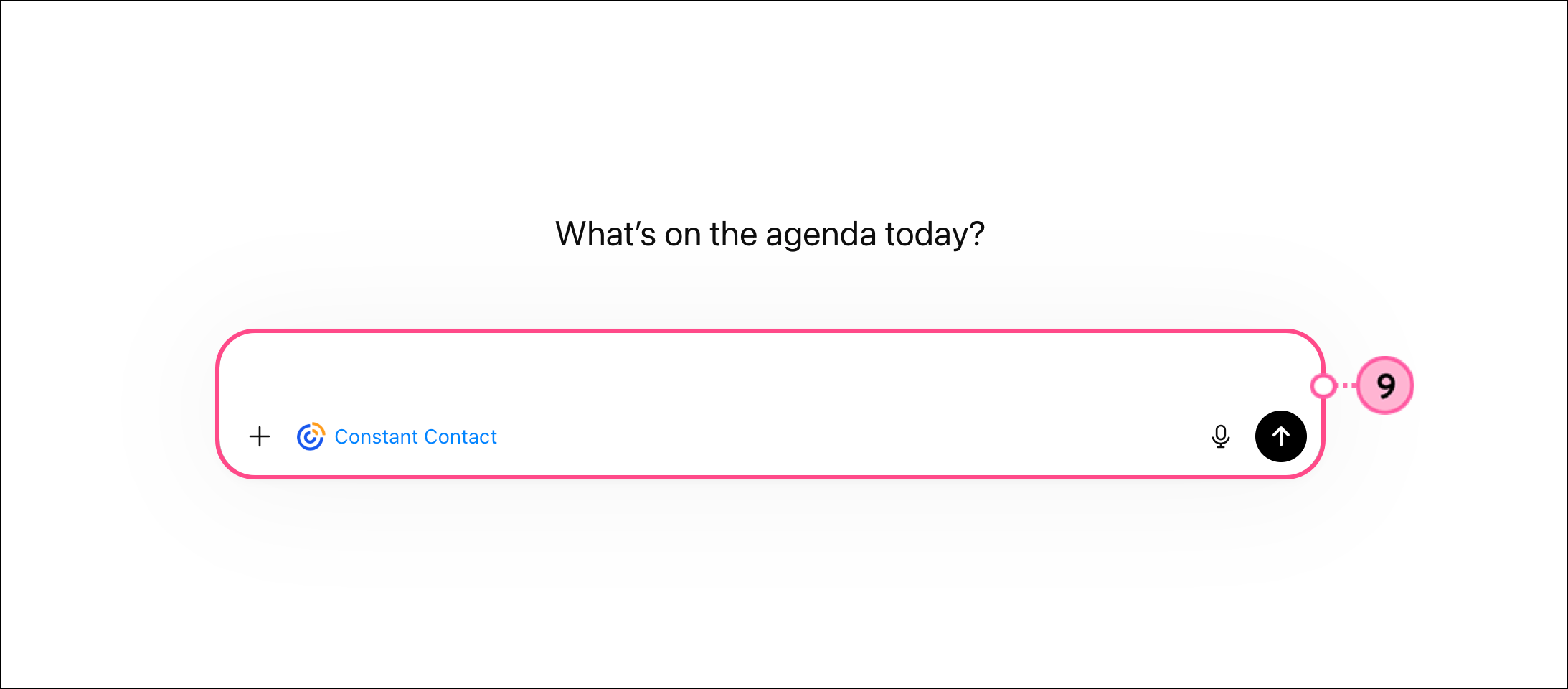
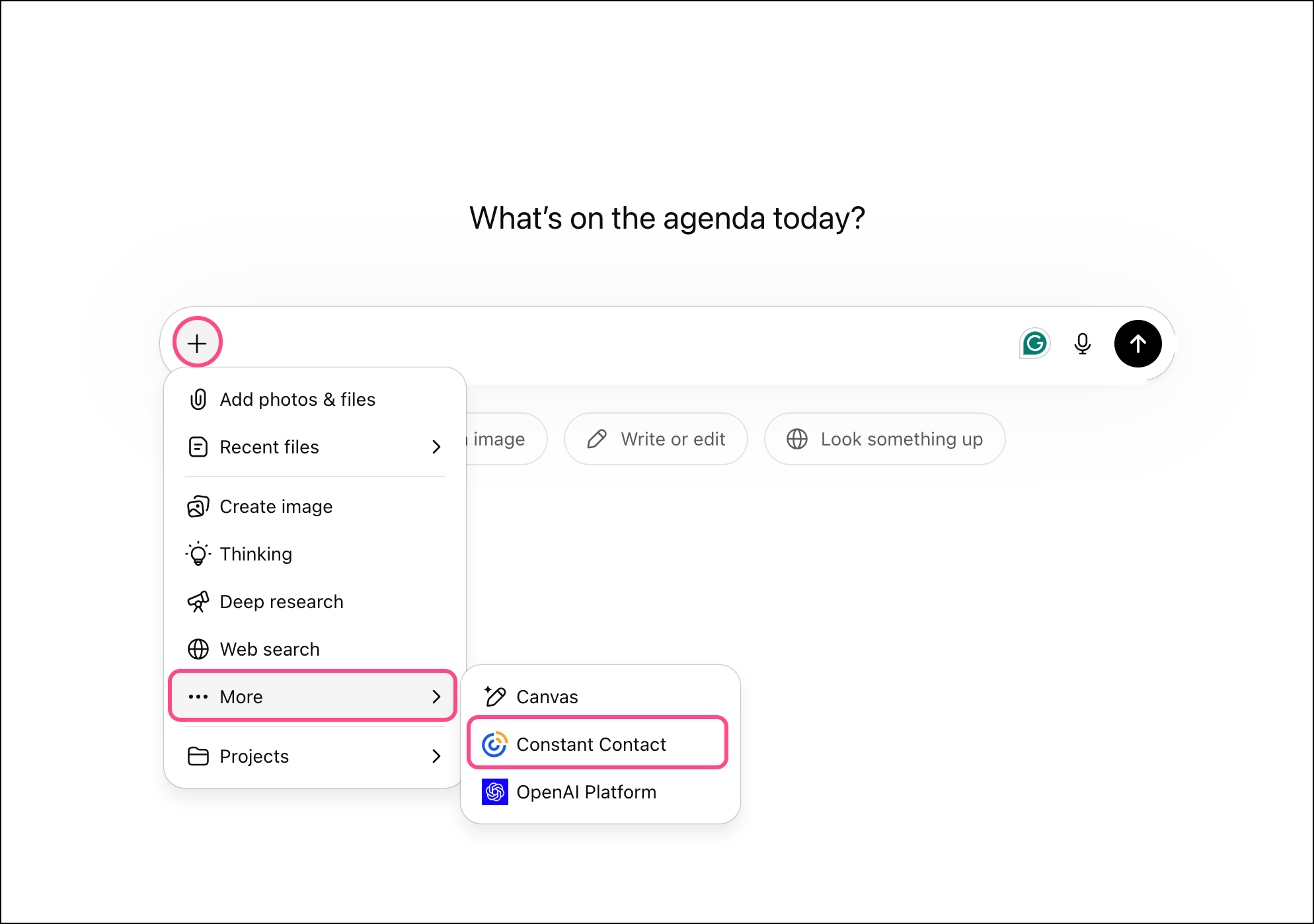
To generate an email campaign using the Constant Contact ChatGPT app, start by describing your business and the primary goal of your email. Briefly mention who the audience is and what’s important to them (are they previous customers, new customers, churning customers, etc.).
Note: If you haven't used the Constant Contact app in over 30 days and you're experiencing problems generating live previews, try removing it and then reinstalling it.
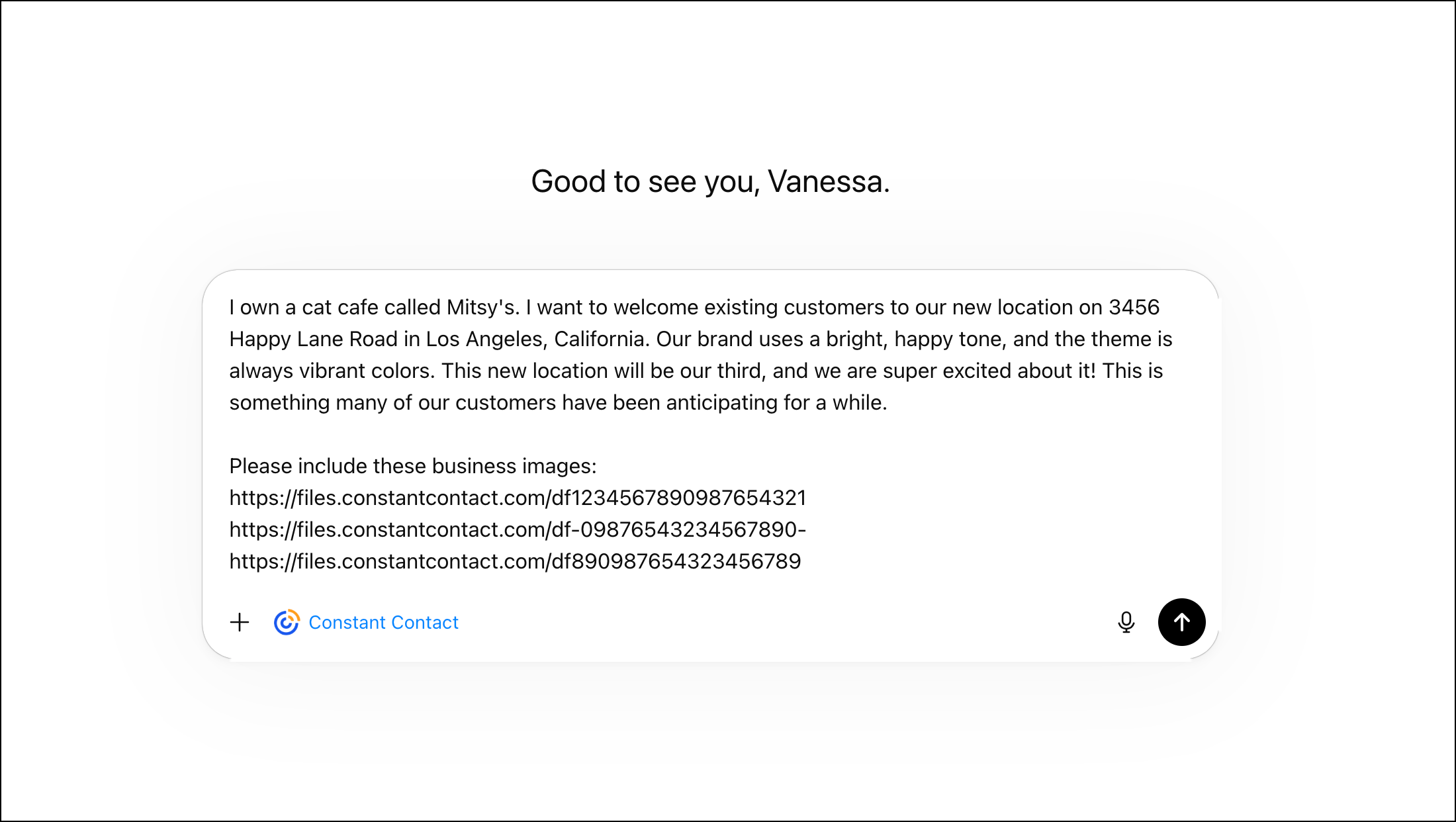
Include the URL to any images or assets you’d like to add to your emails from your Library. Be sure to include the link to your logo image!
Note: If you have an image hosted elsewhere or saved on your computer, you can ask ChatGPT to upload it to your Constant Contact library. Read Upload images to your library using the Constant Contact ChatGPT plugin to learn more.
If you know the call-to-action or tone you want, be sure to include those details; if you’re not sure, the Constant Contact ChatGPT app can advise you on a tone based on your goals. It can also help you with the subject line, preheader text, and any other email details you need.
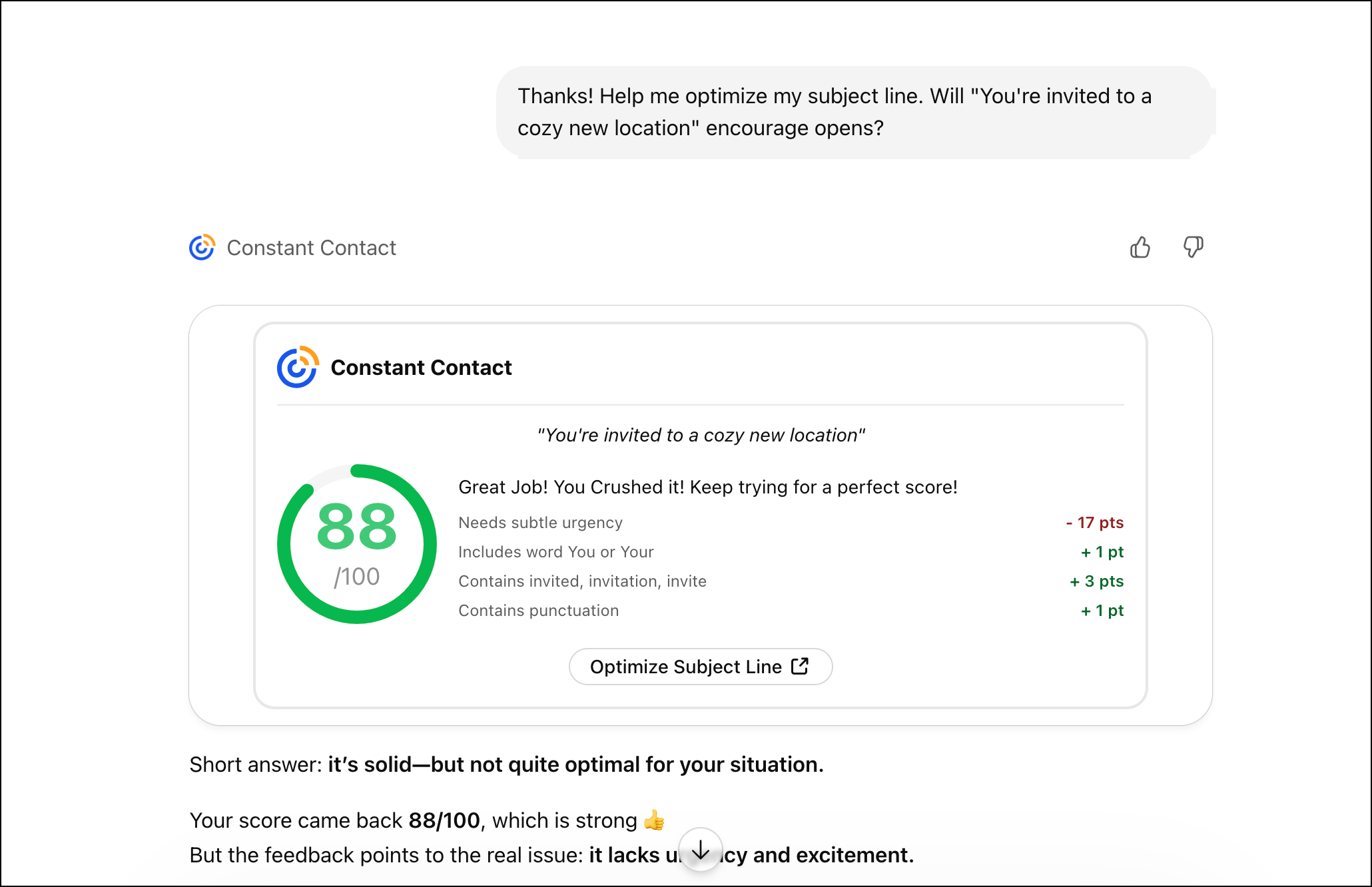
With the integration, ChatGPT can identify and generate global elements, such as your email footer, and automatically include them in your generated email. When the template is generated, ChatGPT will give you a recap of the following email details:
You’ll be able to get a look at both desktop and mobile views in the live preview.
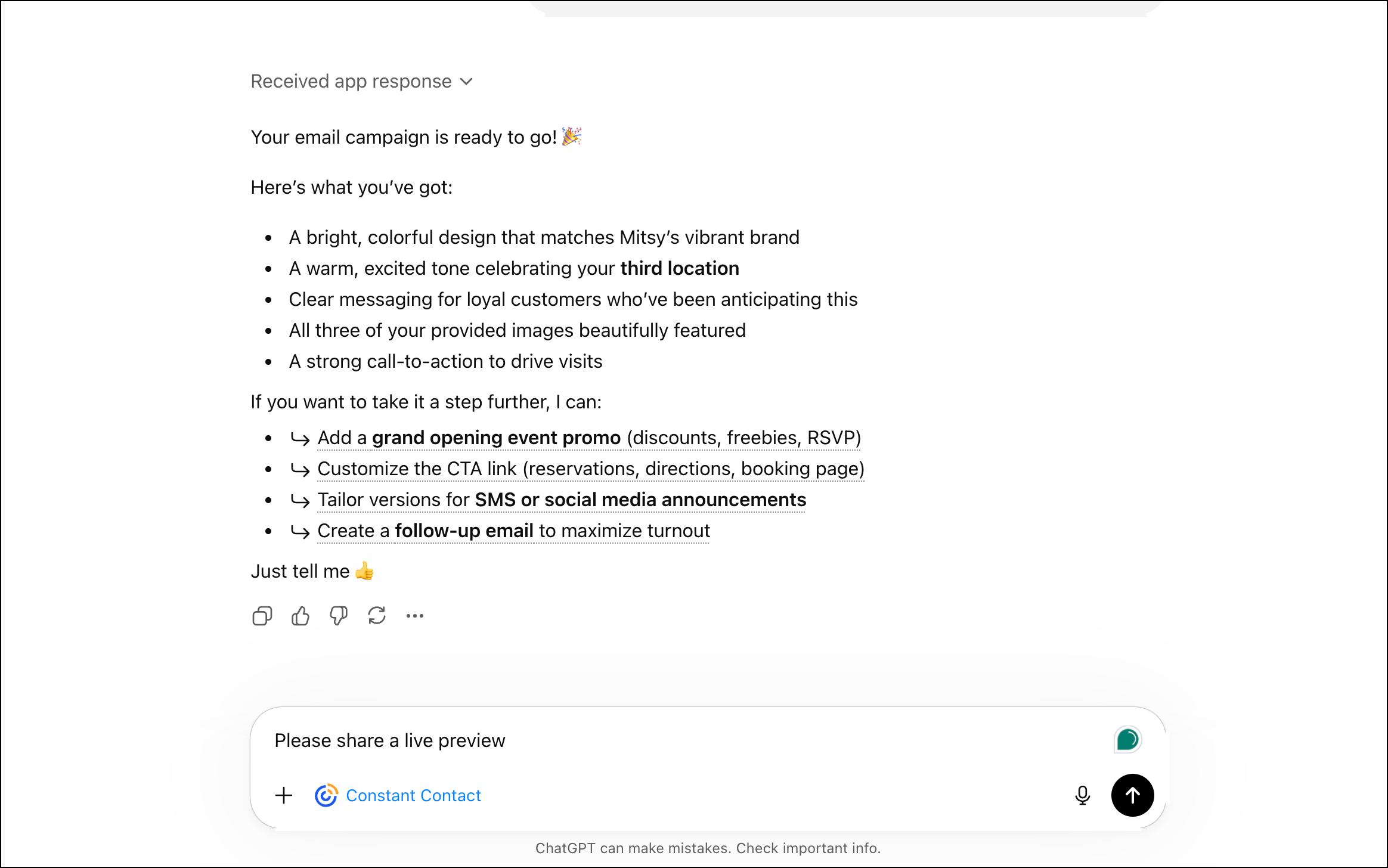
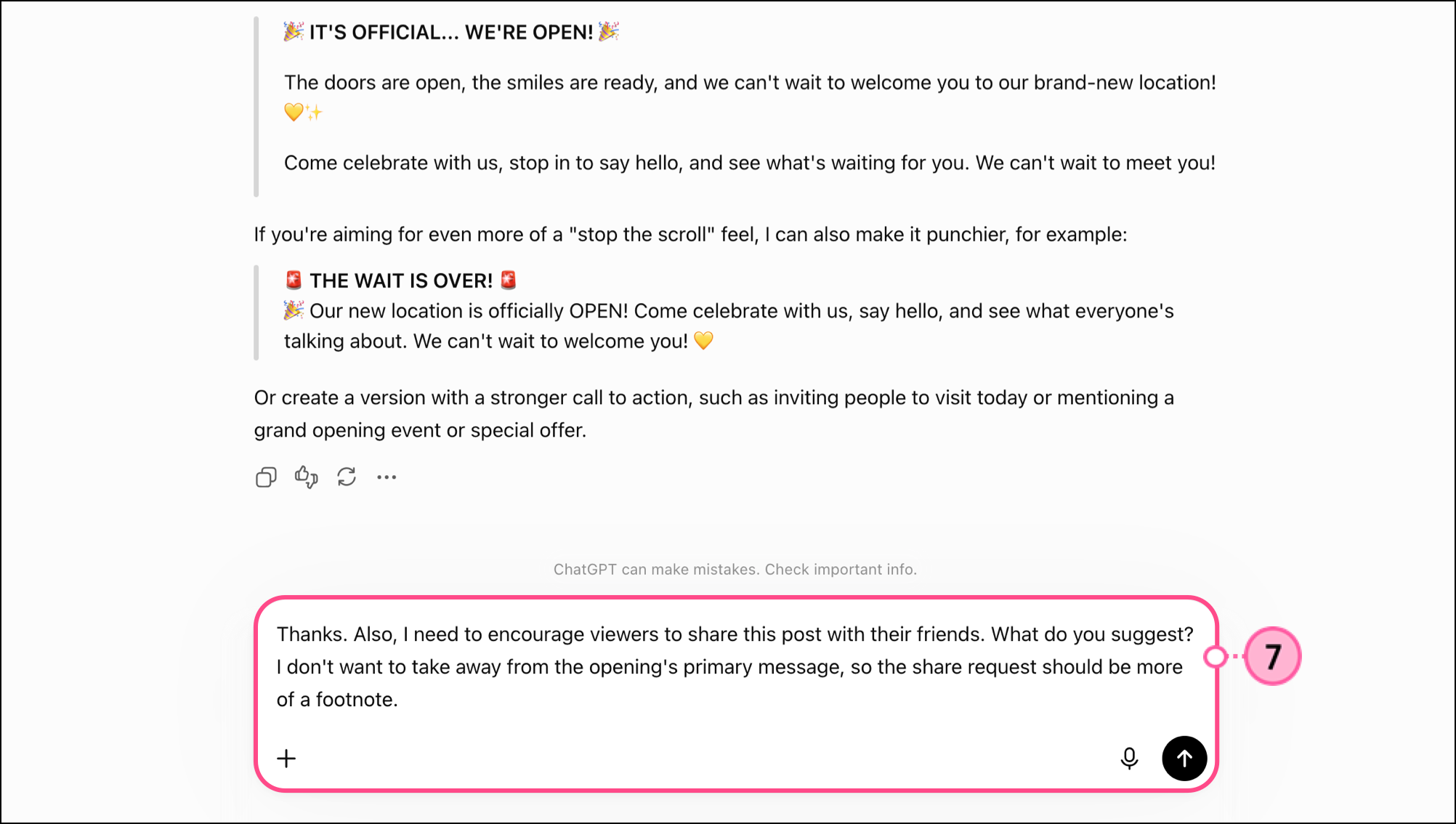
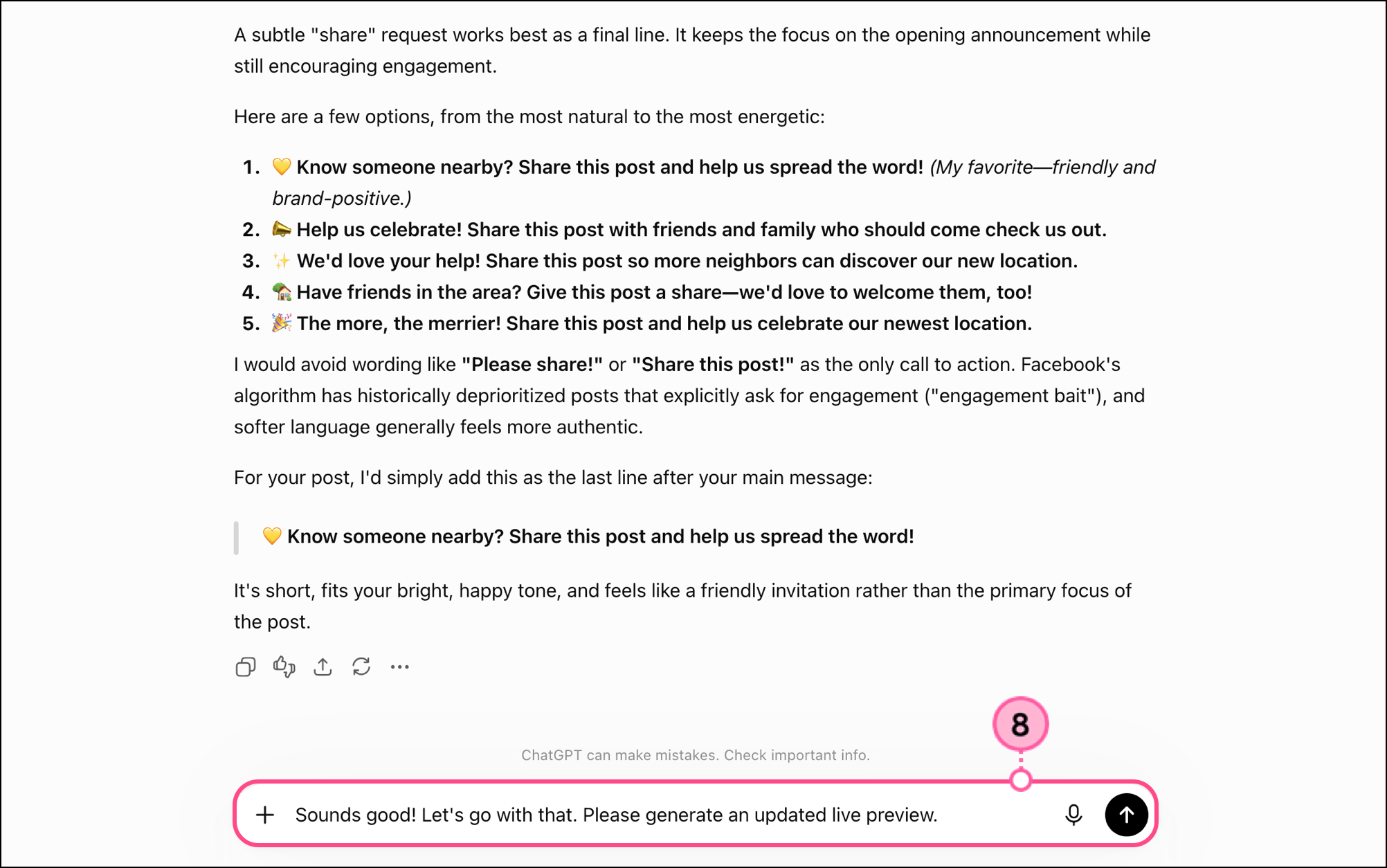
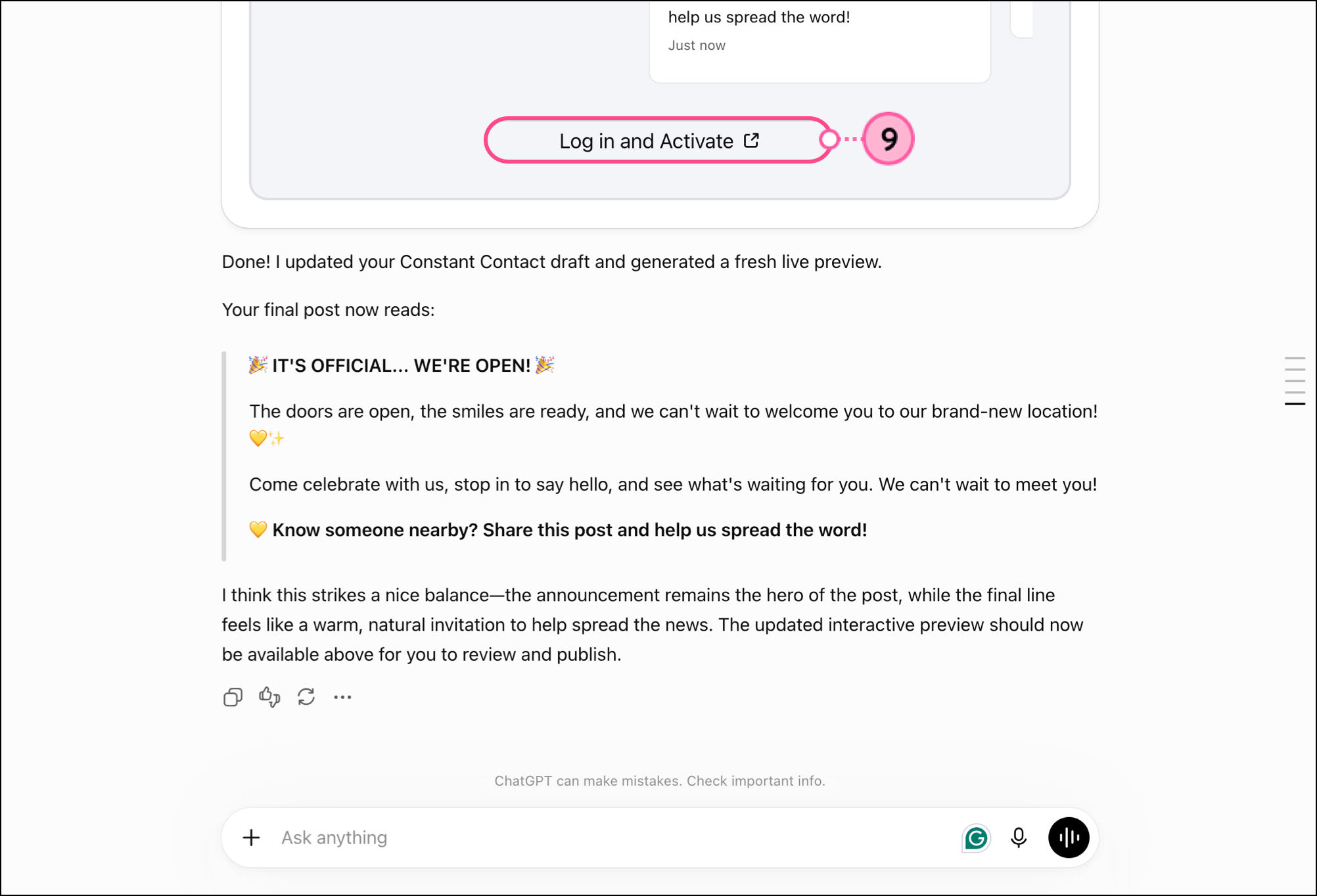
As you work through the project, make edits by simply typing your request into ChatGPT — change colors, text, or tone. ChatGPT will update your live preview as you go.
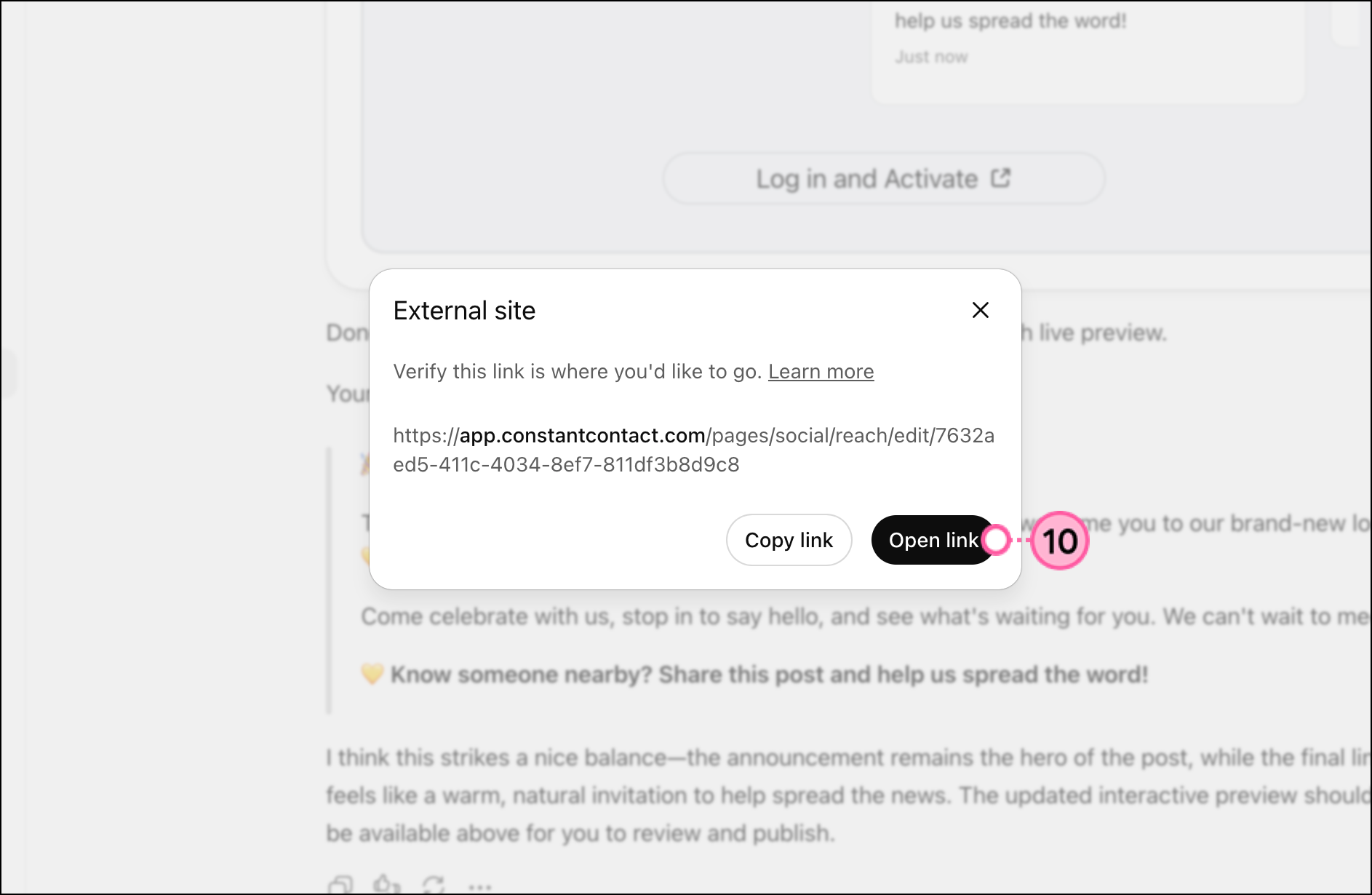
When ready, tell ChatGPT to send the email. It will review everything to confirm there are no missing email details, then generate a final send/schedule button link for you. Clicking this link takes you to Constant Contact, where you can finalize your sending details and launch the campaign.
Read Schedule and send an email to learn more about scheduling or sending an email.
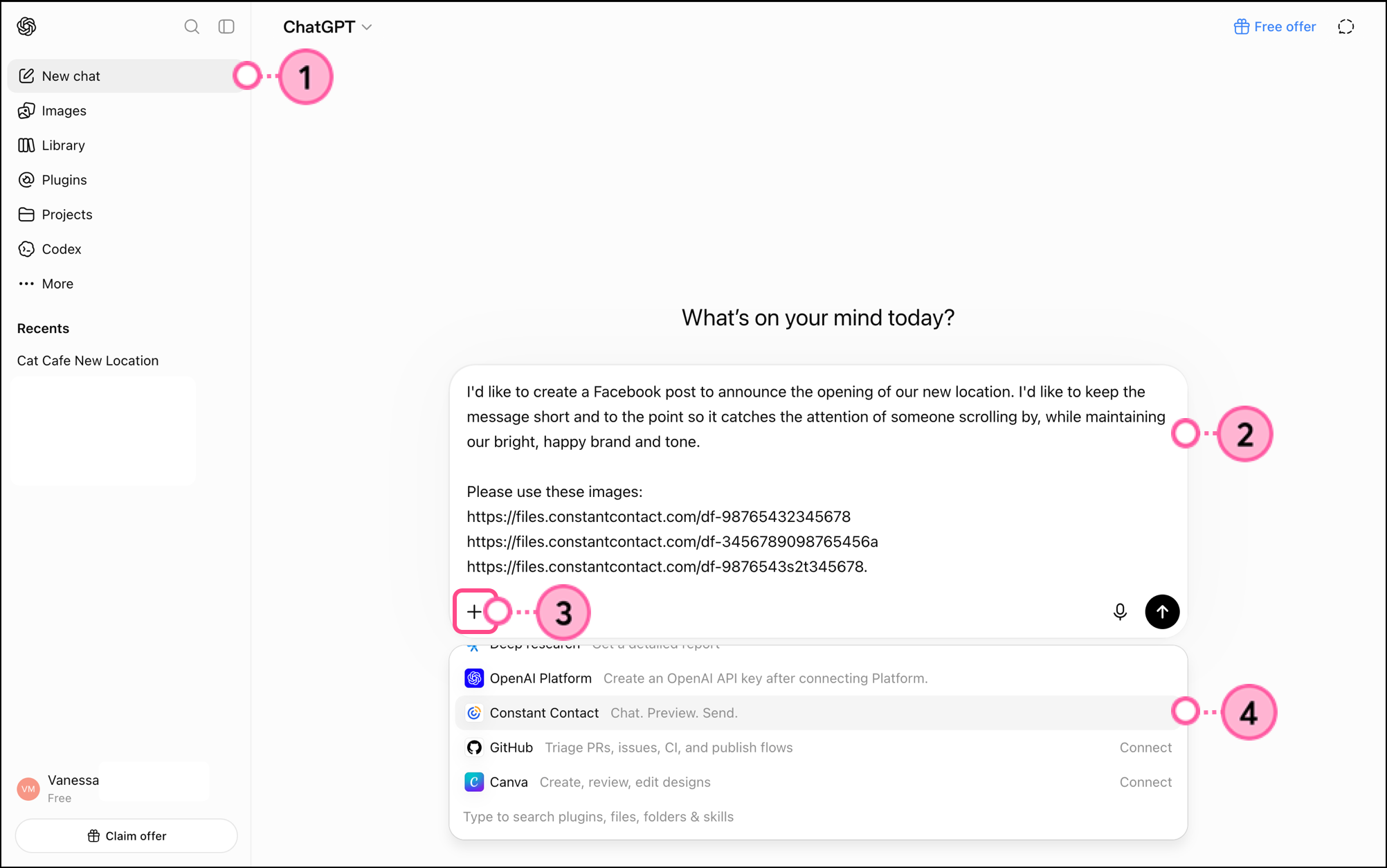
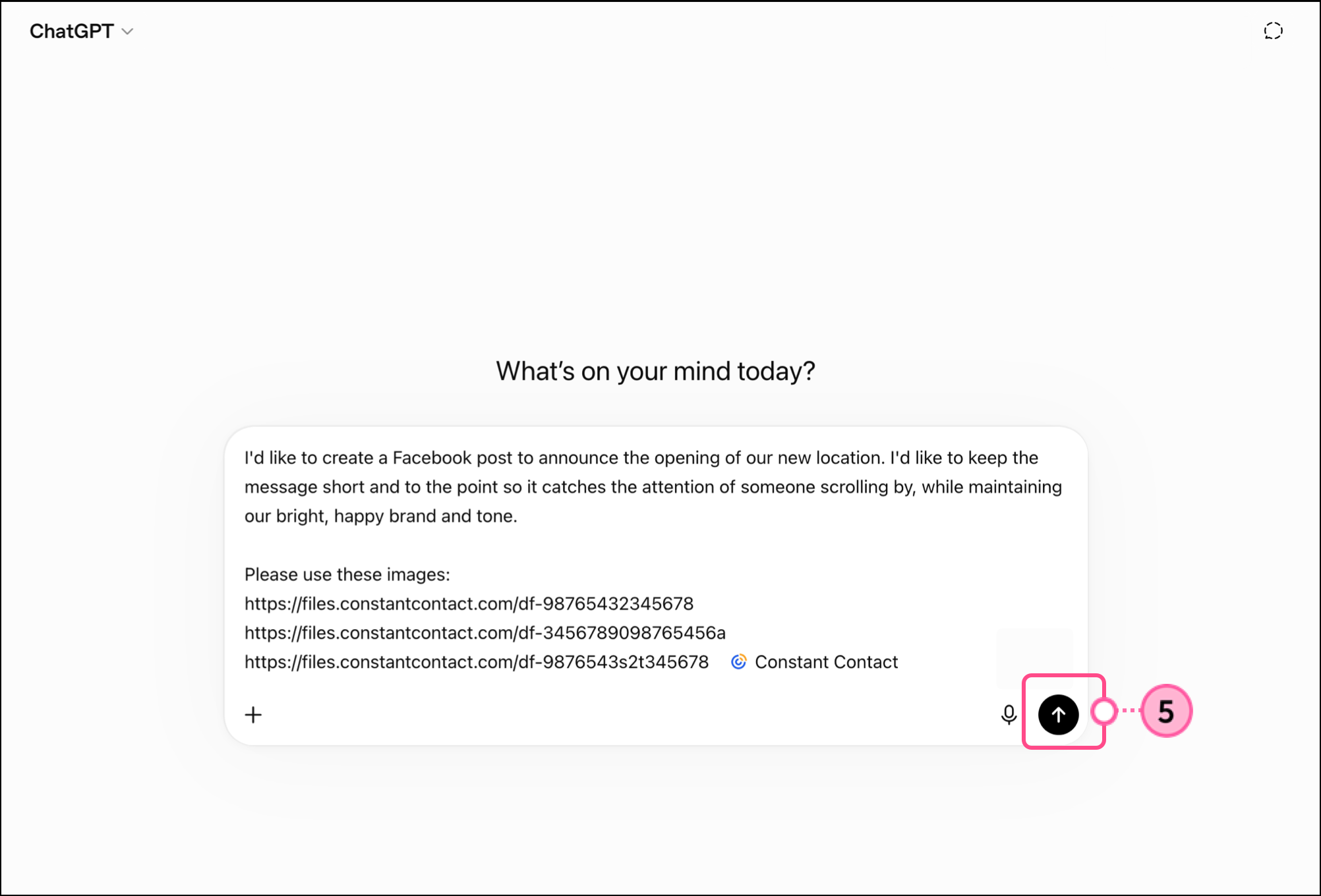
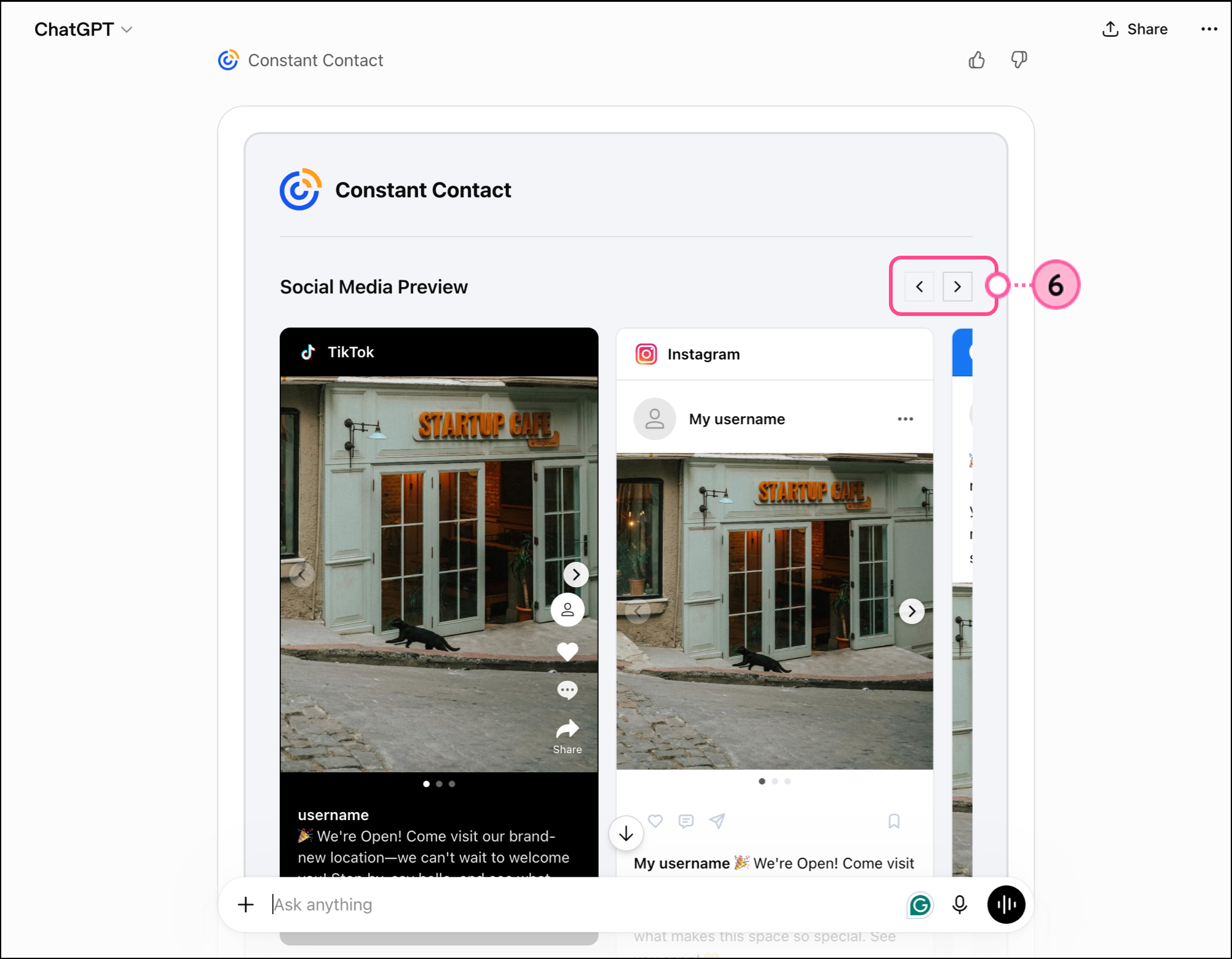
To generate a social post using the Constant Contact ChatGPT app, start by describing your business and the primary goal of your post. Briefly mention who the audience is and what’s important to them (are they previous customers, new customers, churning customers, etc.). Explain what you want the post to communicate or what you want the post to advertise. Finally, discuss the type of engagement you want from your audience — do you want viewers to like, click, comment, or share?
Be sure to include links to any image files or videos (hosted in your Constant Contact library or elsewhere) you would like to include.
Note: If you haven't used the Constant Contact app in over 30 days and you're experiencing problems generating live previews, try removing it and then reinstalling it.
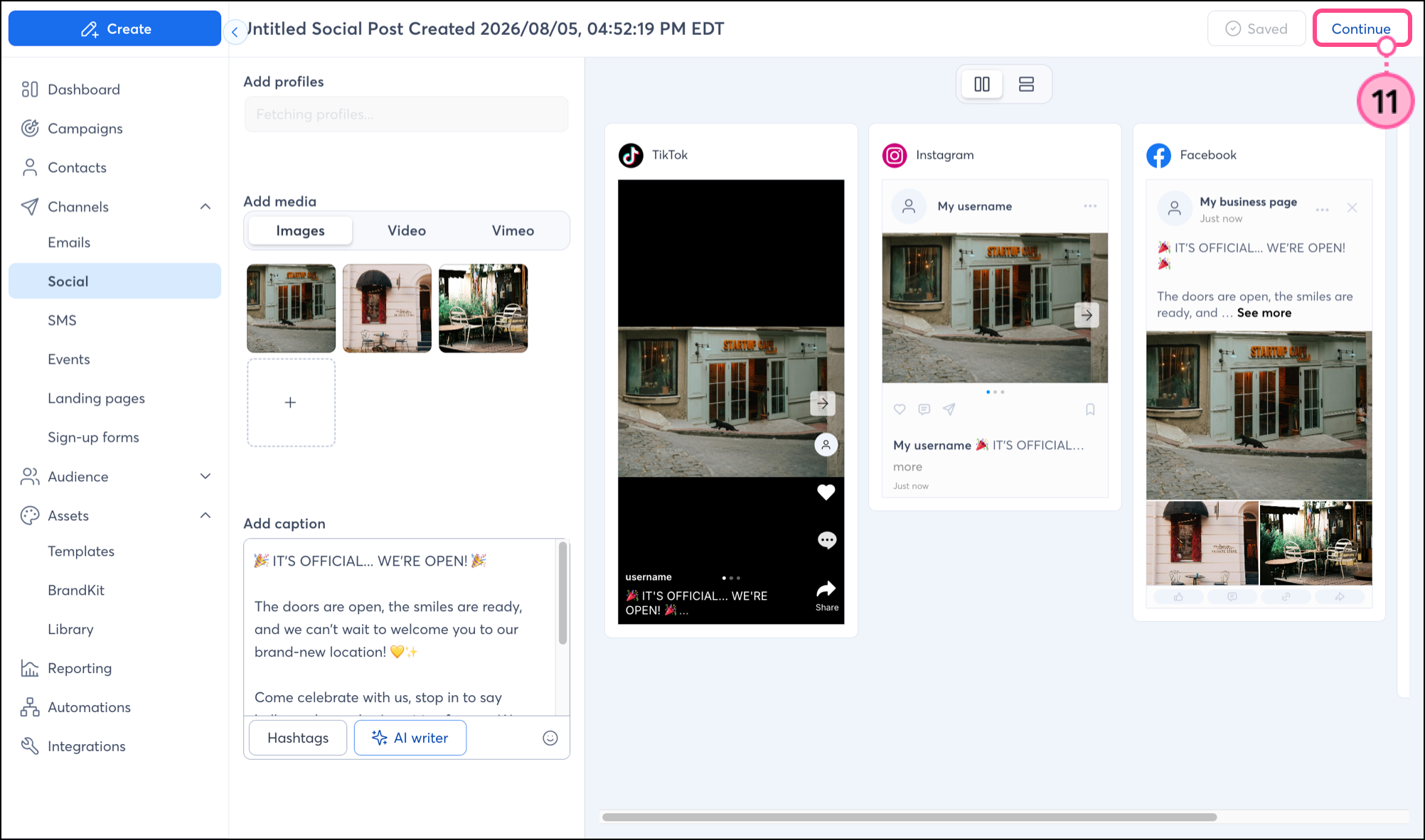
Read Create a Social Post and schedule it to publish on social media to learn more about scheduling social posts in Constant Contact.
Any links we provide from non-Constant Contact sites or information about non-Constant Contact products or services are provided as a courtesy and should not be construed as an endorsement by Constant Contact.
Copyright © 2026 · All Rights Reserved · Constant Contact · Privacy Center