Using your existing accounts to log into your Constant Contact account means one less password to remember. On the Constant Contact login page, you can log in with your Constant Contact username and password or with your Apple, Google, or Facebook username and password.
To log into your Constant Contact account with Google, Apple, or Facebook, visit our login page and click on the profile of your choice to enter your username and password.
Note: Using Google, Apple, or Facebook login credentials doesn't change your original Constant Contact credentials, so you can go back to using them at any time.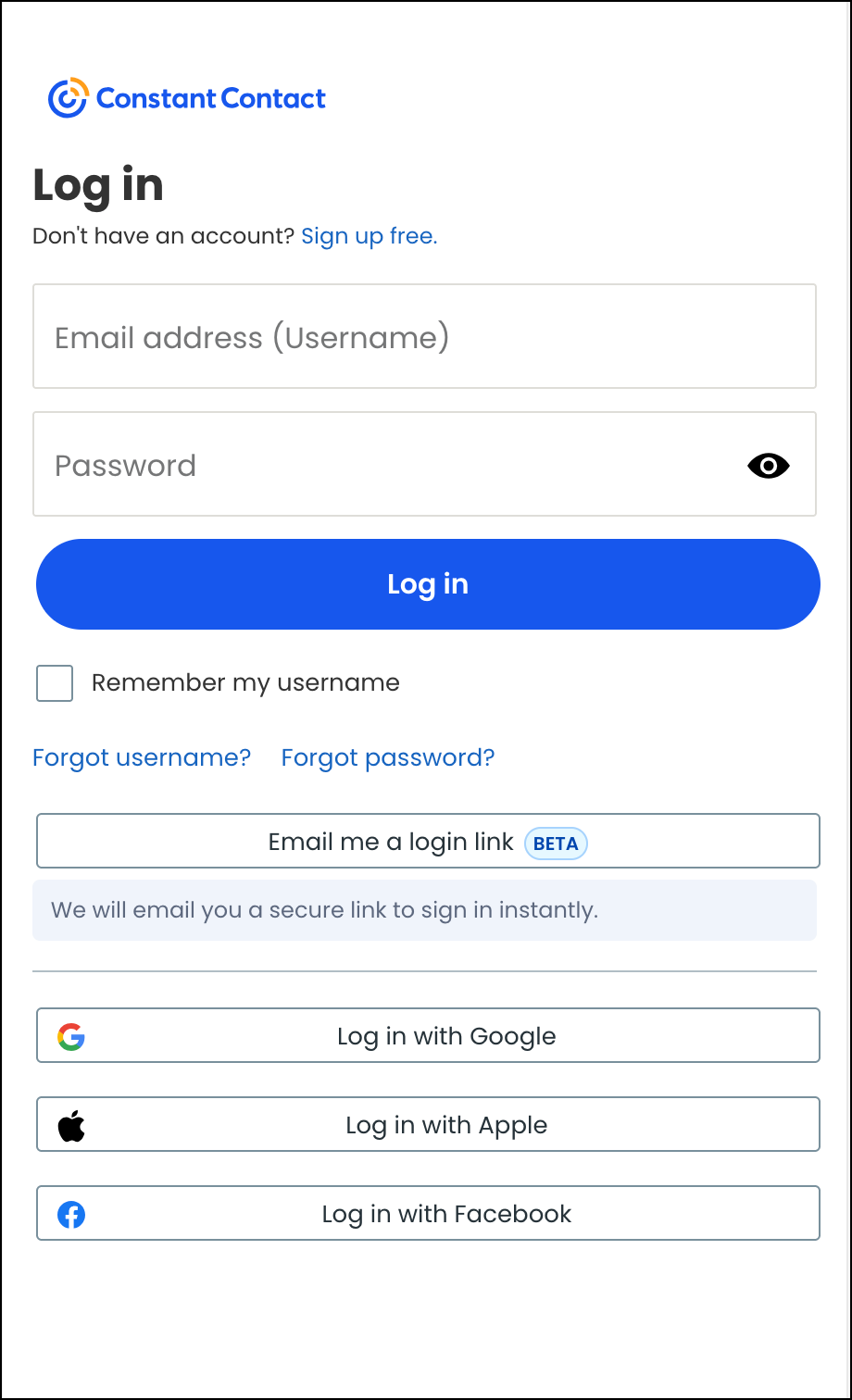
The first time you use your Google, Apple, or Facebook account, you'll need to connect that login to your Constant Contact credentials.
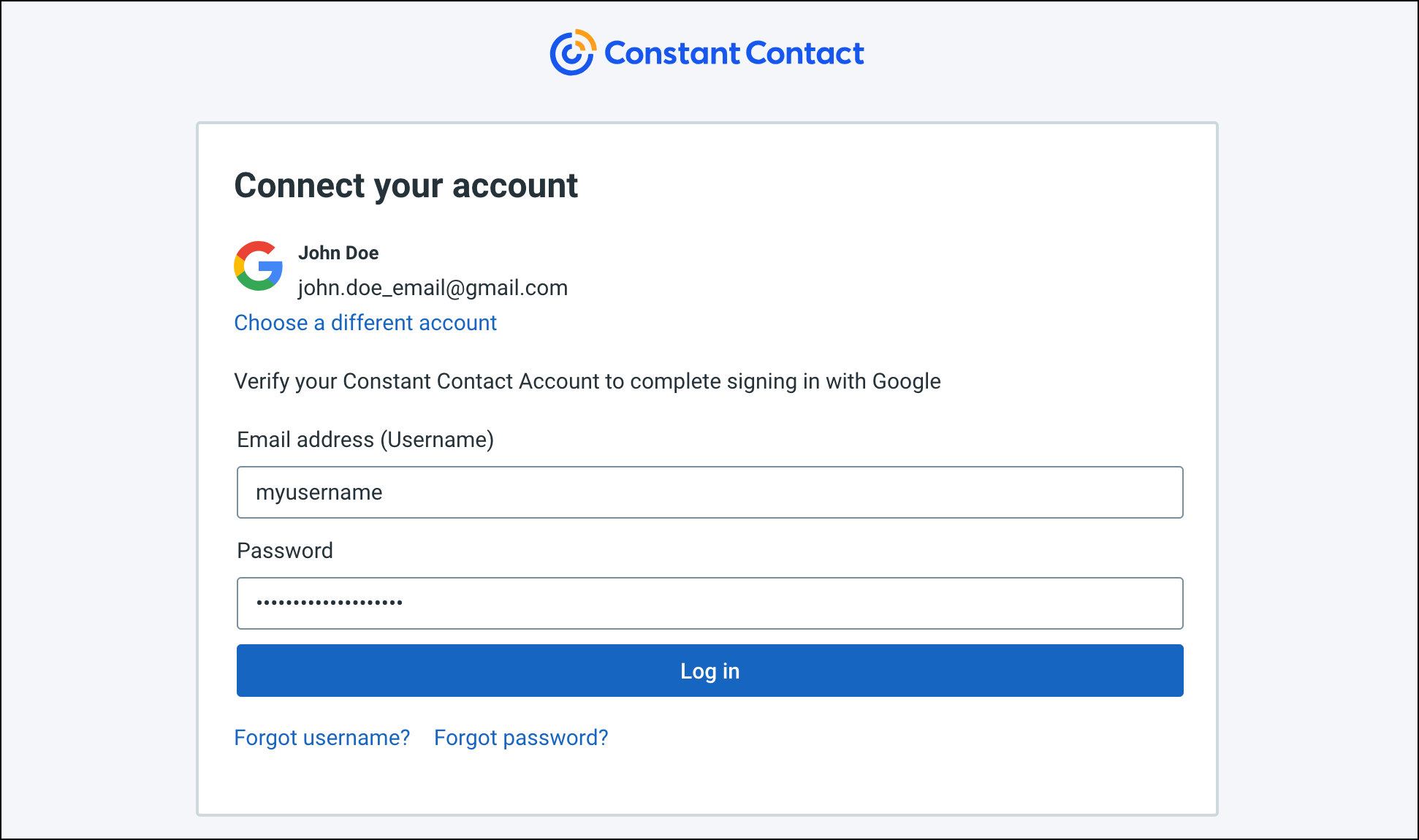
If you forget your Google, Apple, or Facebook username or password, you have to go through their password reset process. Please see Google Support, Apple Support, or Facebook Support for more information.
If you've been using a Google, Apple, or Facebook login for a while and can't remember your original Constant Contact password, you can reset it through Constant Contact.
Multi-Factor Authentication is required for all Constant Contact accounts that log in directly through Constant Contact. When you attempt to log in to your account from a new or unrecognized device, MFA requires a secondary factor to verify your identity, such as a push notification on your mobile device or a code sent via text message or phone call. You won't be required to enter your secondary factor every time you log in.
However, to enable MFA when you log in via Google, Apple, or Facebook, you must enable Google 2-step verification, Apple two-factor authentication, or Facebook two-factor authentication.
There are times you need your original Constant Contact username and password to make changes in your account. If you log in through Google, Apple, or Facebook, you still need your original Constant Contact credentials to:
Logging in to Constant Contact with Facebook or Google does not automatically link your Constant Contact account to Facebook or Google for contact imports. You'll still need to complete the integration setup separately after you log in. Available integrations include:
Any links we provide from non-Constant Contact sites or information about non-Constant Contact products or services are provided as a courtesy and should not be construed as an endorsement by Constant Contact.
Copyright © 2026 · All Rights Reserved · Constant Contact · Privacy Center