Notes help you to share important information with your sales teams about a contact, an account, or an opportunity. Anyone with access to the record can view and leave notes on it. This article explains how to attach or remove files from notes.
 | Tip: Are you looking for information about Constant Contact’s Email and Digital Marketing product? This article is for Constant Contact’s Lead Gen & CRM product. Head on over to the Email and Digital Marketing articles by clicking here. Not sure what the difference is? Read this article. |
| Administrators | ✓ | |
| Company Managers | ✓ | |
| Marketing Managers | ||
| Sales Managers | ✓ | |
| Salespersons | ✓ | |
| Jr. Salespersons |
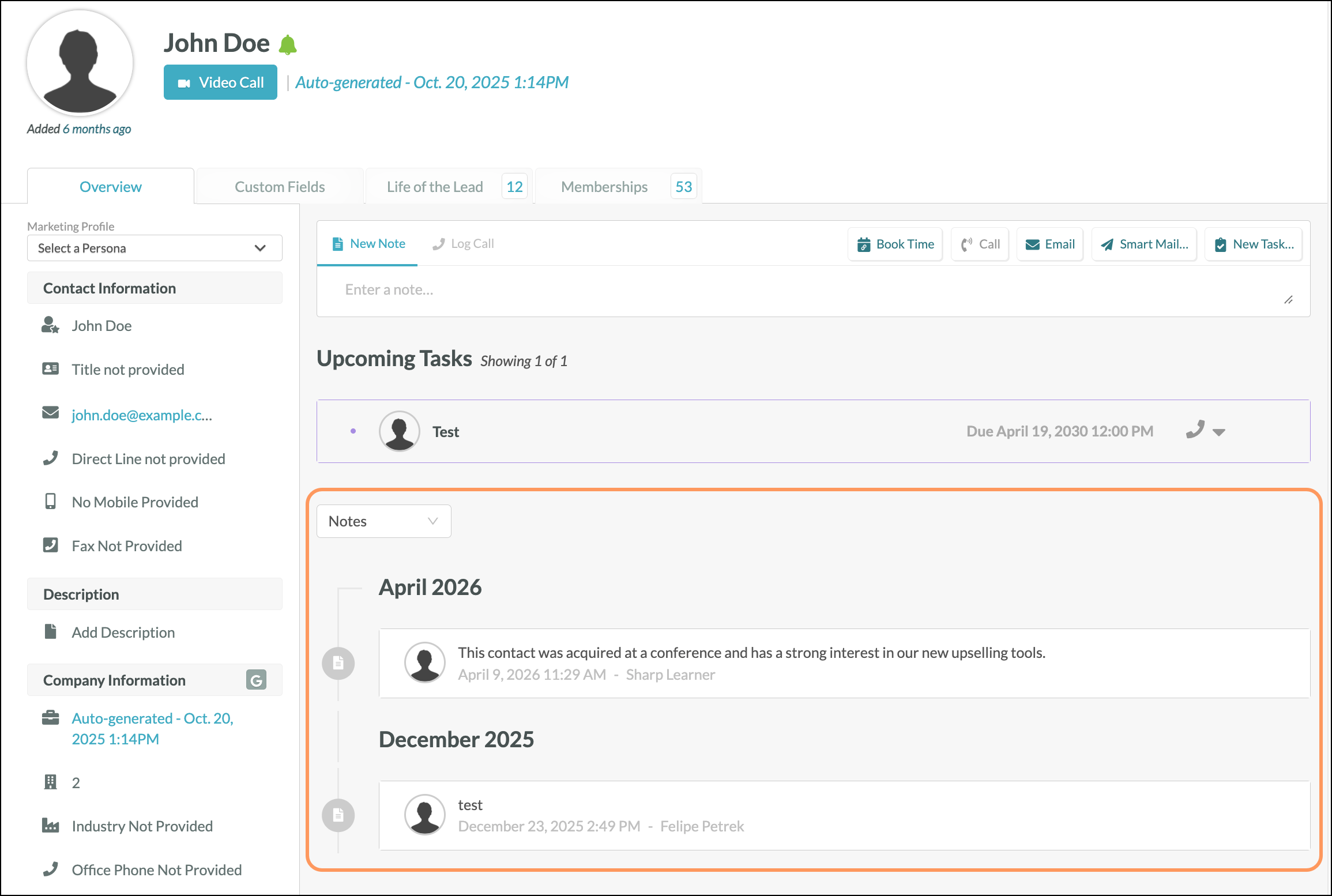
Notes left for a Contact are visible in the Overview tab. Scroll down to the Activity dropdown and select either All Activity or Notes to see notes left for the record. The most recent notes are immediately visible and are placed on a timeline. When you create a note, you can decide if you'd also like to add that note to an account or an opportunity.
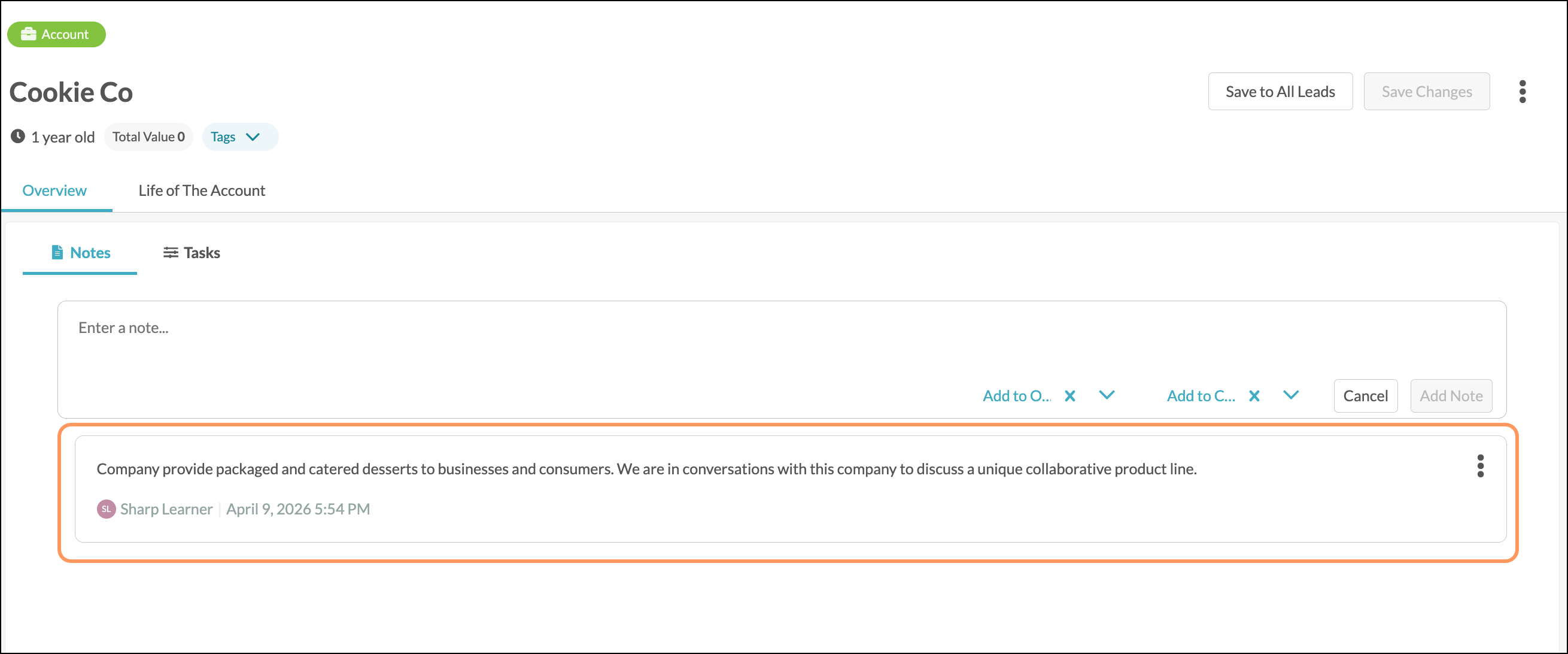
Notes left for an Account will be in the Notes tab. The most recent notes are immediately visible; however, you can click “View More Notes” to see all notes left for the account. You can modify notes by clicking the settings icon and selecting Pin, Edit, or Delete. When you create a note, you can decide if you'd also like to add that note to a contact or an opportunity.
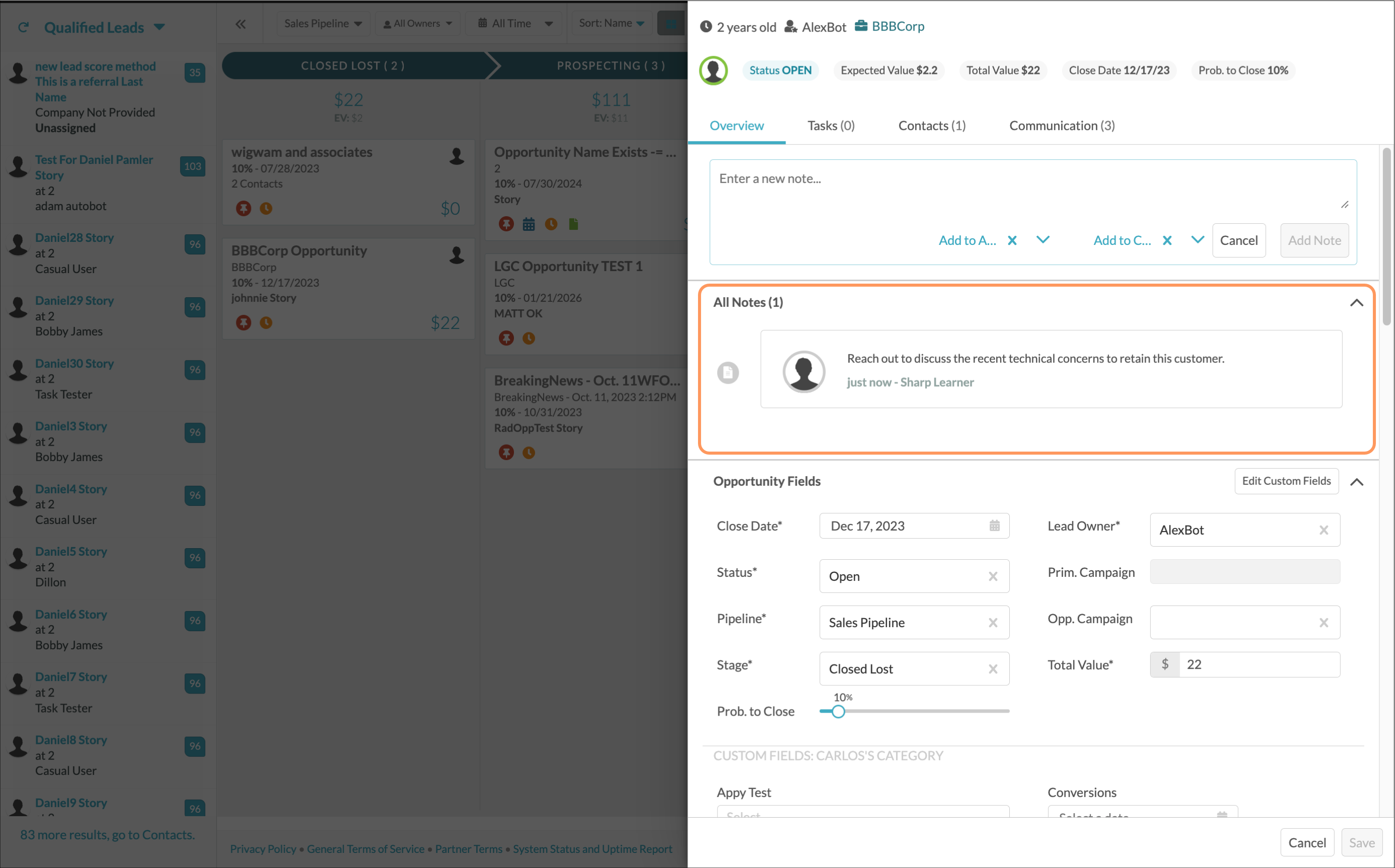
Notes left for an Opportunity can be found in the Overview tab. Click the All Notes arrow to hide or expand the Notes section and, if applicable, click Load More to see all of the notes left for the opportunity. When you create a note, you can decide if you'd also like to add that note to a contact or an account.
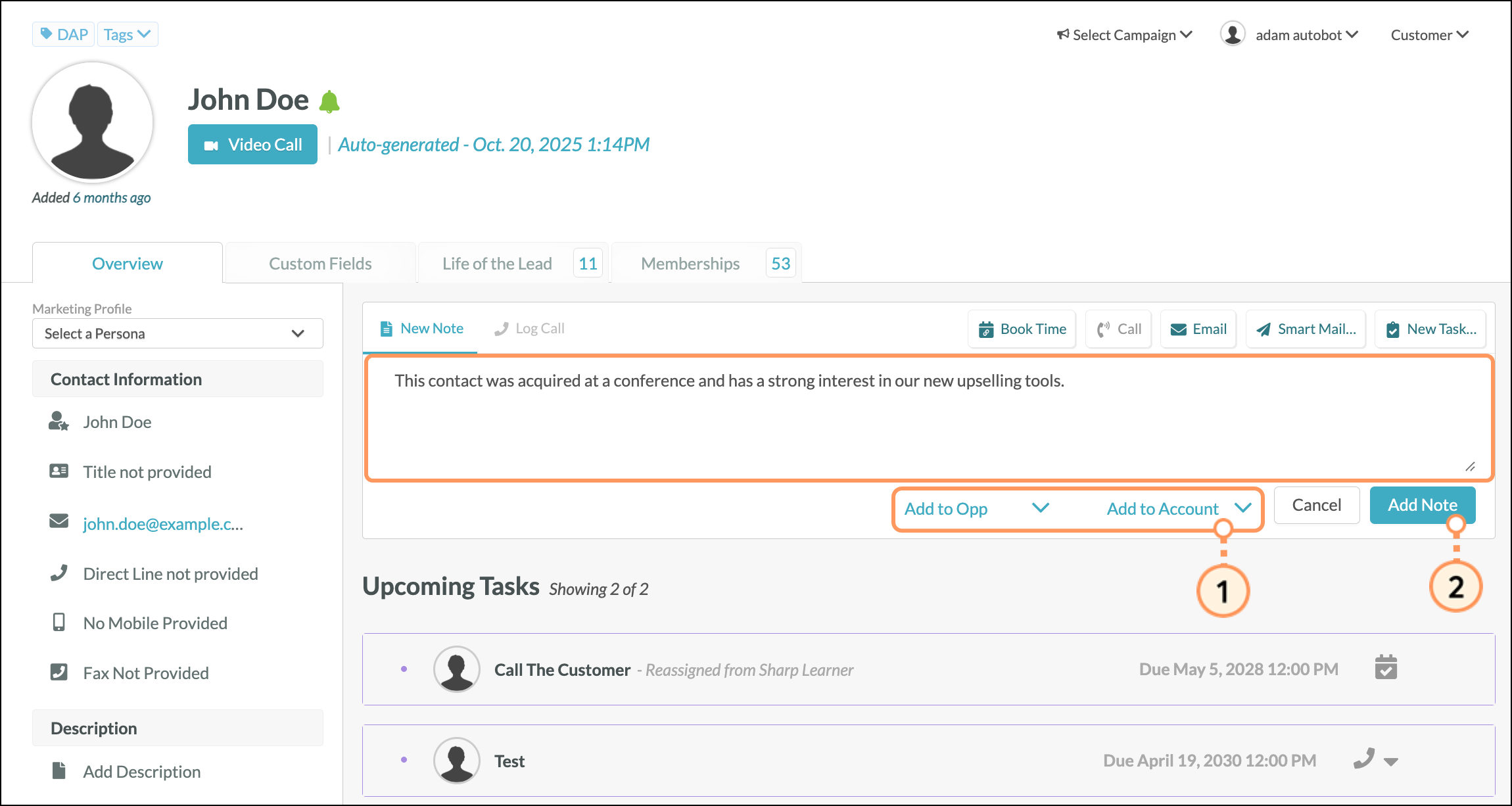
After the note is created, you can choose to attach a file. Only 1 attachment can be added per note.
Notes: All user roles can modify the notes in any account, even if the user making the changes is not assigned to the account. This includes attaching files, pinning, editing, or deleting a note.
To add a file to a note in contacts, accounts, or opportunities, do the following:
 Settings icon appears, then select Attach.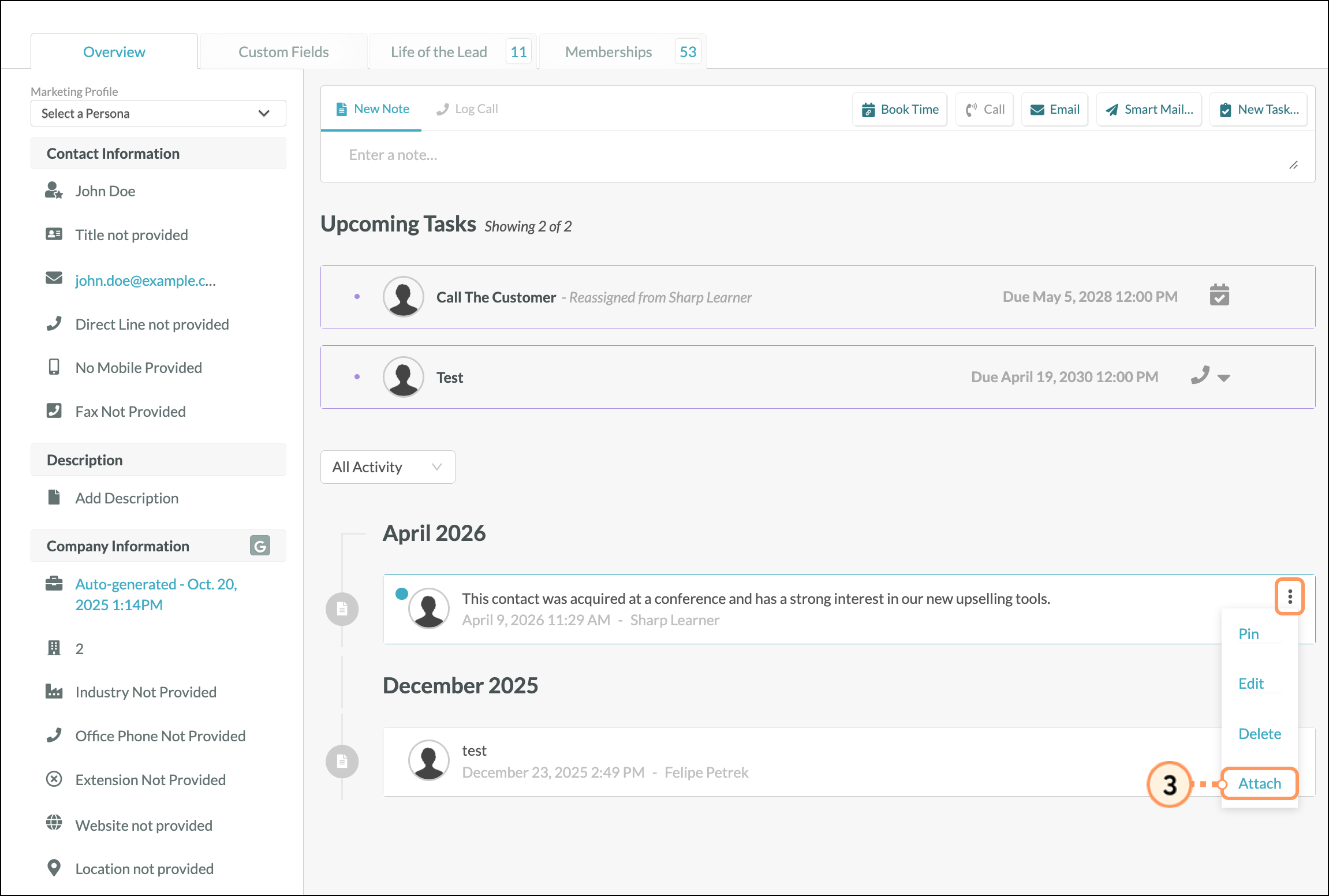
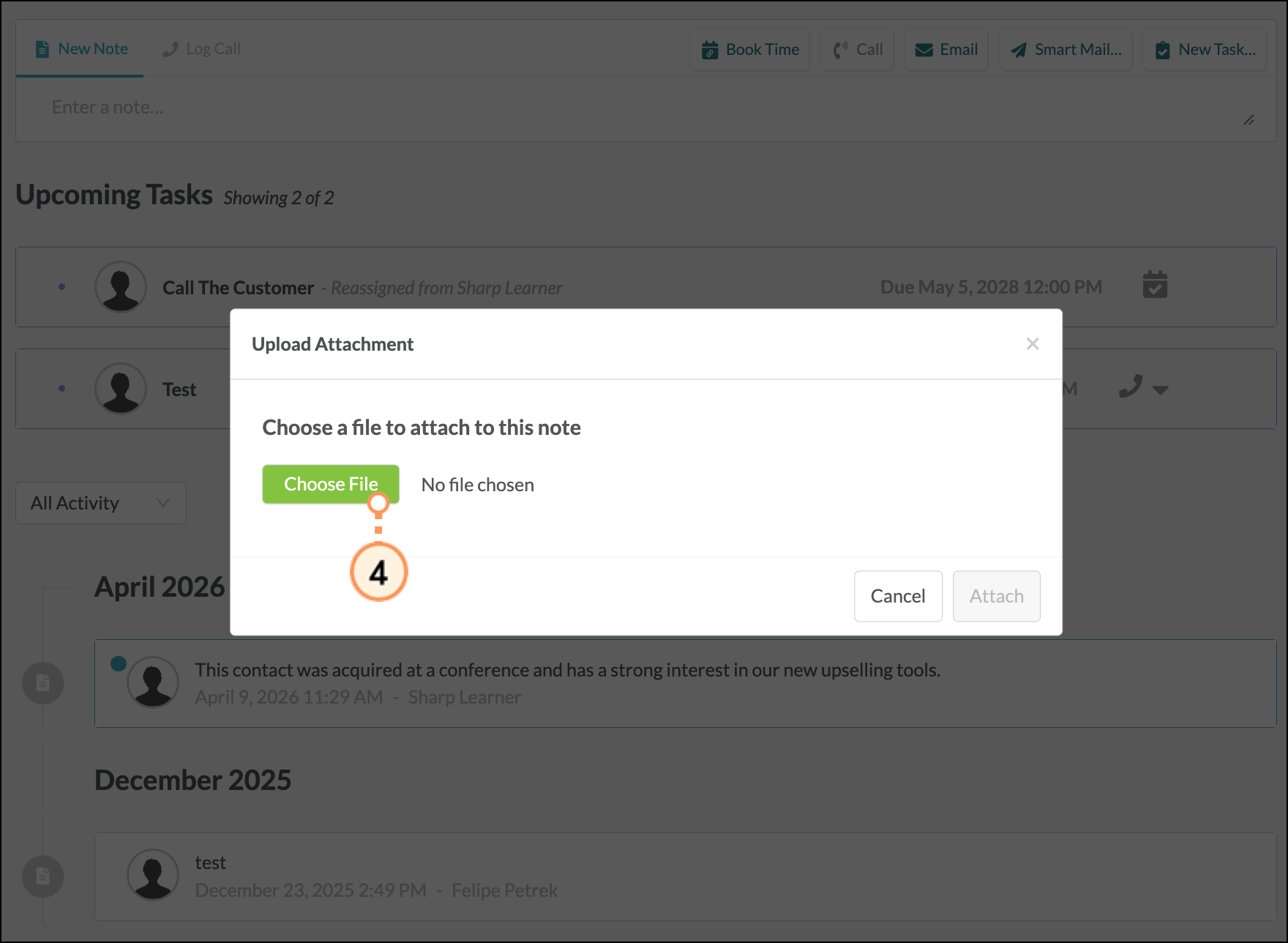
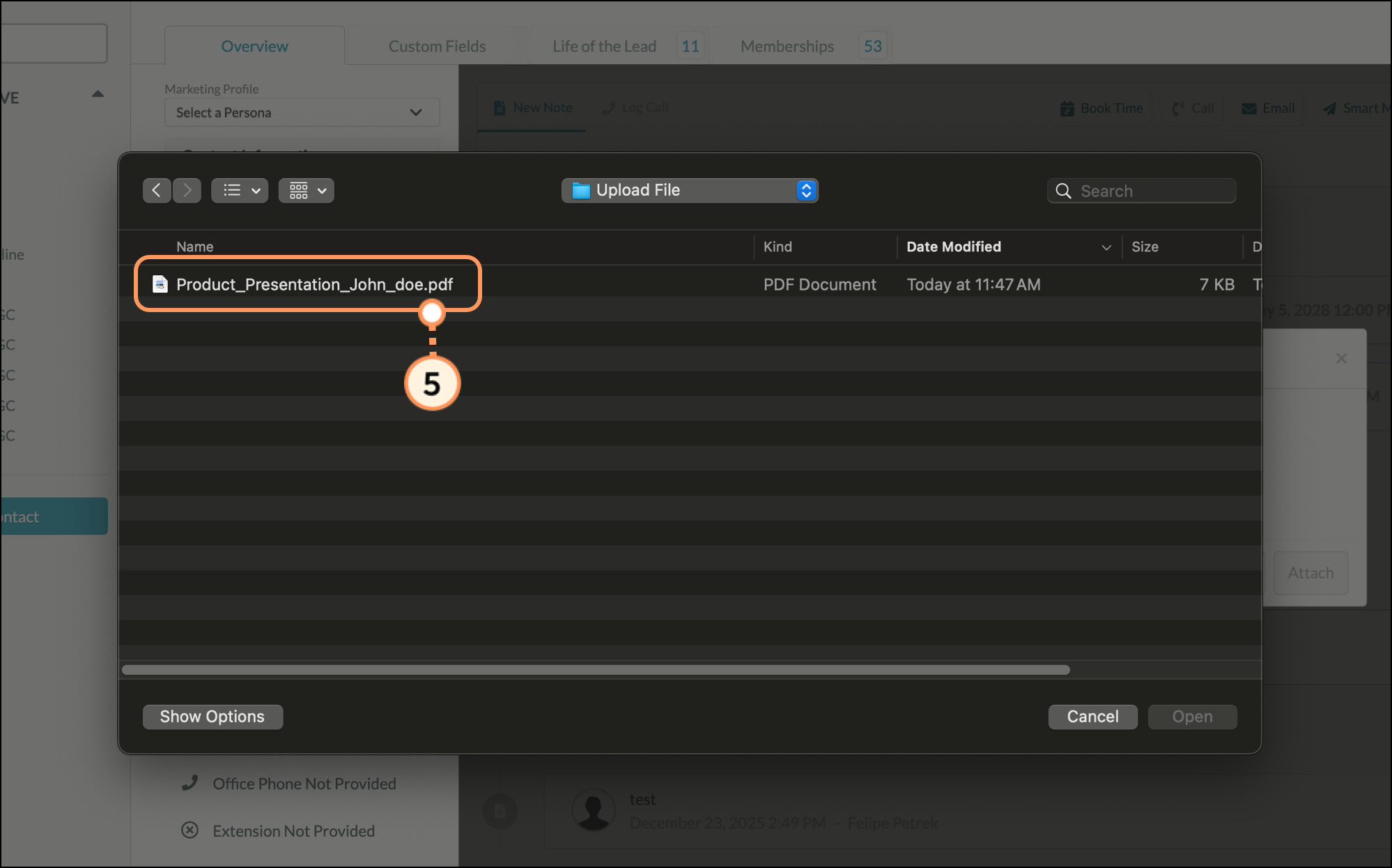
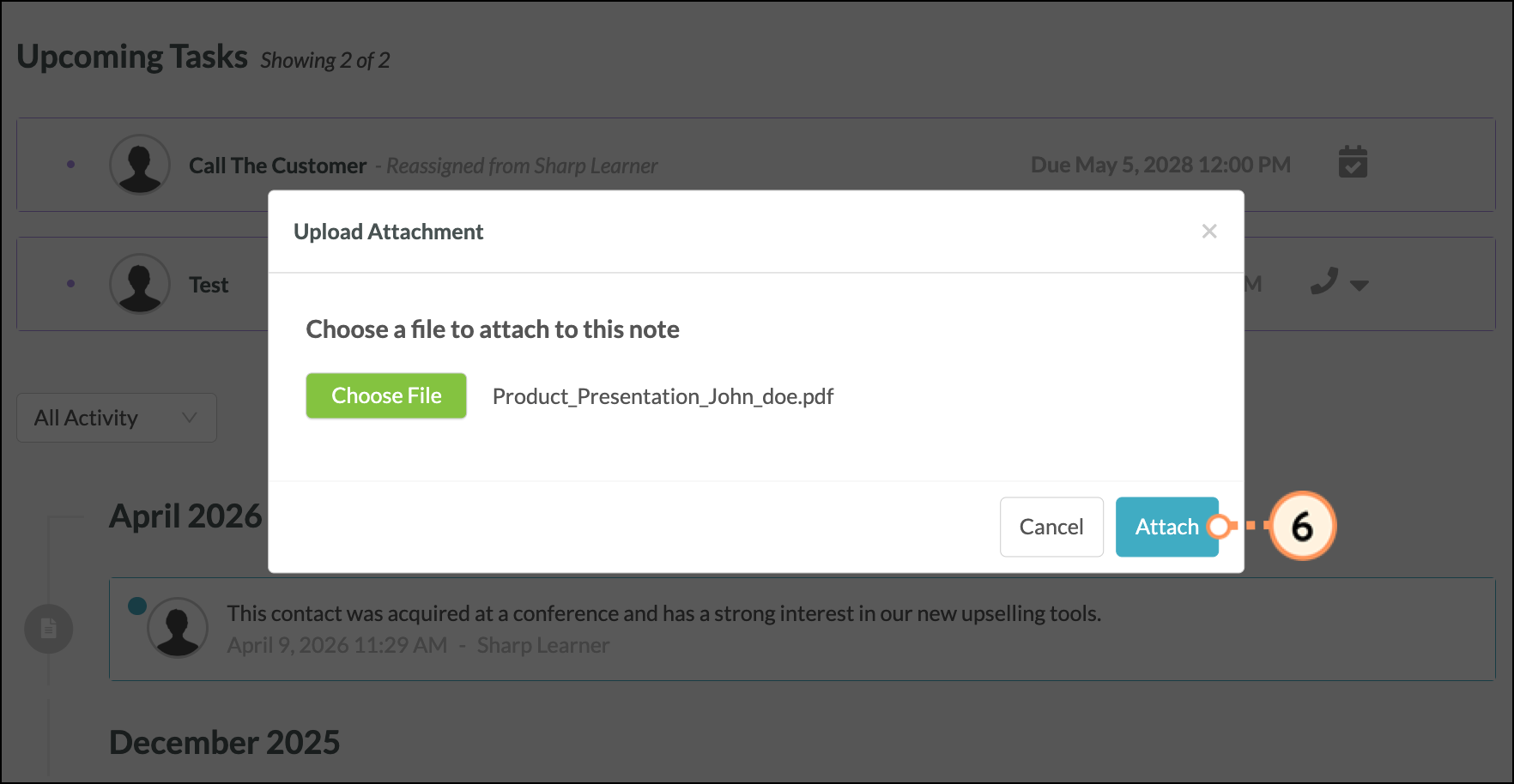
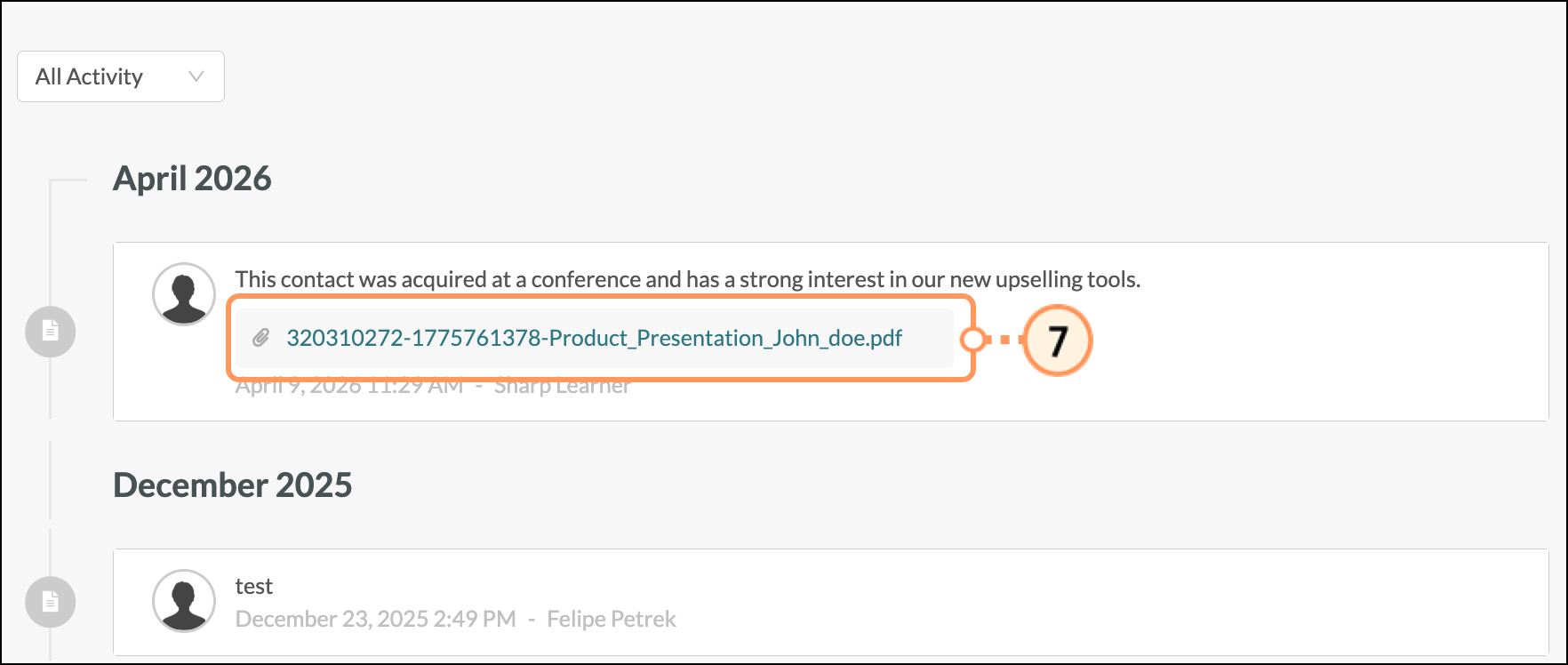
To delete an attachment from a note:
 Close icon appears, and then click it.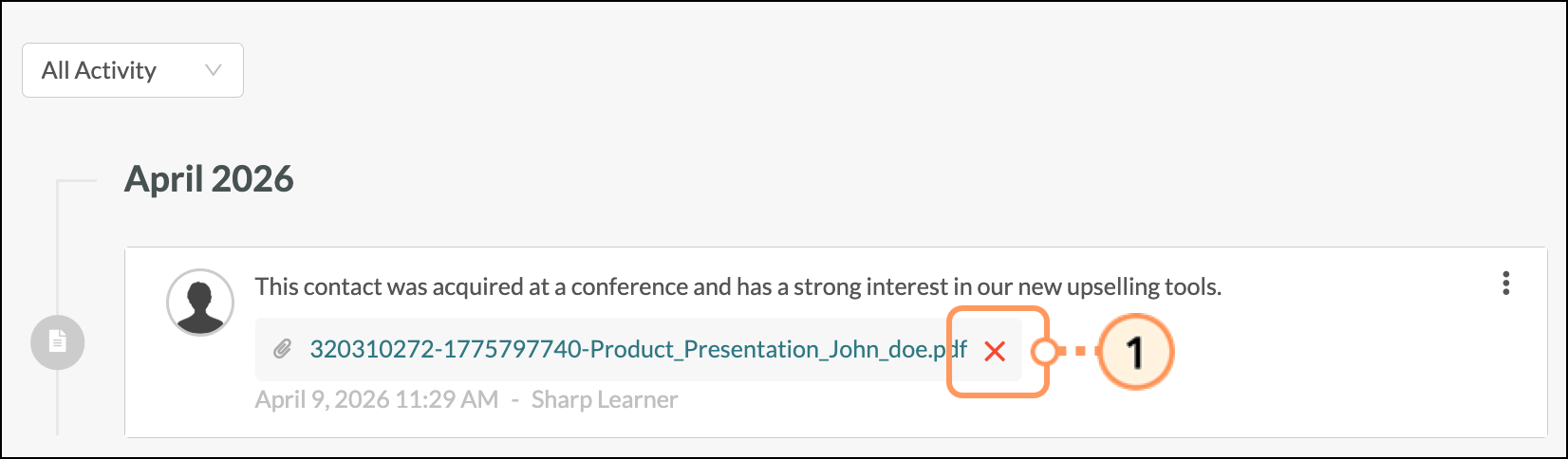
 Question Mark icon to confirm the removal.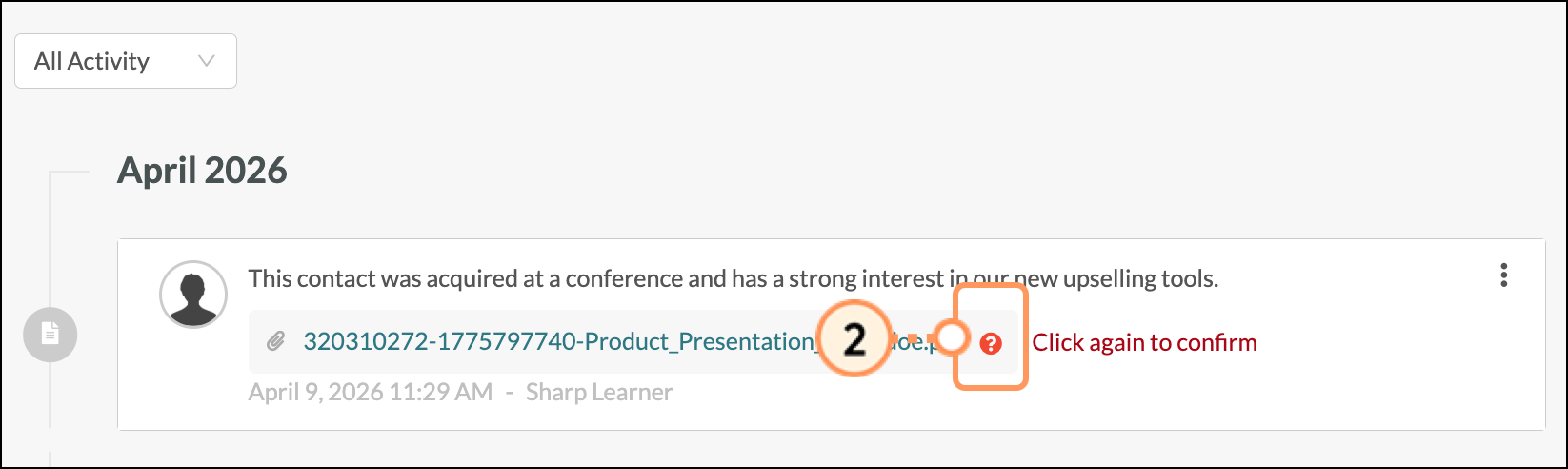
Copyright © 2026 · All Rights Reserved · Constant Contact · Privacy Center