Constant Contact has announced the launch of Lead Gen & CRM, which replaces the SharpSpring name and brand. Constant Contact acquired SharpSpring in 2021, and the application has since been updated with new branding and features.
The name “SharpSpring” will continue to appear in certain areas of the Lead Gen & CRM application, including the billing section, within API code, the Knowledge Base, third-party integrations, and various other areas. Going forward, these instances of the old branding will be updated with Constant Contact branding.
Access to your application will not change during this transition, and current functionality will not be affected.
Lead Gen & CRM will continue to be developed by Constant Contact, with new features and functionality releasing incrementally, so stay tuned!
So, what’s the difference between Constant Contact's Lead Gen & CRM offering and Constant Contact’s Email and Digital Marketing product? We’ll tell you!
Both platforms offer email editors that help you launch your email campaigns, and both platforms include data analytics that help you track the success of your campaigns.
However, the Lead Gen & CRM platform is perfect for Sales teams that need to track sales, create and close accounts, build sales pipelines, and manage sales teams with tasks and deadlines.
The Email and Digital Marketing platform is perfect for the marketing professional who needs to create and run SMS campaigns, import lists from CSV files or from over 300 platform integrations, and leverage social media to grow those lists.
Lead Gen & CRM
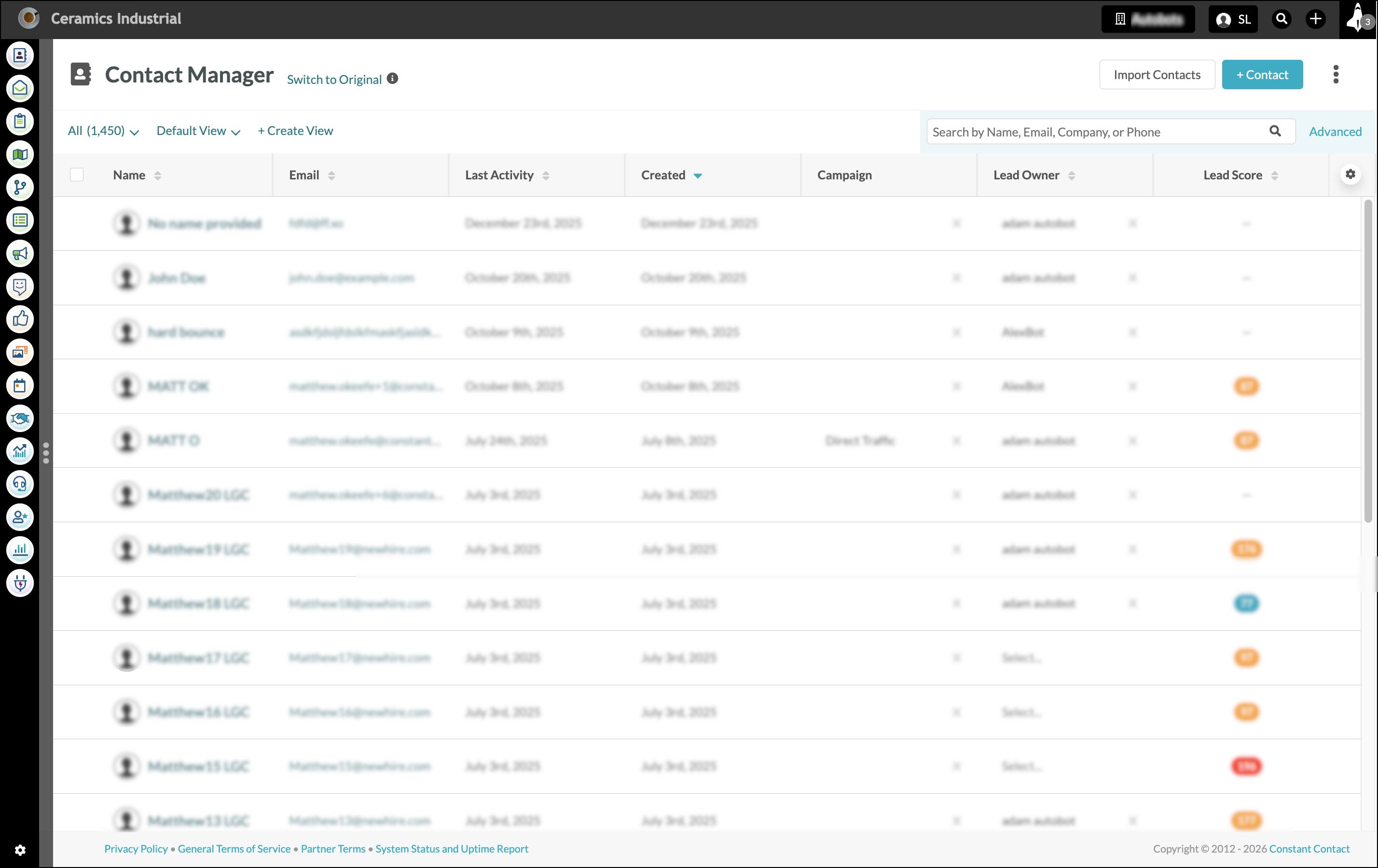
Lead Gen & CRM contains a navigation menu that expands and collapses, with each section marked by identifiable icons. Your logo will be in the top left, and Launchpad, the tool that manages tasks and gives you a quick overview of your account activity, will be in the top right corner.
Email and Digital Marketing
Email and Digital Marketing includes a navigation menu on the left side of the page that collapses and expands, intuitively organized to help you navigate your marketing and campaign tools. Your account settings and the AI Assistant, helping you jumpstart your emails, campaigns, and social posts, will be in the top right.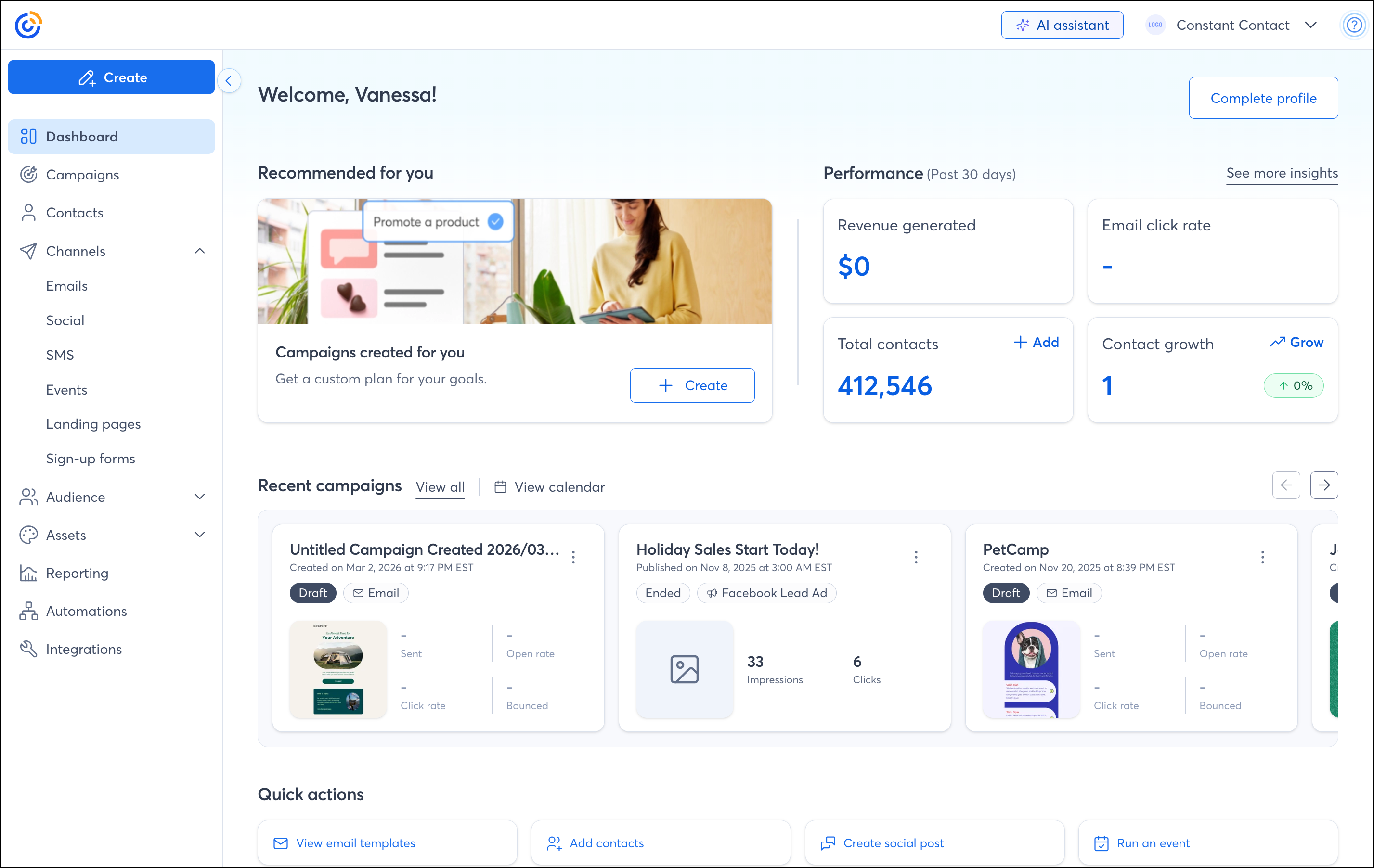
| Lead Gen & CRM Offers: | Email & Digital Marketing Offers: |
|
|
| Explore Lead Gen & CRM |
Explore Email & Digital Marketing |
 | Stay up to date: Take a look at our Release Notes for Lead Gen & CRM to learn about the latest updates to the platform. |
Copyright © 2026 · All Rights Reserved · Constant Contact · Privacy Center