Resending an email saves you time by letting you reuse the content you've already created. There are several options available to you, depending on who you want to resend the email to. For example, some of the options allow you to send the exact same email to a different list of contacts or individual contacts across various lists. In other cases, you'll want to copy the email, make slight edits, and resend it to the original audience.
Have new contacts joined your list after you already sent your email? Or do you have a list that was left off the original send? The Resend option is your answer. You can choose to send an already sent email to contacts who didn't receive the original.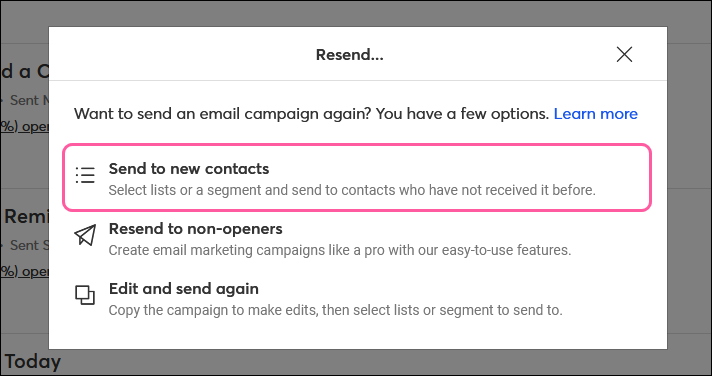
Use this option if you want to:
Learn more about how to resend your email to contacts who didn't receive the original.
Let's say you've heard from one of your contacts that they didn’t receive your latest email, or you just added a few new contacts who are interested in information you recently sent out. You can resend an email you've already sent to an individual contact, or up to 5,000 contacts across different lists. 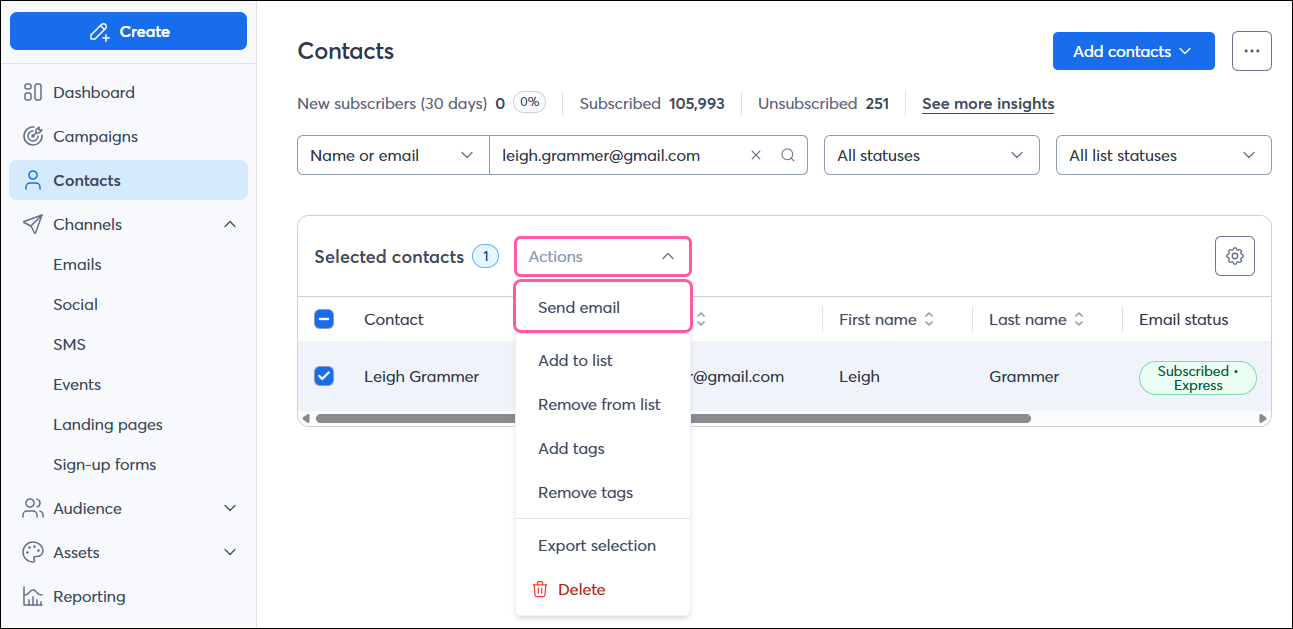
Use this option if you want to:
Learn more about using this option to resend your email.
Information moves quickly, and sometimes it can change right after you hit "Send." If you need to send a correction or if you'd simply like to update the content of a sent email, you can make a copy of the email to make any edits and choose who you want to send it to.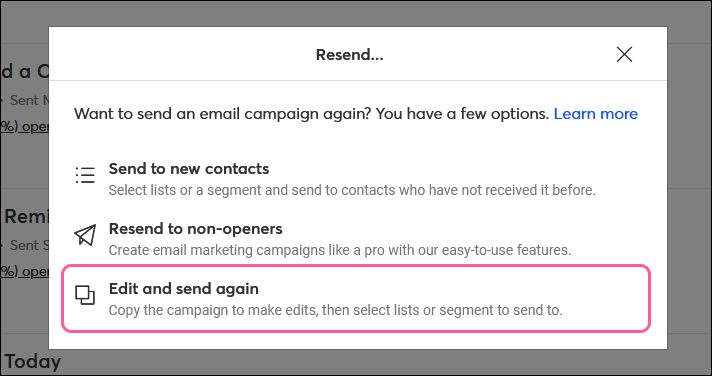
Use this option if you want to:
Learn more about how to copy an email to resend it.
Contacts don't open your emails for a variety of reasons—your subject line may not appeal to them or it might have landed in their inbox at a time when they were least likely to see it. Luckily, you have the option to trigger your email to automatically resend without having to figure out which contacts didn't open it. By selecting this option when scheduling your original email, it will automatically resend on a specific date and time, set by you, to non-openers.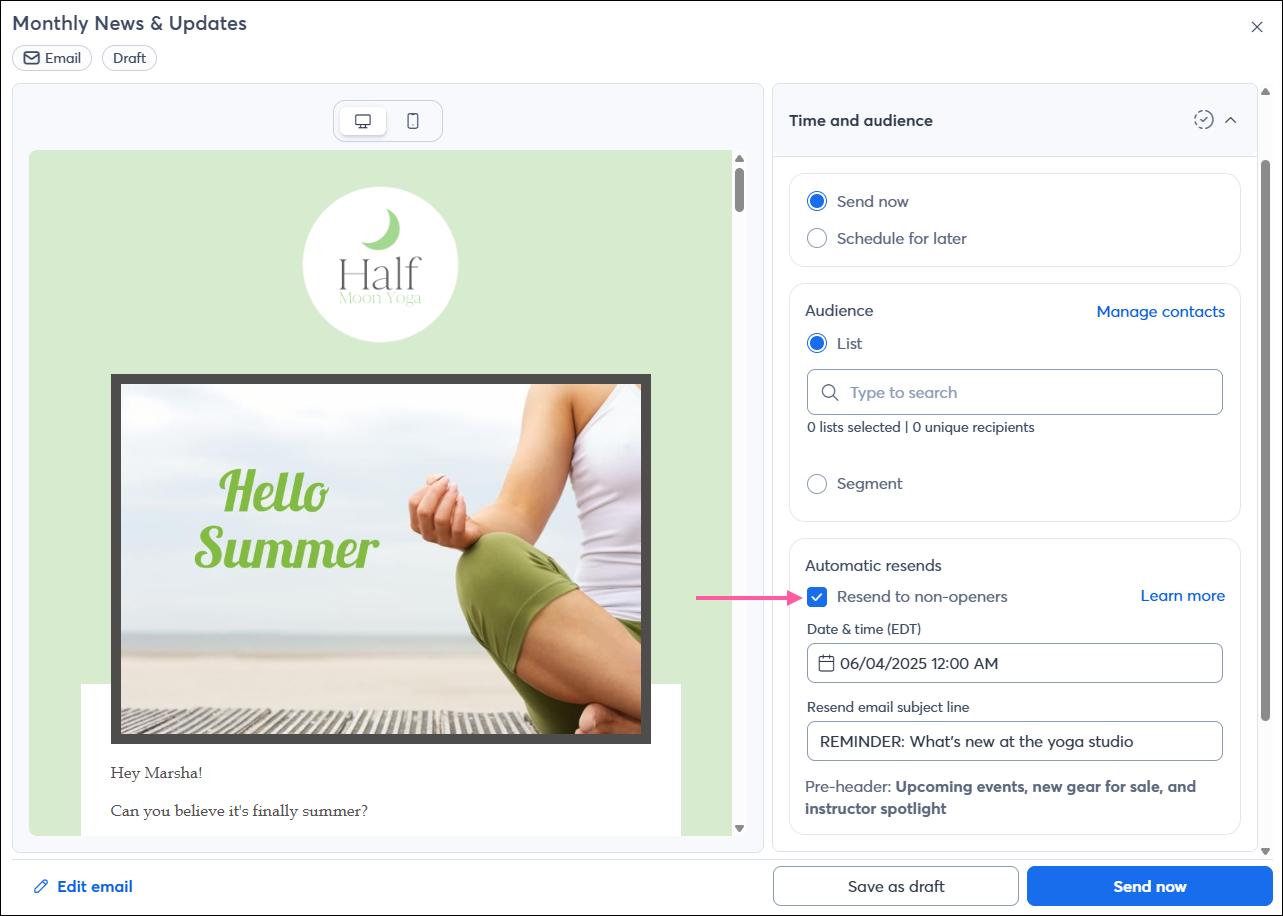
Use this option if you want to:
Learn more about scheduling your email to automatically resend to non-openers.
If you didn’t set your email to automatically resend to non-openers before it was sent, you have the opportunity to manually resend the campaign to non-openers after it's been sent.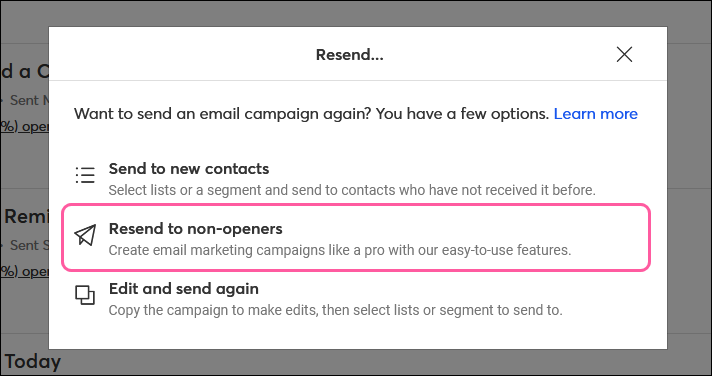
Use this option if you want to:
Learn more about how to manually resend your email to non-openers.
Copyright © 2026 · All Rights Reserved · Constant Contact · Privacy Center