Each time you log in to your Constant Contact account, you're brought to your Org dashboard—it has everything you need to:
Manage your profile
View performance
Learn about your exclusive tools
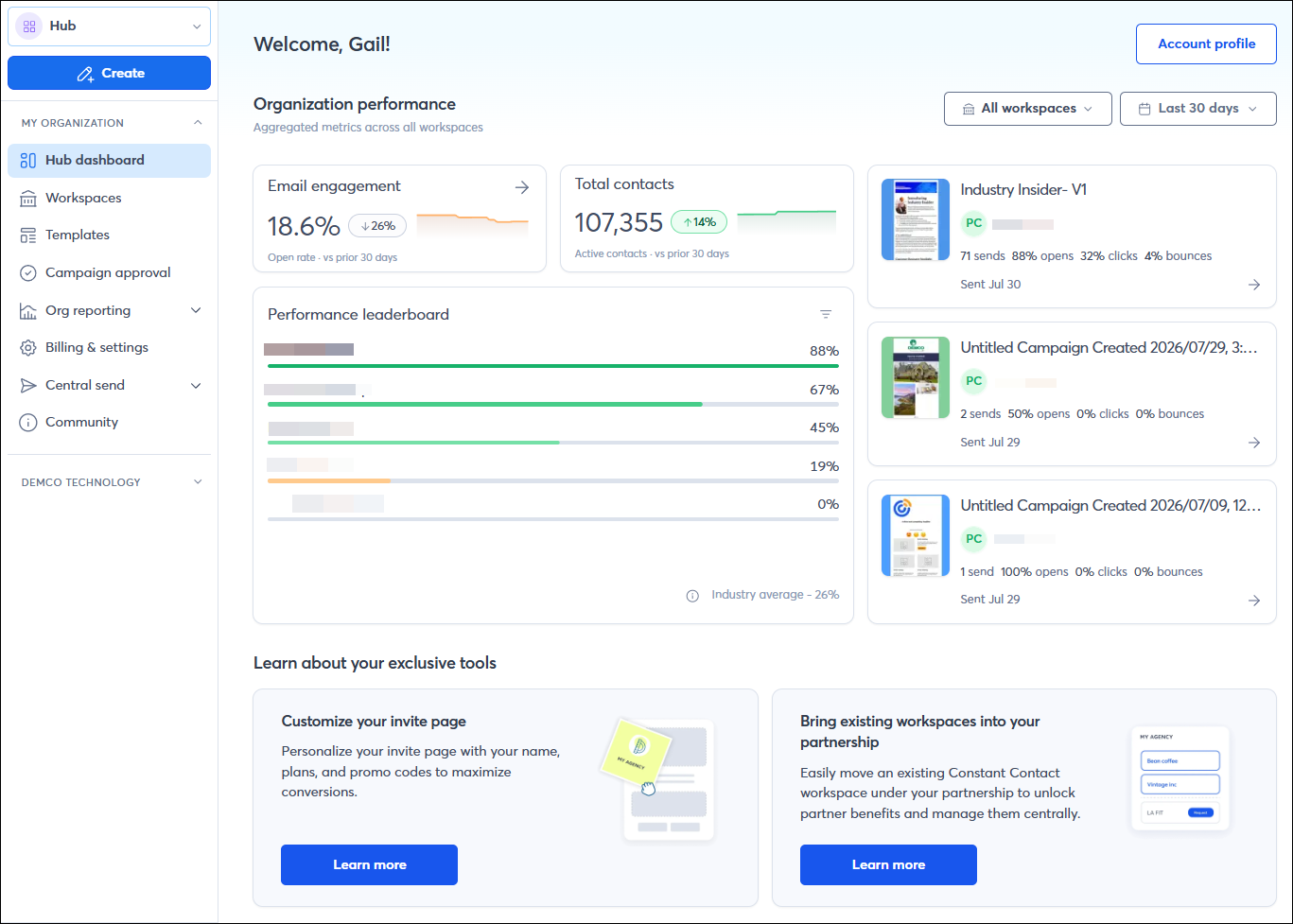
It's quick and easy to keep your organization's information up-to-date. Click the Account Profile button in the upper-right to update your organization's details, including the name, website, industry, physical address, and links to your social media profiles. You can also choose to verify a "From" email address.

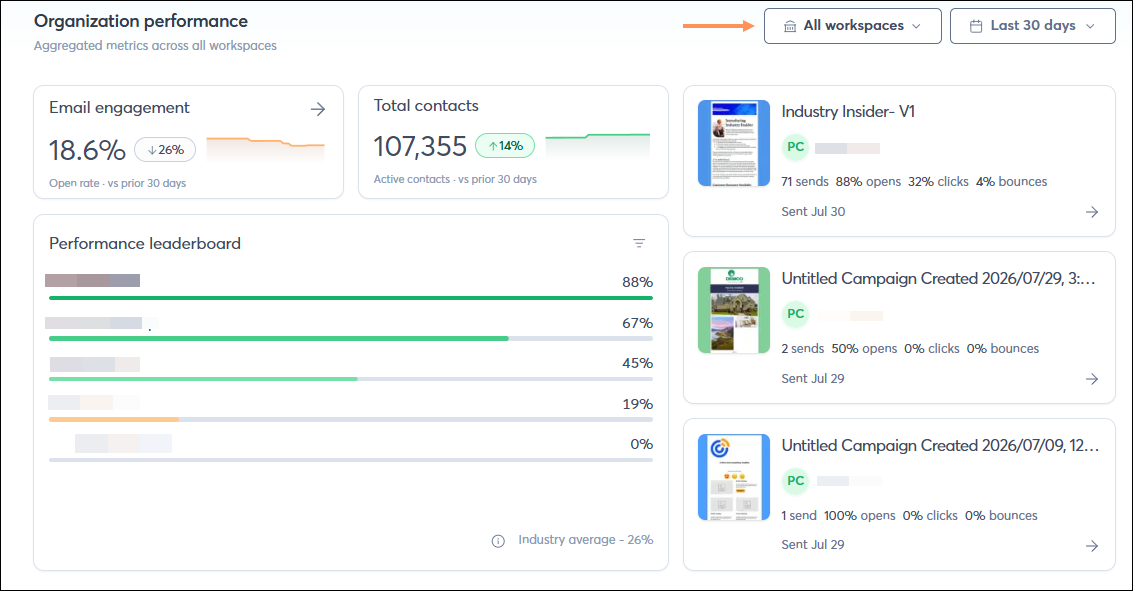
Analyze performance across all workspaces from a single, high-level view. Easily filter by workspace and custom date range.
Aggregated Email & Contact Metrics
On the dashboard, you'll find new visual tiles that show at-a-glance email engagement and audience growth across all workspaces, complete with trend lines and performance history.
Leaderboard
An additional feature on the dashboard is a comparison tool, allowing you to see, side-by-side, which workspaces or campaigns are performing best.
Recent Campaign Activity
See the most recently sent campaigns across your organization, which workspace sent each campaign, and how the campaign is performing. Click on the campaign to be brought to the campaign details page for deeper reporting.
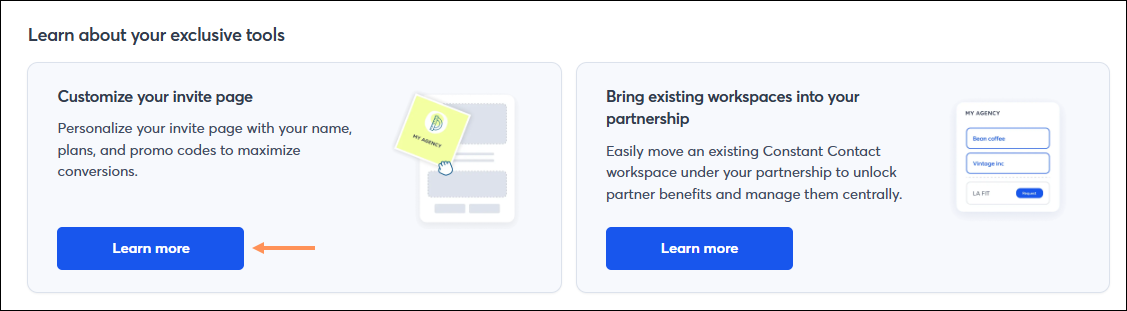
As a team/partner, you have tools to help you manage your team/partnership. We display the tools that match your unique needs. Just click the Learn more button!
Copyright © 2026 · All Rights Reserved · Constant Contact · Privacy Center