Whether you need help setting up your account, adding your contacts, creating your first email, or growing your contact list, we've got the resources to guide you!
If you need help with a particular topic, you can quickly jump right to the articles you need:
If you're more of a visual learner, here's our Getting Started video:
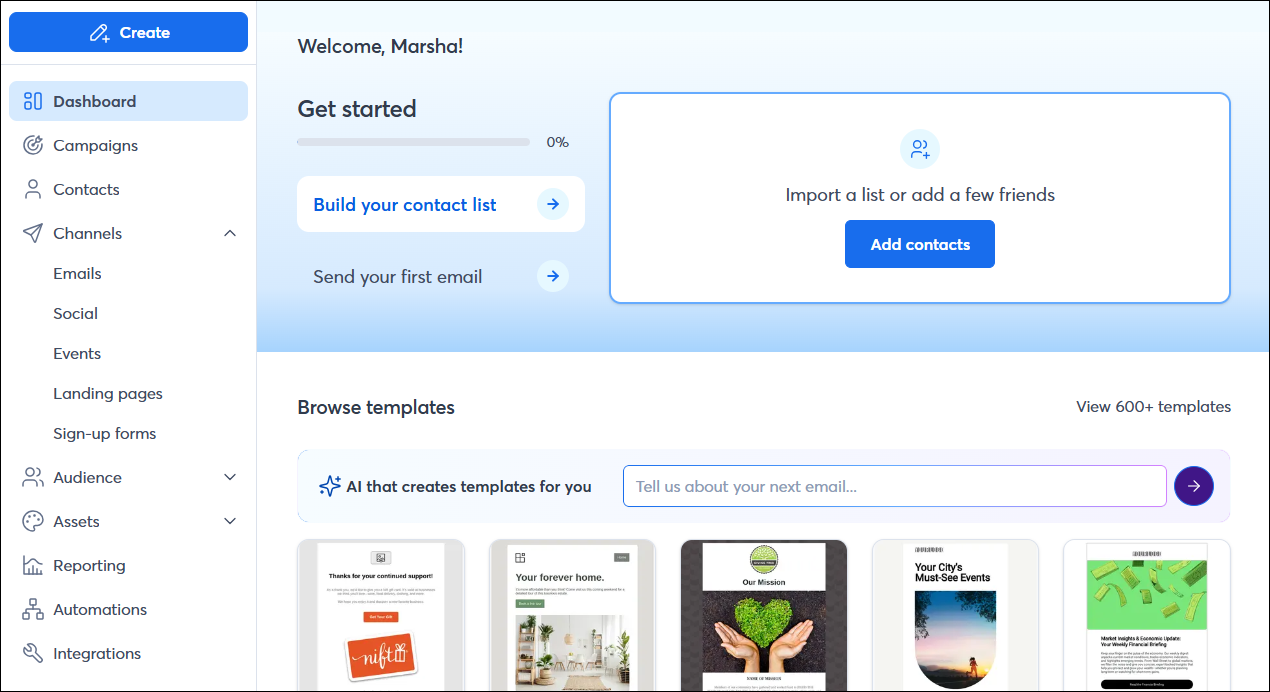
You can also follow the recommended steps on your dashboard to help you get up and running!
 | Not sure where to start with marketing? Check out The Download—our free online marketing guide packed with tips, examples of what works and what doesn't, and more! |
Set up your account
As you first get started, there are a few things you’ll want to do before you start creating campaigns that will save you time in the long run with every campaign you create!
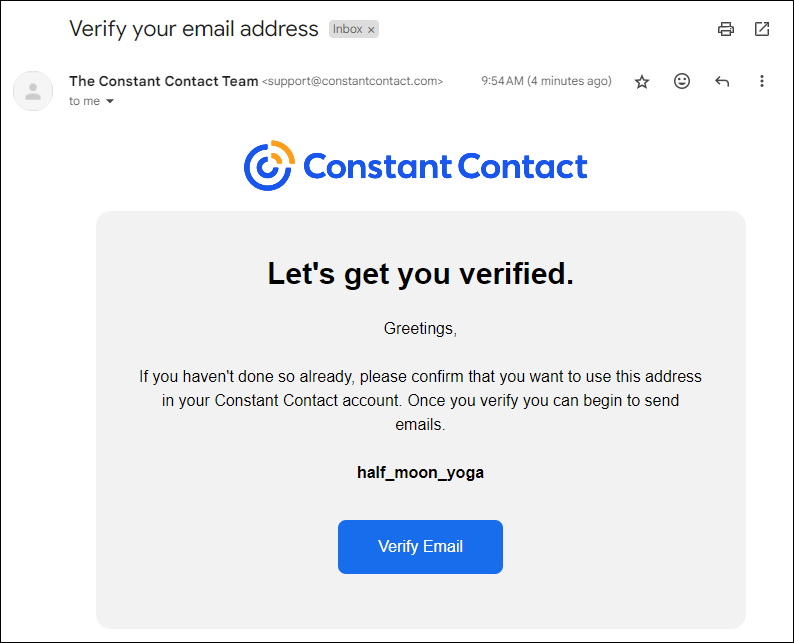
- Verify your email address - If you haven’t already, be sure to check your inbox for an email from us to quickly verify your email address. You’ll need to do this before you can start sending emails.
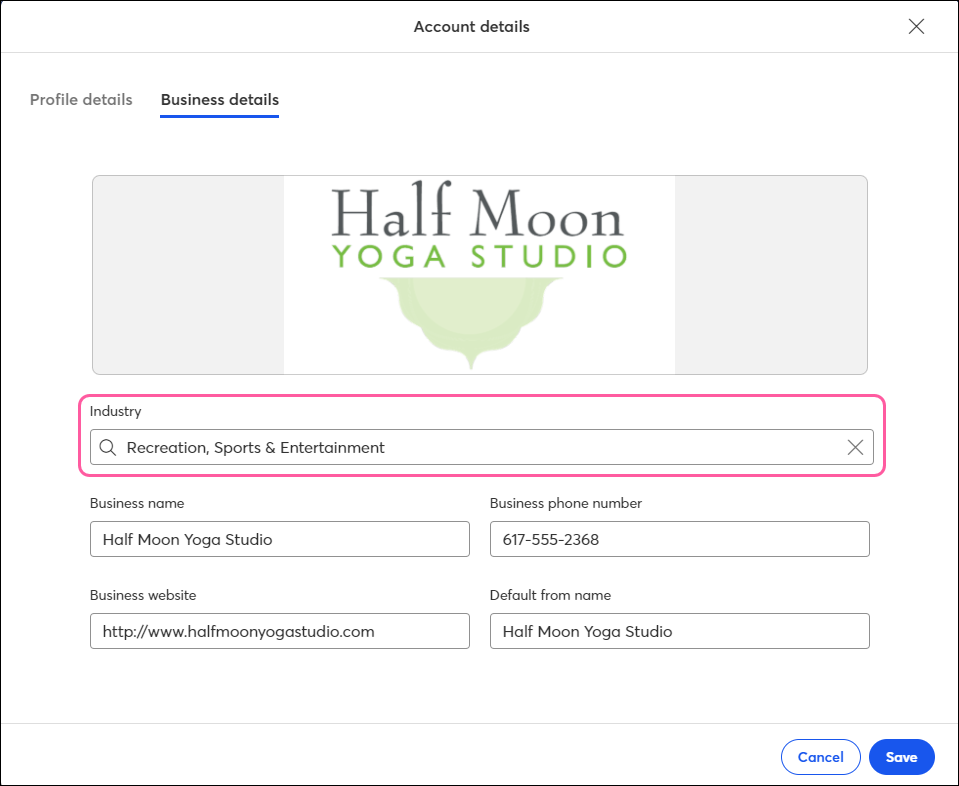
- Add your industry - Next, add your business industry in your account settings. It helps us provide you with more personalized guidance and tips to get the most out of Constant Contact, and it lets you compare your results with others in your industry.
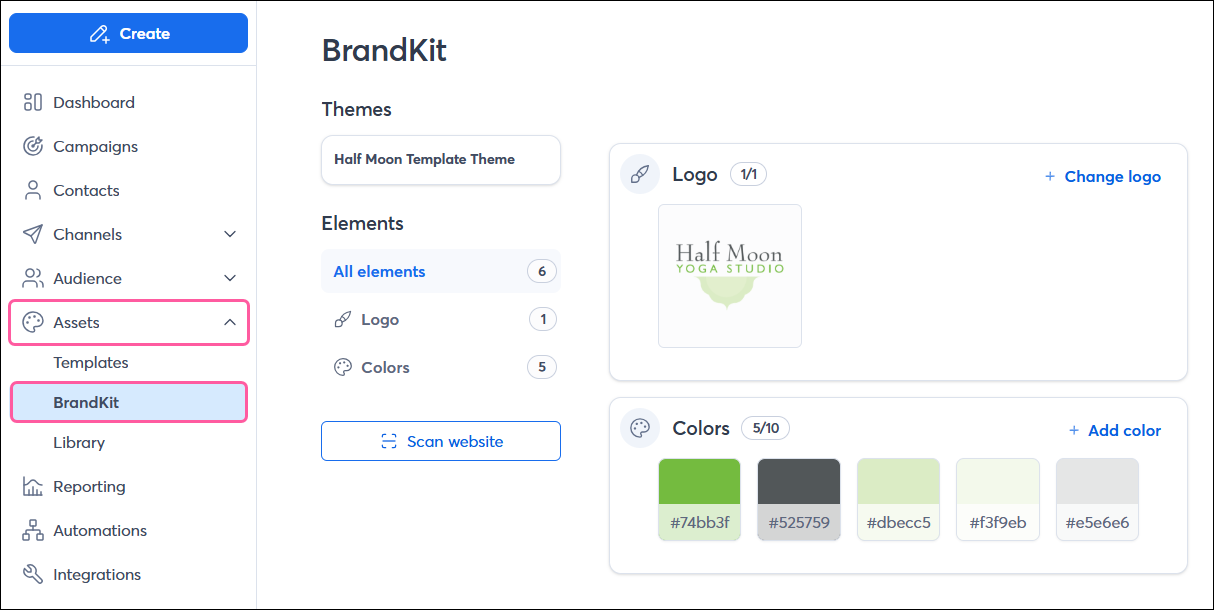
- Add your brand assets - To ensure consistency across your campaigns and save time designing them, automatically or manually save your brand colors, logo, and images in your BrandKit.
View more help articles for setting up and managing your account settings
Upload your contacts & grow your list
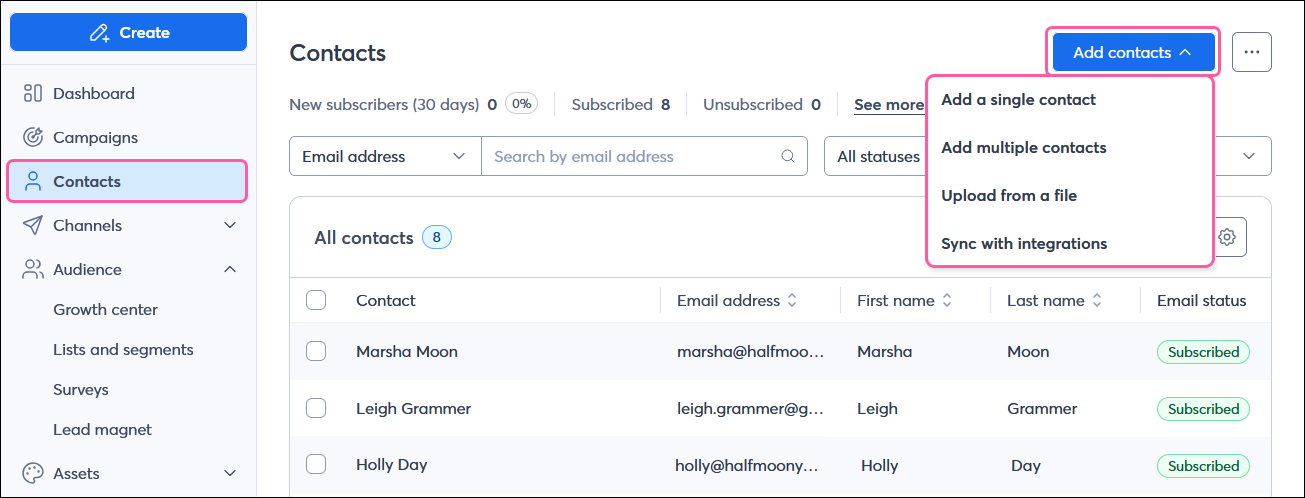
Next, you’ll want to add any contacts you already have or connect your tools to automatically import them from wherever you store them.
View more help articles for adding and managing your contacts
Create & send an email
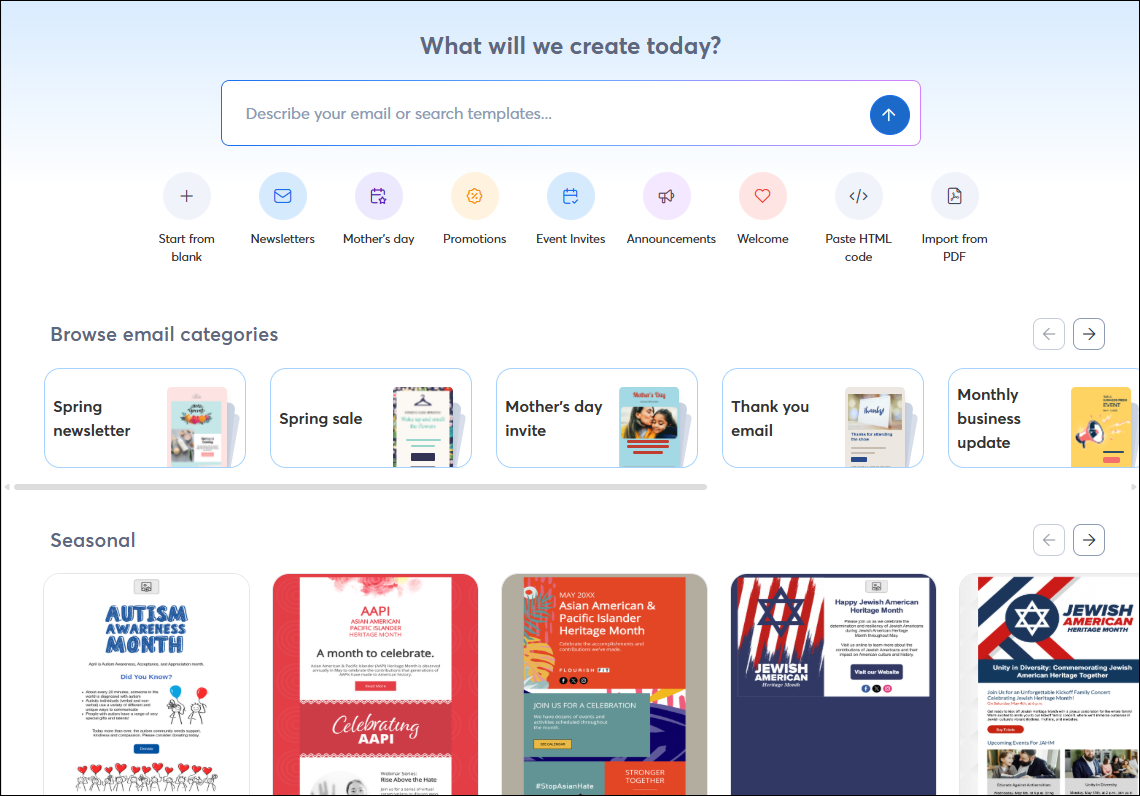
Now it’s time to create your first email! Start from one of our pre-designed and fully customizable templates, then let us do the heavy lifting for you with our AI Content Generator. Plus, our drag-and-drop email editor makes it quick and easy to design a professional, beautiful campaign.
- Choose an email template - Create an email by choosing from our wide selection of professionally designed templates based on your industry or what you’re looking to share.
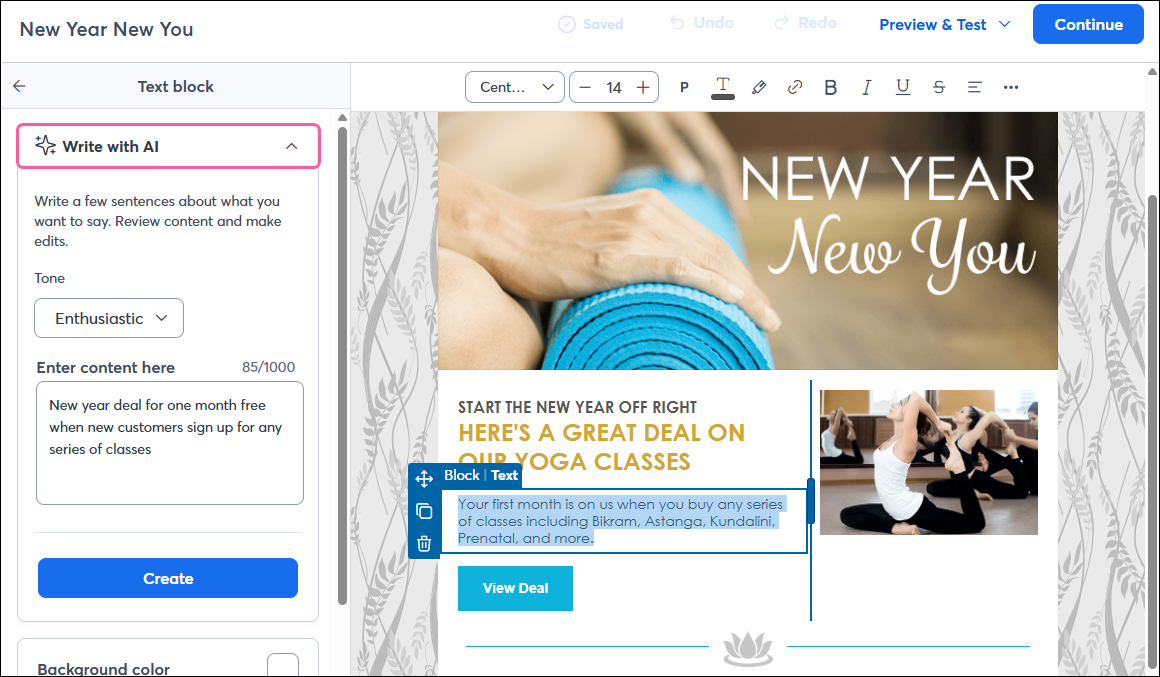
- Let us generate content for you - With just a few keywords, you can use our Content Generator to automatically write content to insert into your campaigns.
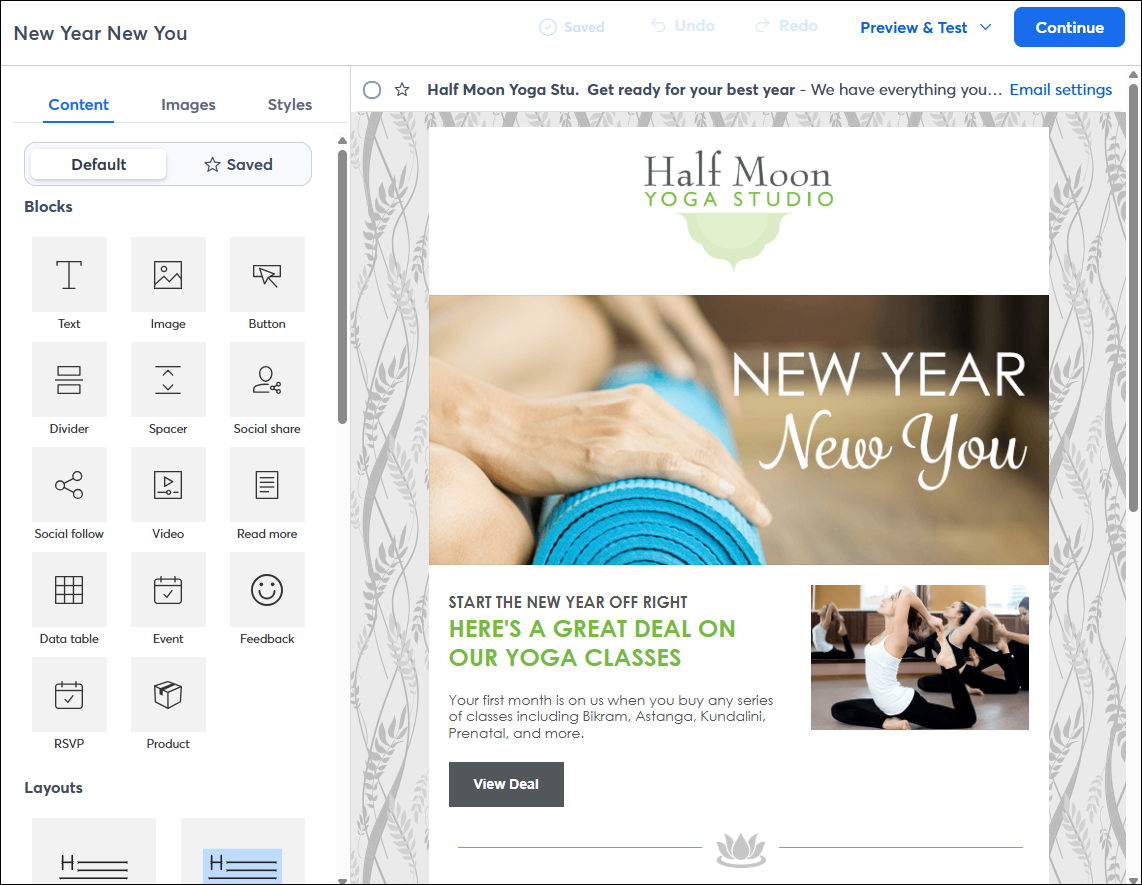
- Explore how to use the email editor - To help you customize your email, explore how to work with the elements in our email editor to add content and adjust the look of your template.
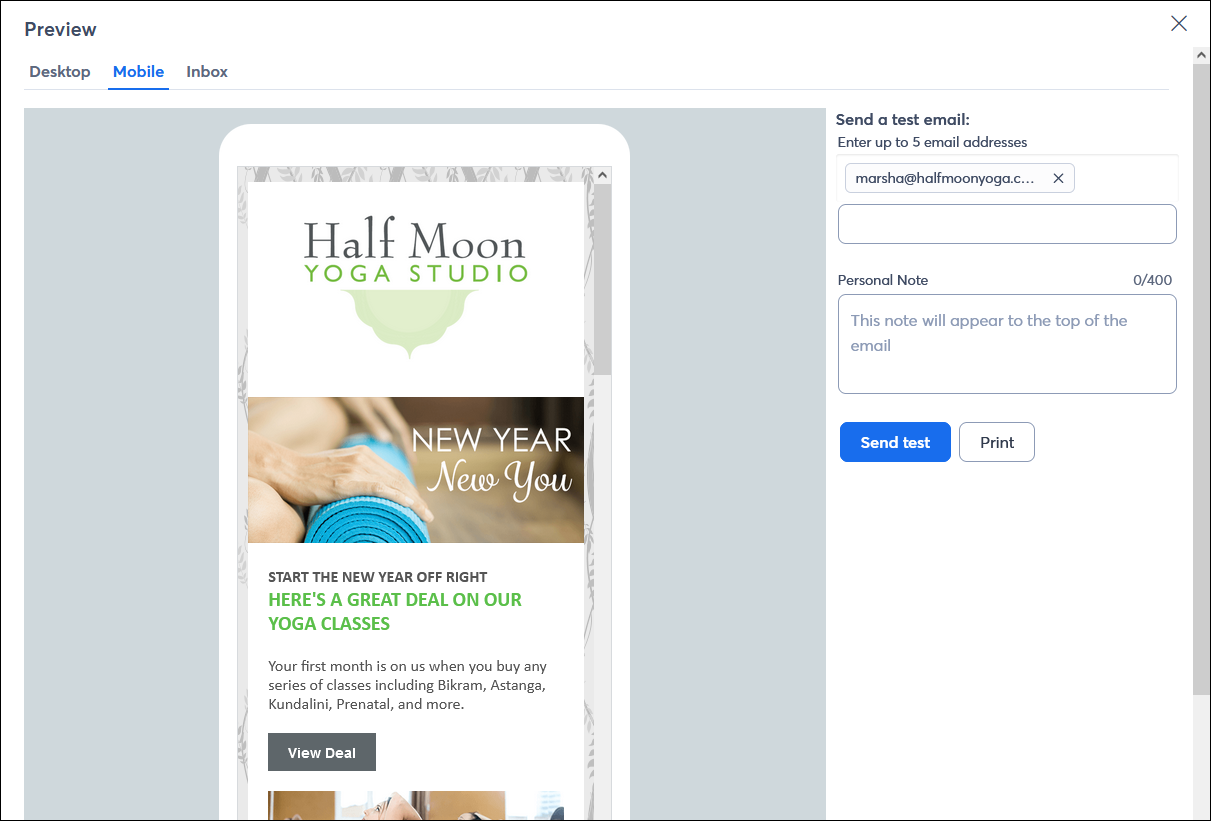
- Preview and test your email - To get a sense of what your live email will look like to your contacts, be sure to preview and send a test version to yourself or the people you trust to review it.
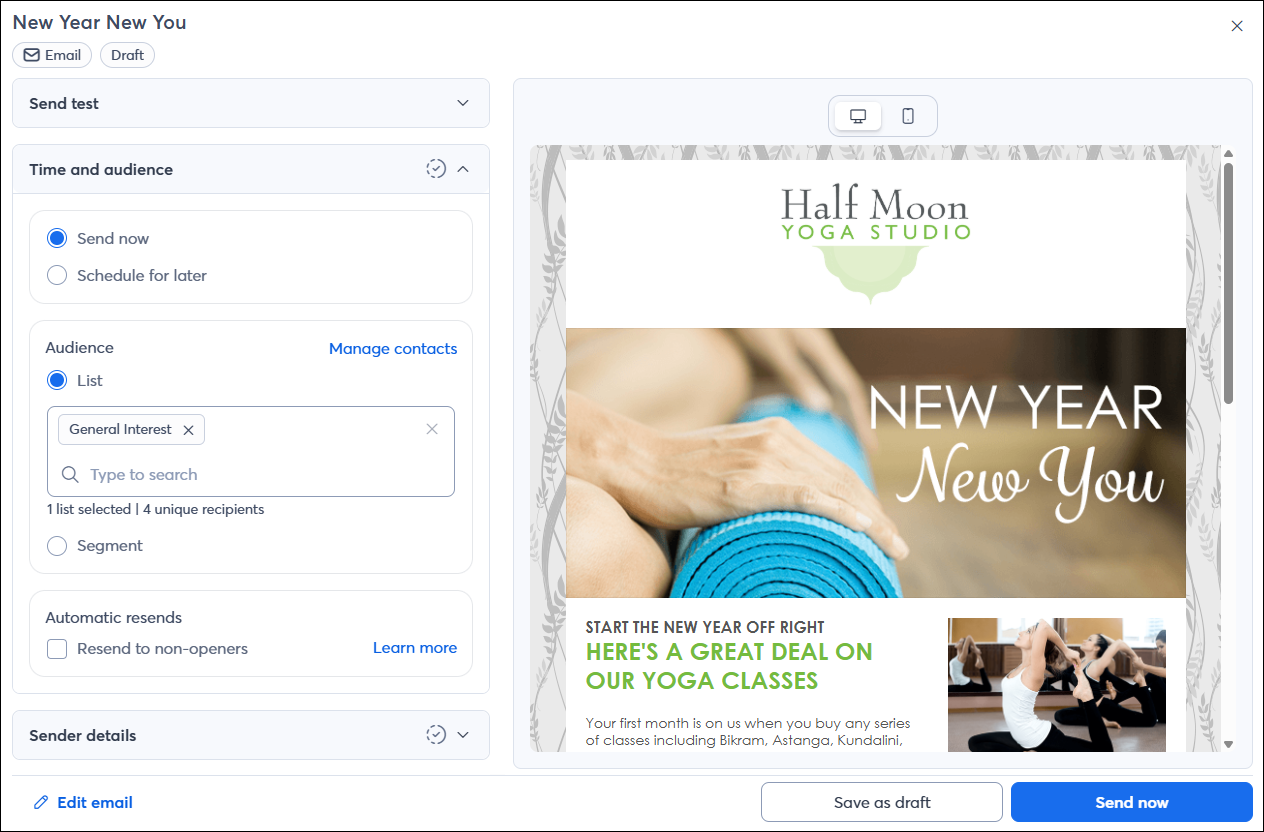
- Send your email - Once you’re ready, schedule your email to send! If you don’t have contacts yet, now’s a great time to send your email to the list of coworkers or trusted people you added to your account earlier.
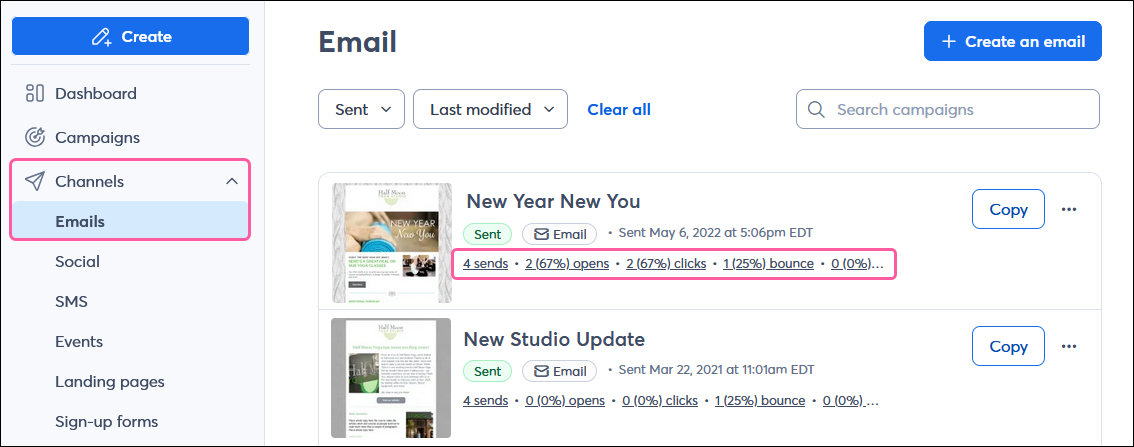
- Check the reporting - After sending your email, you can check the reporting to see how it performed.
View more help articles for creating and sending emails
Need some extra assistance? We have several professional marketing and design services available!
Once you’re up and running and ready to explore more ways to market your business through Constant Contact, check out what else we have to offer in your account:
- Integrations - Achieve your marketing goals with Constant Contact's ecommerce, CRM, contact management, and hundreds of other integrations.
- Social posts & monitoring - Connect your social media profiles to create and post content across multiple platforms at once, see how your posts are performing, and respond to messages, mentions, and comments.
- Automated communications - Create automated messaging paths that are triggered to reach the right people at the right time, such as to welcome new subscribers, nurture leads, and engage with your contacts based on their actions and behavior when interacting with your brand.
- Events - Seamlessly create, promote, and manage in-person or virtual, free or paid events - all from within Constant Contact.
 | Get set up for success: Check out our New Customer Hub on the Community to hit the ground running with quick video tutorials, on-demand courses, live webinars, and a network of your peers! |
Learn more about marketing and Constant Contact through our free live and recorded webinars!
Check out our recorded Getting Started webinar: