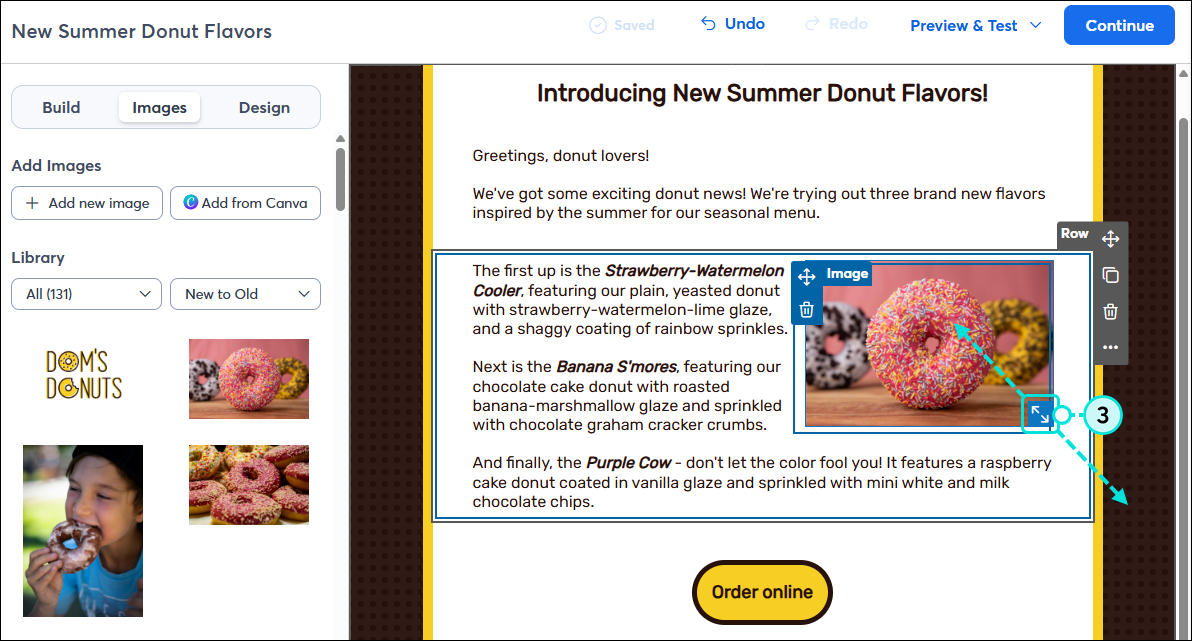
Wrapping text around an image gives your readers a strong visual cue about the content of your block of text. Having a good text-to-image ratio maximizes the effect—the more text, the better. If the balance doesn't look quite right in your template, try adjusting the amount of text, resizing your image, or experimenting with different layouts.
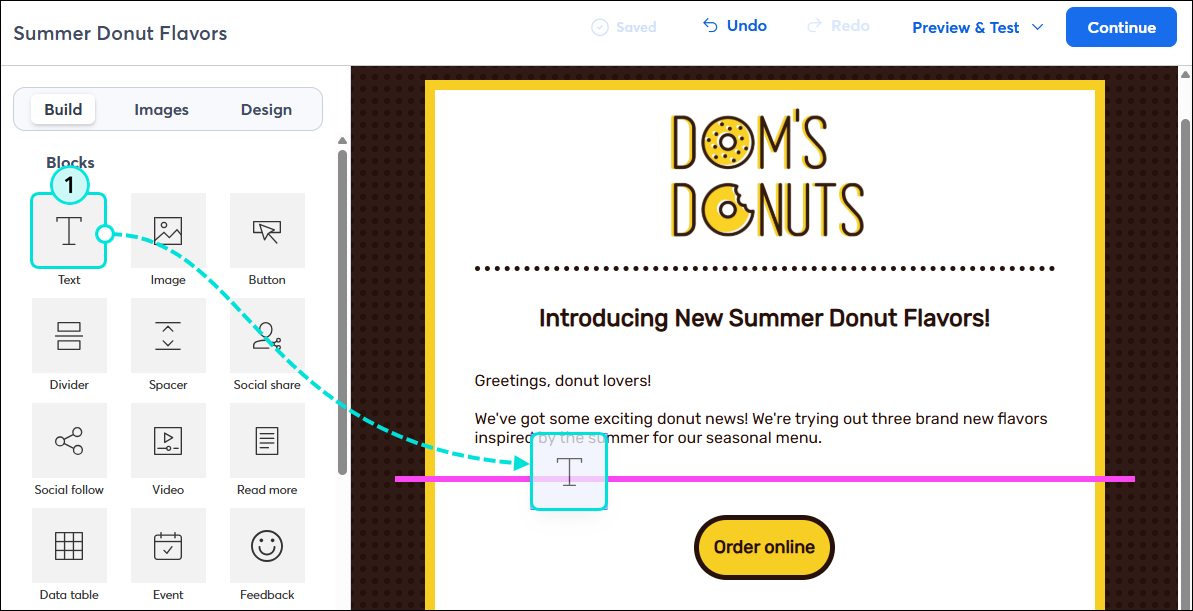
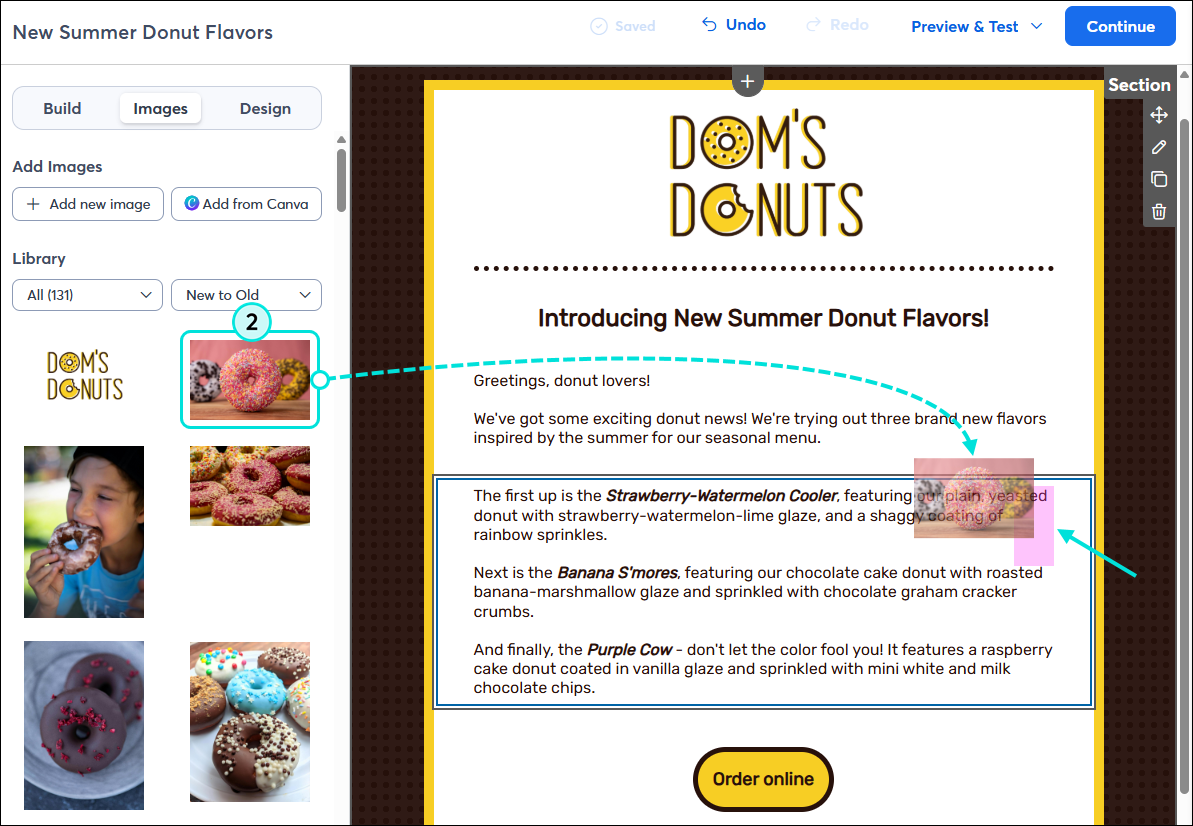
To wrap text around an image, insert the image inside a Text block in your email:
Note: When your email is viewed on a mobile device, the image and text will stack rather than wrap to accommodate the smaller screen. Be sure to preview your email before sending to see how your content will display on mobile.
 | Design tip: Want an image with each paragraph in your email? Each paragraph needs to be in its own Text block. To achieve your desired look, add multiple Text blocks and stack them on top of each other, or sit them side-by-side in columns. |
Copyright © 2026 · All Rights Reserved · Constant Contact · Privacy Center