Lead Magnet surveys are generated with questions and answer options based on your entered prompt or selected template. You can edit the existing questions and answer options and/or add new questions at any time, even after you've shared the Lead Magnet and have begun collecting responses.
After making edits to your survey, you can always restore an older version of your Lead Magnet by going to the Tools page and selecting the Restore option.
 | Did you know? You can also make changes to the visual style of the survey, customize the Thank You page, and update the survey footer. |
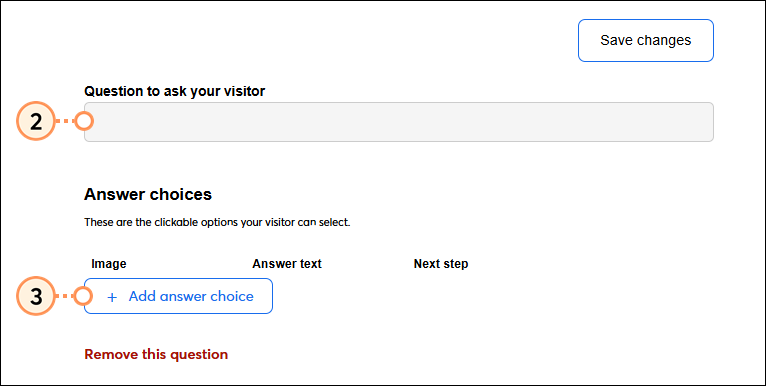
Edit the questions and answer choices on a Lead Magnet survey at any time. All changes you make will be saved automatically and published on your Lead Magnet page as you make them. If you make edits to survey questions after sharing your form, responses to previously added questions will be preserved.
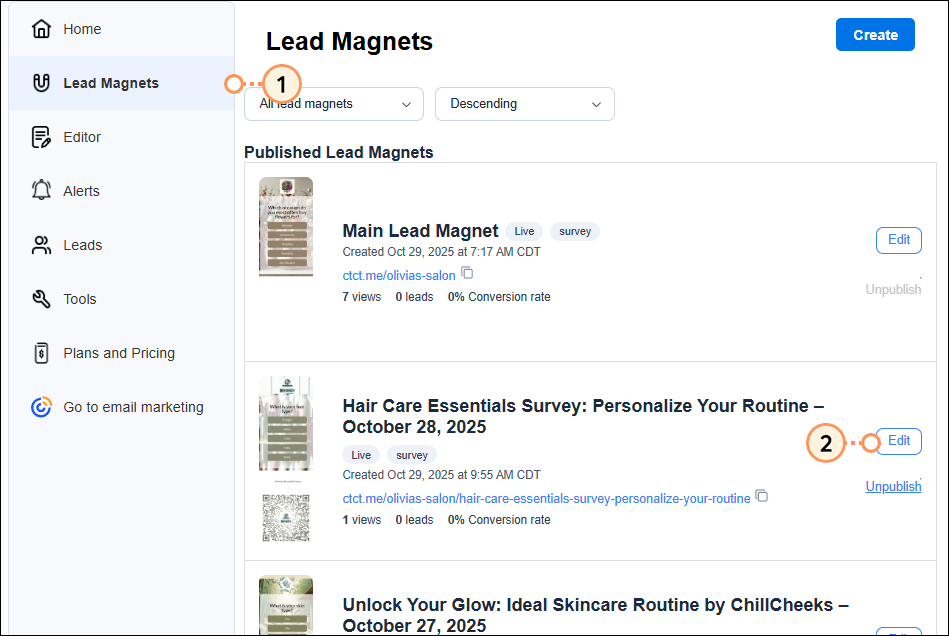
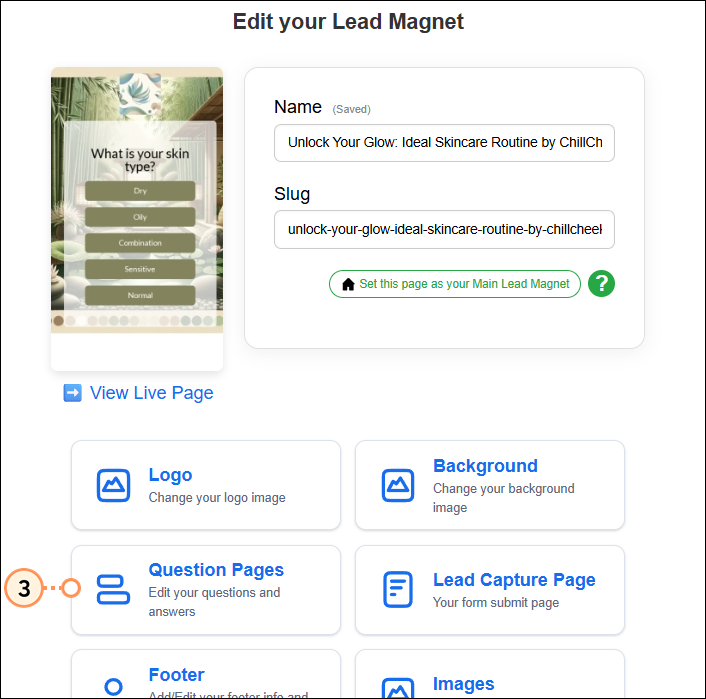
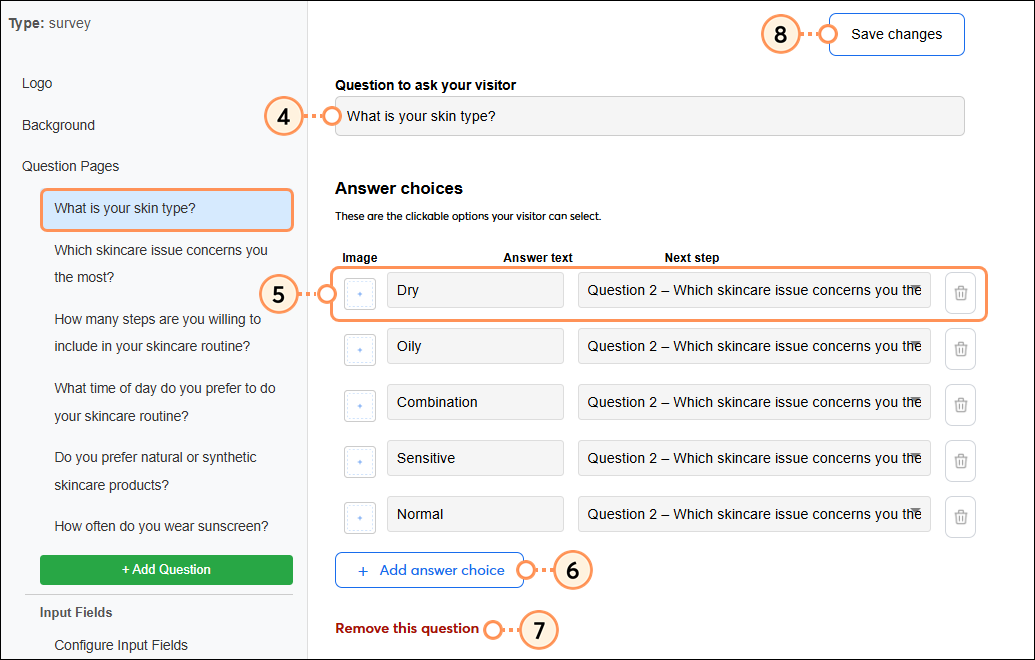
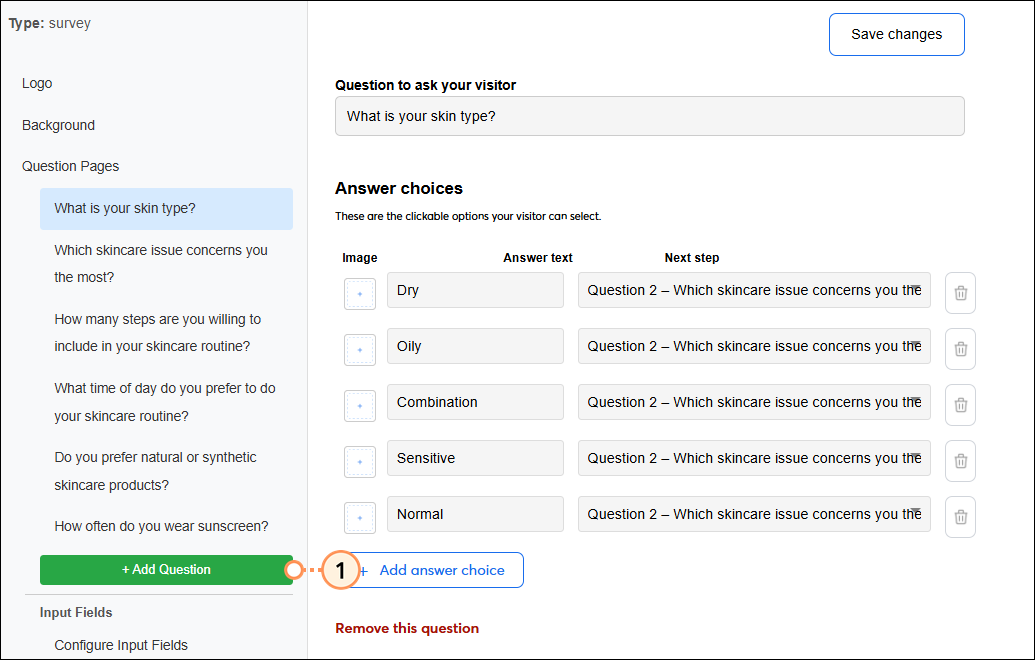
To add a new question to the survey:

Copyright © 2026 · All Rights Reserved · Constant Contact · Privacy Center