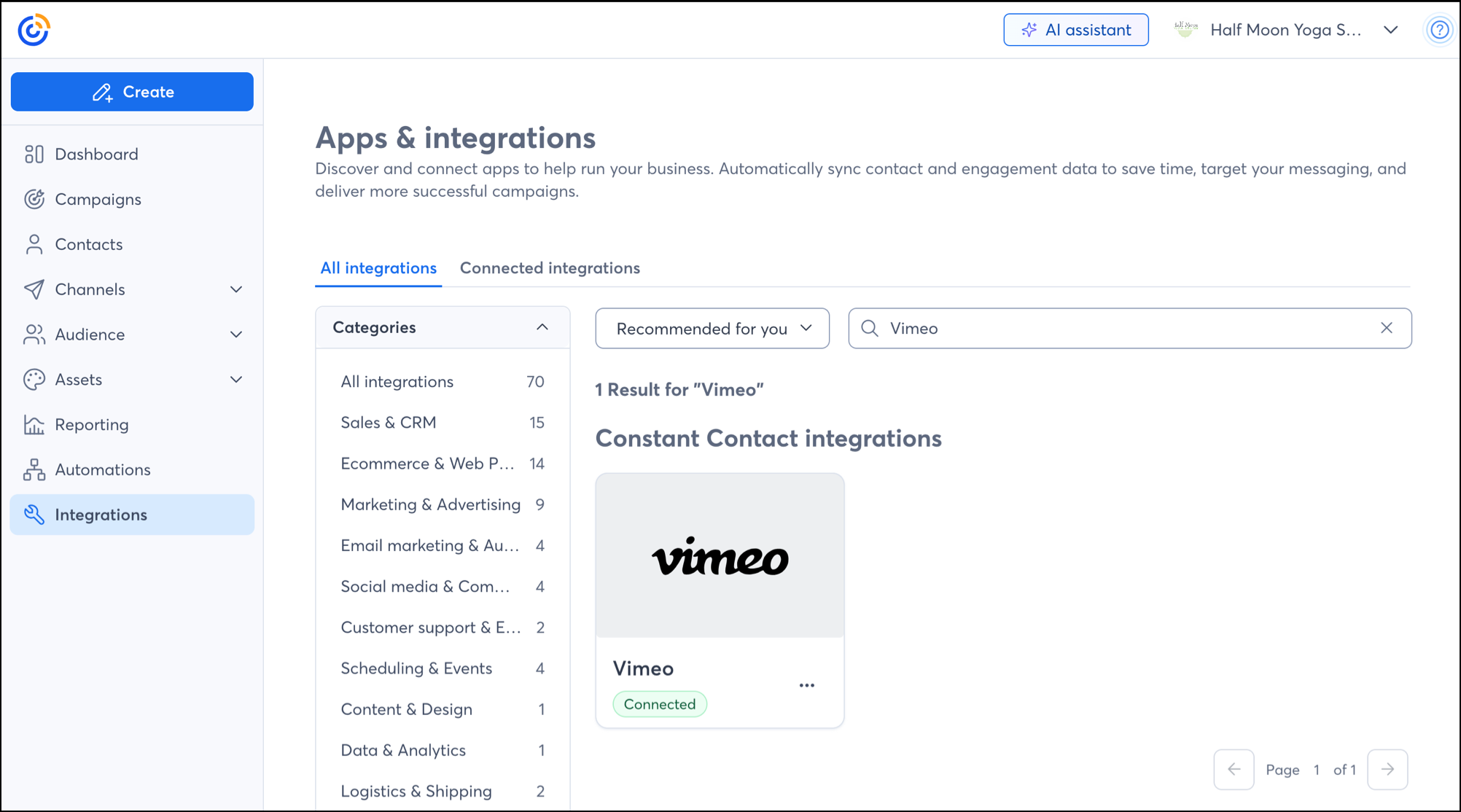
Vimeo is a video marketing platform that offers a range of services to help you create, host, and manage your video content in one place. We've integrated with Vimeo so that you can import your videos into your Constant Contact account to use in your campaigns:
 | Be a better marketer: Want to learn more about using video content in your marketing? Check out these 10 Great Ideas for Video Email Marketing! |
To get started, sync your Vimeo account to your Constant Contact account. Follow the steps linked below:
 | Did you know? If you don't already have a Vimeo account, you can create one here. |
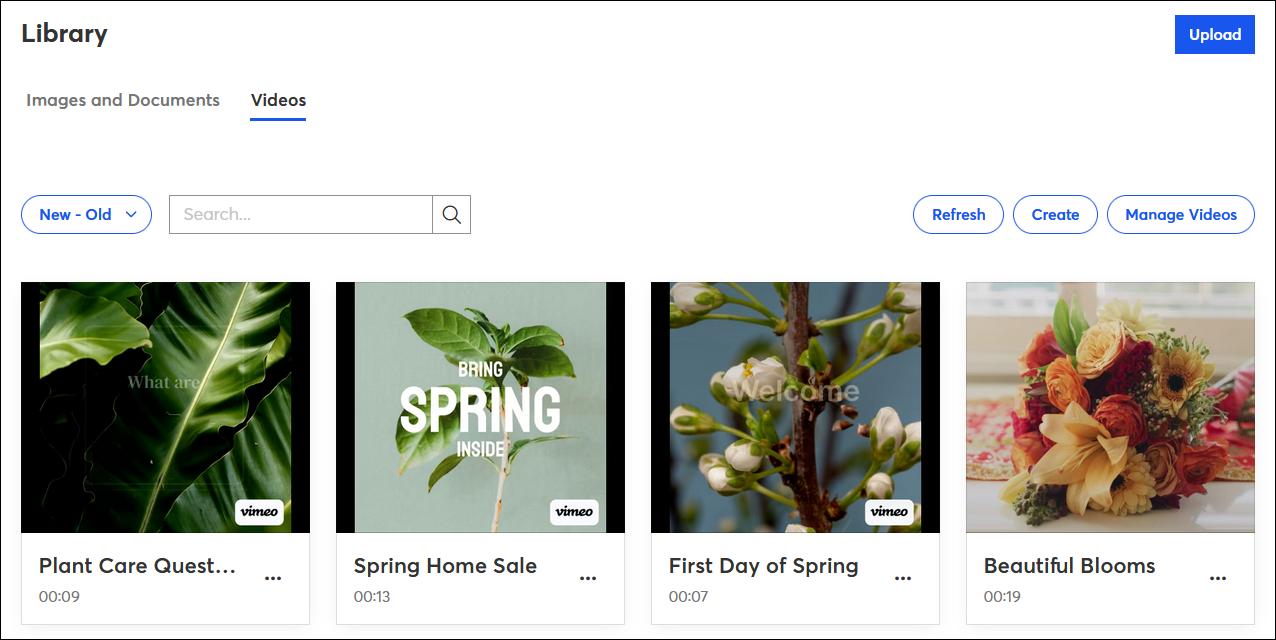
Our Vimeo integration lets you import videos from your video library and create new videos too:
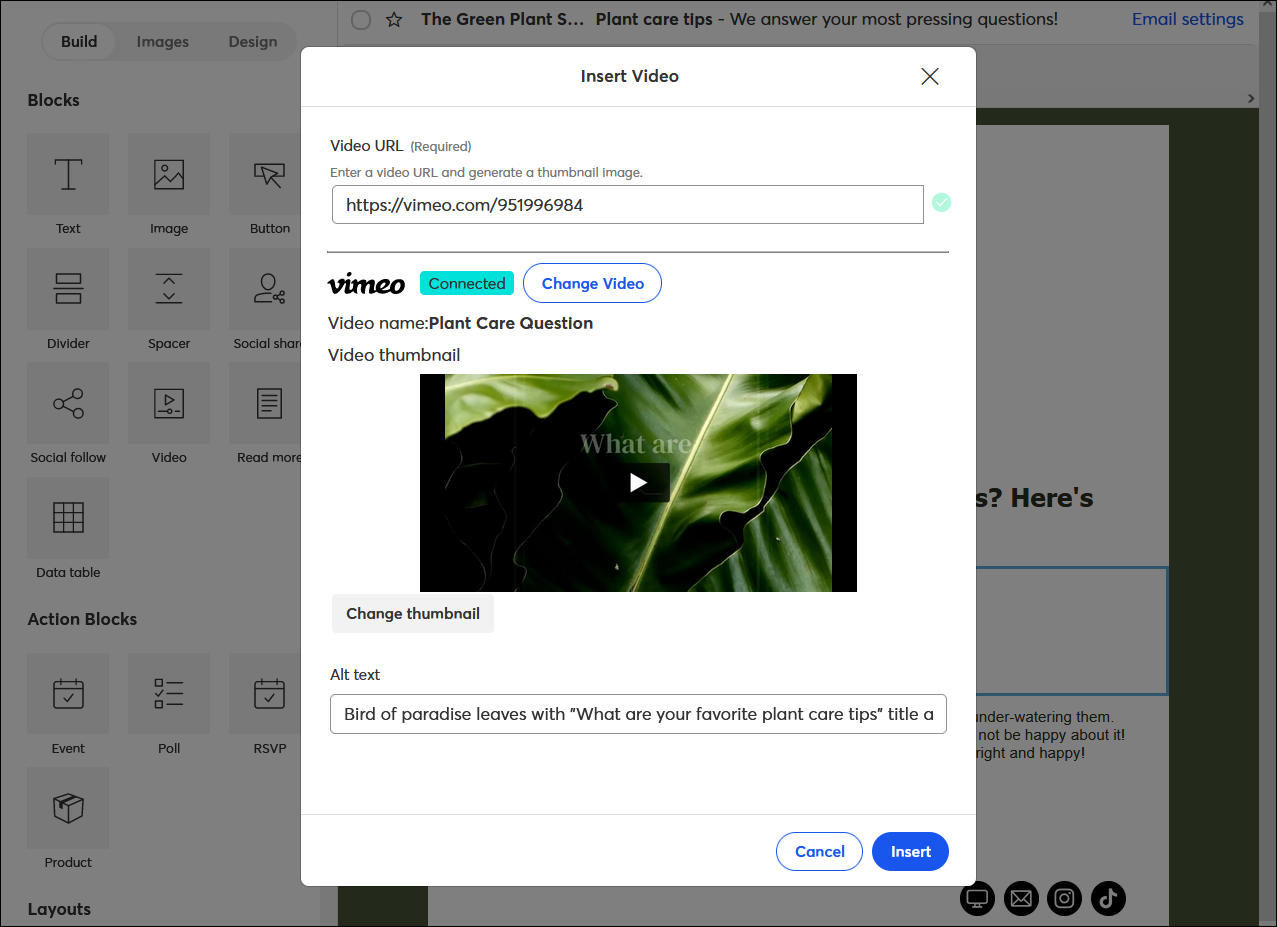
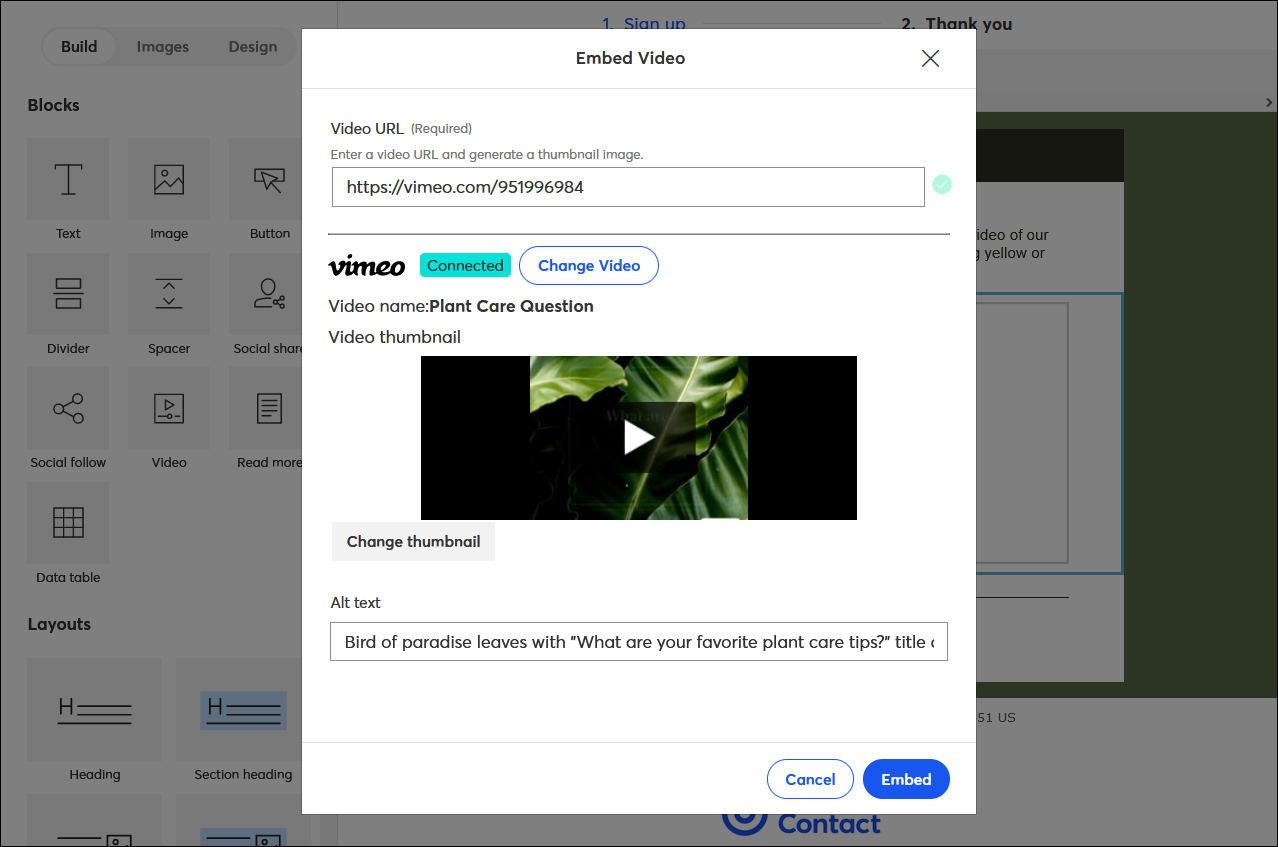
When you add a Vimeo video to your email campaign, it appears embedded, but it's a clickable link to your video's URL. Anytime someone watches your video, it's tracked in your "Clicks" reporting.
| Did you know? Most email providers don't support embedded videos and cannot play them directly in an email. This restriction helps to prevent malware and emails from being marked as spam. This is why we add videos to your emails using clickable thumbnails so they only appear embedded. |
 | Ask a question: Want to explore Email marketing with Vimeo even further? Our Community can help! Post your question here to get started. |
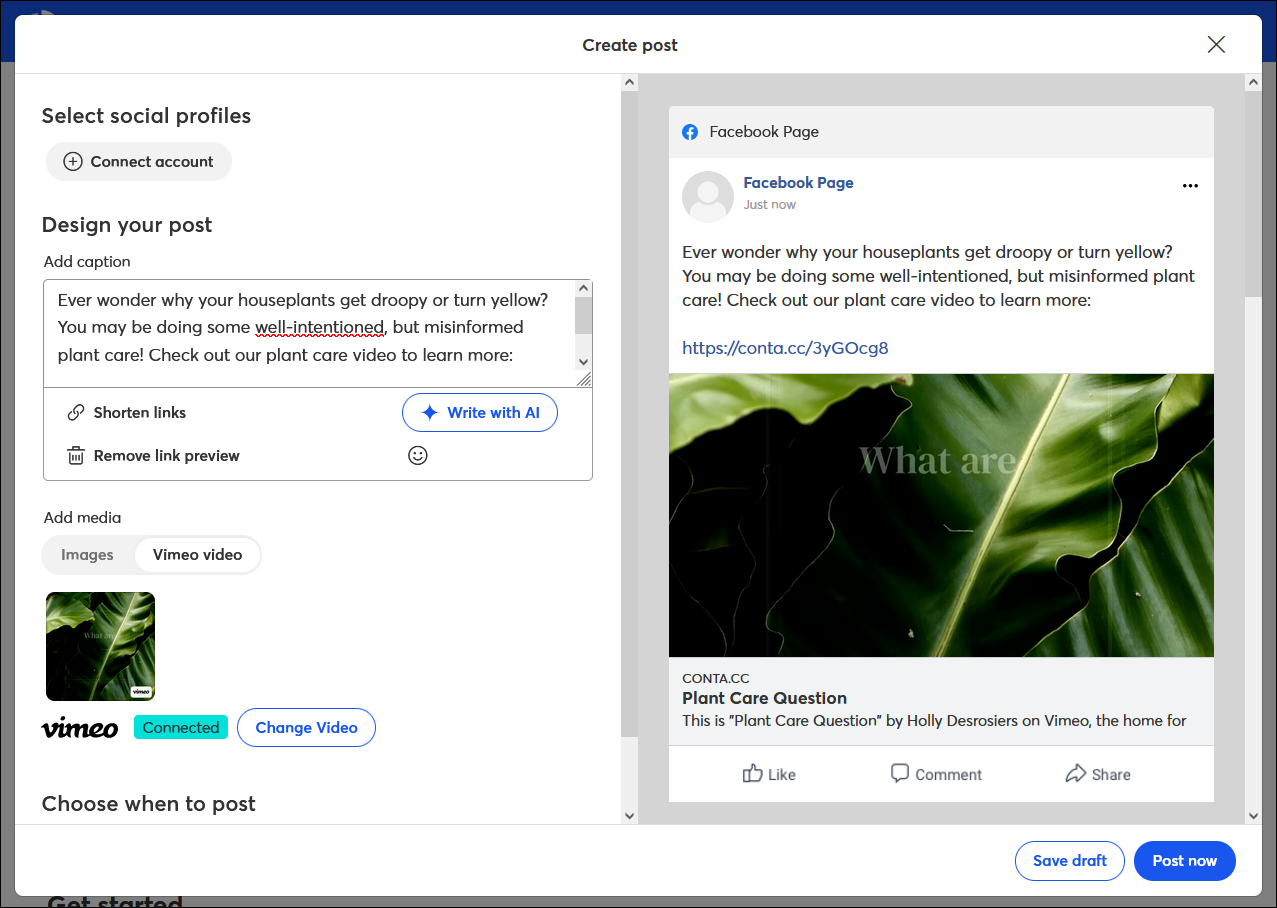
You can share a Vimeo video in a social post, and it looks like the video is embedded in your post. The video thumbnail and URL are included in the post for you, so your friends and followers can either click or copy and paste the link to watch it.
Video blocks are available in both our Sign-up Landing Page and Custom Landing Page editors, so you can share your Vimeo content when you want to entice people to join your list, sell your goods and services, or just share information online.
Any links we provide from non-Constant Contact sites or information about non-Constant Contact products or services are provided as a courtesy and should not be construed as an endorsement by Constant Contact.
Copyright © 2026 · All Rights Reserved · Constant Contact · Privacy Center