Connecting your Squarespace ecommerce store with Constant Contact is the fast track to smarter marketing. Effortlessly import customers and segment them based on what they buy, allowing you to send targeted offers that boost your sales.
To synchronize Squarespace with your Constant Contact account, complete the following steps:
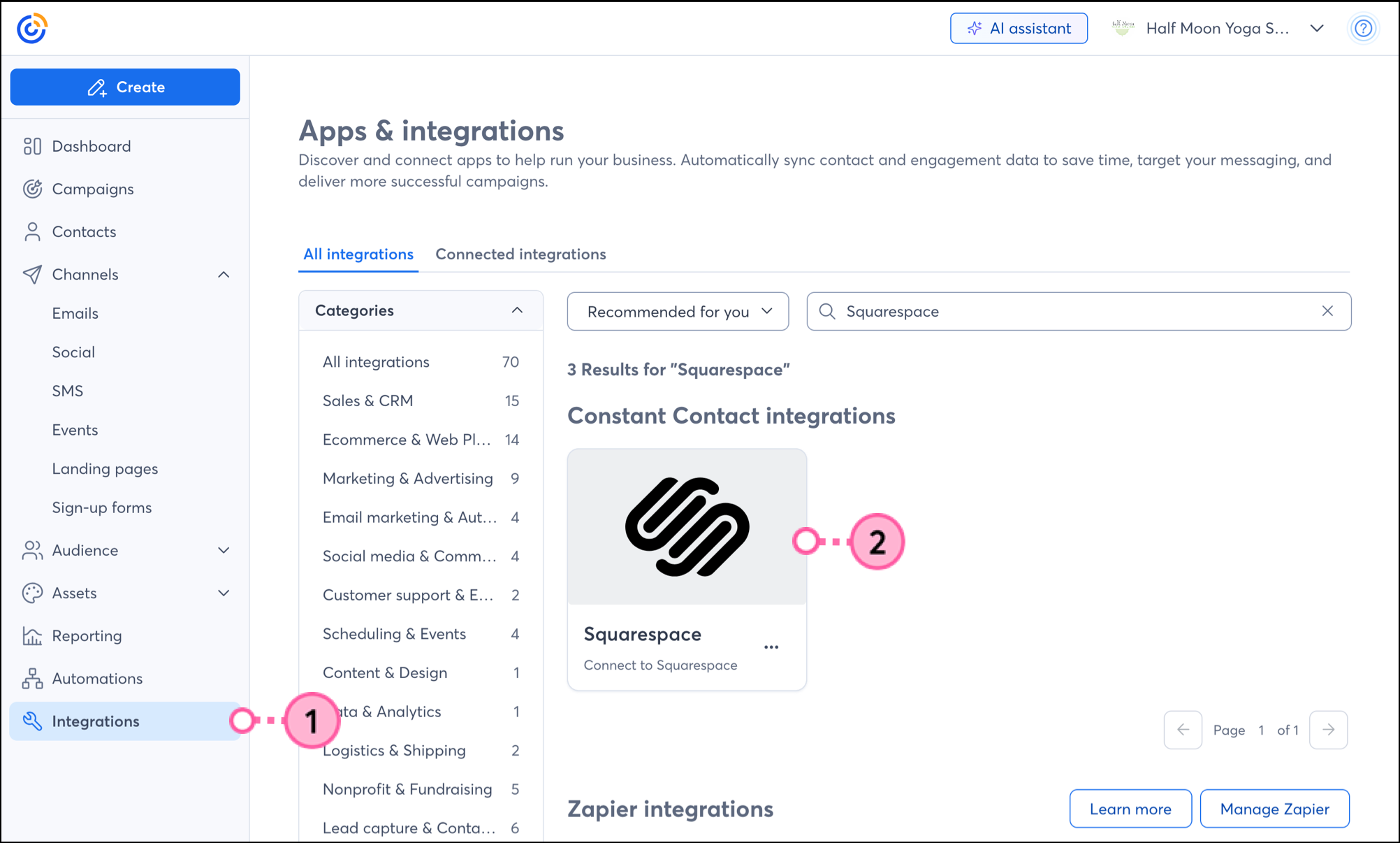
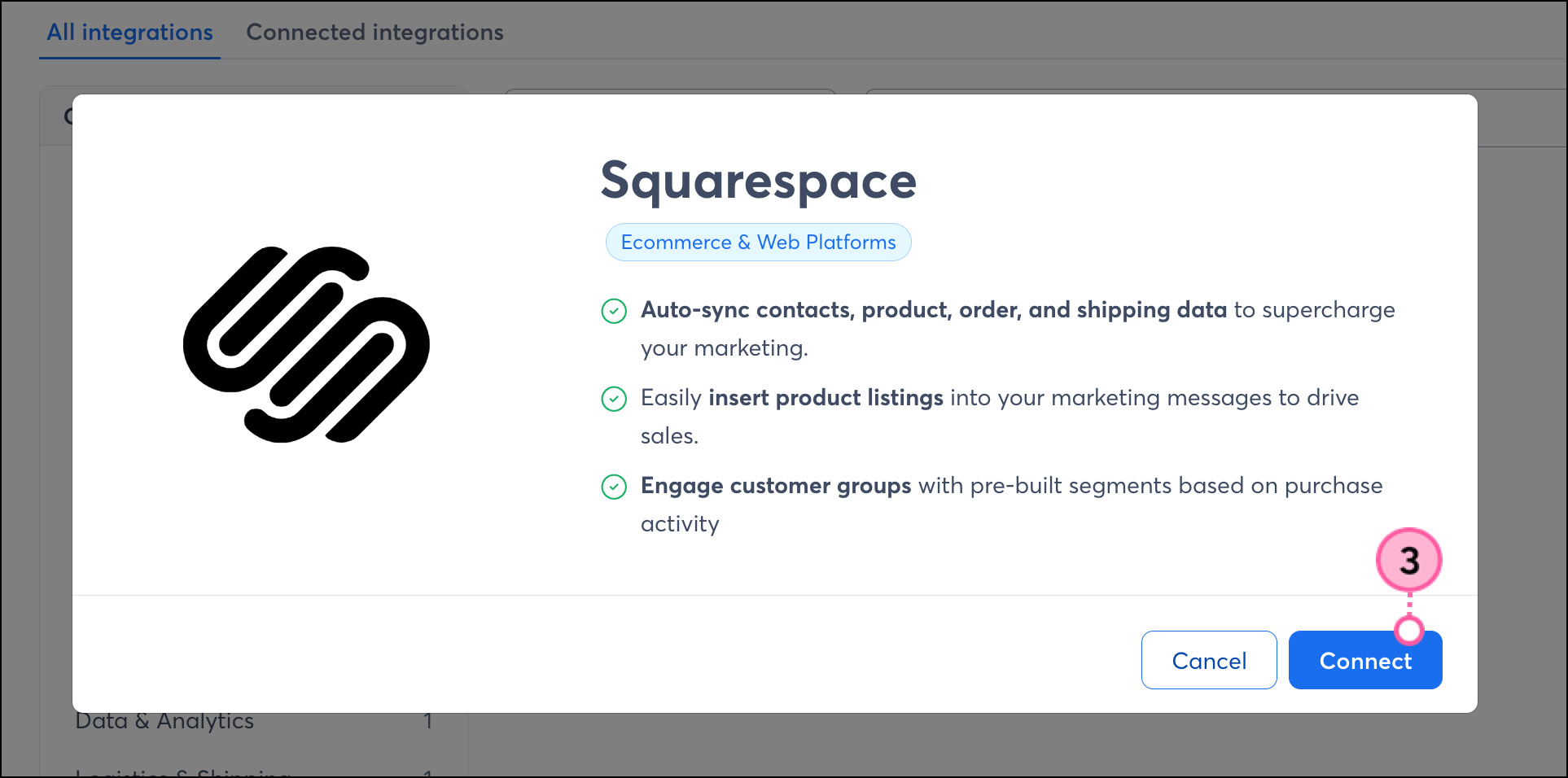
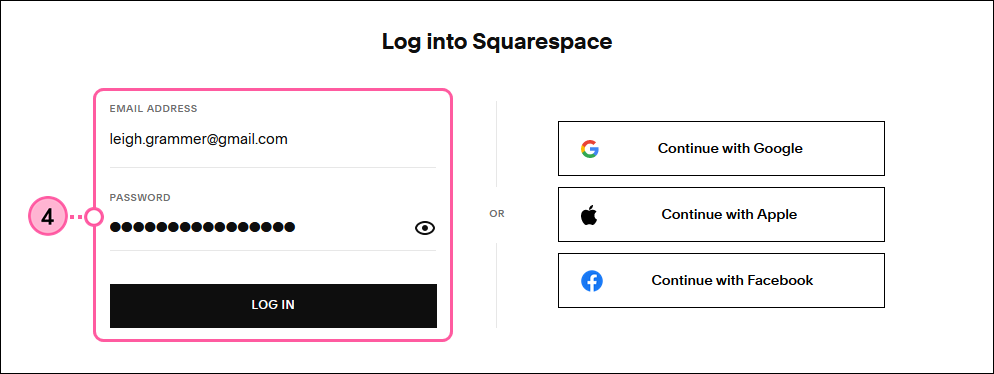
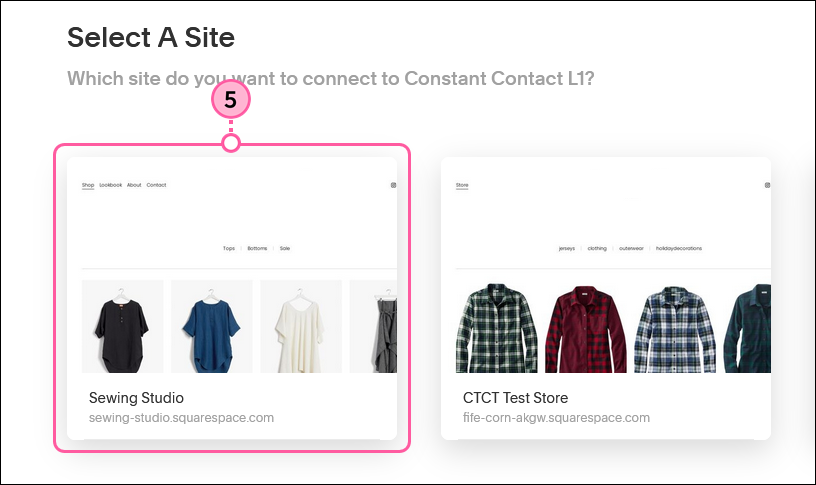
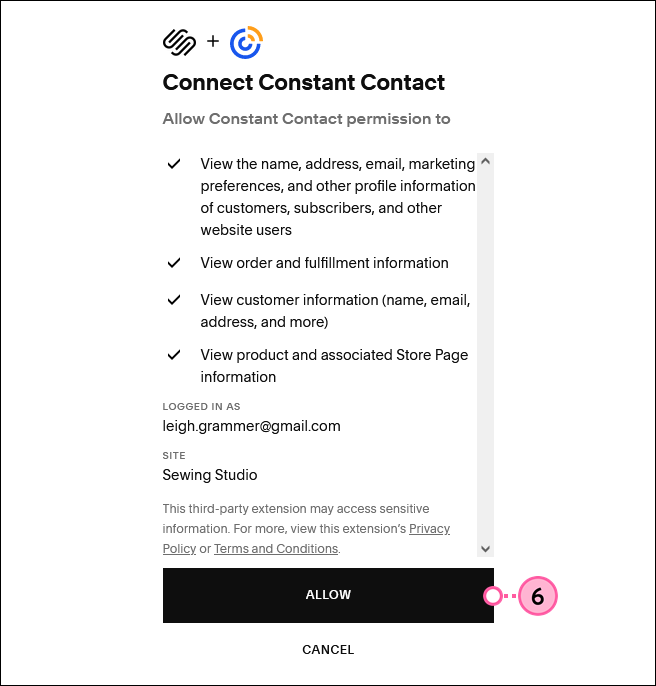
You'll be taken to the Squarespace integration dashboard in Constant Contact, and your products and contacts in Squarespace will be synchronized with your Constant Contact account. Please wait a few minutes for your content to sync up.
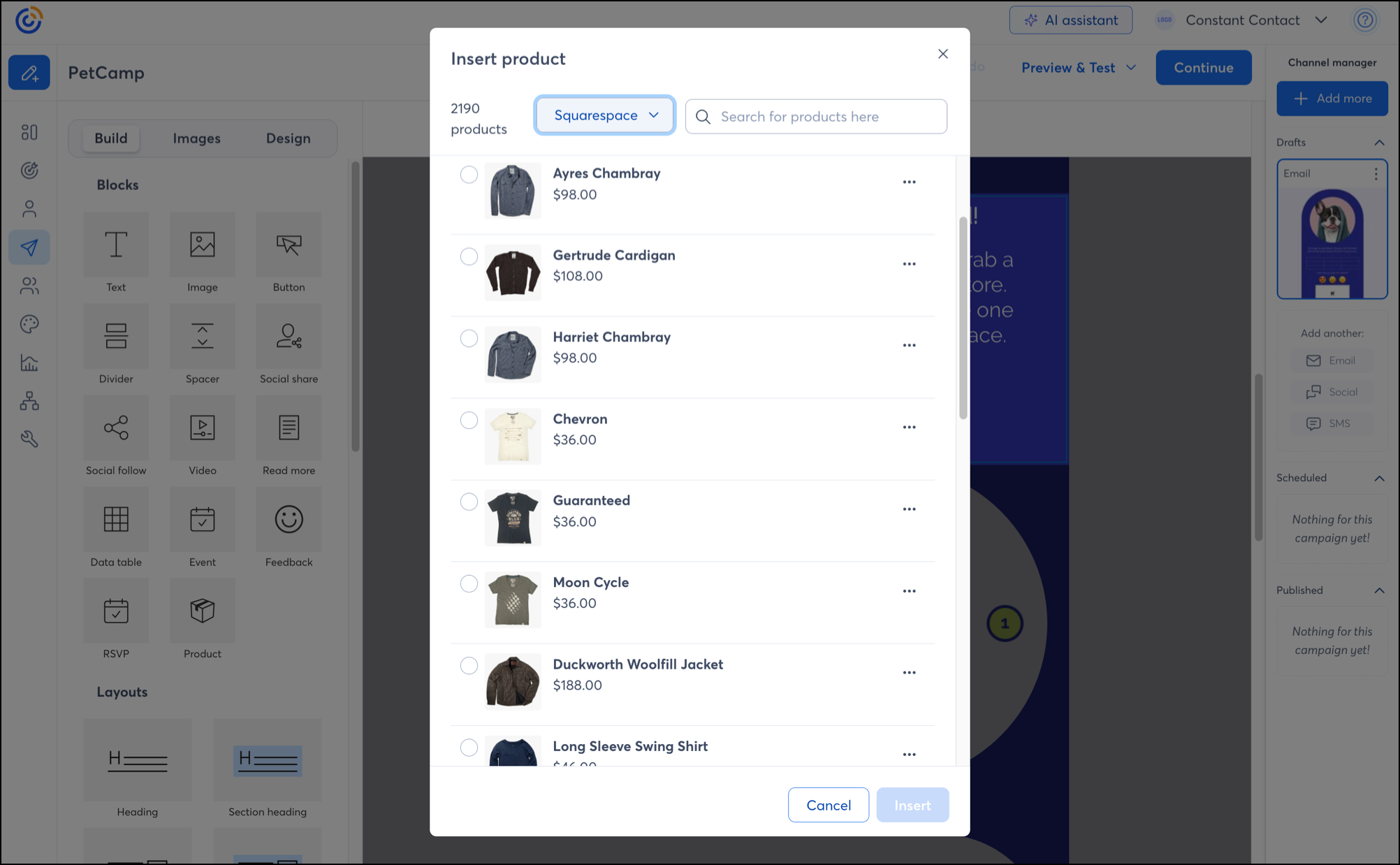
Note: Only physical products can be inserted. Services are not compatible.
Once your store is synced to your Constant Contact account, you can take advantage of the following features:
Add a product block to your email—The products in your Squarespace store can easily be inserted into your emails through a dedicated Product action block to get them in front of the right contacts.
Create a customized contact segment—When you connect your Squarespace account to Constant Contact, your Squarespace contacts are placed into segmented lists based on their activity and synced daily. However, if you'd like to send specific, targeted messaging to a subset of contacts, you can create a custom segment.
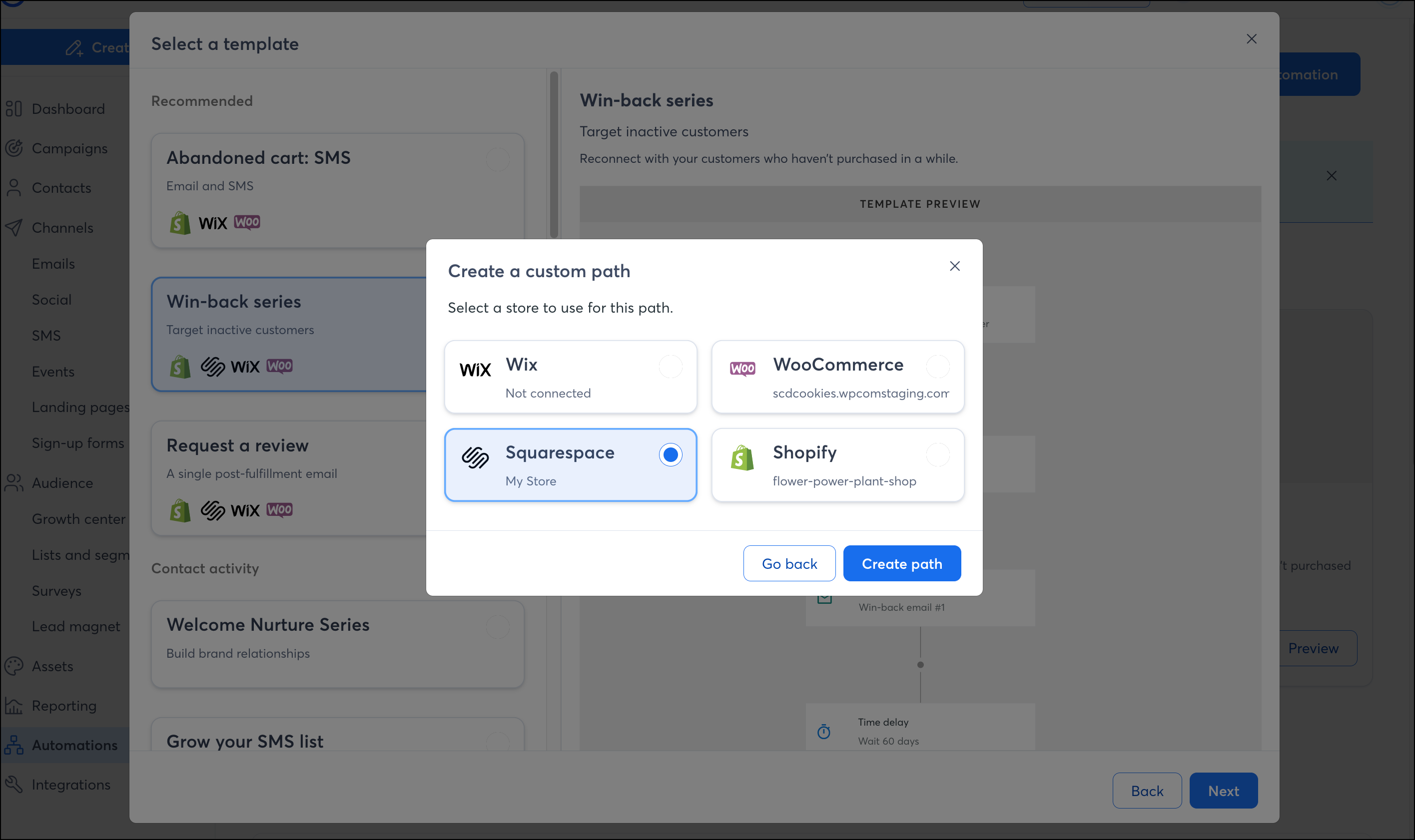
Send automated communications—Create personalized automated communications via email and SMS for your customers based on their actions, including welcome emails, thank you series, requests for review, and more.
Note: Squarespace is not compatible with abandoned cart communications.
Review sales reporting—Our reporting shows you the correlation between when your emails were sent and your Squarespace sales, so that you can get an idea of how your emails are impacting your business. Check out our article on using an email for e-commerce to learn best practices for selling goods in an email.
To remove the Squarespace integration, complete the following steps:
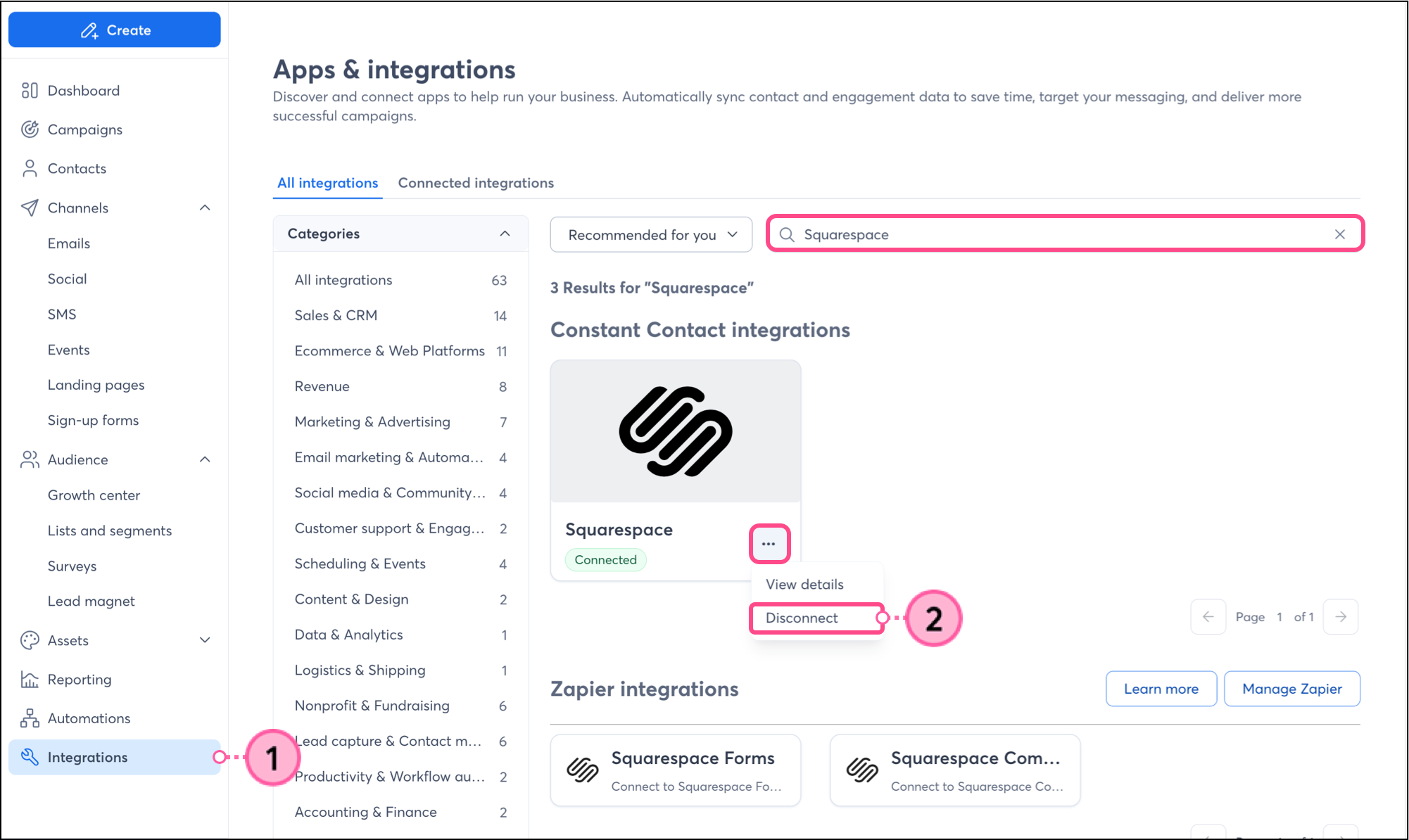
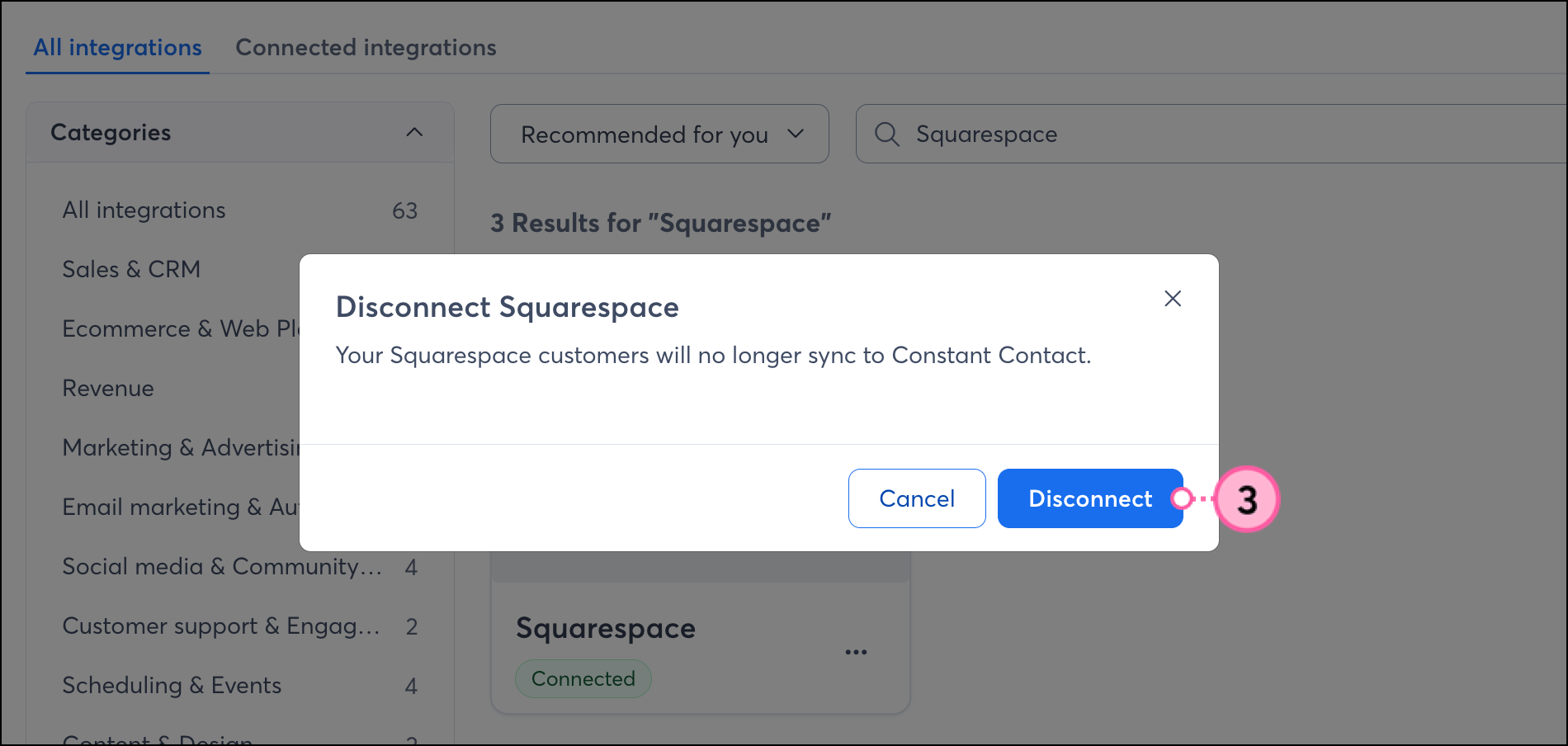
Lists and contacts created when the integration was connected will remain in your Constant Contact account.
Copyright © 2026 · All Rights Reserved · Constant Contact · Privacy Center
