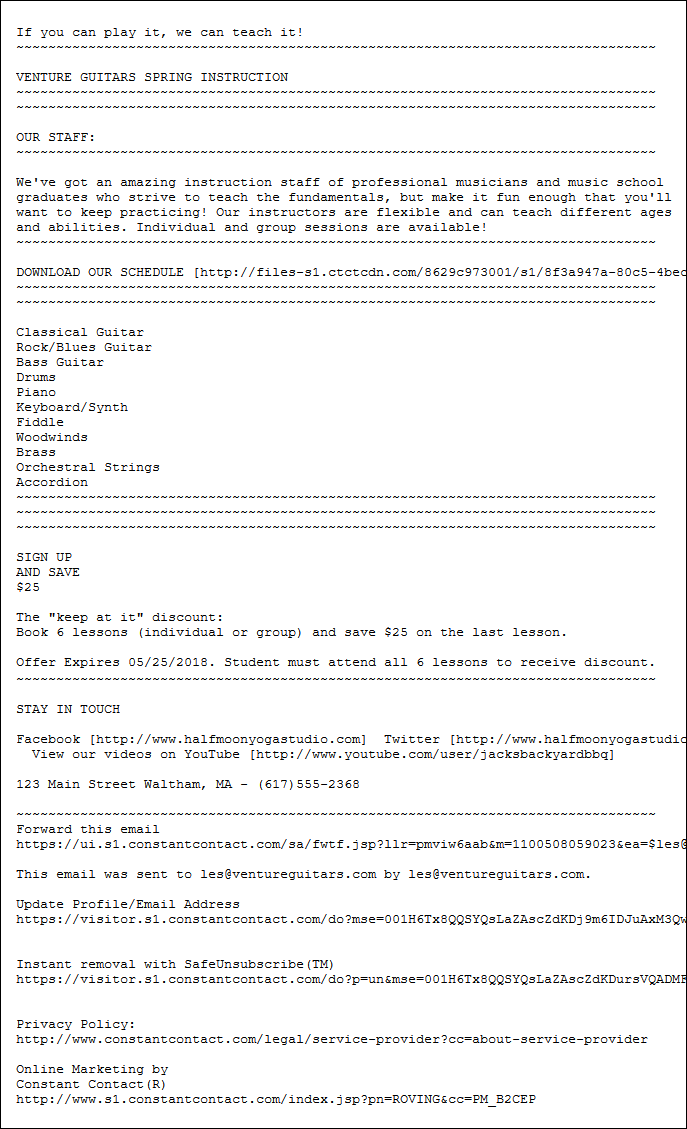
The concept of an email open is fairly straightforward: someone receives your email in their inbox, clicks on it to view the content, and it counts as an "open" in your email reporting. However, no open rate can be 100% accurate, and what's a little less clear are the things that can affect your open rate. Let's break things down:
 | Be a better marketer: Instead of relying on your email’s open rate to determine its performance, be sure to focus on the more important metrics for your business in order to gauge the effectiveness of your marketing efforts. |
To track opens, it's a standard practice across the email marketing industry to embed a unique, transparent, single-pixel image into every email that's sent. The image pixel is completely invisible and has no impact on your email design. When contacts open your email, a call is made to our server to load the email content, including the image pixel. Every time the image pixel is called, it counts as an open, and because the image pixel is unique to your email, the opens are also unique to your email.
You may be wondering what happens to the open tracking when your contacts can't see the images displayed in your email. If the image pixel doesn't display when the email is opened, we track any links that are clicked in the email. It's not perfect because we can't track opens for emails that were opened but had no link clicks. However, it ensures that we capture as many opens as possible.
An open counts as a "confirmed open" when we have certainty that the open was performed by a person and not a bot. For example, we know an open is confirmed when a link within the email is also clicked. If we can't be sure that a person did the opening, the open is categorized as a "proxy open."
There are a couple of reasons an open can be categorized as a "proxy open:"
 | Important: The open rates displayed within your email reporting always exclude "proxy opens" and are calculated based on your "confirmed opens." This is to ensure that your open statistics aren't artificially inflated. If we can later determine that an open categorized as a "proxy open" was in fact performed by a person, we recategorize the open as a "confirmed open." |
Some opens are untrackable and aren't included in your email reporting:
Email opens can't be tracked when the image pixel can't display. For most of your contacts, this happens when their email provider doesn't support images, when they've blocked images from displaying for content concerns, or because images use extra data on a mobile device. If your contacts let you know they can't see the images in their emails, you can help them enable them in their email client, but there isn't much more you can do about missing images.
Every email that's sent has both an HTML version and a text-only version. When you send your email, both versions go out to your contacts and their email client decides which email they see. The image pixel is not supported in the text-only version of the email, so the only way to track opens is when your contacts click a link in the email. Most of the larger email providers (Outlook, Gmail, Yahoo, etc.) support the HTML version, but you have no control over which version your contacts see. To increase the chances of collecting open information, make sure there's at least one link in your email and it’s formatted to get more clicks.
|
HTML email version |
Text-only email version |
|---|---|
|
|
|
 | Did you know? It may seem like untrackable opens have a significant impact on your email open rate, but remember, all email marketing providers face the same challenge of not being able to track 100% of opens, resulting in a similar margin of error in their open rates. |
On the flip side, sometimes an open rate is increased by unintentional opens. This usually happens when your contacts click on the wrong email to open it, open the email on multiple devices, or have the preview panel in their email client open. Even though the email isn't actively opened with an intentional action, when it displays in the preview panel, it also displays the image pixel. This is why we track unique opens and all opens:
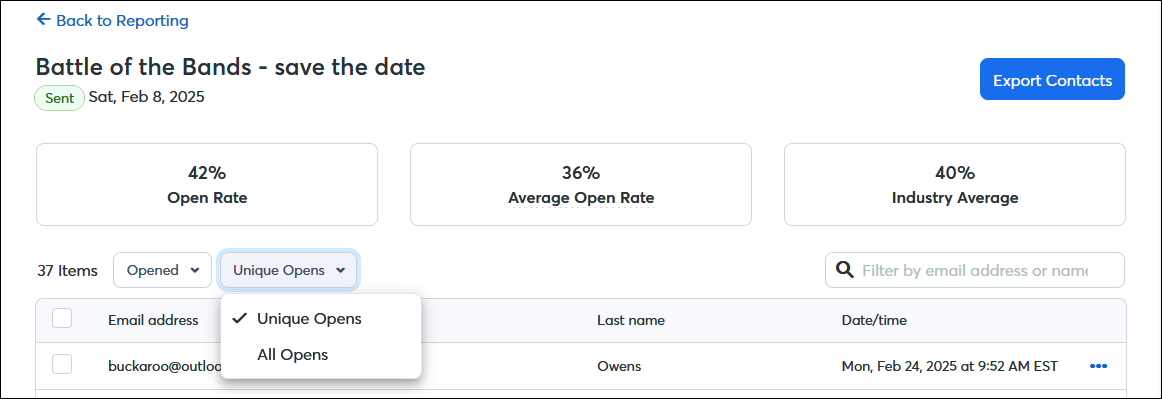
The reporting for your unique opens gives you a better sense of how well your email performed. Contacts who have a high number of opens are either very interested or not doing it on purpose, and you'll never be able to tell which it is.
Copyright © 2026 · All Rights Reserved · Constant Contact · Privacy Center