You can have a very healthy web presence without having a full website! Since the profile and bio sections of social media platforms and blogs have limited space, our "Link in Bio" templates help you gather all the important links you want to promote in one place, so you only have to share a single URL—it acts like a homepage of a website without all the baggage. Even if you have a webpage, you can use the "link in bio" template to point your social media audience to the parts of your website you want them to see. You can even create multiple pages, customized for different audiences, for each social media platform you use!
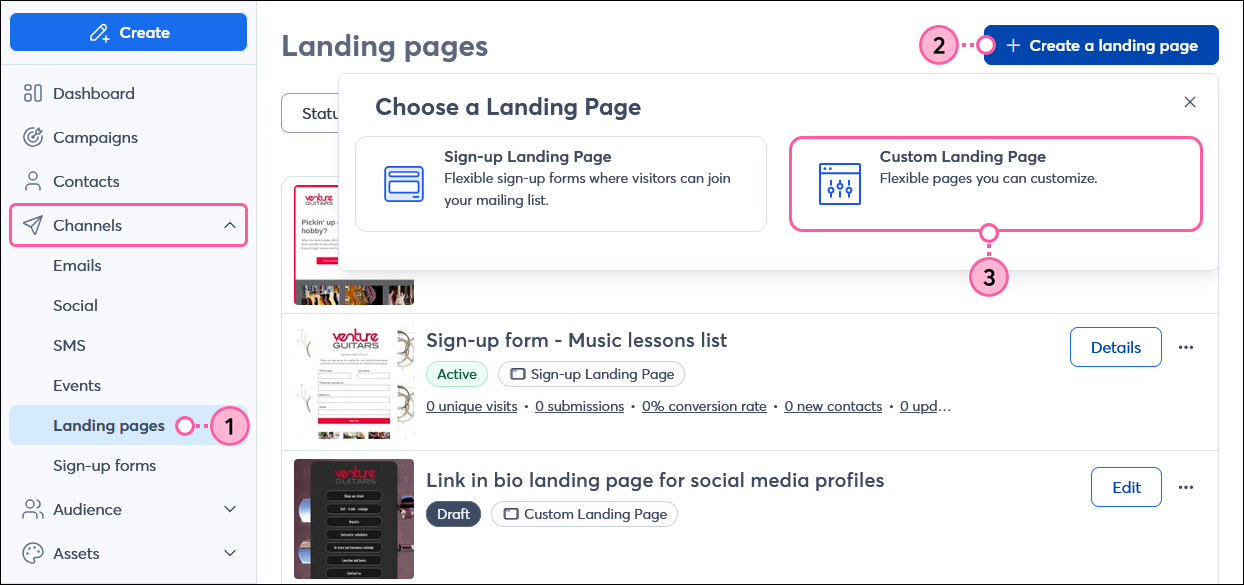
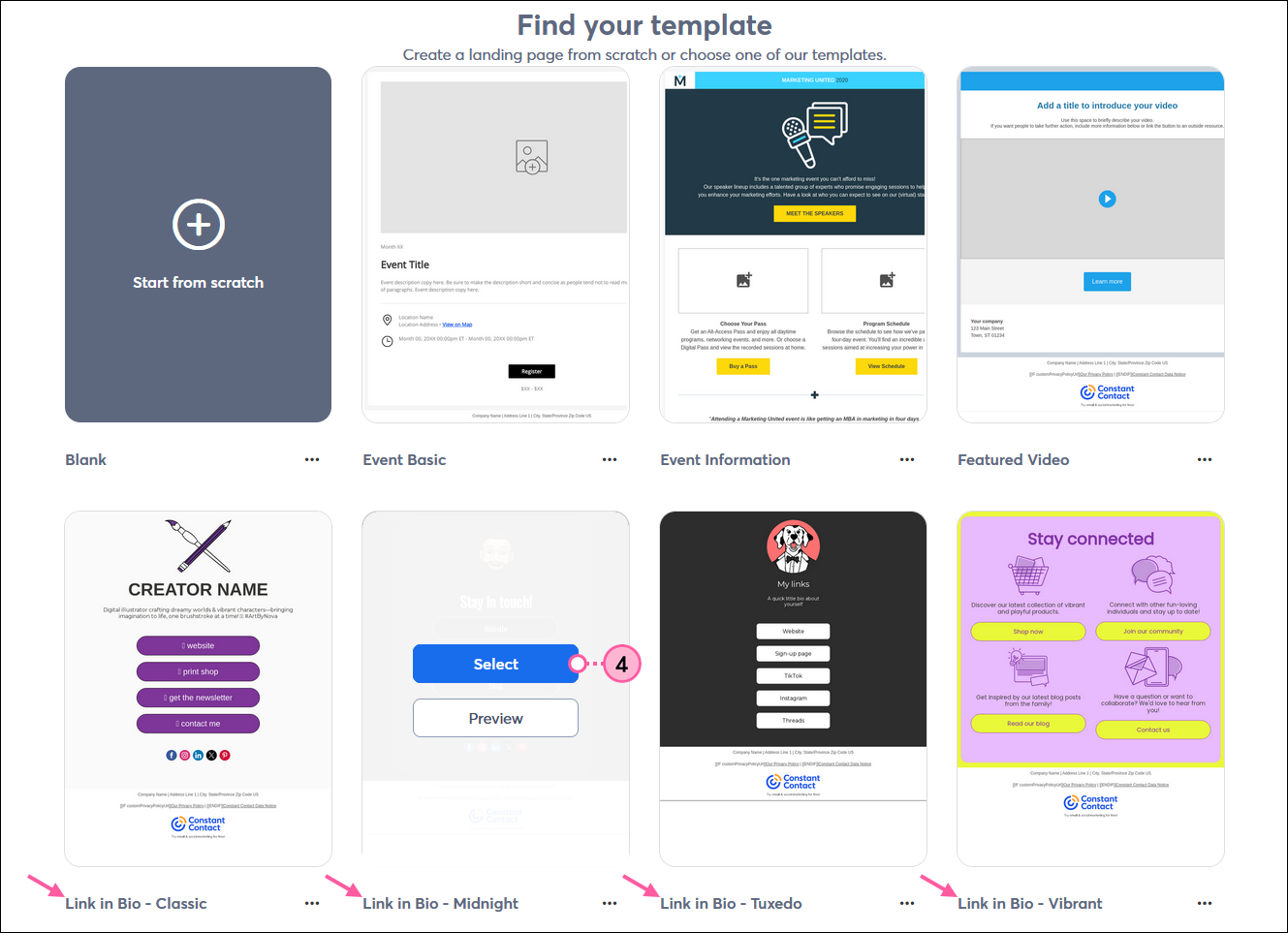
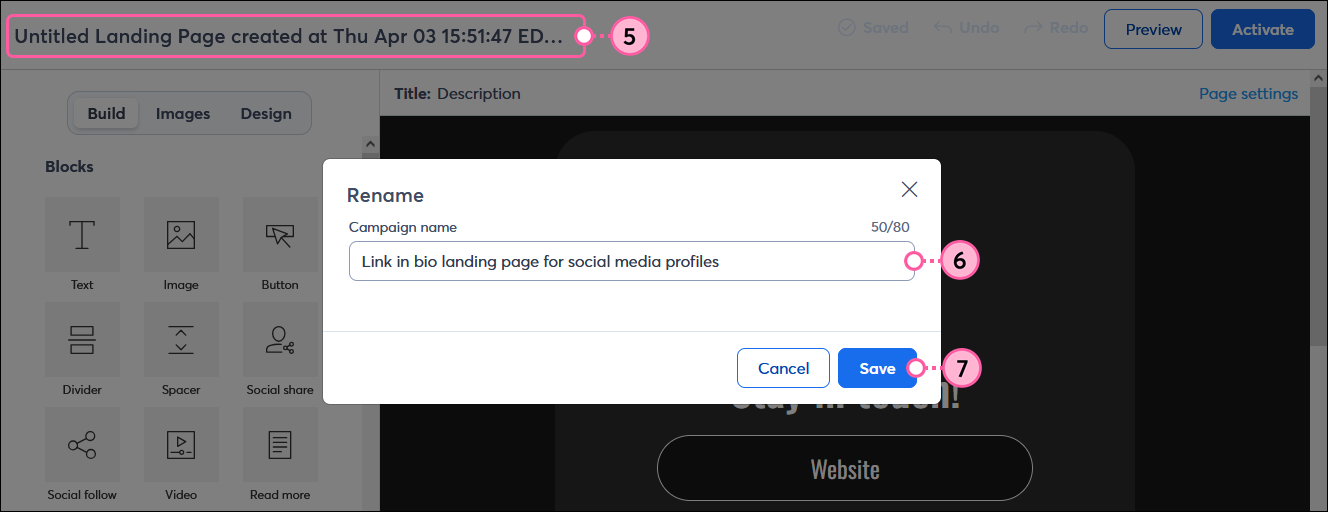
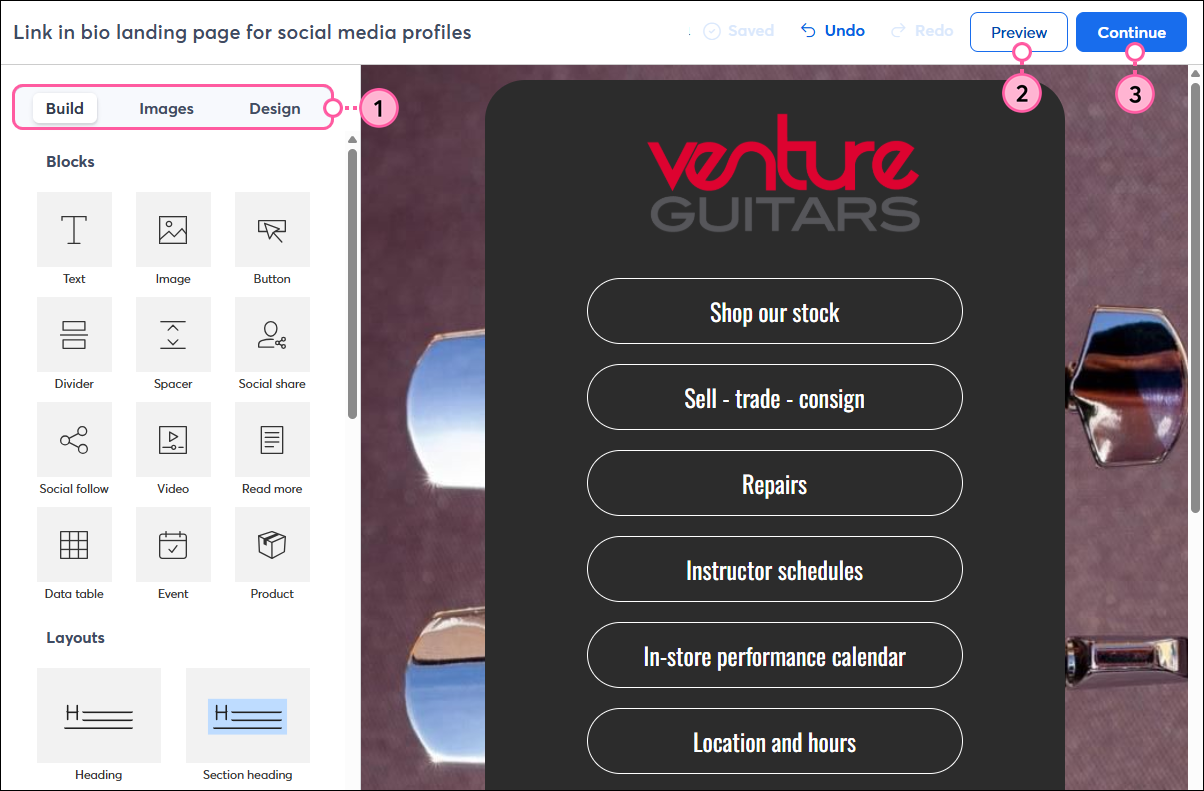
Now that your landing page is created, you can customize it by adding your branding and colors, text, and images to make it more personal for your target audience. Don't forget to include a bit of context about your organization and what it does, so that people who are unfamiliar with it have a stronger reason to engage with your landing page.
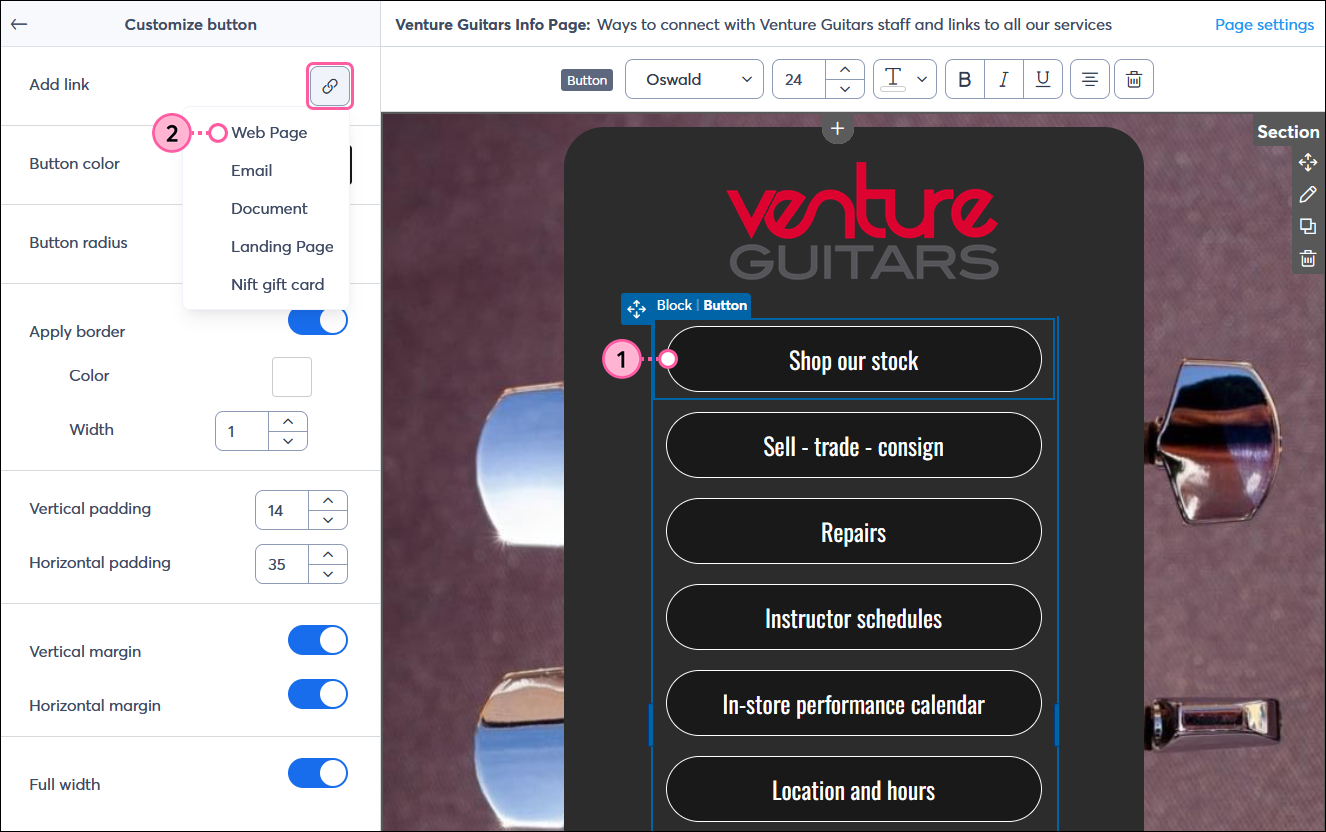
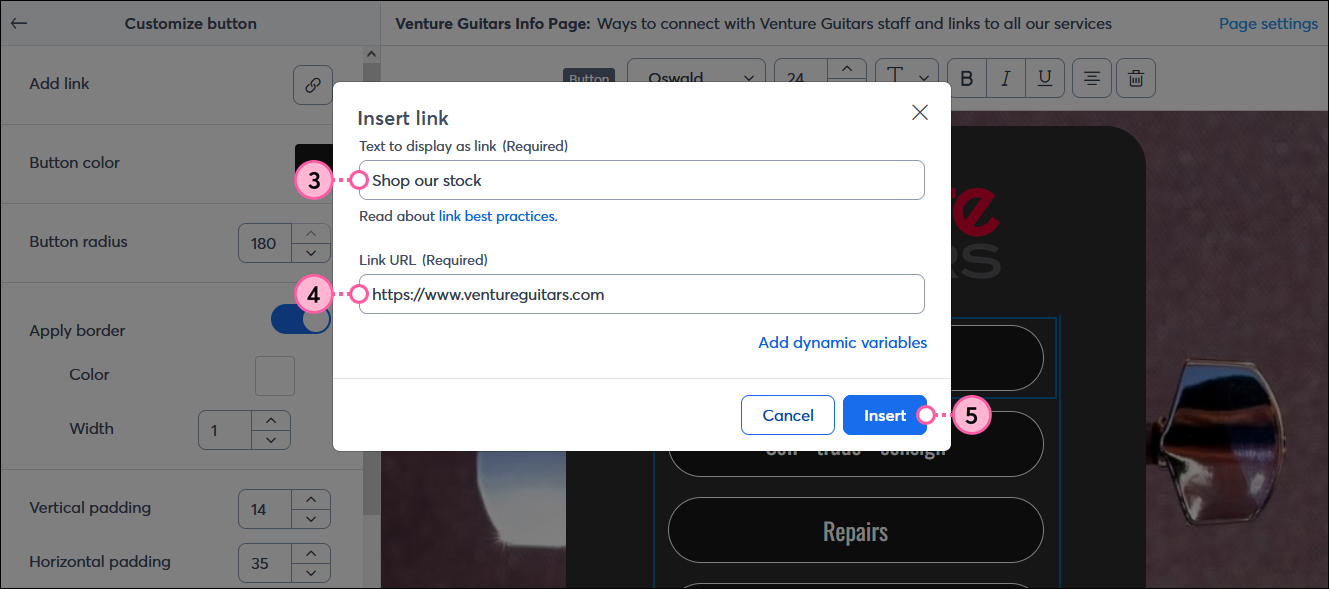
The buttons in the template are customizable, and you can add as many as you need or remove the ones you don't. You can link anything with a URL to a button, including your sign-up form, website, blog, social media platforms, fundraising page, event landing page, registration page, or anything else you can think of! Our editor also lets you link documents hosted in your Library, add a "mailto" email address, and even link to a Nift gift card.
 | Design tip: A quick way to add more buttons that match your existing ones is to copy the row that includes them. Next, you can drag each Button block from the new row into the original row. When you have enough buttons, delete the leftover row and continue customizing your buttons! Learn more about using blocks, rows, and sections. |
 | Design tip: When you're adding links to your social media profiles, you can use a standard button or the branded social media icons in a Social Follow block, whichever works best for your design! |
Having a way to sign up for your email or SMS marketing list is one of the most important elements of your "Link in Bio" landing page! Your Sign-up Landing Page must be created before you can link it to a button.
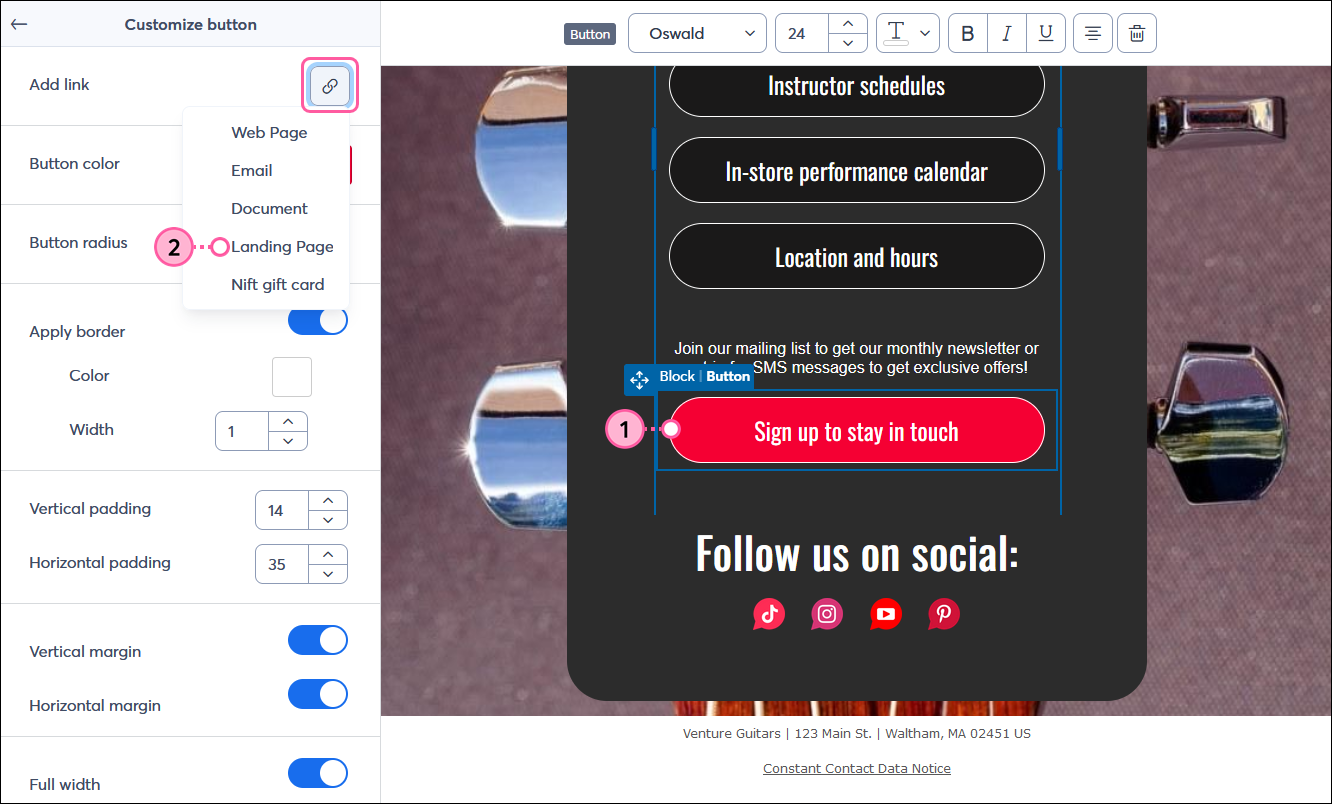
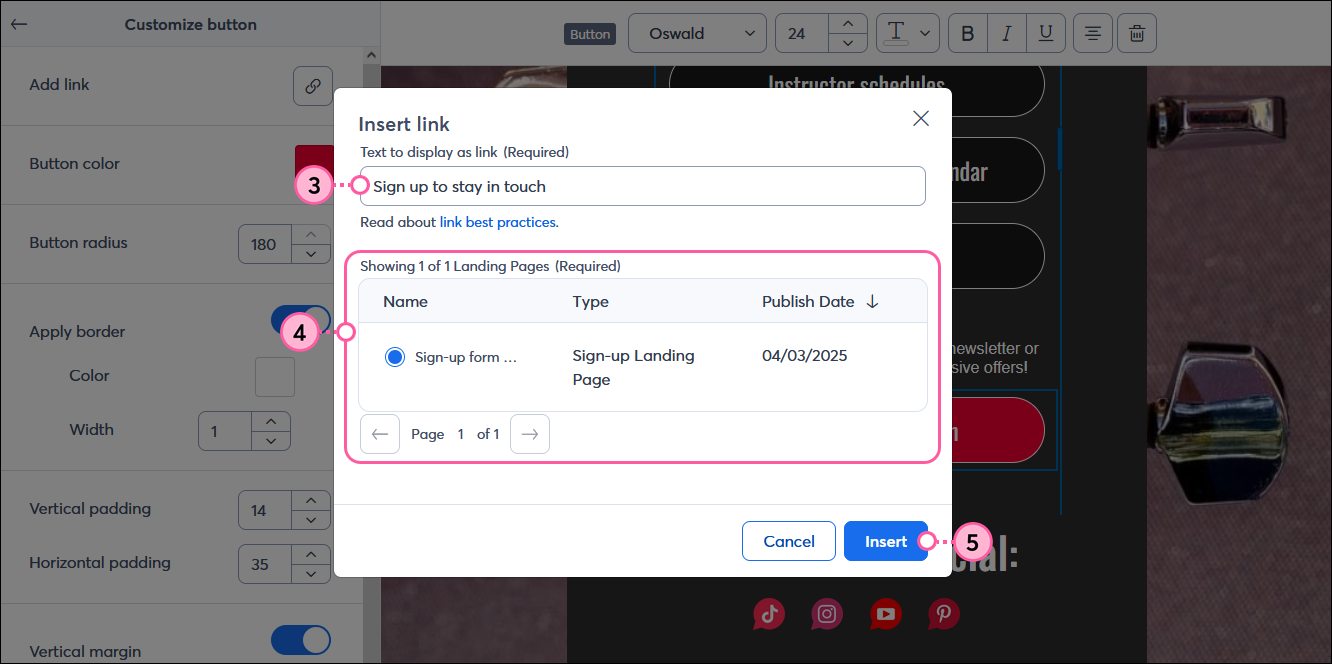
| Design tip: Want to make your "Sign up" button stand out? There are a few ways to mix and match! Put the button at the top of your landing page so it's not easy to miss, make it stand out from the other buttons with an eye-catching color, add some extra space around it, and add a little explanatory text to help draw the eye to the button. |
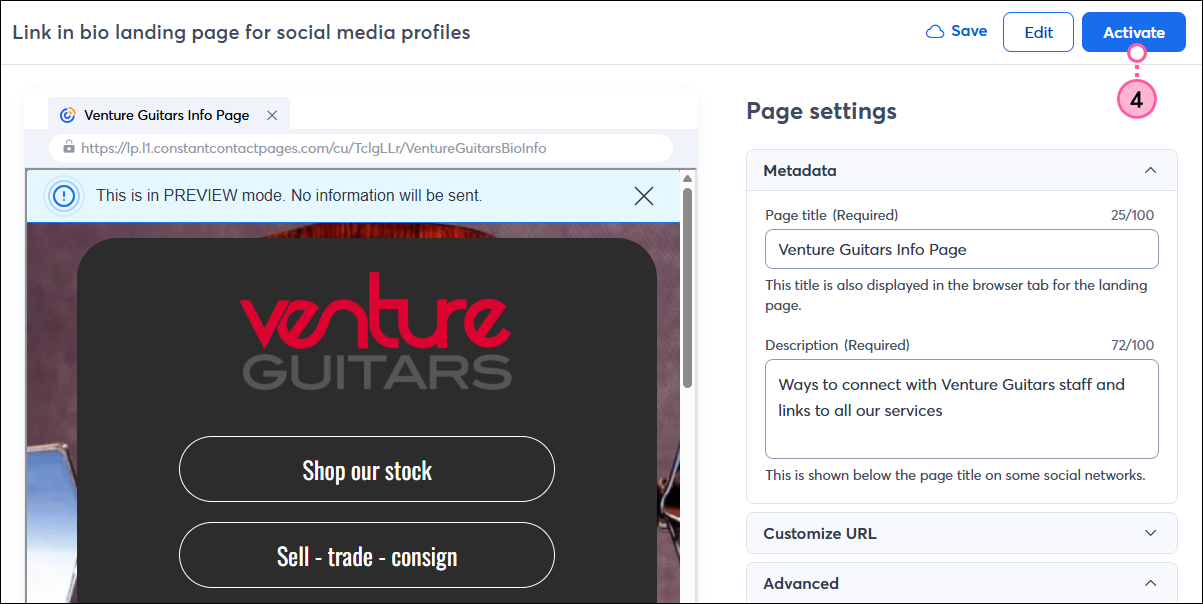
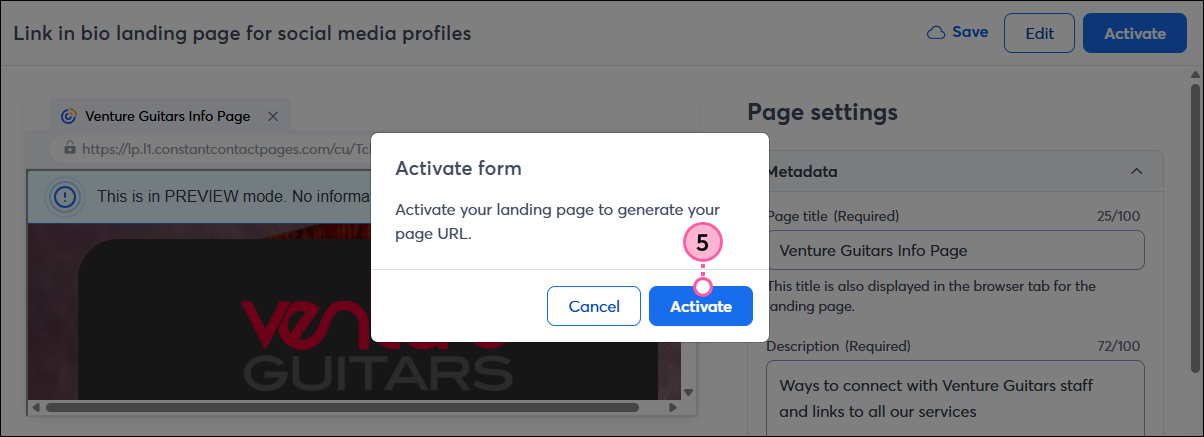
Once your landing page is published, the URL is available on the Landing Page Details page. Copy the URL and:
The link can even be shortened by using the URL shortener in our Social Post tool. Just click Share > Share on social from the Landing Page Details Page and copy the shortened link.
Copyright © 2026 · All Rights Reserved · Constant Contact · Privacy Center