Dividers help organize and add visual interest to the content in your email in a subtle way. A single divider can be used to separate a section of content from the rest, or multiple dividers can be used with other design elements, such as images and text, to create repetitive groupings of related content. Our templates have two types of dividers available:
 | Design tip: Looking for a way to separate content without taking up extra space on mobile devices? Try using a spacer to create extra white space instead of using a divider. There are also pre-built Layout blocks with subtle borders around the entire block that won't compete with your design. |
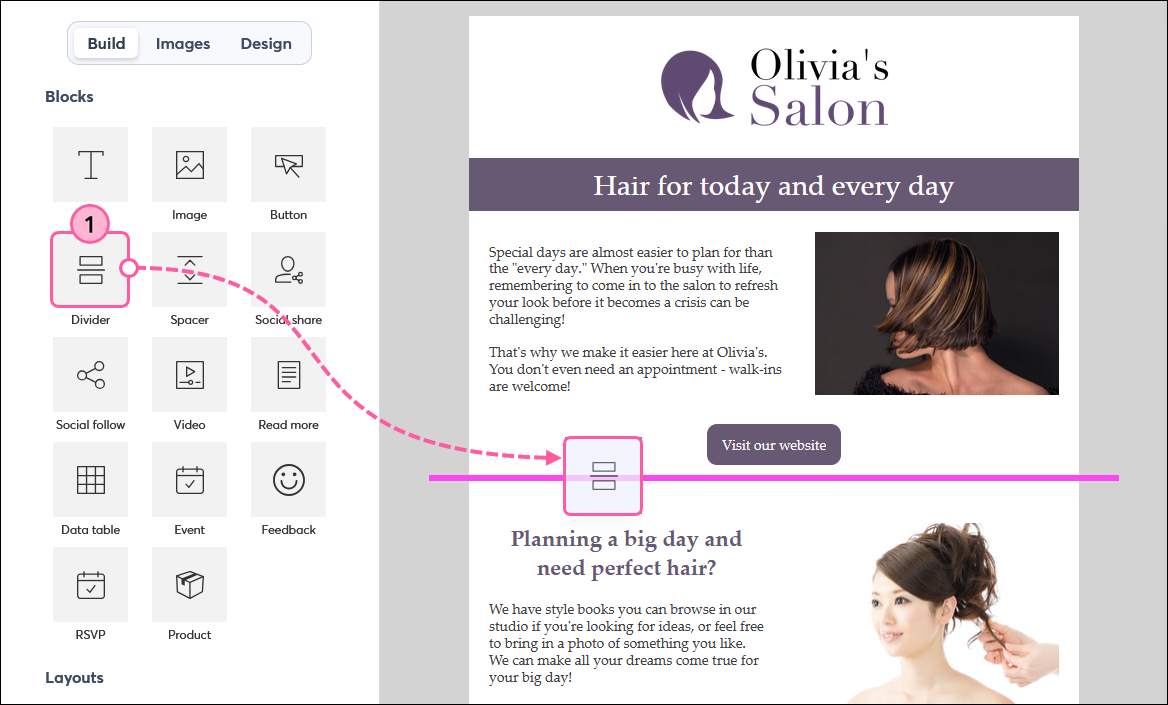
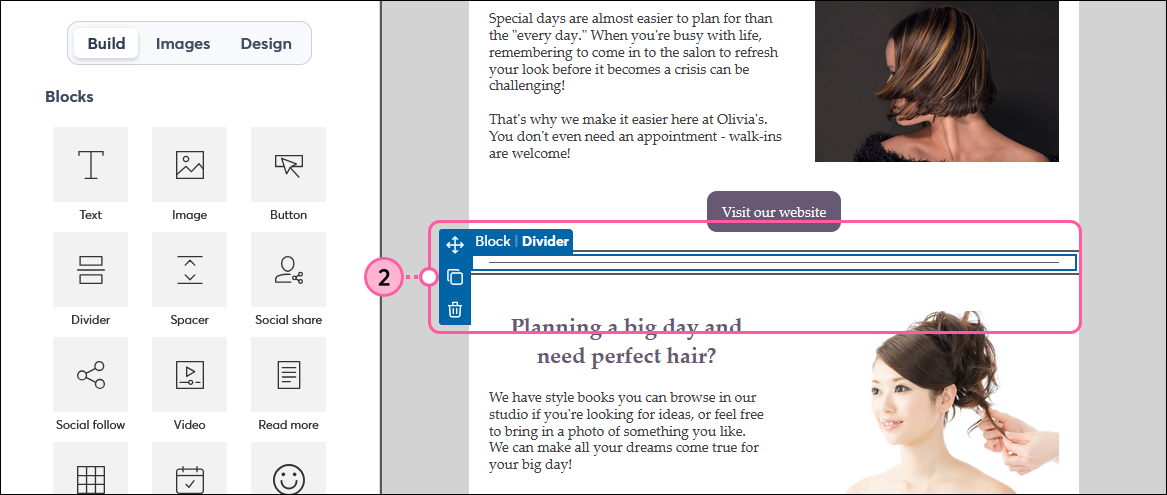
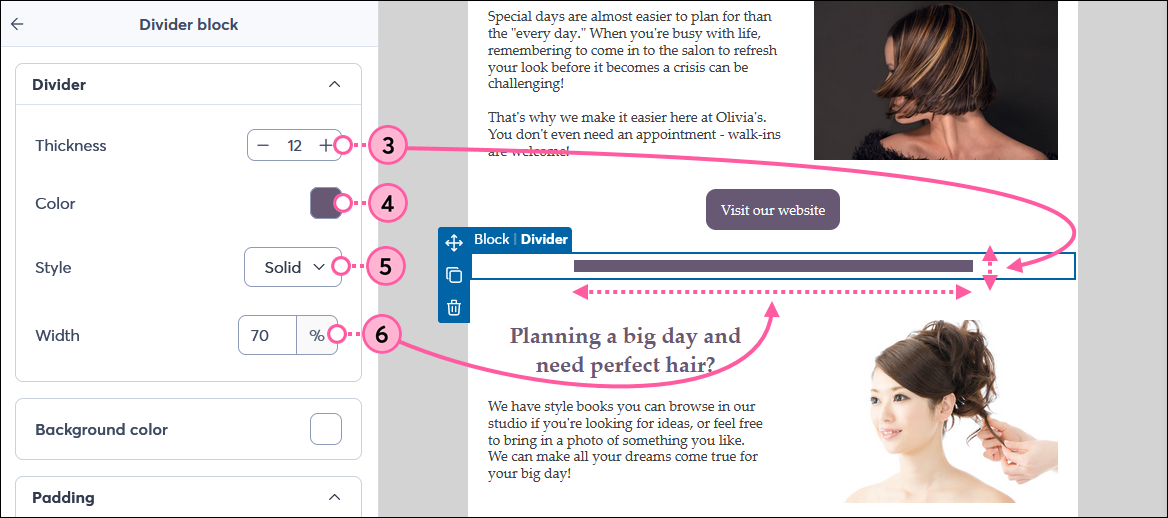
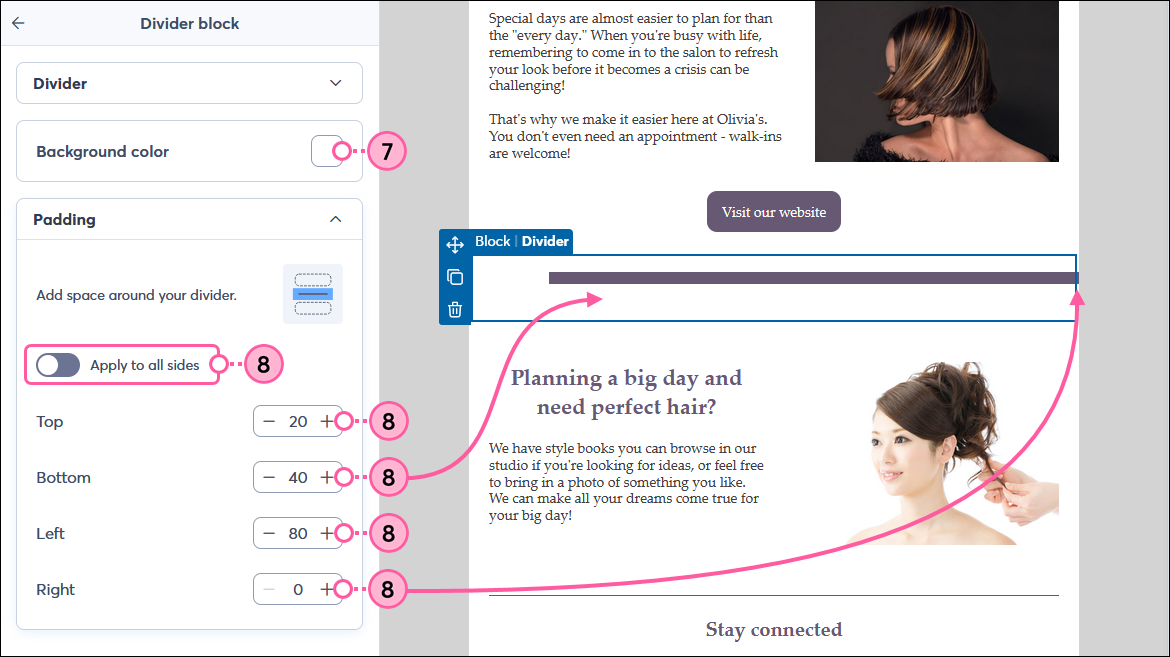
Simply click outside the Divider block to finish updating the rest of your email content.
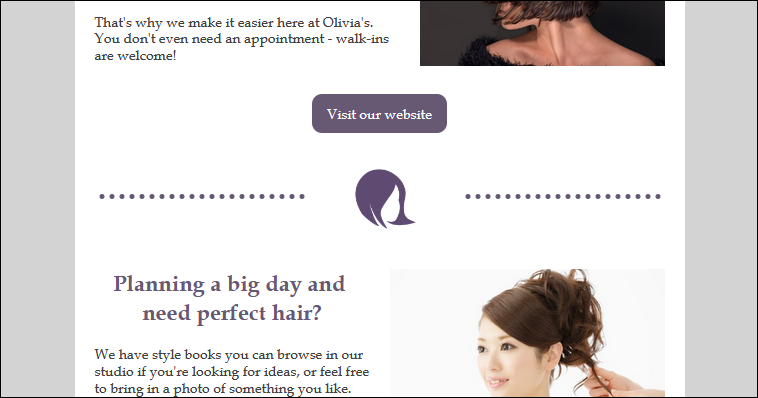
Some templates have dividers with extra embellishments. The color can be changed through the Dividers option on the Design tab, but additional styles can't be applied to these types of dividers. If needed, you can always replace them with a standard divider.
| Design tip: Insert a small thumbnail image in the center of a Three Column block and add dividers on both sides to create extra visual appeal. |
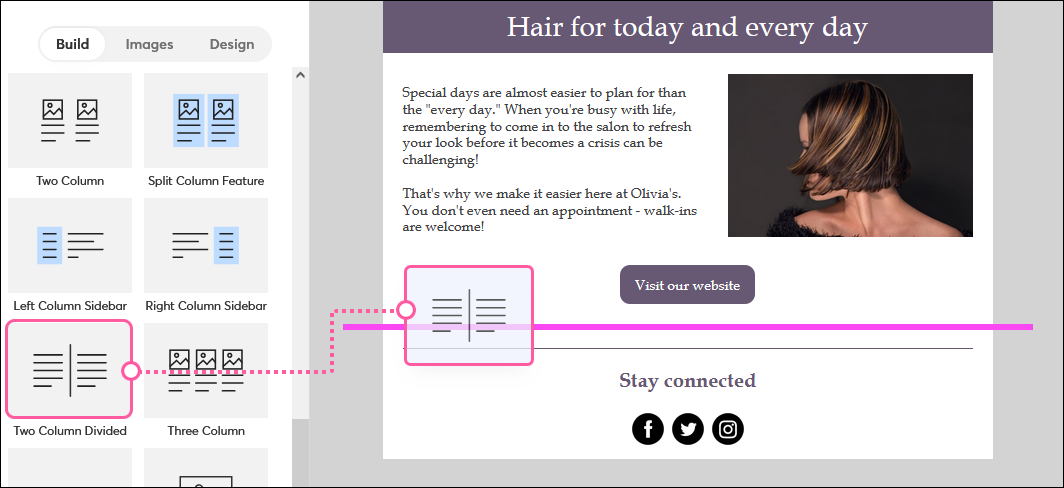
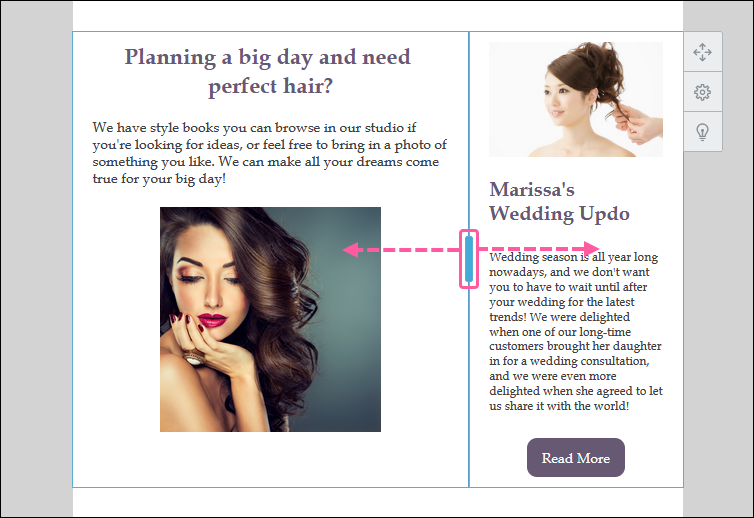
A vertical divider is present when your email has columns, created using a pre-bult Layout or by putting blocks side-by-side. The color of the vertical divider is determined by the Dividers color on the Design tab.
Like any other block, you can change the background color to add even more visual interest to your email design!
Copyright © 2026 · All Rights Reserved · Constant Contact · Privacy Center