Our integration with Square allows you to sync contacts into segmented lists based on your Square clients' buying behavior. Once imported, send targeted marketing content to help drive sales.
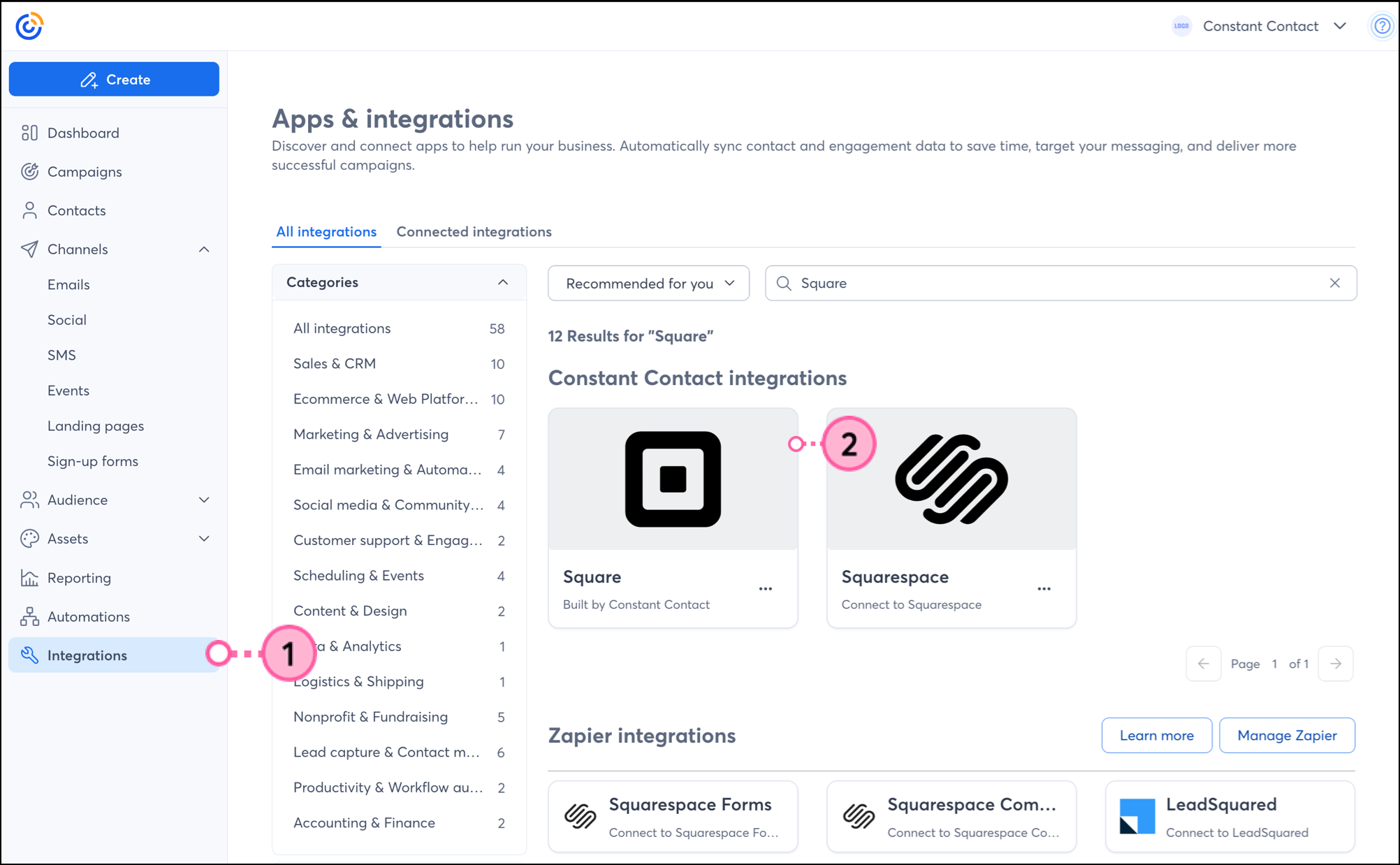
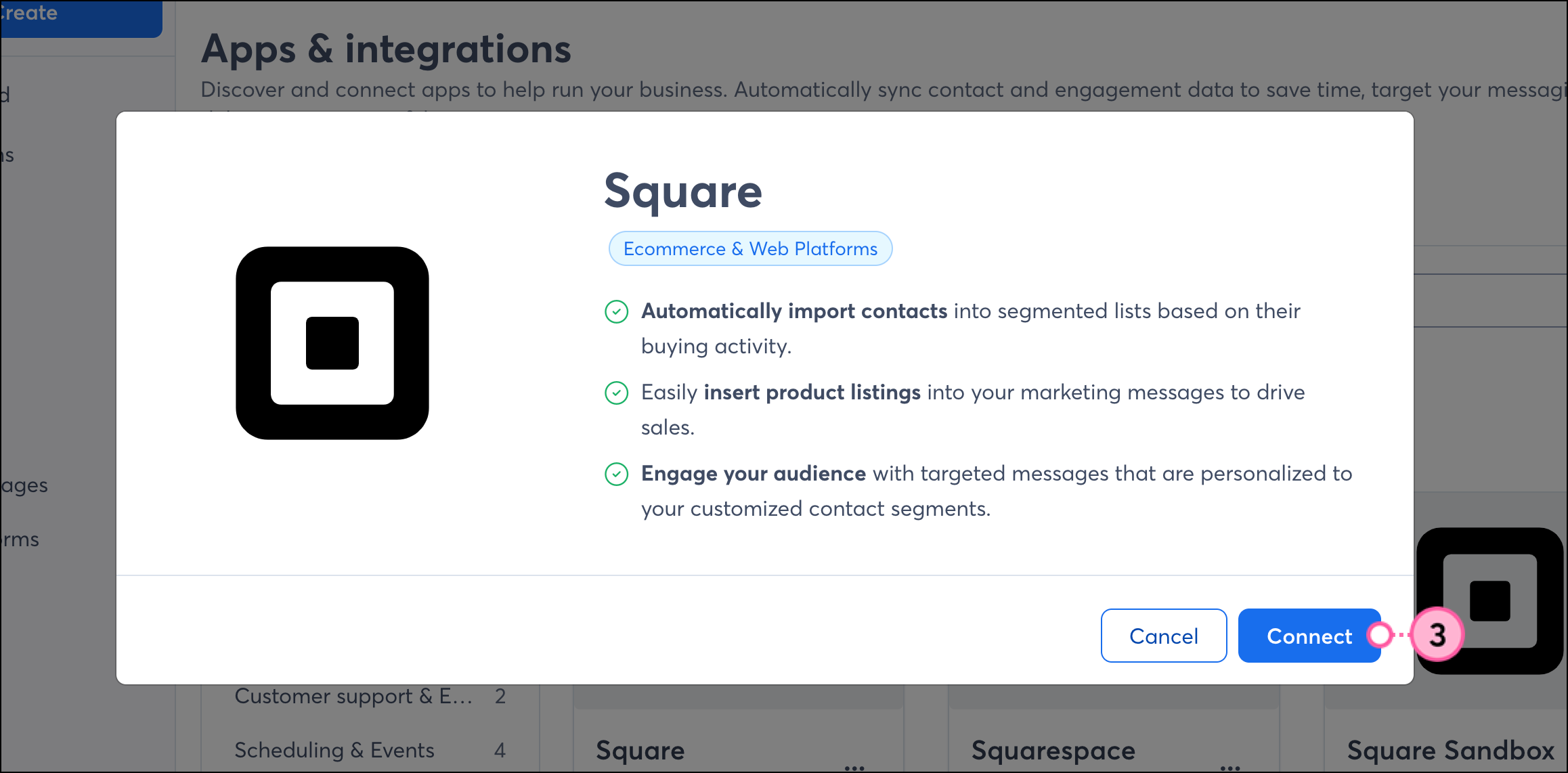
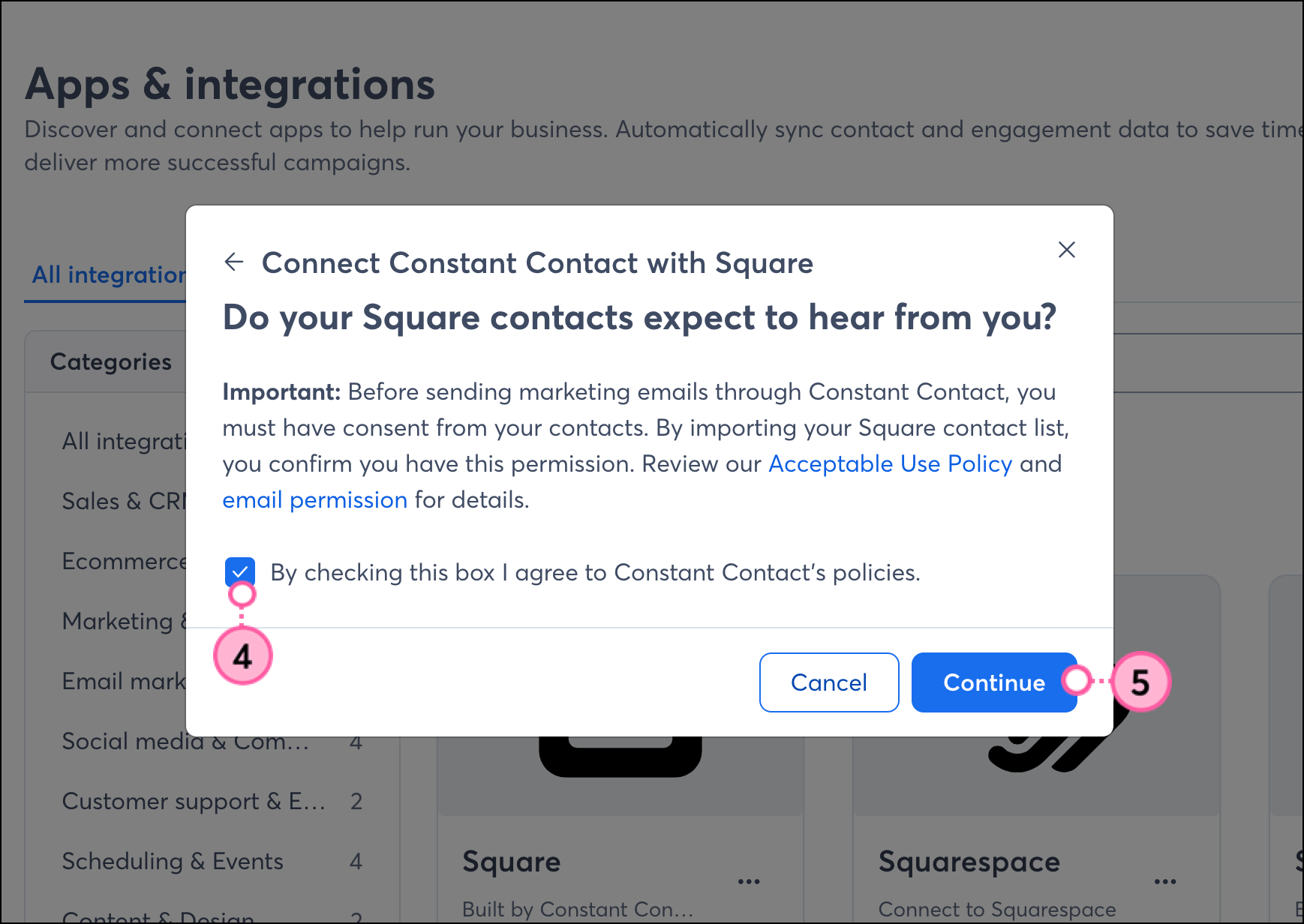
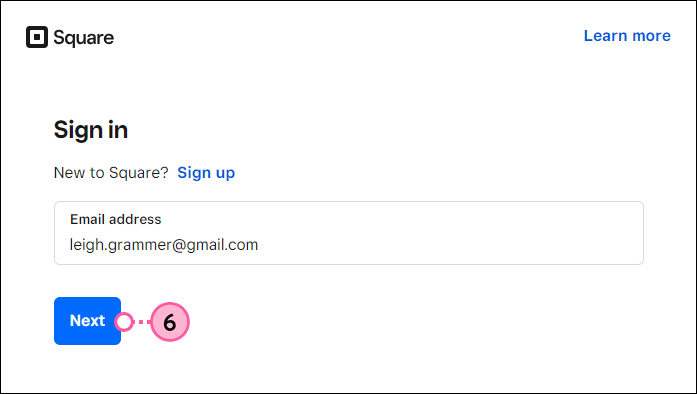
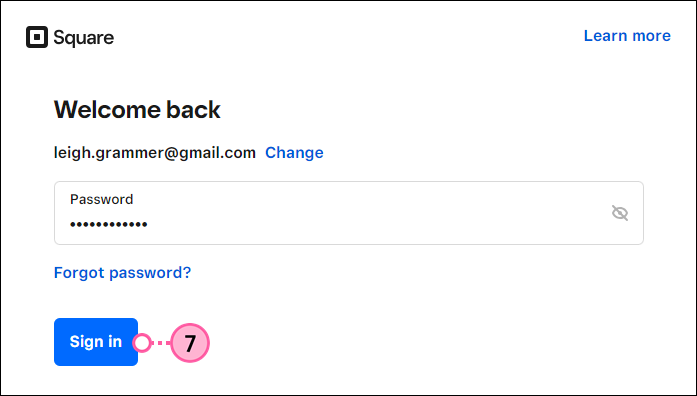
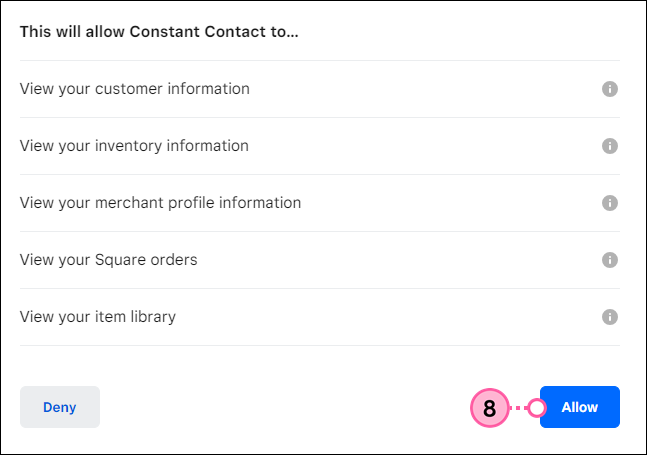
You'll then be brought to the Square integration dashboard. Your Square customer information will be imported into segmented contact lists within Constant Contact. Please note that this process could take some time, and you will receive an email once the import is complete. 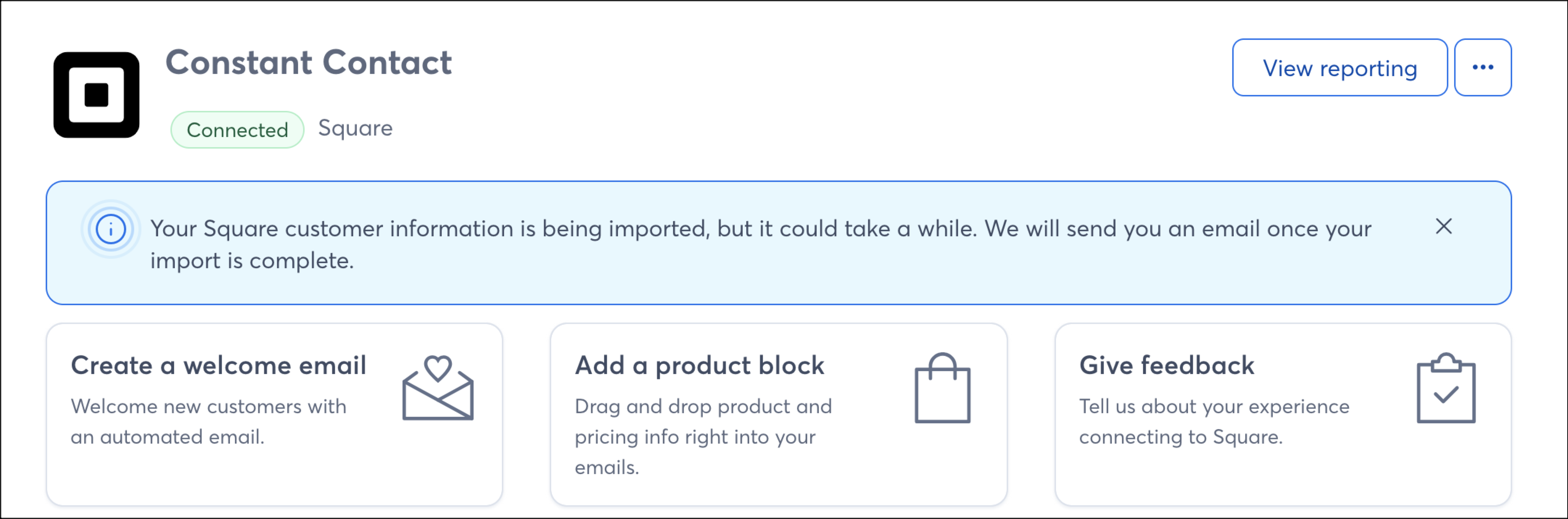
Your Square contacts will be imported into segmented lists based on their purchase behavior, which can be reviewed on the Lists tab of the Square integration dashboard. Contacts will be synced daily. Please note that any changes you make to these lists within Constant Contact will be overwritten when the next sync occurs.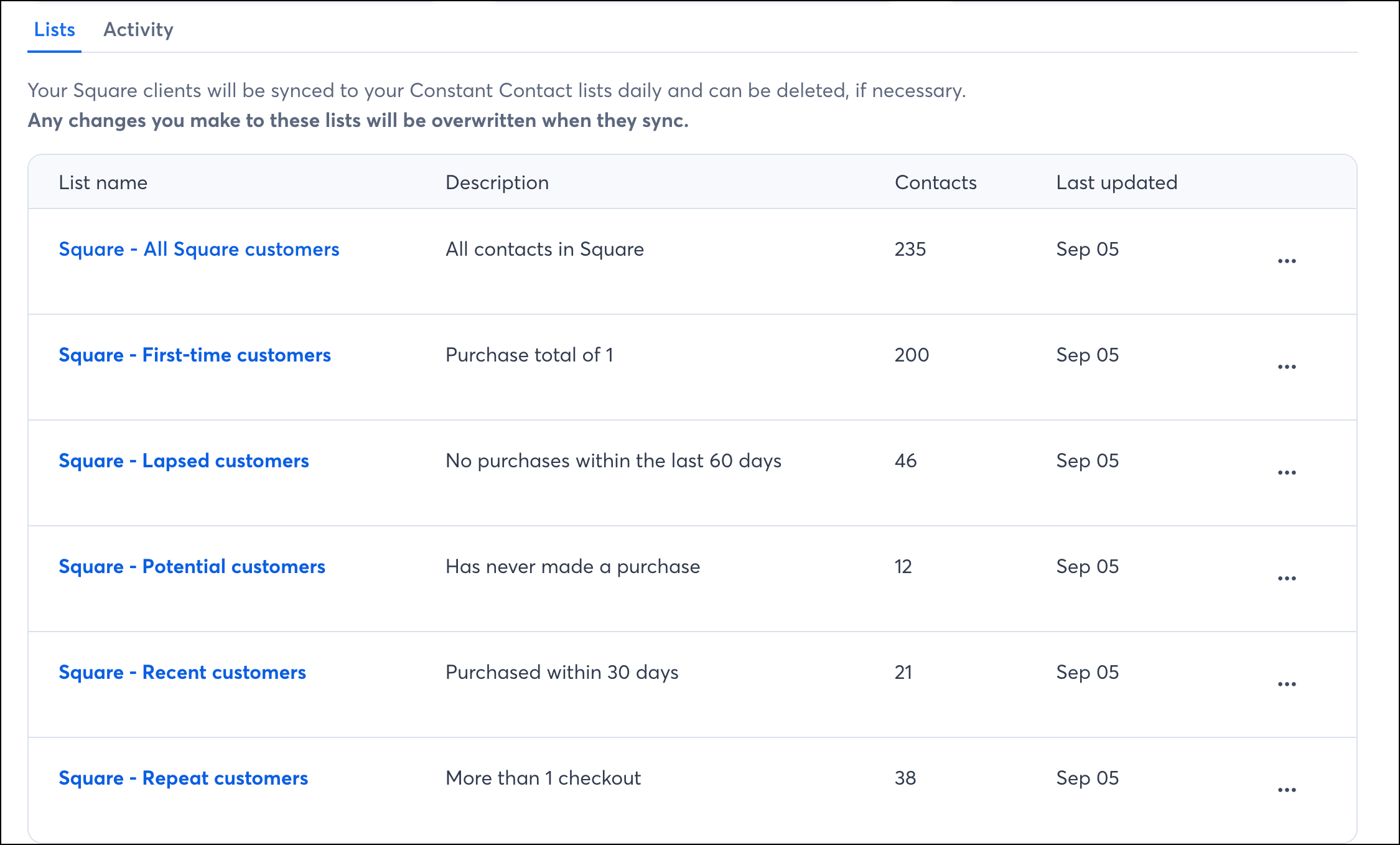
Once your Square account is synced to Constant Contact, there are a few ways to use the integration throughout your Constant Contact account.
The products and services in your Square store can easily be inserted into your emails through a dedicated Product action block to get them in front of the right contacts.
When importing contacts from Square, your Square contacts are placed into segmented lists based on their activity and are synced daily. If you want to segment these contacts even further, to send specific, targeted messaging, you can do so by creating a custom segment of contacts.
Create personalized automated communications via email and SMS for your customers based on their actions, including welcome emails, thank you series, requests for review, and more.
Copyright © 2026 · All Rights Reserved · Constant Contact · Privacy Center