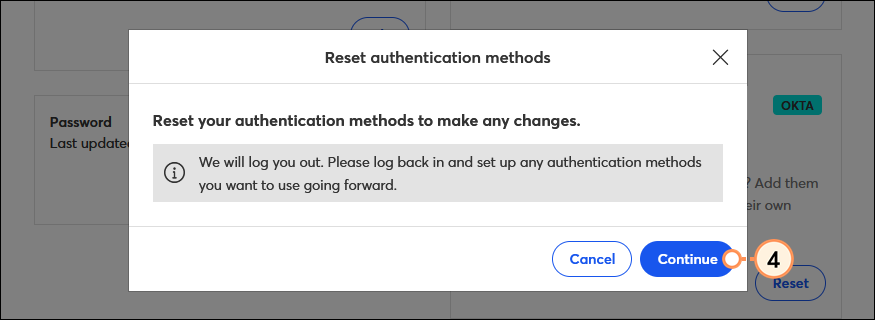
If you've set up Multi-Factor Authentication (MFA) for your account and need to update your secondary factors for any reason—like if you lost or don't have access to your device, want to change the secondary factor you're using, or want to add another factor—you can reset them from your account settings or from the MFA login screen. Once reset, you'll be able to select new MFA factors the next time you log into your account.
Best practice: We recommend setting up at least two secondary factors, using different devices (for example, a mobile phone for SMS authentication and a landline phone for Voice Call authentication) to help prevent you from being locked out of your account if you lose or misplace one of your devices.
If you lost or don't have access to the device you used to set up MFA, you can set up a new device when logging in.

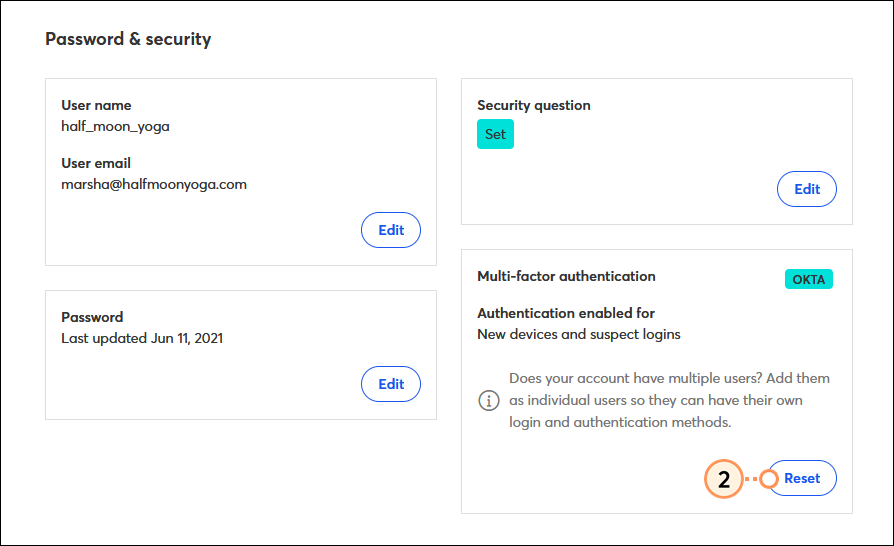
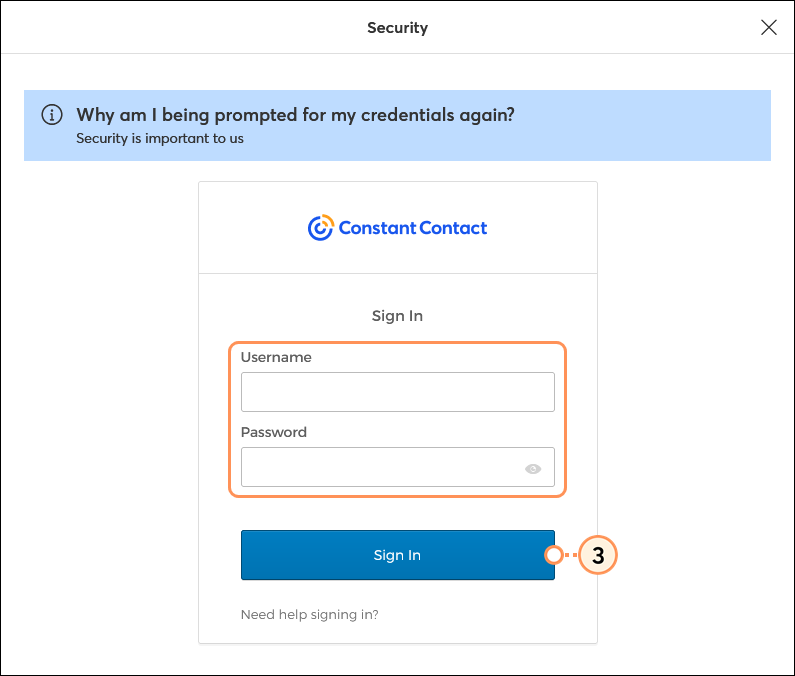
If you’re able to log into your account and want to change your authentication methods, you can reset your MFA factors from the Account settings page.

Copyright © 2026 · All Rights Reserved · Constant Contact · Privacy Center