We've embedded an extra layer of security into our login for the Constant Contact Mobile App using Okta Authentication. The first time that you access the mobile app with the new Okta login in place, you will be prompted to re-enter your Constant Contact username and password.
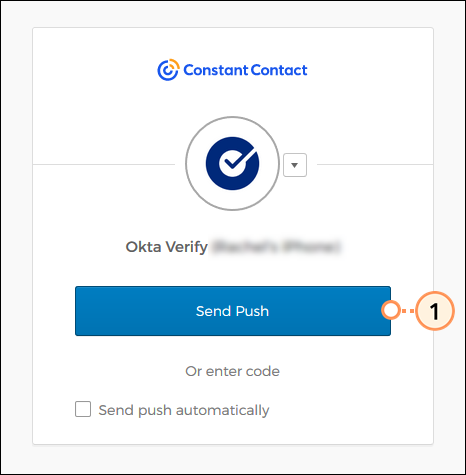
When you attempt to log in to your account from a new or unrecognized device, multi-factor authentication is required, prompting you to provide a secondary factor to verify your identity, such as a push notification on your mobile device or a code sent via text message or phone call. Don't worry, you won't be required to enter your secondary factor every time you log in. For step-by-step instructions on how to enroll in multi-factor authentication, read Enroll in Multi-Factor Authentication.
If you've forgotten your password, please follow the steps to reset it. An email will be sent to you with steps to reset your password in Constant Contact via your desktop. Make sure to reset your password on your desktop first, then close the browser on your computer. Once successfully reset, log in to the mobile app using your new password.
 | Important: If you have Multi-Factor Authentication (MFA) set up for your account, when you first log in to the mobile app, you'll be prompted to authenticate based on the option you selected when you initially enrolled in MFA - either through SMS authentication, Voice Call Authentication, Google Authenticator, or Okta Verify. |
Copyright © 2026 · All Rights Reserved · Constant Contact · Privacy Center