 | Review your plan: This feature is not available in all Constant Contact plans. If you don’t have full access, you may need to upgrade your plan. |
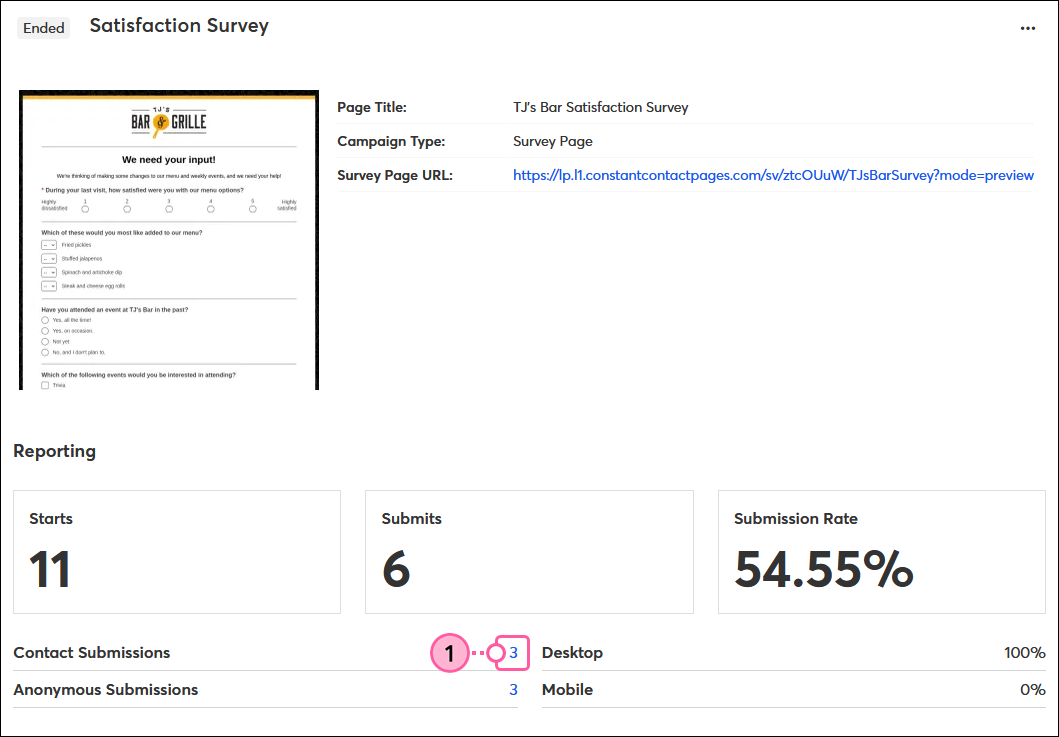
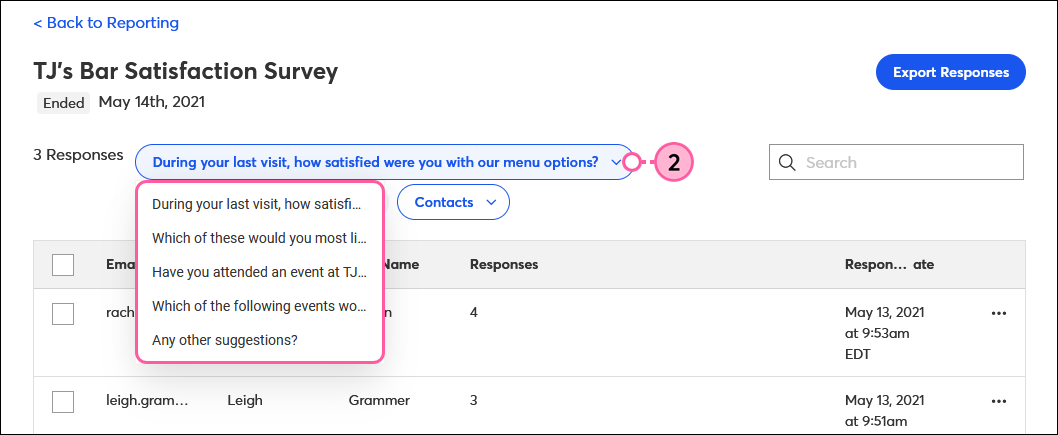
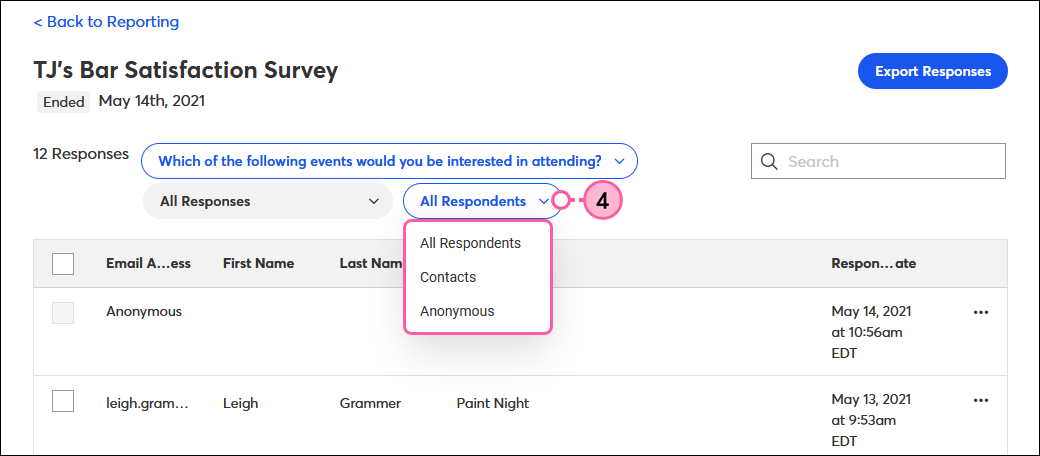
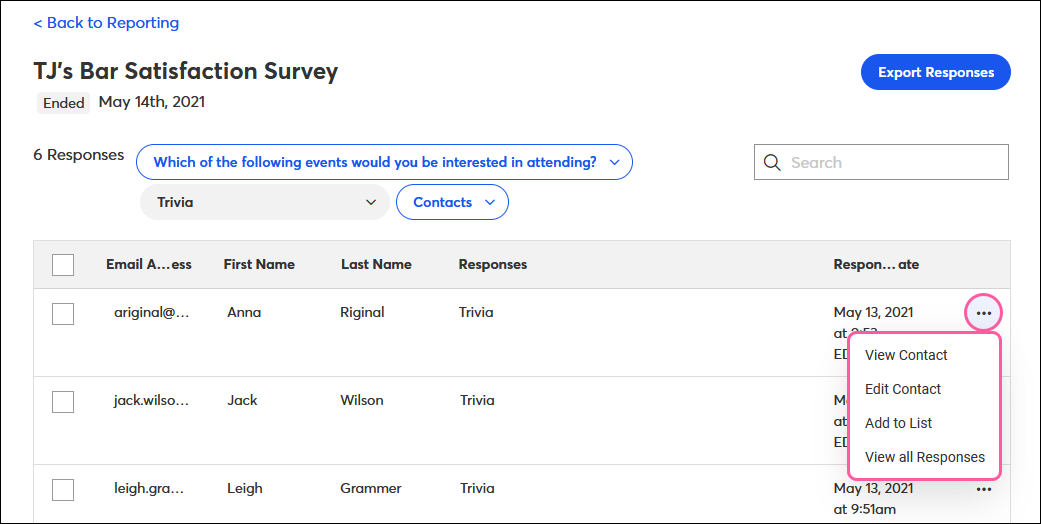
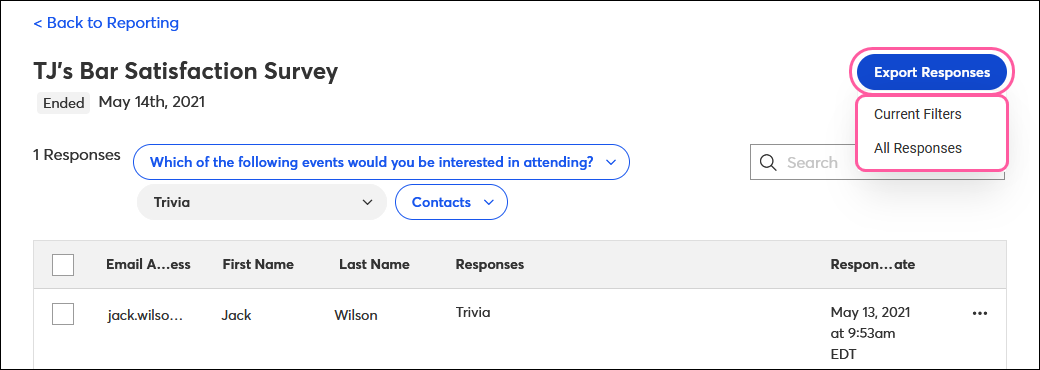
When viewing the results for your Survey Page, you can see the individual contacts who completed your survey and which responses they submitted. From here, you can choose to export some or all of the results, view or edit a respondent’s contact details, or add contacts to an email list depending on their feedback.
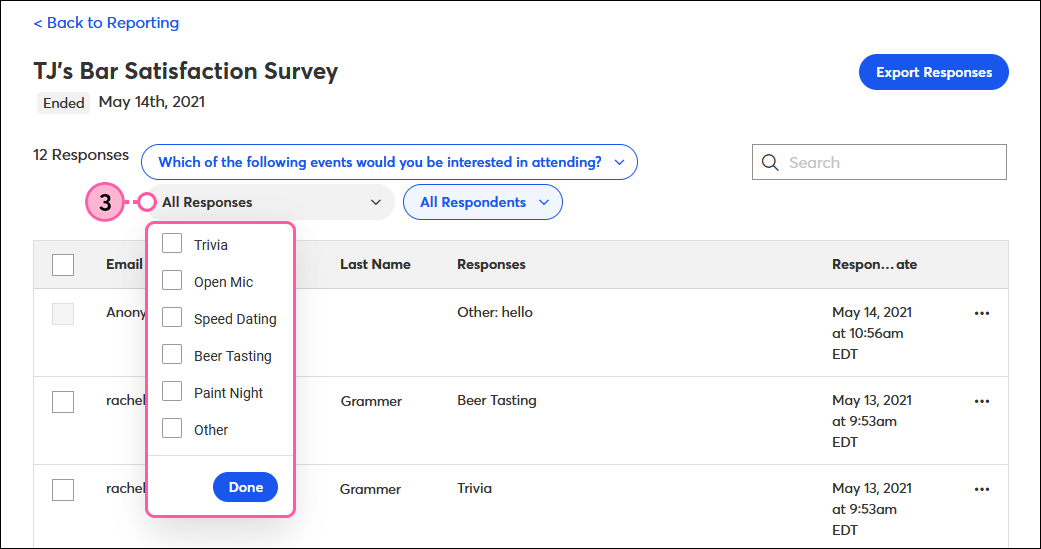
When contacts respond to your survey, you can easily segment them into different email lists based on their feedback so you can follow up with targeted content.
To add respondents to an email list:
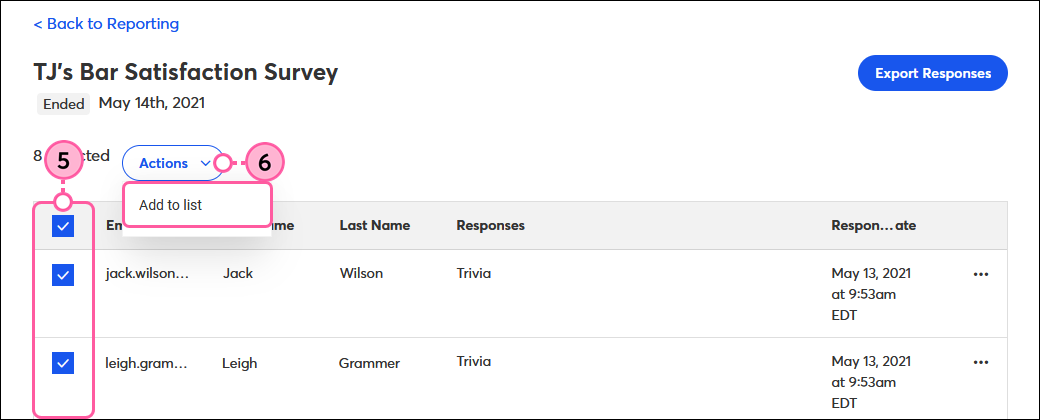
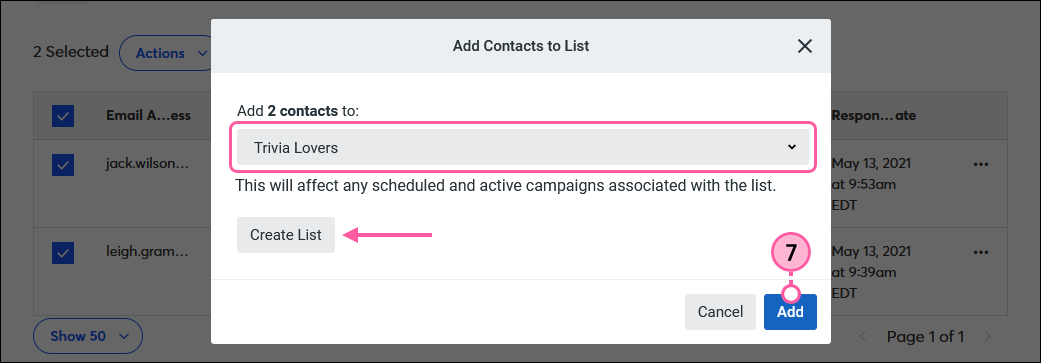
Now you can follow up with these respondents by sending a targeted email to the list you just added them to.
Note: The only details you can see for anonymous respondents are their survey responses.
To view an individual respondent’s details:
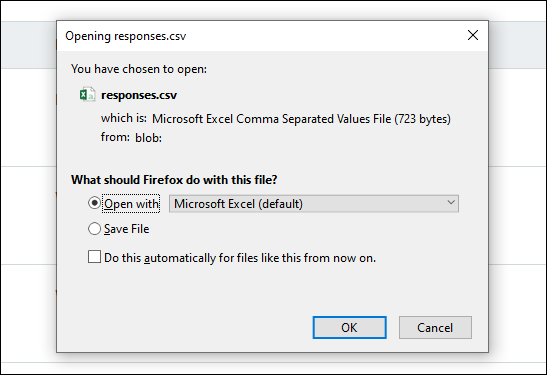
To download and save a spreadsheet of the survey results:
Copyright © 2026 · All Rights Reserved · Constant Contact · Privacy Center