Our Mindbody integration lets you automatically sync contacts from Mindbody into your Constant Contact account. The integration imports each contact's birthday and the date of their first visit to your business, making it easier for you to send automated welcome, birthday, and anniversary emails. Your email lists update daily, ensuring you'll stay connected with all of your Mindbody customers.
When you sync your Mindbody account, customers in the "Active" status are brought into your Constant Contact account. Customers become "Inactive" after 24 months with no visits. To sync contacts to the "First Visit" list, the contacts must be in a "Completed" status.
 | Important: To opt specific contacts out during the sync, make sure the "Email" option under "News and Promos" is unchecked. After the sync is complete, unsubscribe is a two-way process—contacts who unsubscribe through the footer of your Constant Contact emails automatically have the "Email" option deselected in your Mindbody account, and if you deselect the "Email" option, the contact is labeled as unsubscribed in your Constant Contact account. |

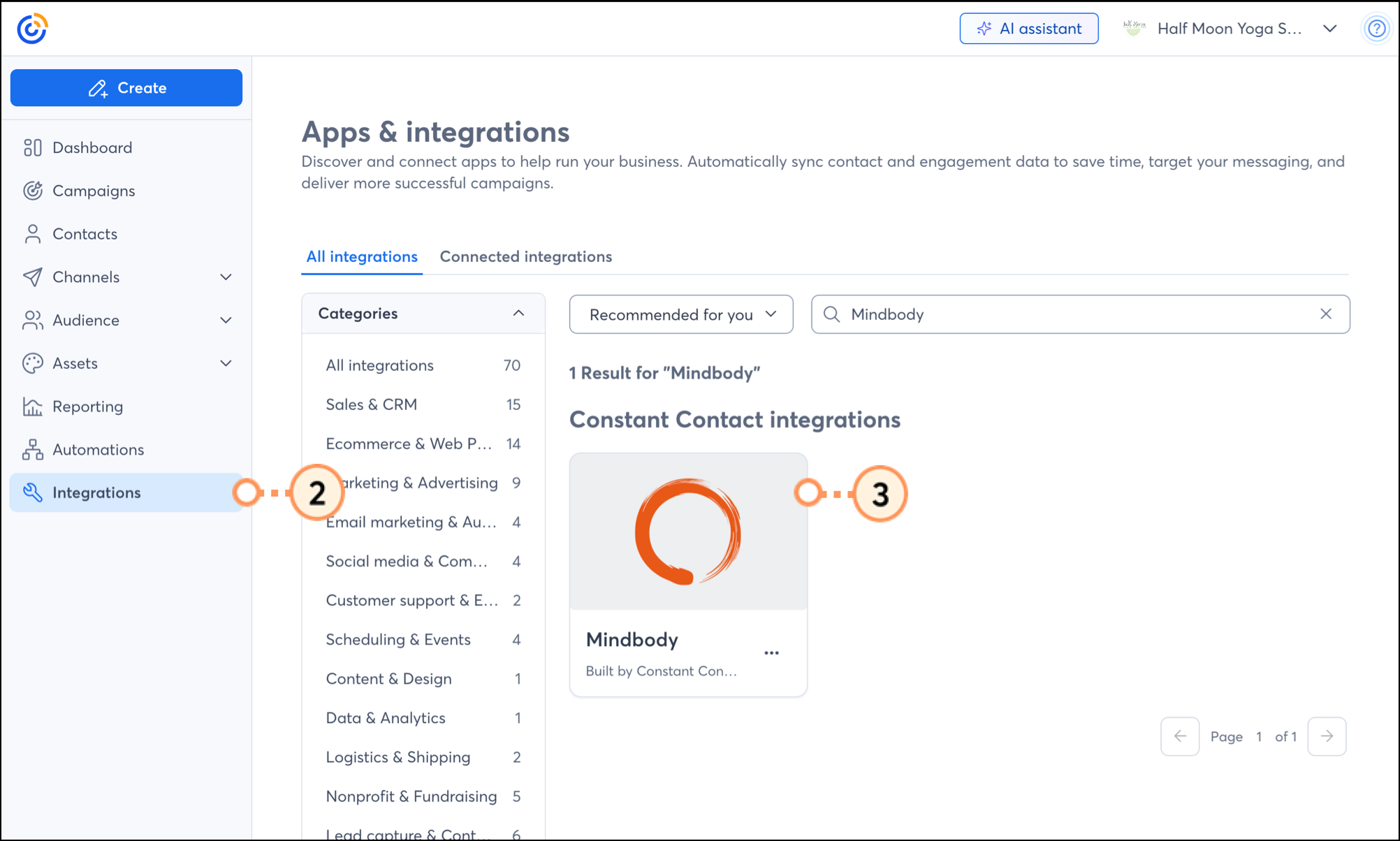
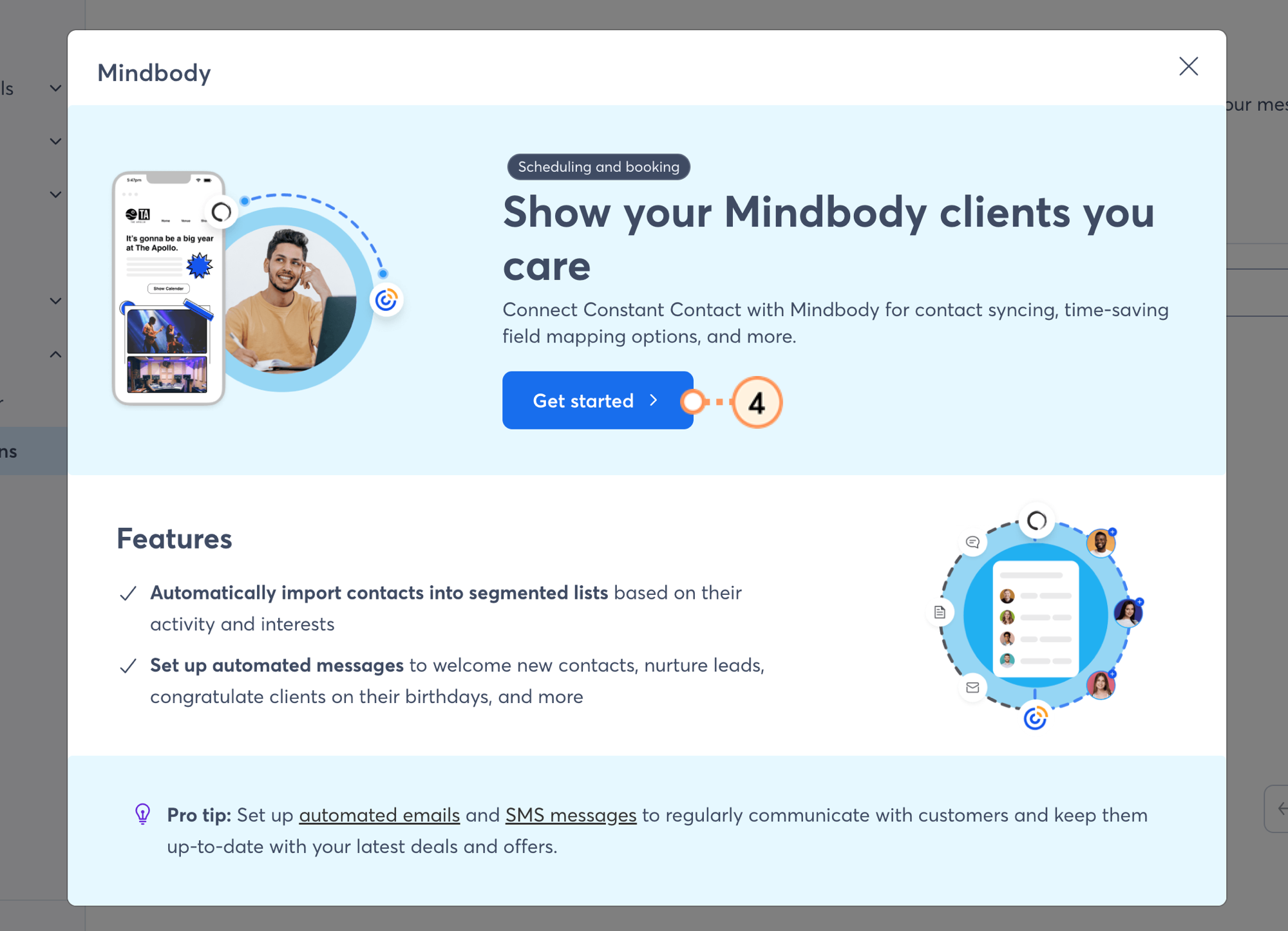
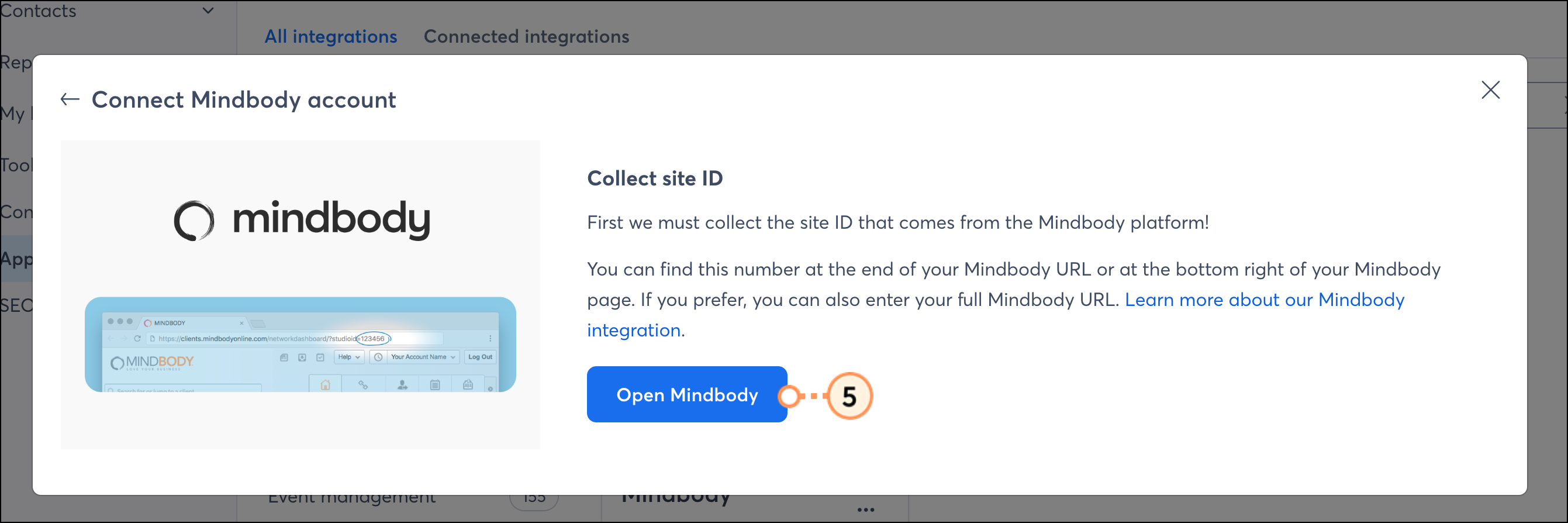
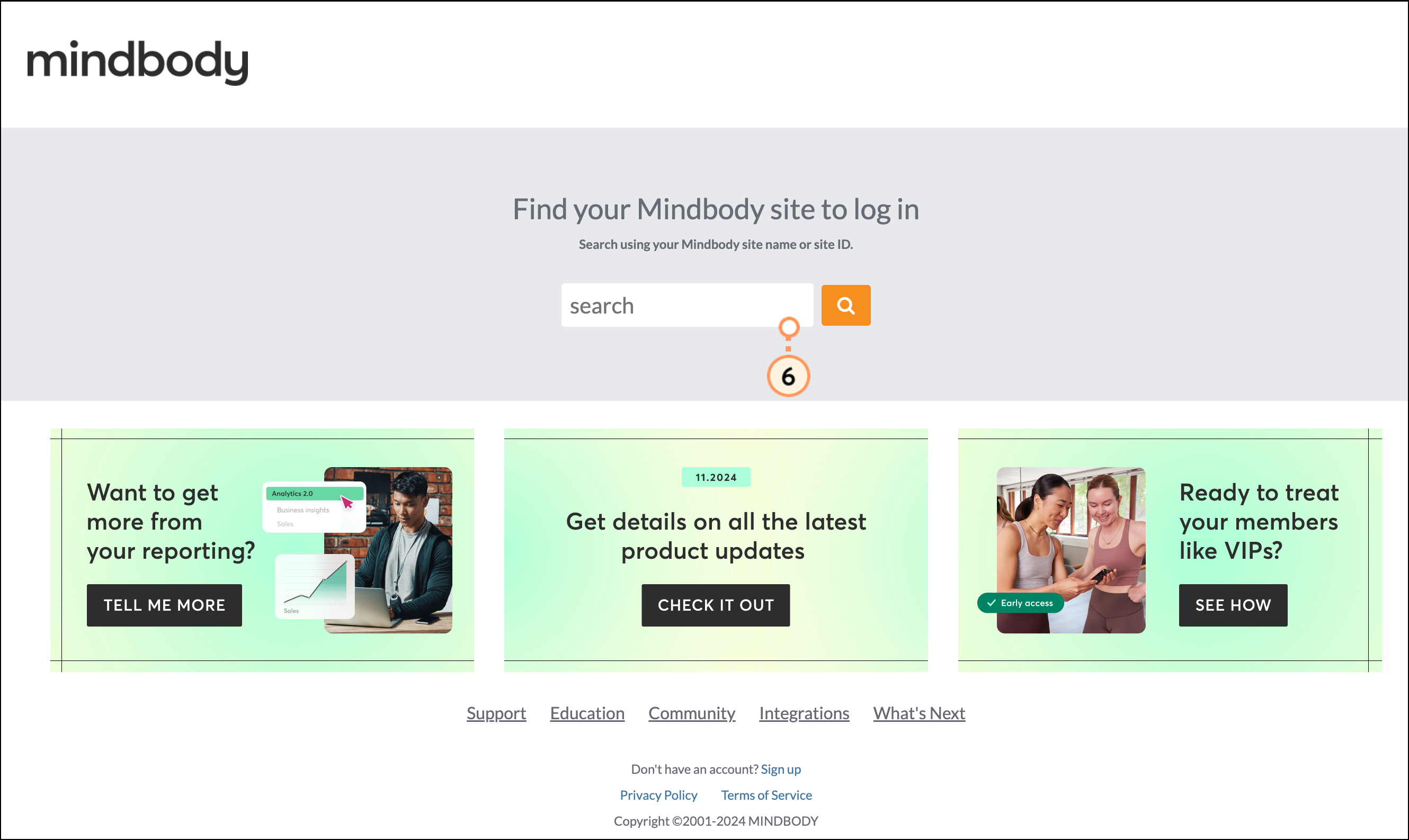
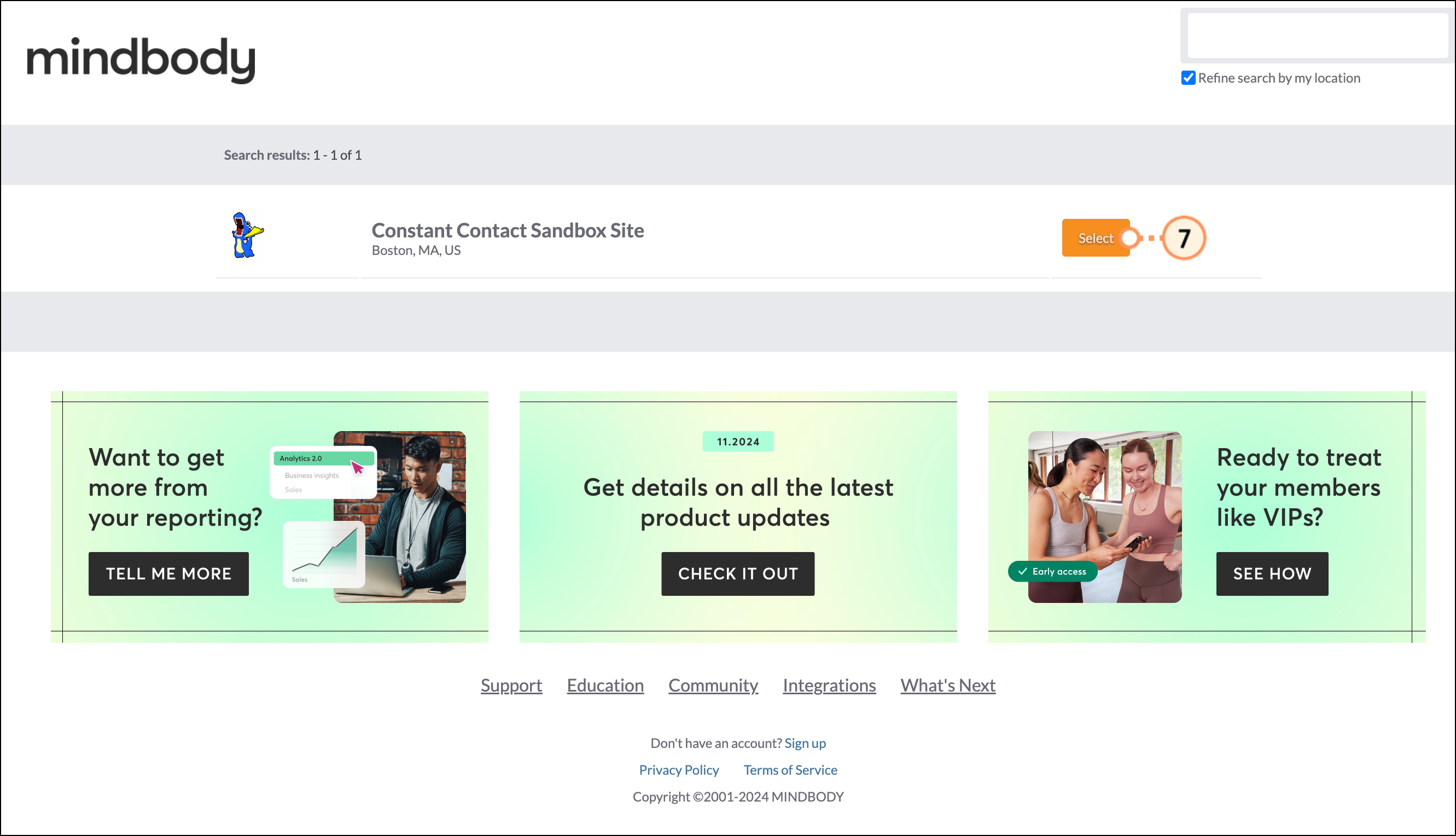
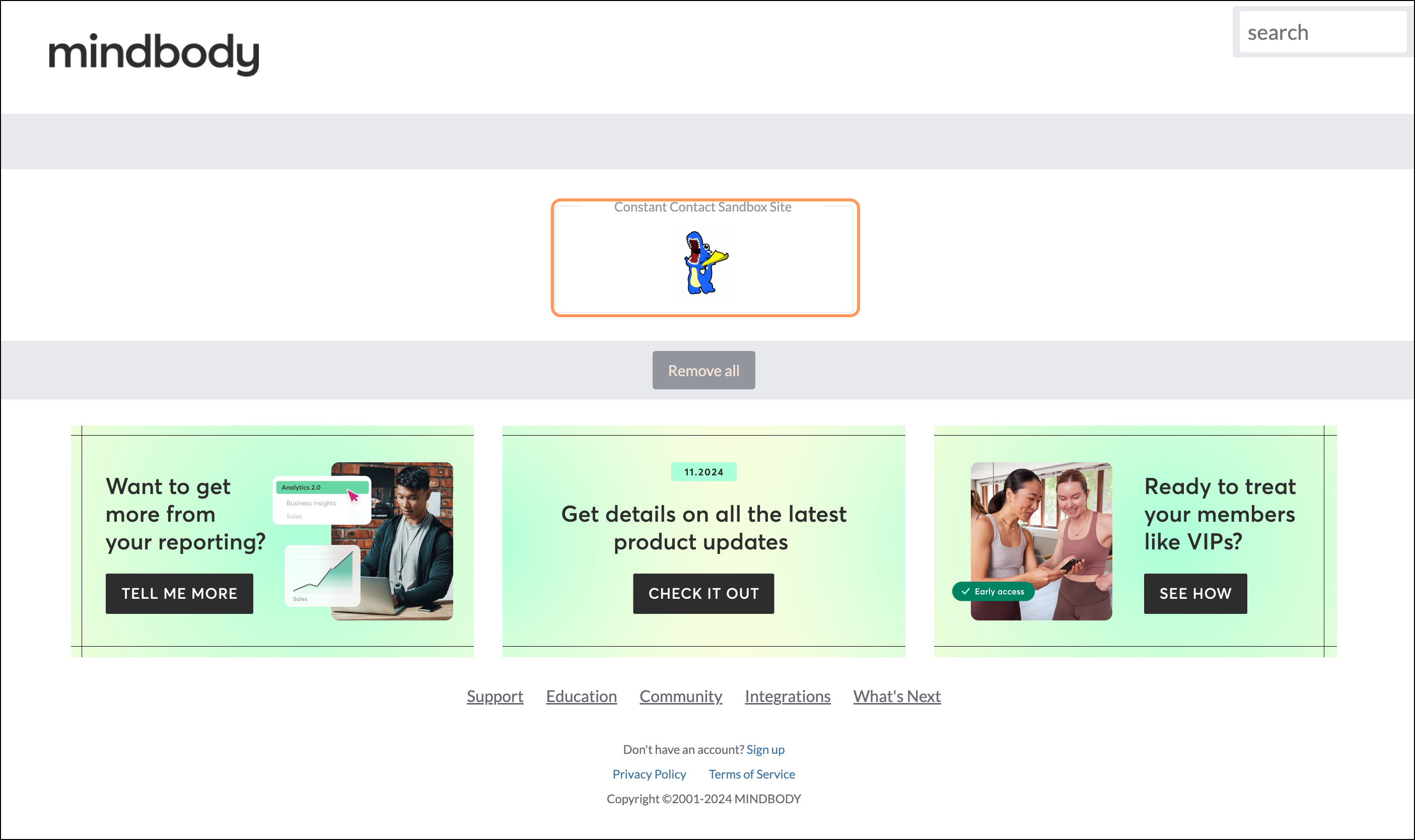
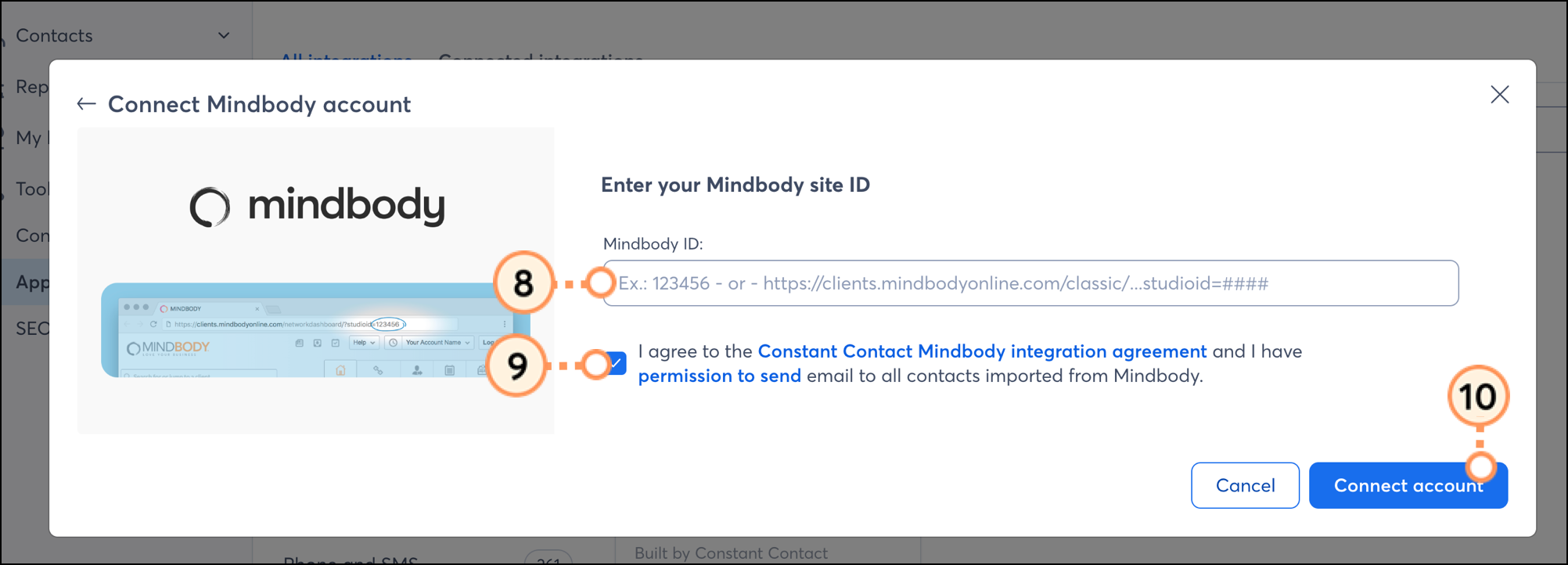
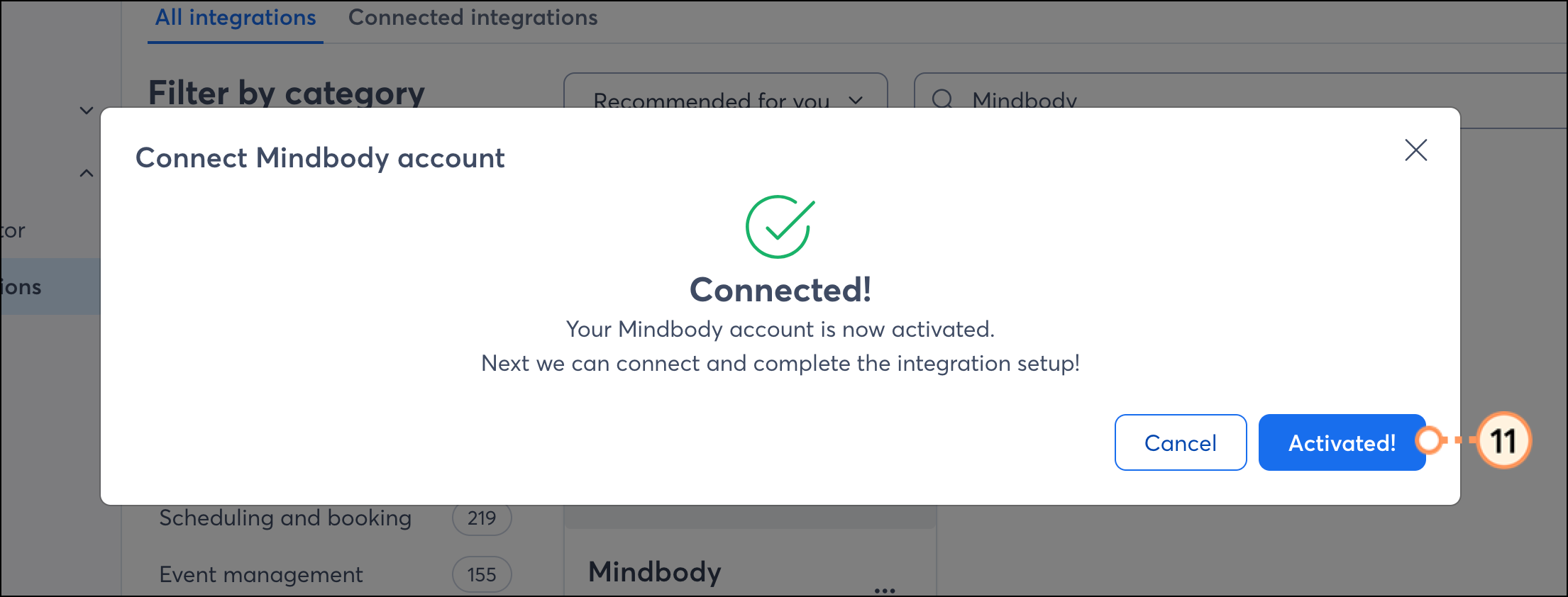
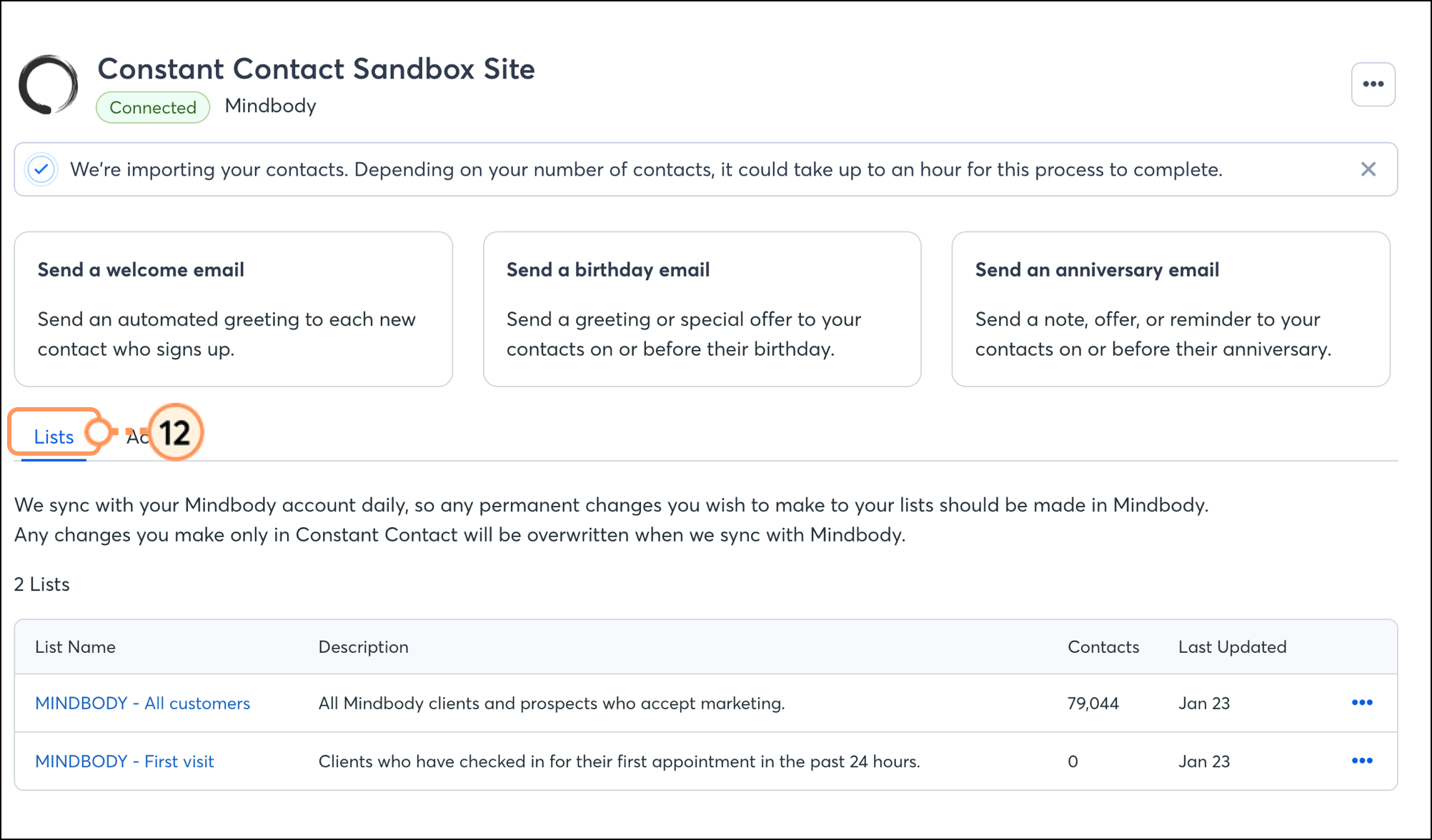
Once your Mindbody contacts are added to your account, you can start sending them emails!
Once your Mindbody account is synced to Constant Contact, there are several ways to use the integration throughout your Constant Contact account:
Any links we provide from non-Constant Contact sites or information about non-Constant Contact products or services are provided as a courtesy and should not be construed as an endorsement by Constant Contact.
Copyright © 2026 · All Rights Reserved · Constant Contact · Privacy Center