Your contacts don't all join your mailing list for the same reason, so you probably shouldn't send them all the same content. When your contacts can't relate to your content, they won't see the value in reading it, which can negatively impact your email performance. There are some things you can do to make your email more personal:
Segmentation helps you group your contacts by similar attributes so you can send each group the content that’s relevant to them. You may end up sending more emails, but they should be shorter and include clear calls to action that drive engagement.
To start, your contacts can segment themselves when they join your mailing list through your sign-up form! You can have separate sign-up forms for the different types of content you plan to send, or have one sign-up form and let your subscribers select the email lists they want to be added to based on the type of information they want to receive from you.
You can also automatically add your contacts to different lists based on their click behavior, or create custom segments based on their personal details, email engagement, purchase activity, or the lists they're already on.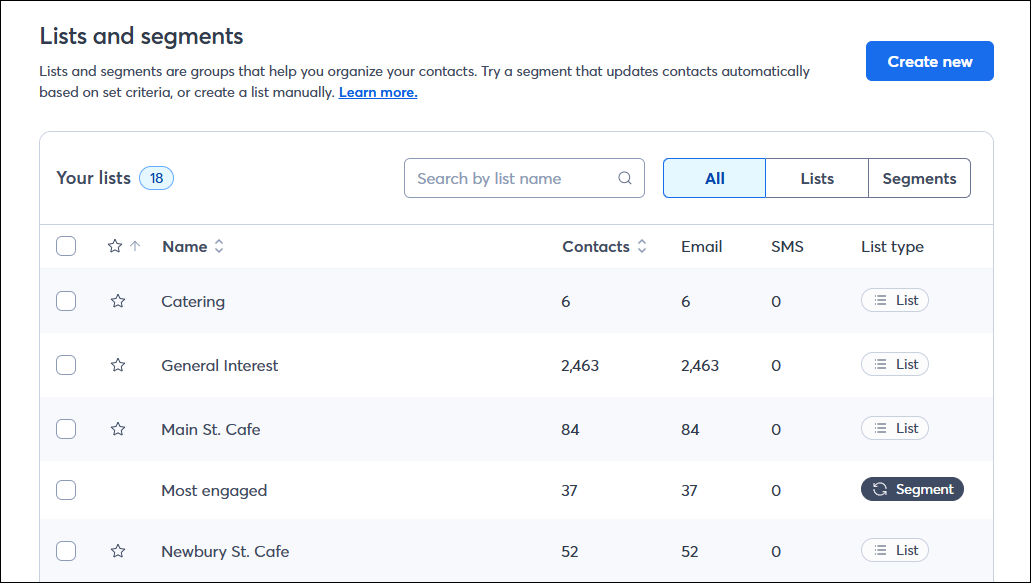
 | Tip: Help keep your contact details and email preferences up-to-date by encouraging them to use the Update Profile Form! |
The first thing your contacts see is your subject line, so help it stand out in the inbox by adding your contact's details or even an emoji. You can even go beyond just a name—the key is to make the subject line meaningful. Don't forget to use the email preheader to give your subject line a one-two punch!
| Tip: Having trouble coming up with an enticing subject line or preheader? Use one of our recommendations based on your email content and industry! |
The simplest way to personalize your email is to include your contact's name. A Greeting Tag pulls the name stored in the contact record and displays it to each recipient. You can add one to the body of your email, or use it in a headline to really make it stand out.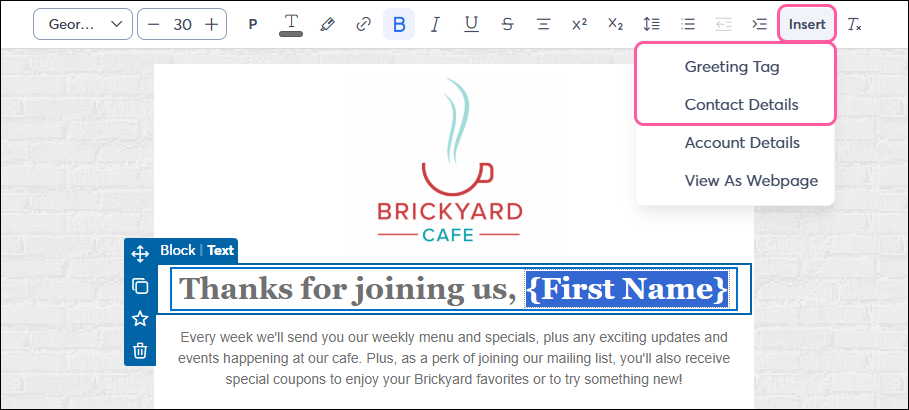
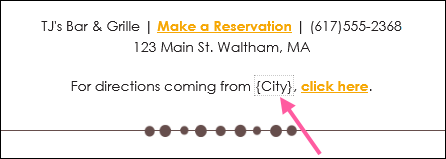
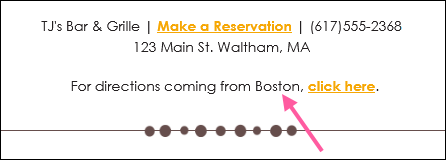
If you've collected other details about your contacts, like their birthday, the town they live in, or even something more unique like their pet's name, you can include the information throughout your email to make it even more personal.
|
|
|
|
Contact detail placeholder as seen in an email draft. |
Contact detail as seen in preview mode or a live send. |
Note: When you preview your email or send a test, the contact detail displays the personal information for your own account to give you an idea of what your contacts will see. If the information isn't available to pull into your preview, or if you're using custom fields, the fallback text displays instead.
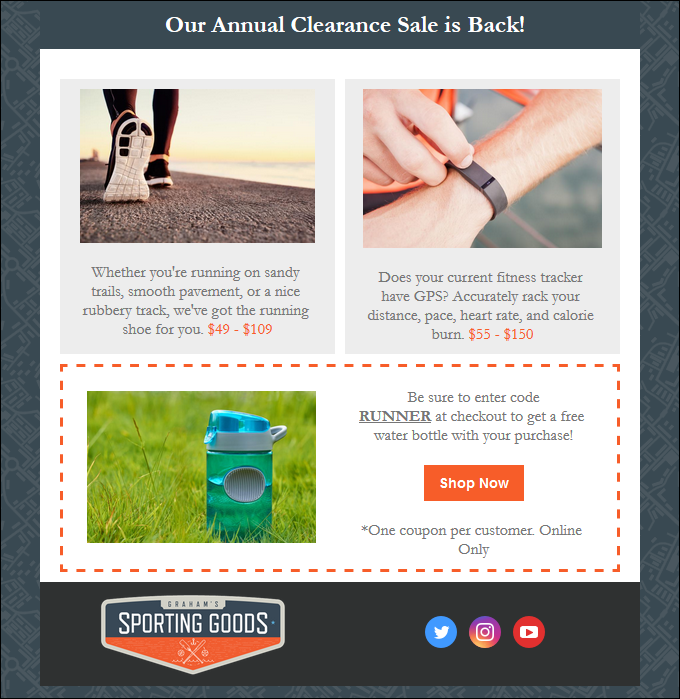
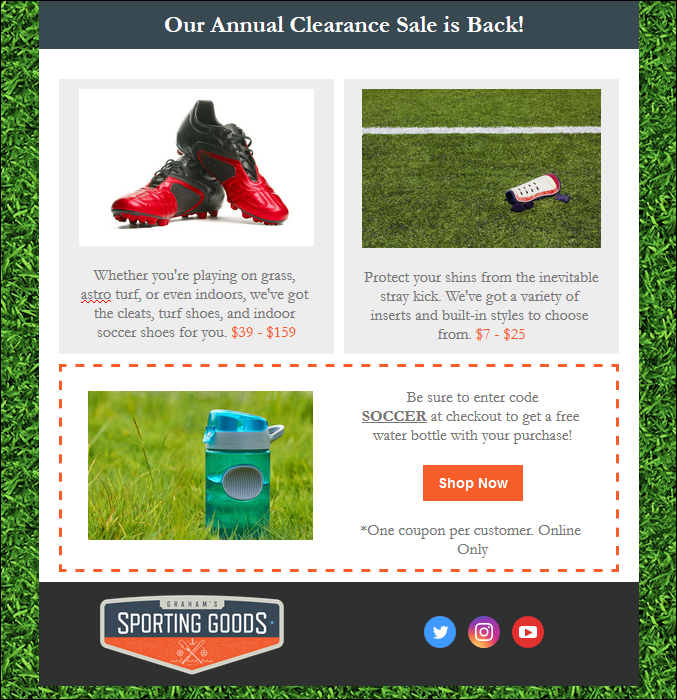
Once you've segmented your contacts, you can customize your content for each audience. The way you change your content doesn't even have to be that drastic—just changing the subject line and preheader is a great start! You can even customize an email with dynamic content to target different contacts and show only what’s relevant to each based on their city, state, or other custom field.
|
|
|
|
Sporting goods sale targeted at runners. |
Sporting goods sale targeted at soccer players. |
Note: When sending a test version of your email, you'll see the dynamic content based on the details for your own account. Dynamic content blocks using custom fields will not display in your test email. If you want to fully test your dynamic content, make a copy of your email and send the copy to yourself before sending the original to your contacts.
We look at typed communications all day long, and a handwritten signature gives the impression that you care just a little bit more because you took the time to personally sign your message.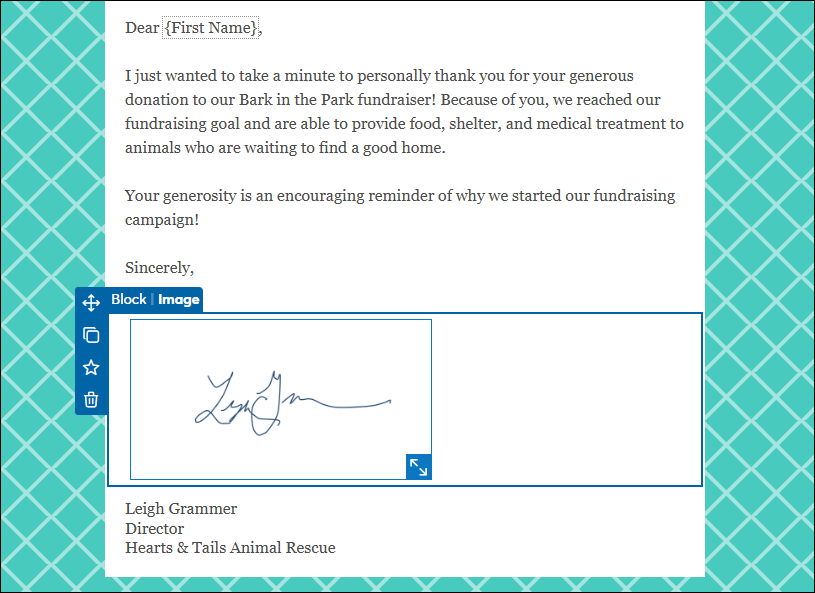
|
|
Be a better marketer: Want to learn even more about email personalization? Check out how to personalize emails based on what you know! |
 | Looking for a helping hand with your campaigns? We offer several professional marketing and template design services to meet your needs! Check out our Professional Design services today. |
Copyright © 2026 · All Rights Reserved · Constant Contact · Privacy Center