You can get more use out of the images in your email by making them clickable. The trick is to make the link relevant to your image; for example, link your logo to your official webpage, link a product's picture to its listing page, or link a photo of the people or cause you're trying to help to the fundraising page.
 | Did you know? Clickable image links are also great for adding thumbnail images of tables or documents into your email. |
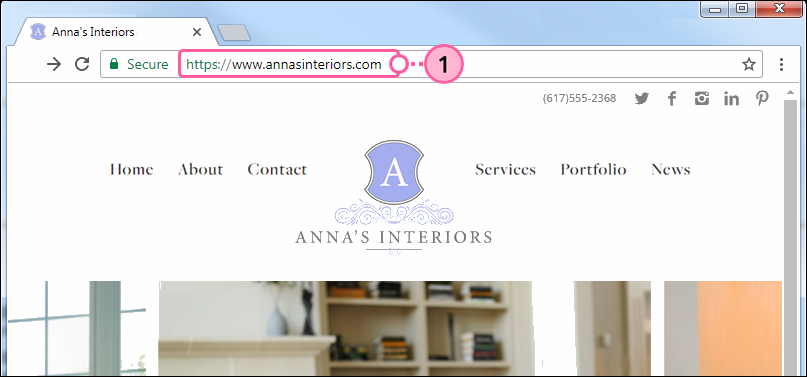
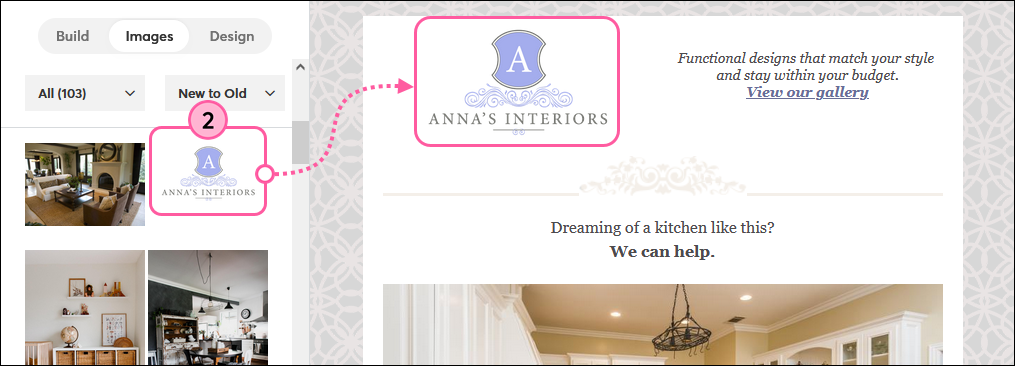
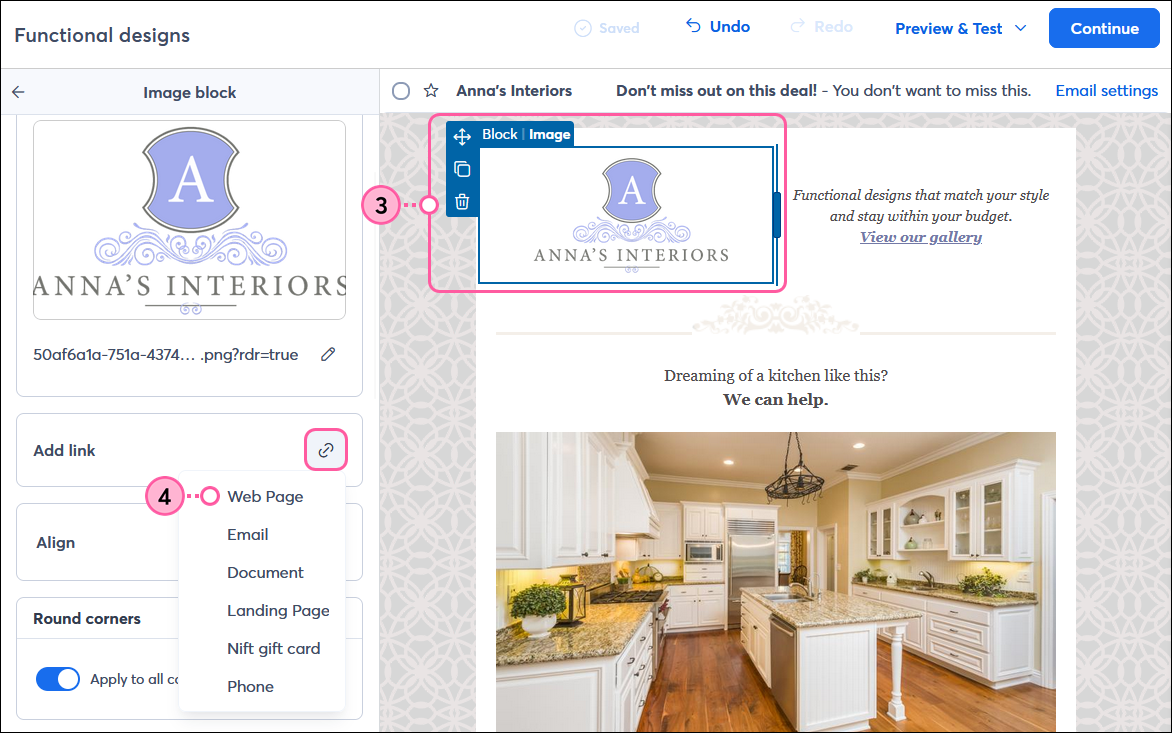
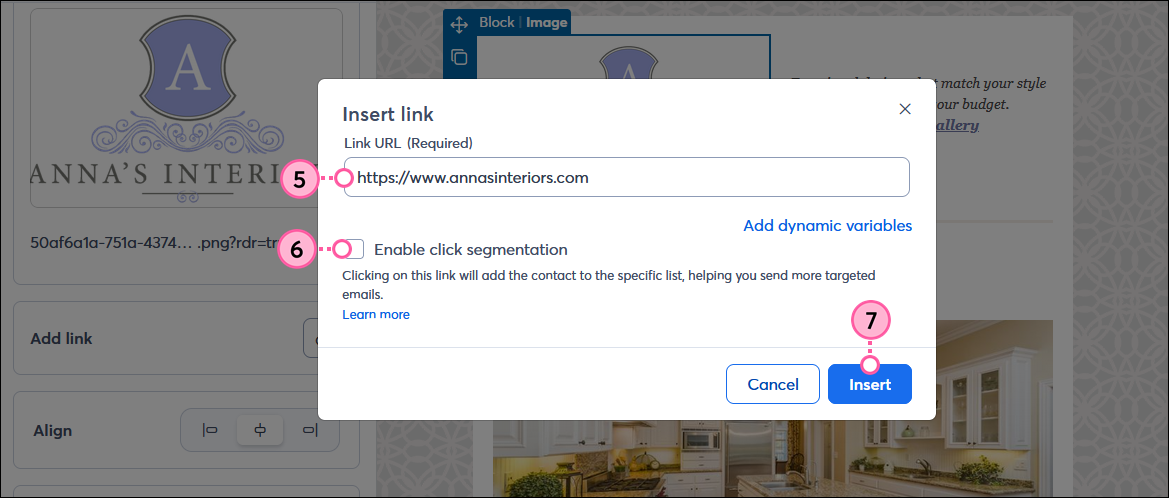
Now when contacts click on the linked image, they'll be directed to the specific content you want them to see. You'll even see the image link clicks in your email's click report.
 | Be a better marketer: Want to learn more about email design and branding? Check out Email Design: The Ultimate Guide and What is a URL Link? (and Why It Matters for Your Business)! |
Copyright © 2026 · All Rights Reserved · Constant Contact · Privacy Center