If tickets are not necessary for your event, you can create a free, RSVP-style event without setting up tickets or a payment processing method. Registrants will simply complete the registration form for your event.
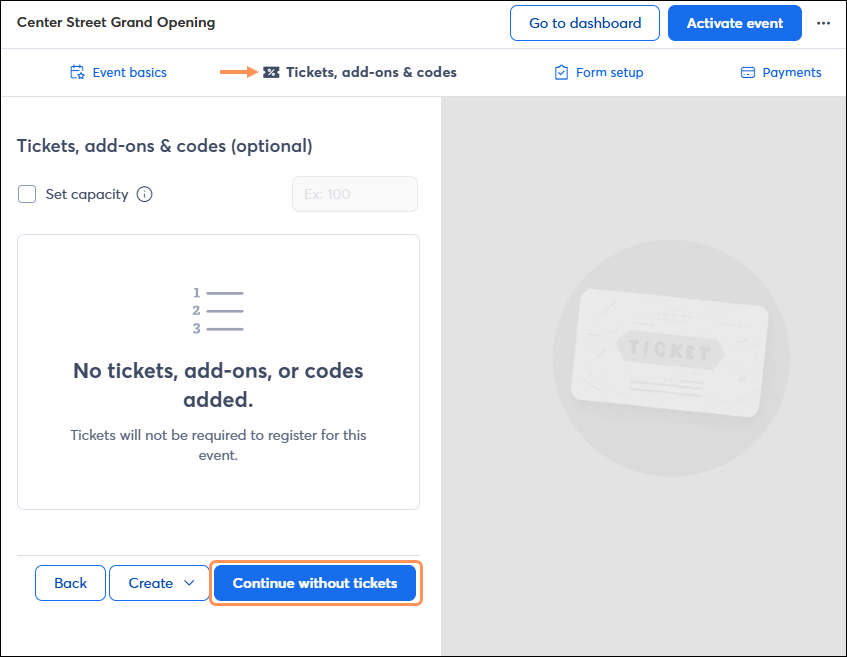
When setting up your event, after filling out the event basics, on the "Tickets, add-ons, & codes" page, click the Continue without tickets button.
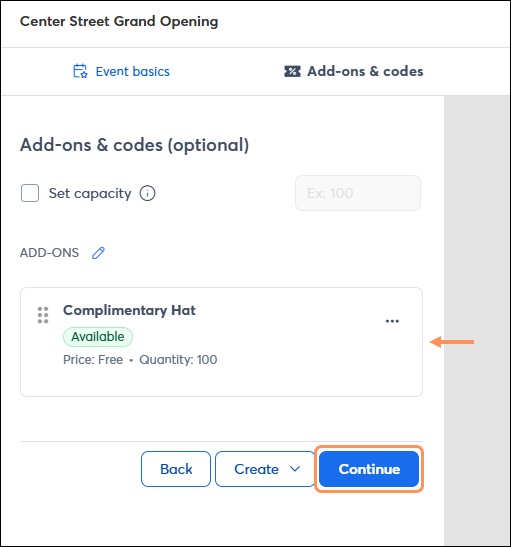
If you would like to create any add-ons and promo codes (which would be applied to add-ons for a ticketless event), do so via the Create dropdown. Once created, click Continue.
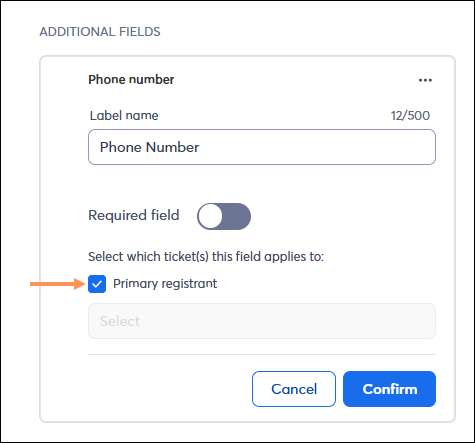
On the "Form setup" page, you can add registration form fields in addition to first name, last name, and email address. If adding an additional field, leave the "Primary registrant" checkbox checked, instead of selecting tickets from the dropdown.
If you created a paid add-on, configure a payment method on the "Payments" tab. If you don't have any paid add-ons, you can bypass this step and activate your event.
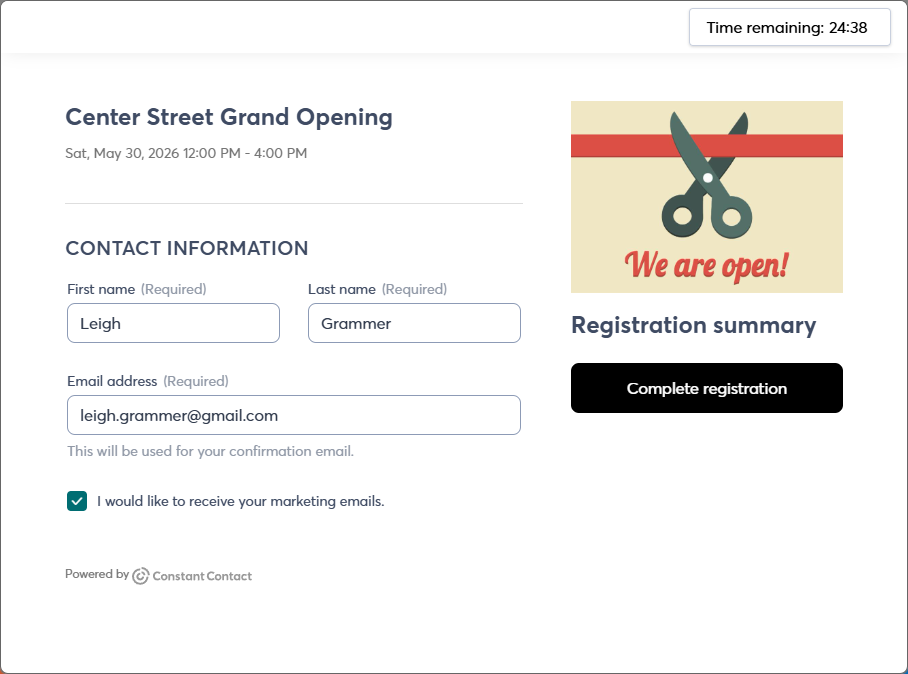
When a registrant accesses your event registration link, they are brought to the registration form. Upon filling out the form, they click Complete registration, and then are brought to a confirmation thank you page.
If you've included any free/paid add-ons, the registrant will first be brought to the add-on selection page, and then they will fill out the registration form. If they've selected a paid add-on, they will be prompted to process a payment before completing registration.
Copyright © 2026 · All Rights Reserved · Constant Contact · Privacy Center