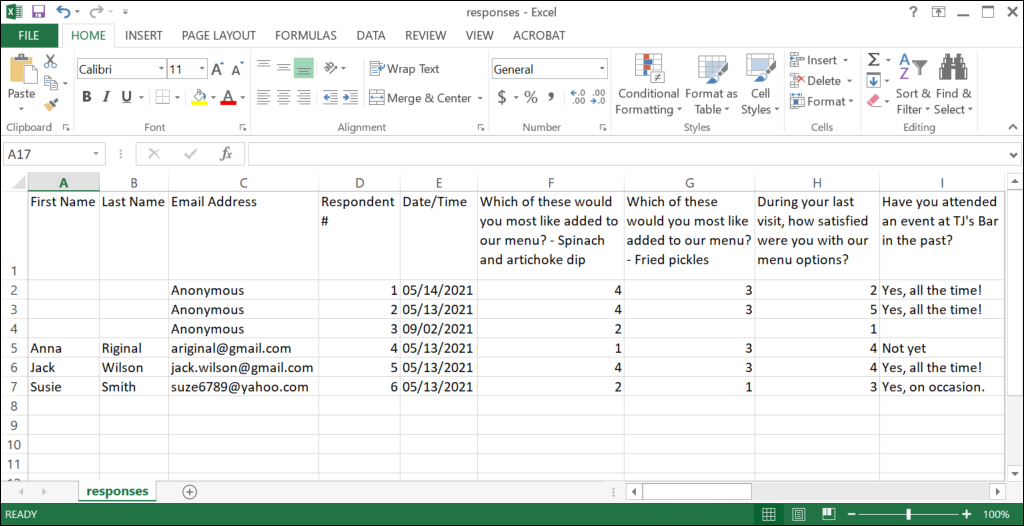
When you view your Survey Page reporting, you can choose to export a spreadsheet of all the results, or a spreadsheet or PDF with a summary of the results. The spreadsheet columns are condensed by default when you export the reports as a CSV (comma-separated spreadsheet), but you can adjust the column width or text wrapping to better view the full information. For help sorting data in Excel, please refer to Microsoft Support.
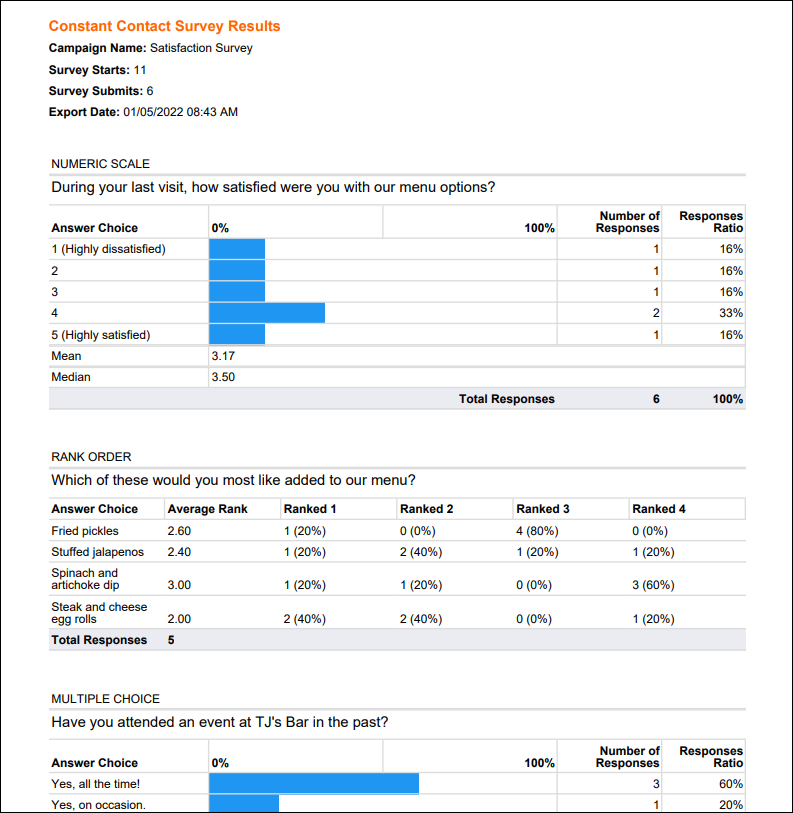
Take a look at the example report exports below:
Exporting all results gives you a spreadsheet containing the individual survey responses for each contact.
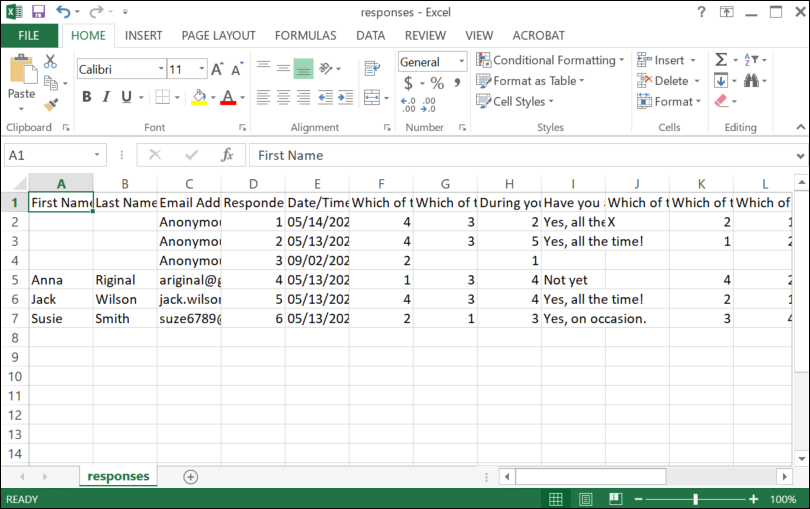
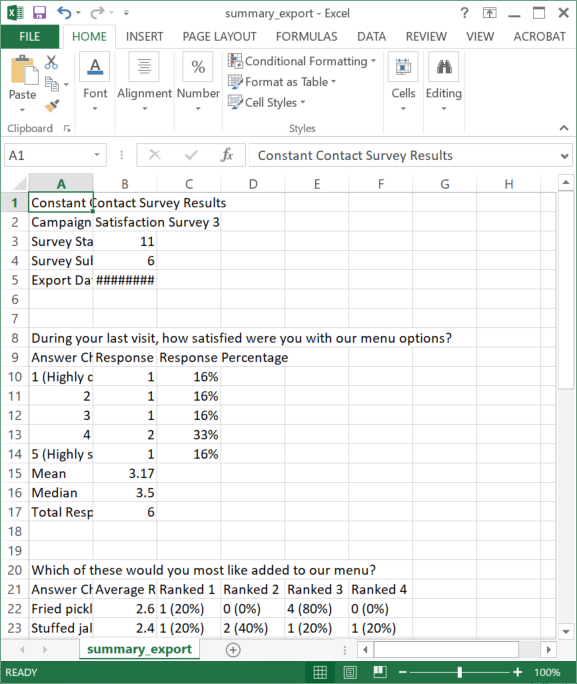
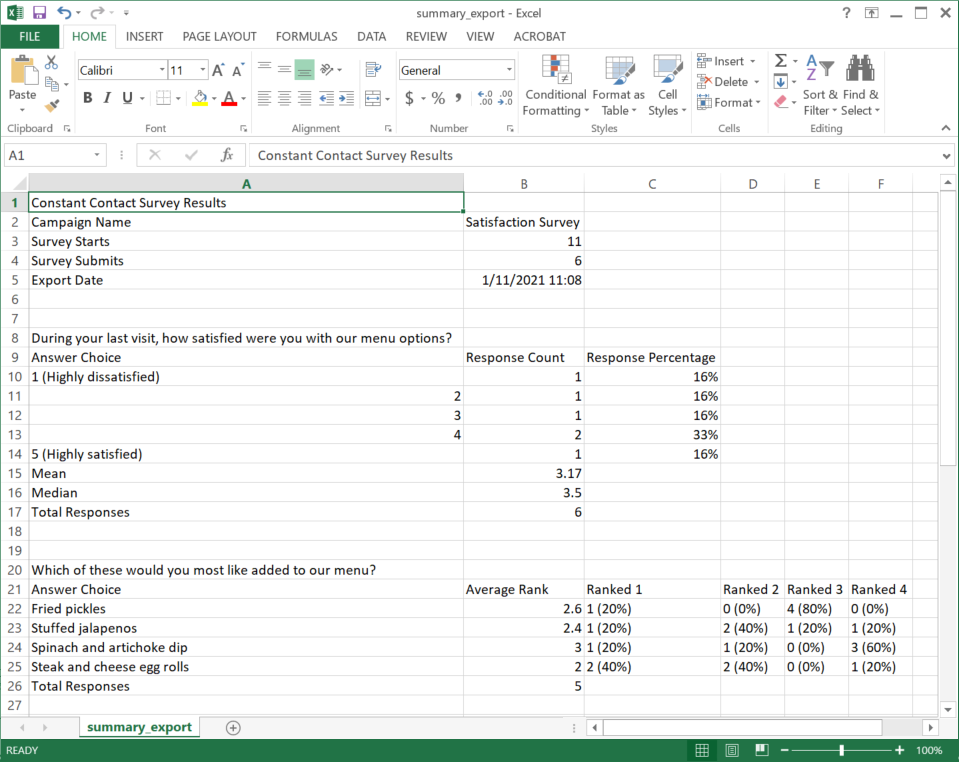
Exporting a CSV of the summary results gives you a spreadsheet containing the overall results for each survey question. Exporting a PDF of the summary results gives you a graphical representation of the overall results, similar to what's shown on the survey’s reporting page.
Copyright © 2026 · All Rights Reserved · Constant Contact · Privacy Center