We're always working to improve the features and functionality of our email editor. Whether you're working on a desktop computer, mobile phone, or tablet, we want to make sure Constant Contact is available to you. With our newest email editor, you can start an email on your mobile device with our mobile app and easily pick it up later on your desktop, or vice versa!
While there are several features from our previous email editor that you're used to, we have many new and exclusive features to help you get the most out of your email marketing!
Emails created with the latest editor can be easily edited on both desktop and mobile devices. The Constant Contact mobile app has been enhanced to give you more control and flexibility when editing your campaigns on the go.
Note: Some blocks can't be modified within the mobile app. They'll still be included in your email template and visible in the preview, but you'll need to open your email draft on a desktop to make changes. The Product, Data table, Poll, and RSVP blocks, as well as the footer, must be edited on a desktop.
We know that if you’re using a laptop trackpad, it can be a challenge to drag-and-drop blocks in the email editor. With our latest email editor, you can choose the click-and-stick method instead: just one click to pick up a block, and another to drop it where you want it! And don't worry, you can still drag-and-drop if you'd like.
Say goodbye to writer's block! Simply enter a few keywords and our Content Generator will automatically generate text for you to insert right into your email draft. You can then edit the content exactly to your liking.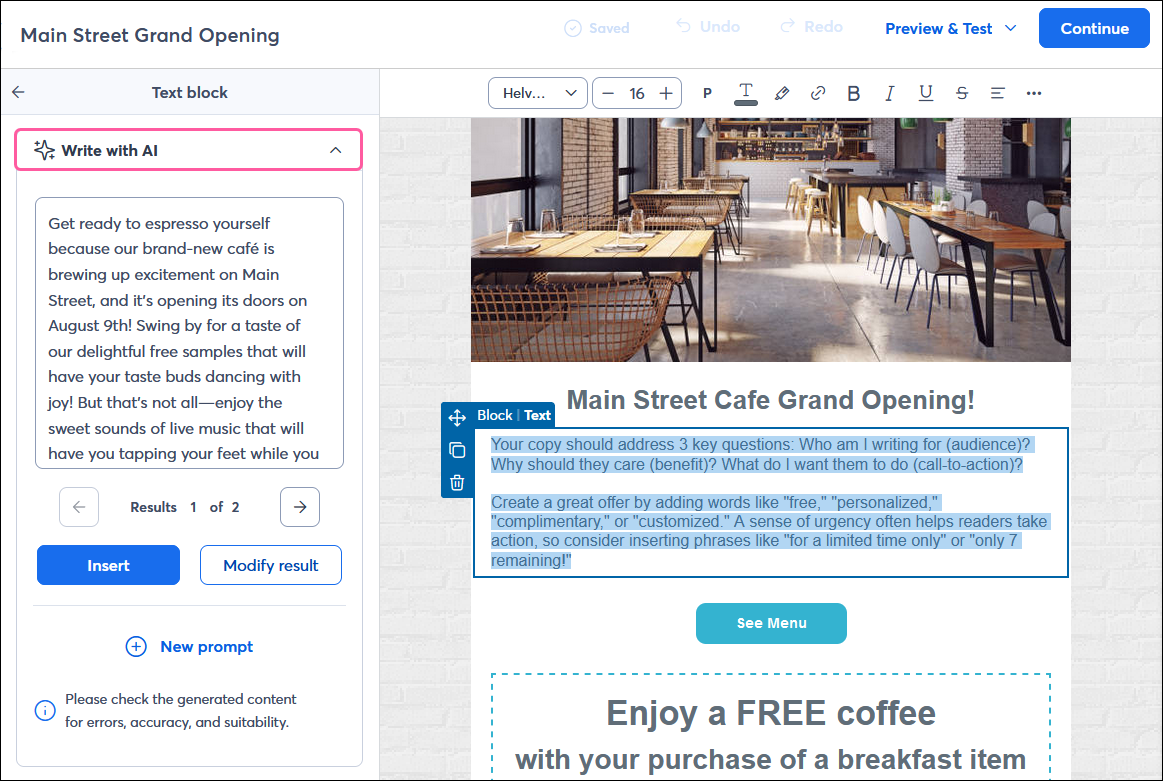
If you sell goods through an e-commerce store—like Shopify, WooCommerce, BigCommerce, Wix, Square, Squarespace, or eBay—you can insert items directly into your emails with the Product block to help drive more sales! In the previous third-generation email editor, you could only insert products from Shopify or WooCommerce.
Note: This block must be edited on a desktop. 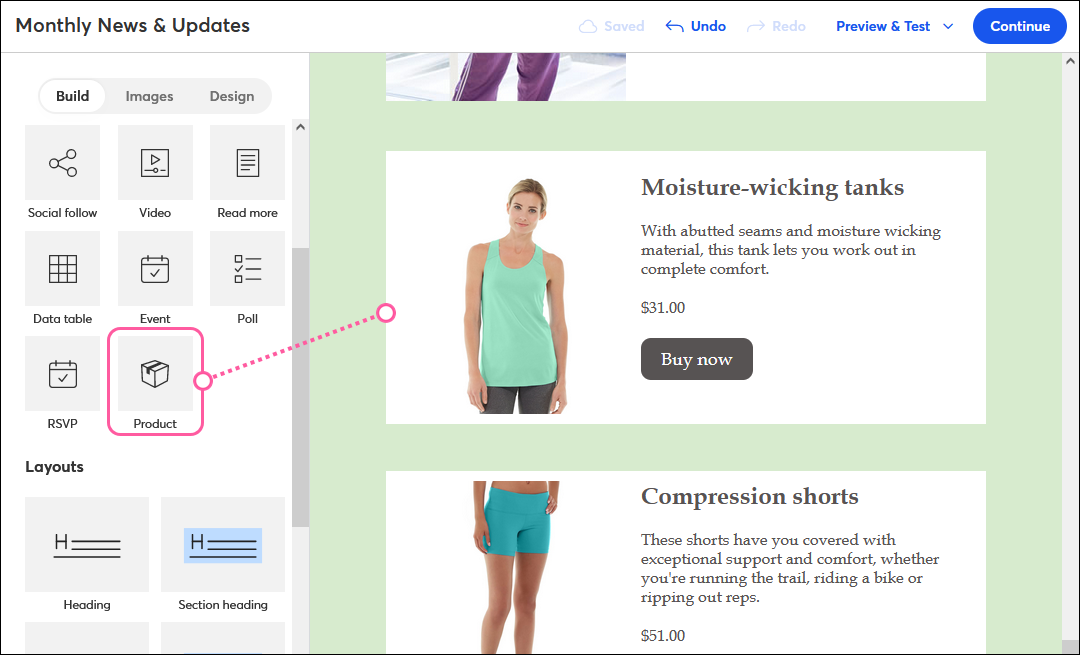
With our Event tool, you can seamlessly create and manage an event from start to finish right from Constant Contact. To make it easy for you to promote your event and collect registrations, our Event block automatically pulls in your event details and a registration link.
Note: This block must be edited on a desktop. 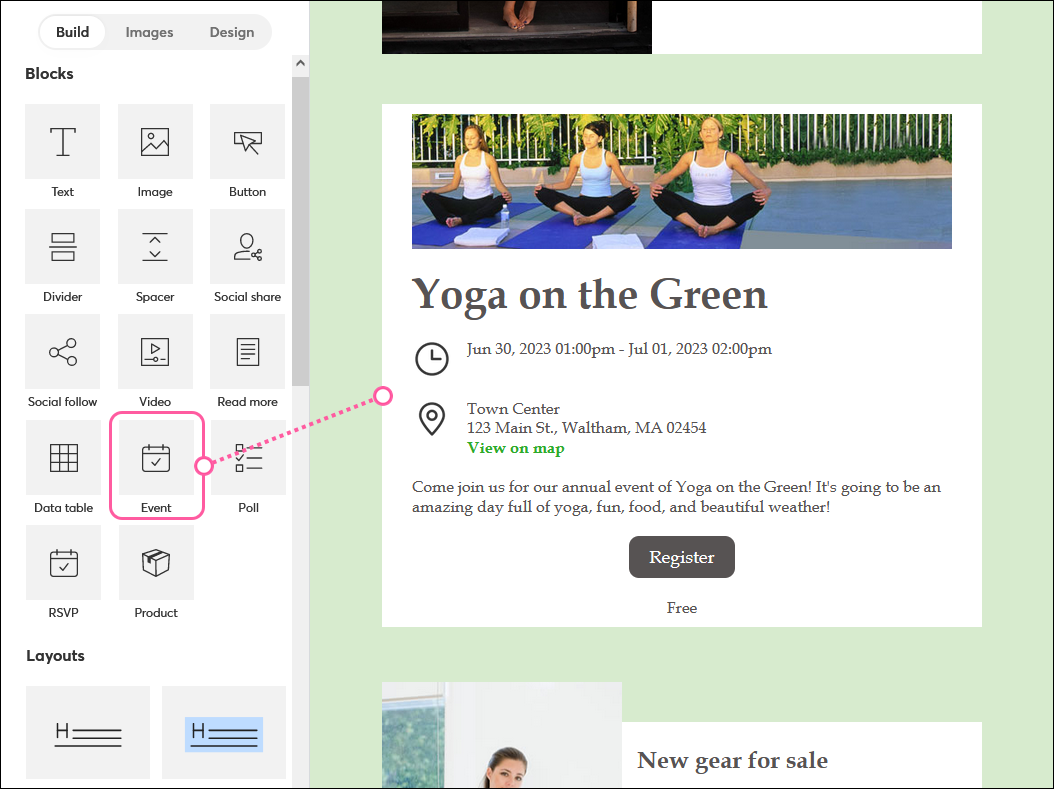
If you need to include a bit of information in your email, the Data Table block lets you organize your content in a table and customize it to match your email's design.
Note: This block must be edited on a desktop. 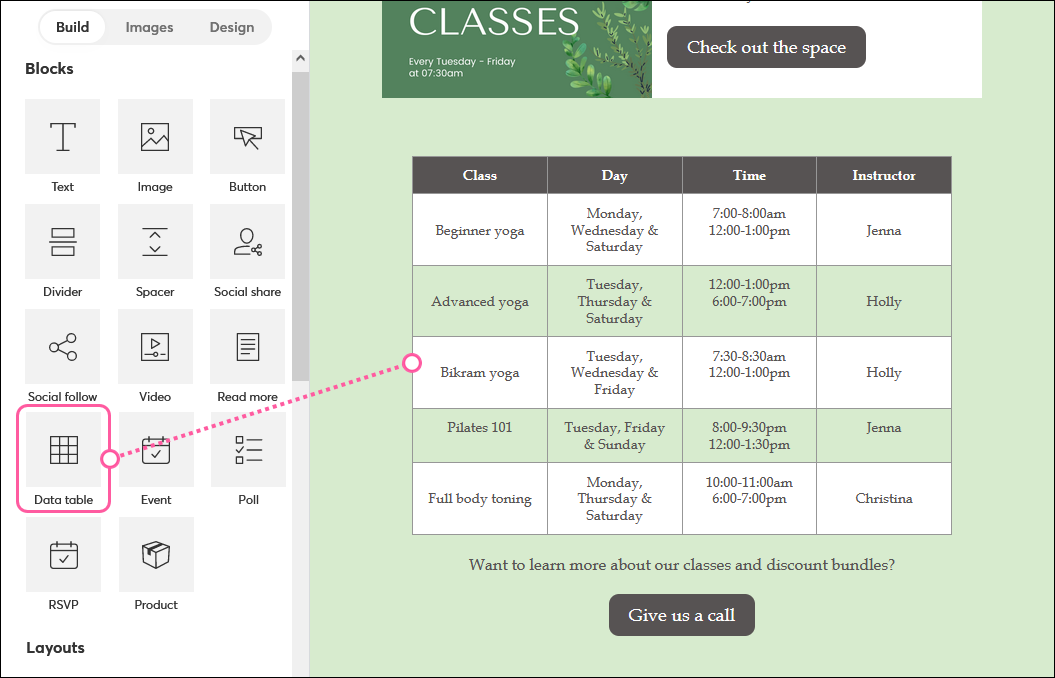
The dedicated Social Share block makes it easy for your contacts to share your email with others through a forwarded email or on their social media profiles.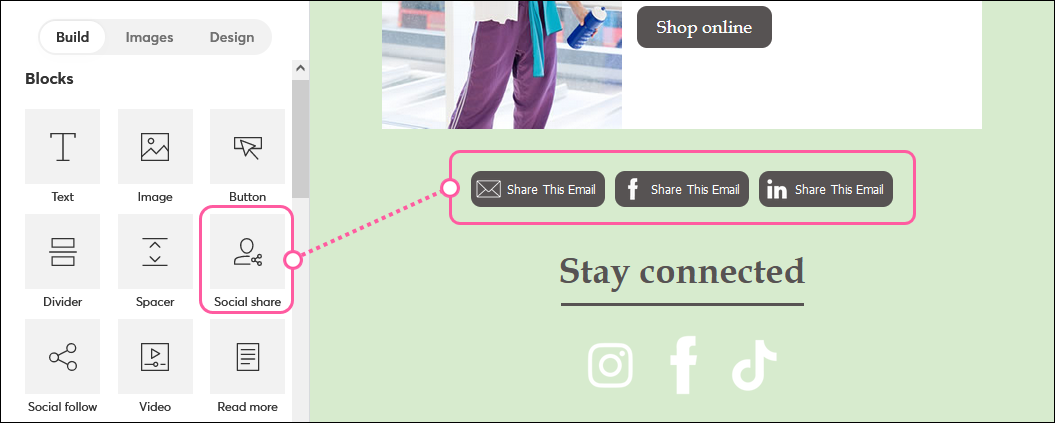
When contacts read your email on a mobile device, you can let them easily click to call you by inserting a link to a phone number in any text or button.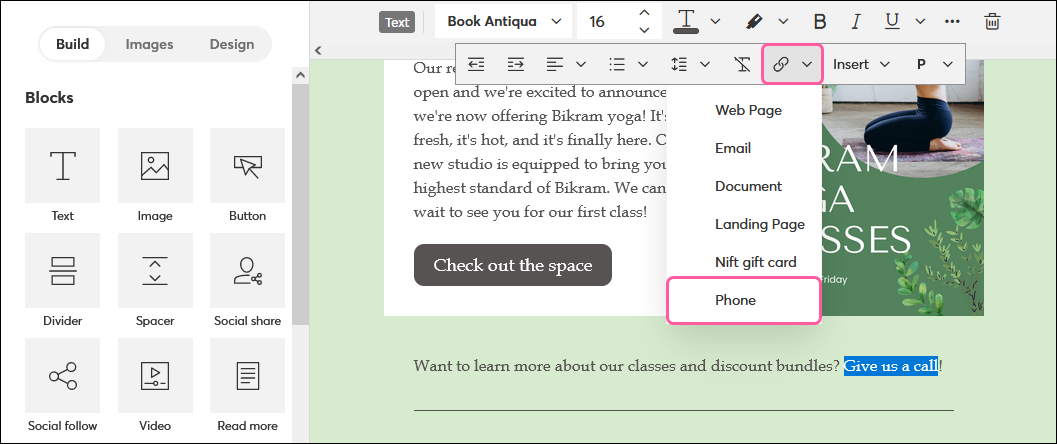
If you use Canva to create graphics, you can quickly connect your account to create and insert images from Canva directly into your campaigns.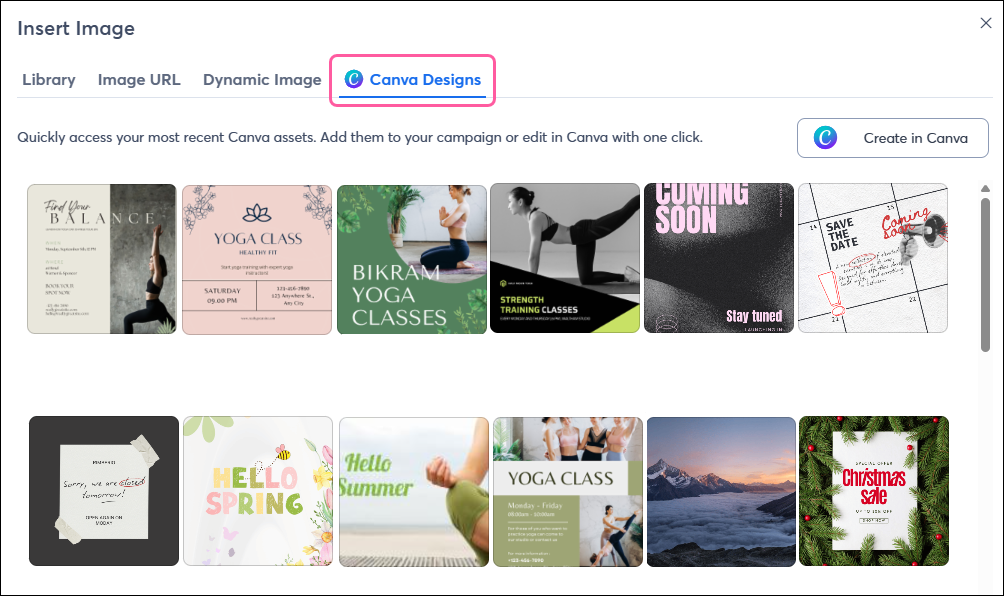
In addition to the email editor being equipped with browser-supported spell check, you can also use the Check for Errors tool to review your subject line, preheader, From Name, From, and Reply-to email addresses, and the links in your email to help ensure it lands in your contacts’ inboxes and that they'll engage with it.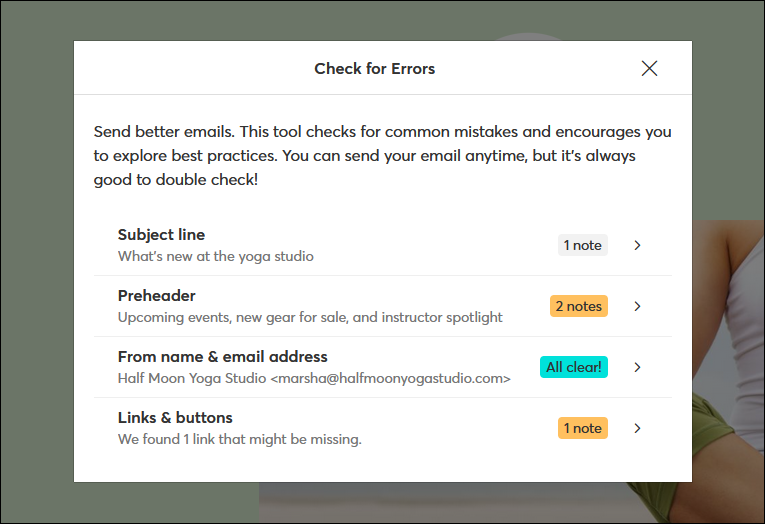
You can feel confident knowing our editor makes your emails more accessible for all your recipients. It allows screen readers to recognize and understand blocks of text, and includes features you can use to create even more accessible emails.
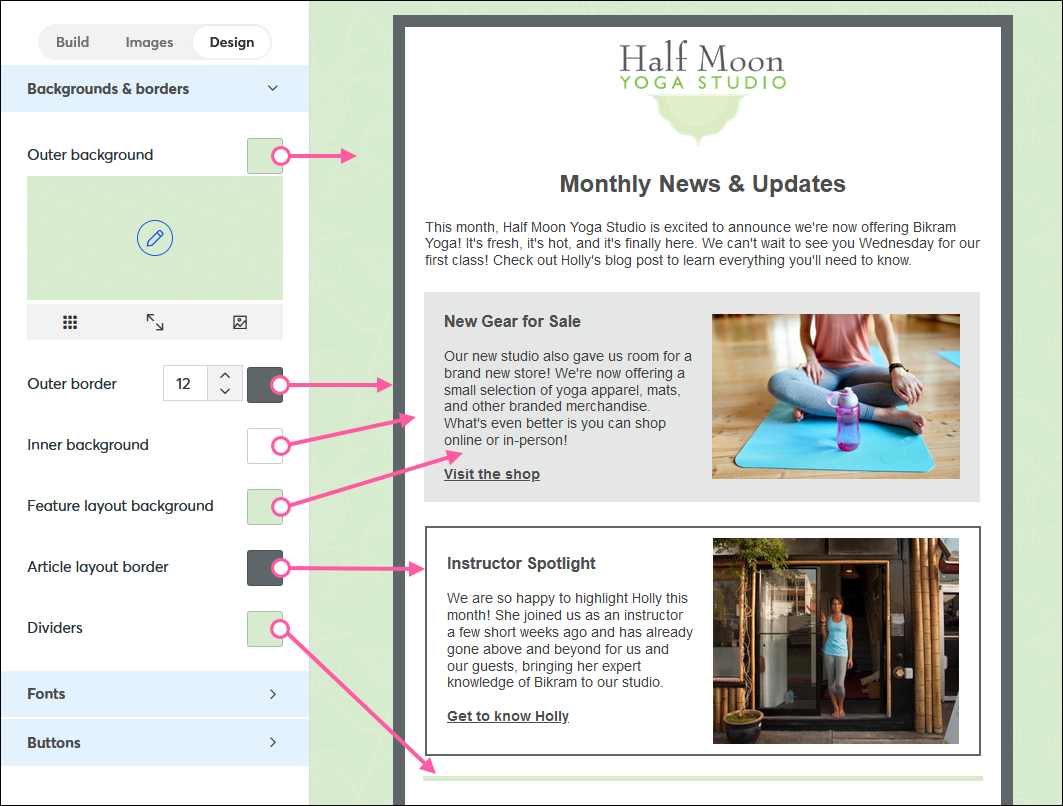
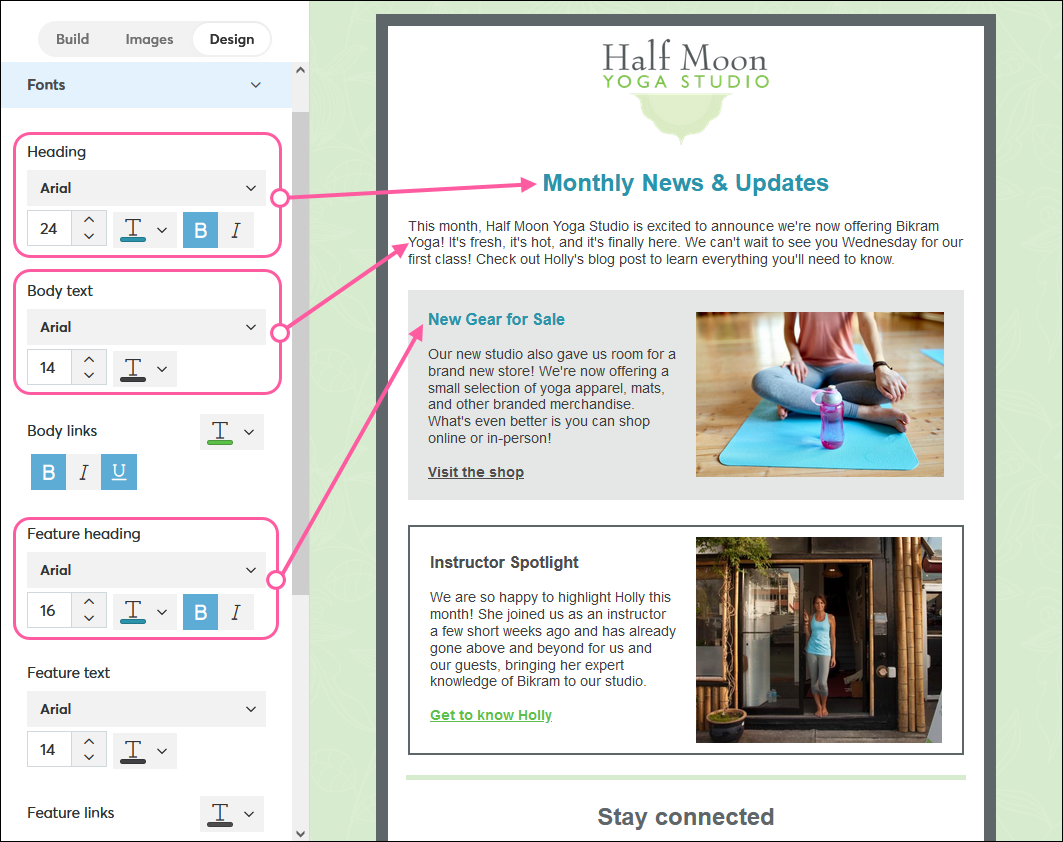
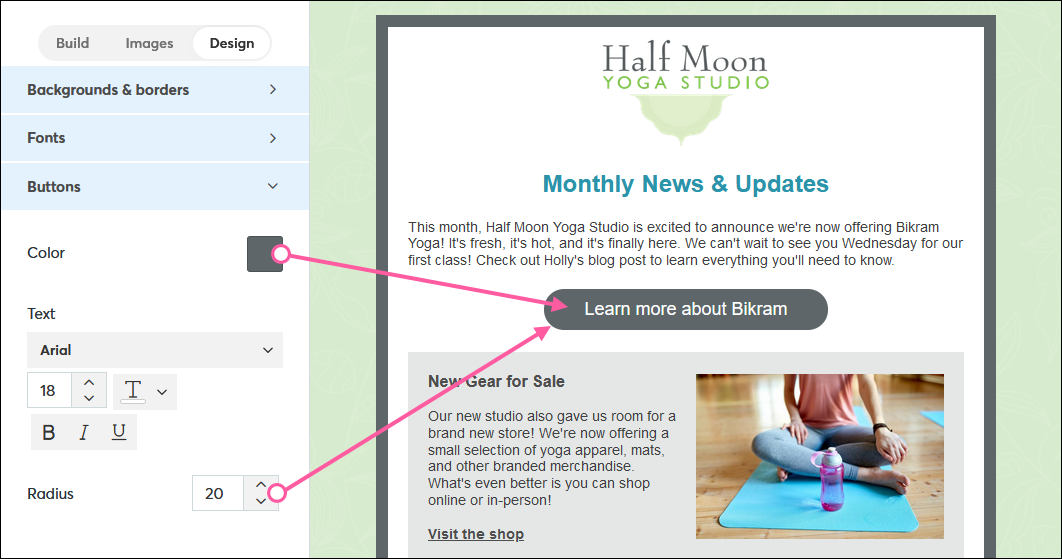
The Design tab has been expanded and improved in our latest email editor. Choose background and border colors, add an outer border around your email template, select the font, color, and style for the text in different blocks, and customize the color, text style, and radius (to create rounded edges) for your buttons.
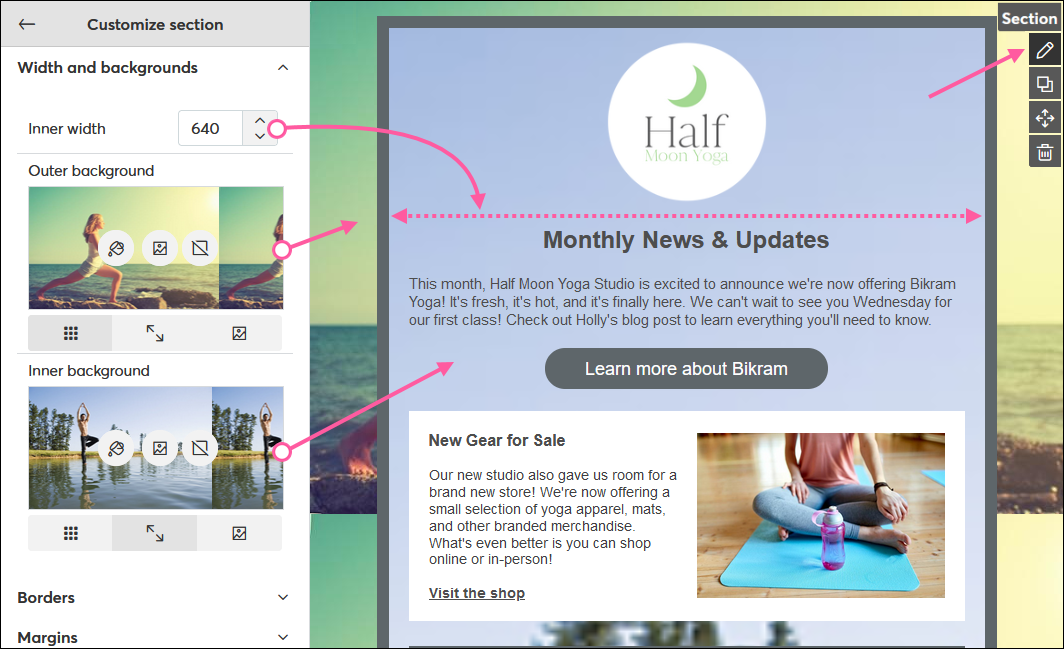
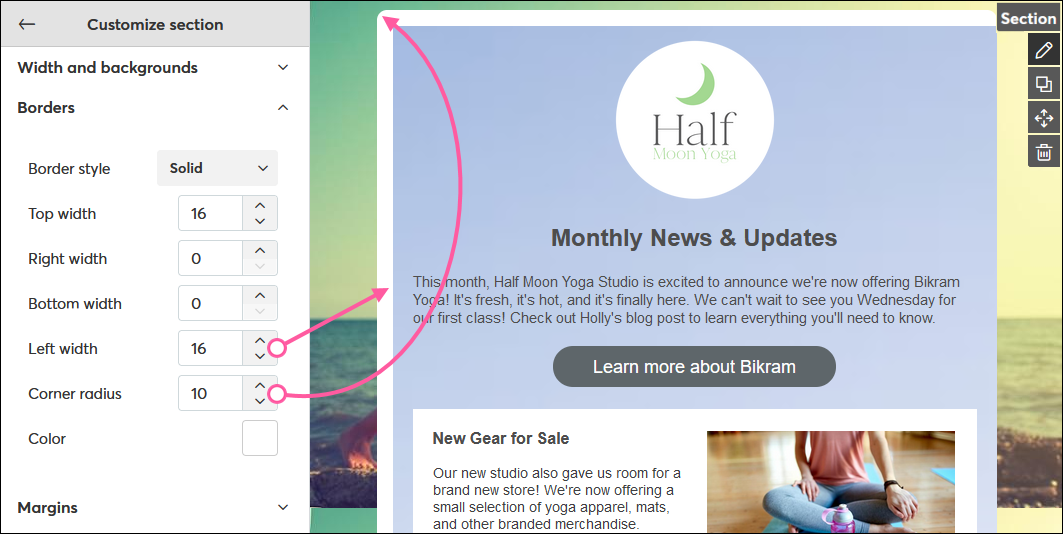
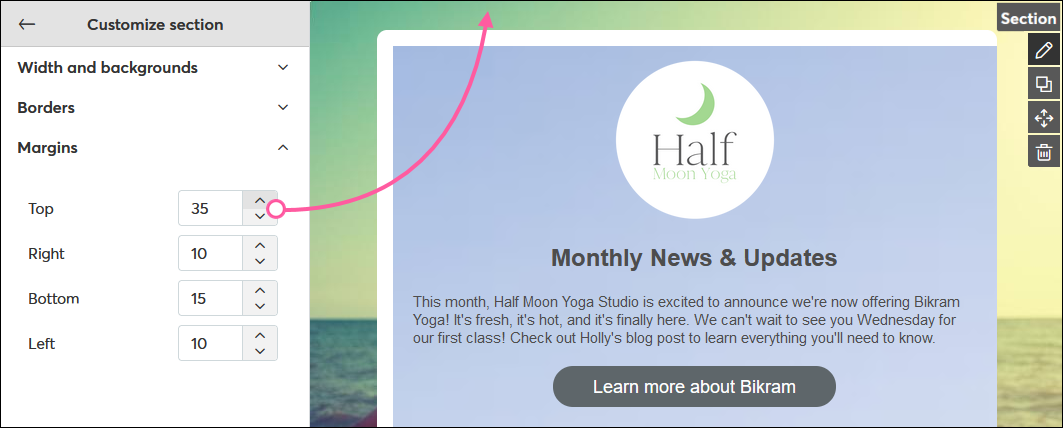
In addition to the expanded Design tab, you can access even more customization options by clicking the pencil icon in the top-right corner of your email template. You can change the width of your email, choose a color or image for your inner and outer backgrounds, add a border to any or all sides of your template, round the corners of your template, and adjust the margin sizes around your template.
Copyright © 2026 · All Rights Reserved · Constant Contact · Privacy Center