The Constant Contact mobile app supports push notifications, so that you can be alerted when various activities take place within your Constant Contact account. Initially, you receive a prompt when you open the mobile app asking whether you'd like to allow these notifications: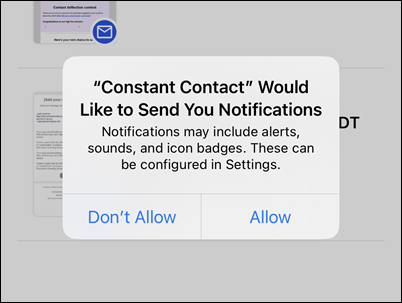
If you choose to allow, you'll receive an automatic notification to your mobile device when the following takes place:
You can manage notifications from the Constant Contact mobile app within your phone's settings, turning them on or off as you wish. Instructions on how to do this can be found via Apple support for iOS devices and Google support for Android devices.
When you schedule your email or SMS campaign to send from either your desktop or the mobile app, you receive a push notification alerting you on your mobile device when the campaign has successfully sent. The notification includes the name of your campaign and the number of contacts it was sent to.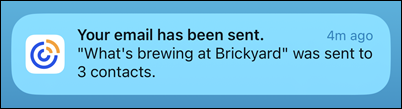
When scheduling a campaign to send from your desktop, you have the option to receive early results, which gives you a quick glimpse into an email's overall performance within the first 48 hours after it was sent. This is done by checking the "Receive early results" box on the email schedule page, under Advanced settings. 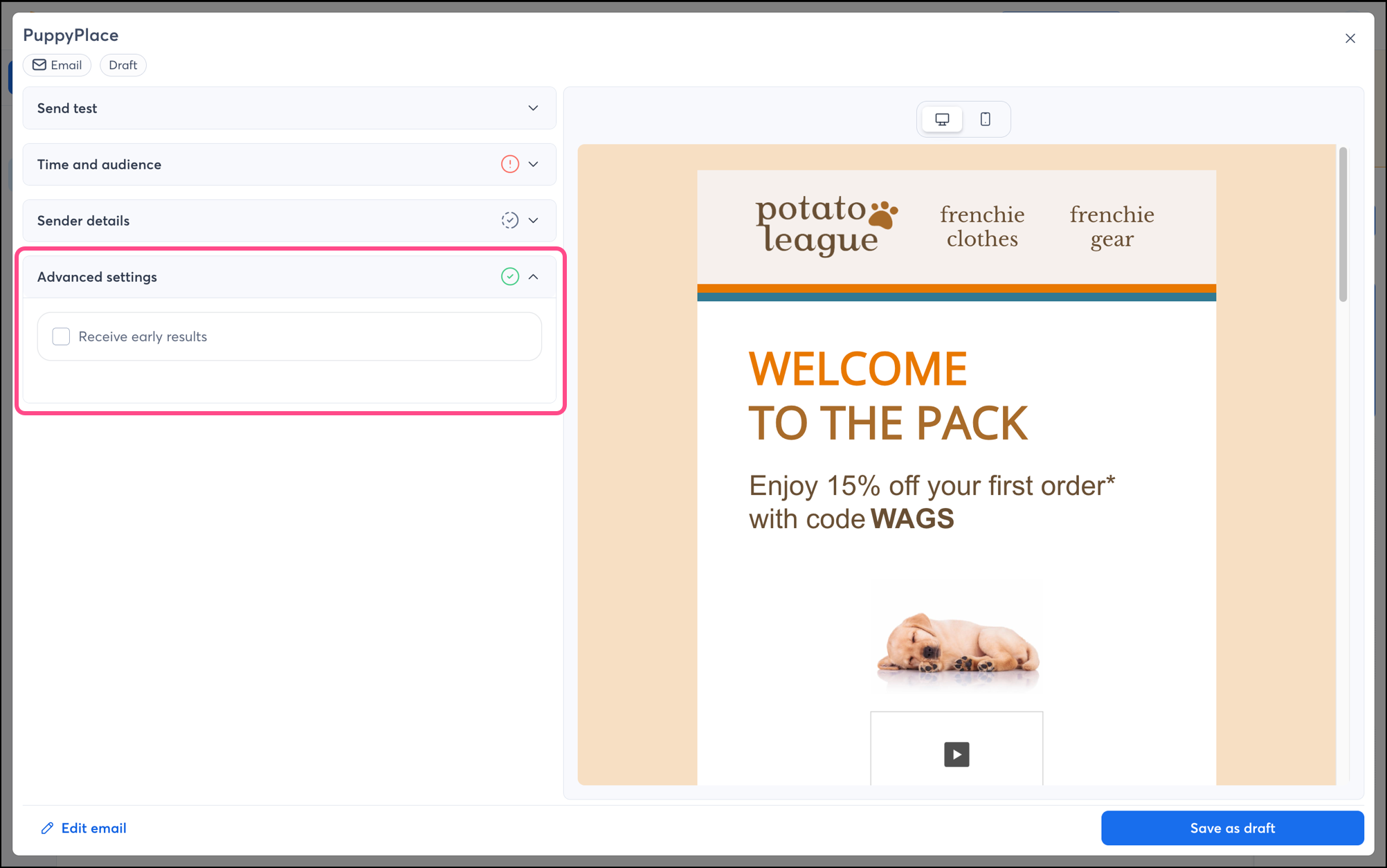
If you check this box, you'll receive a push notification on your mobile device letting you know that early results are ready to view and which email campaign they're for.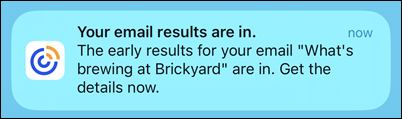
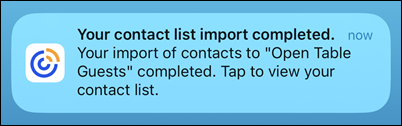
When uploading a file of 300 contacts or more, you have the option to receive a push notification when your file upload is complete. The push notification you receive includes the name of the file you imported.
Constant Contact wants to help you make the most of your trial by sending you regular reminders throughout your trial period, guiding you on the next steps within your account, and keeping you updated on the status of your campaigns.
You'll receive reminders to:
Notifications can be enabled or disabled at any time.
Any links we provide from non-Constant Contact sites or information about non-Constant Contact products or services are provided as a courtesy and should not be construed as an endorsement by Constant Contact.
Copyright © 2026 · All Rights Reserved · Constant Contact · Privacy Center