A benefit of using WordPress is that it's open source software (OSS), meaning its developers are free to modify and enhance the source code. Because this includes WordPress plugins, they can sometimes interact with each other in unexpected ways. If you're having trouble connecting WooCommerce to your Constant Contact account, it's likely an interaction between plugins in your WordPress account causing the issue. Fortunately, there are steps you can take to resolve this.
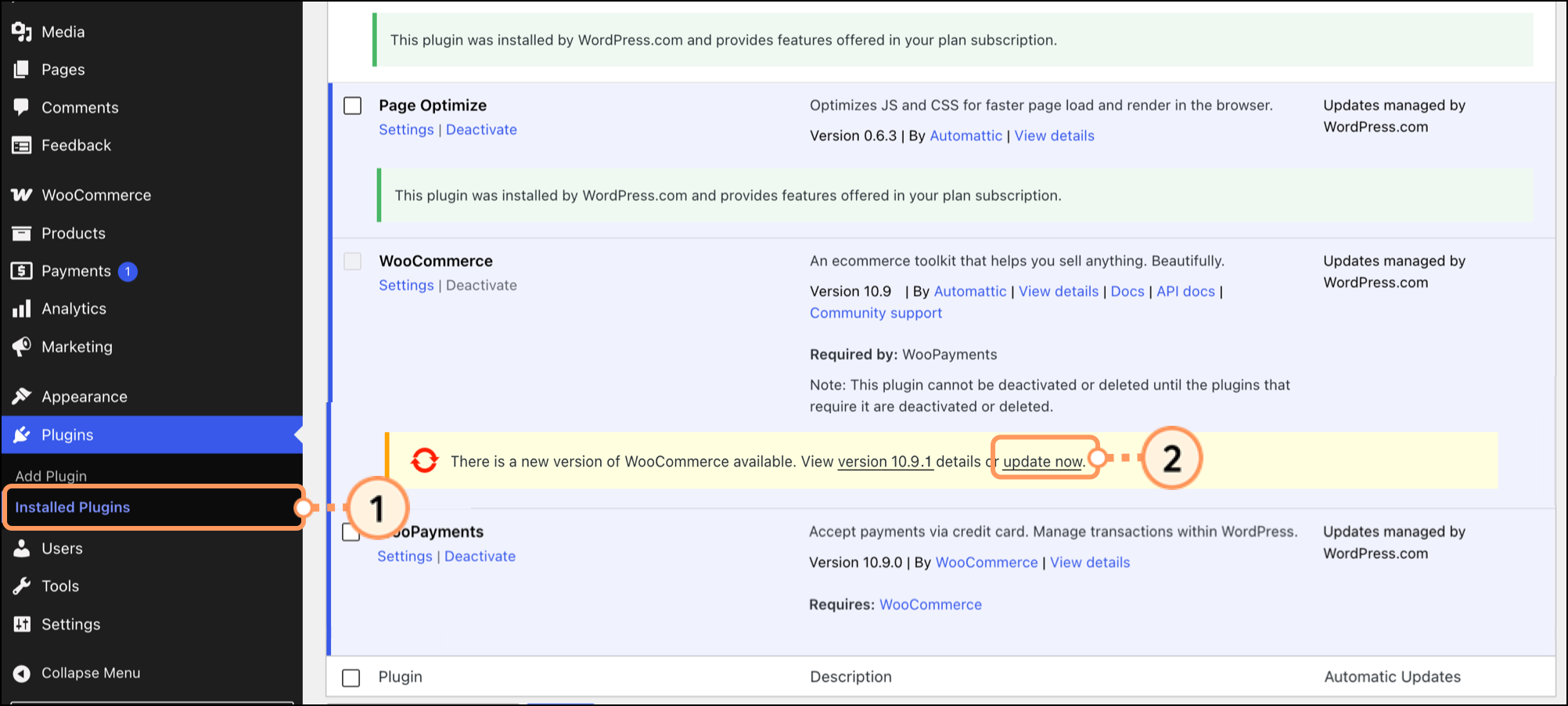
Review the WordPress plugins you have installed and activated, and ensure they are all up to date. If any of your plugins need to be updated, this can be done manually:
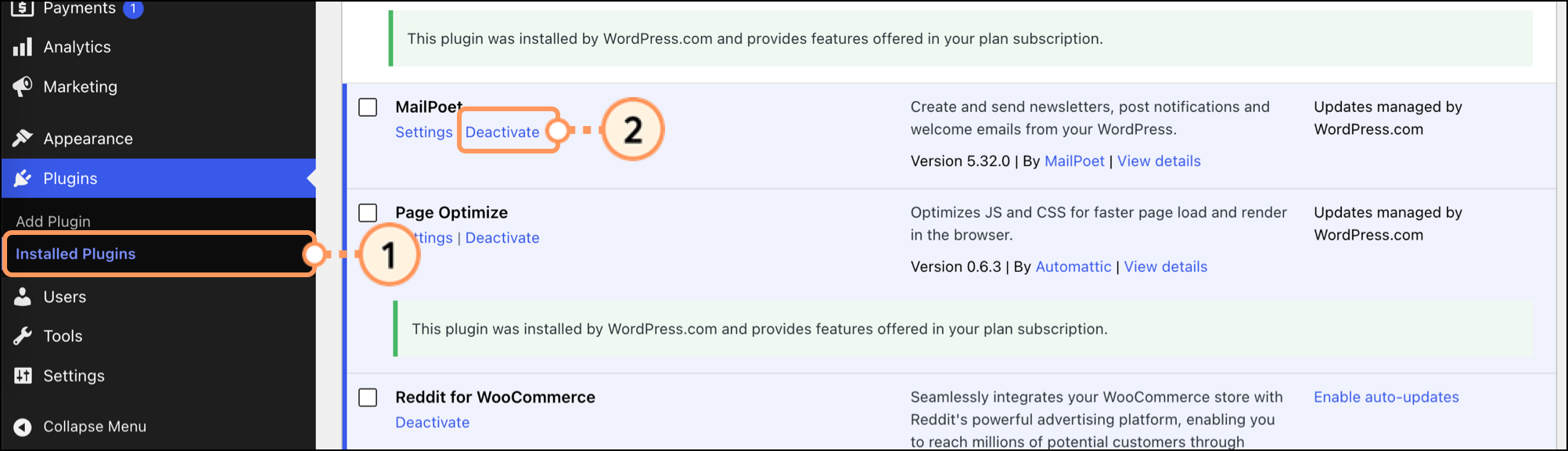
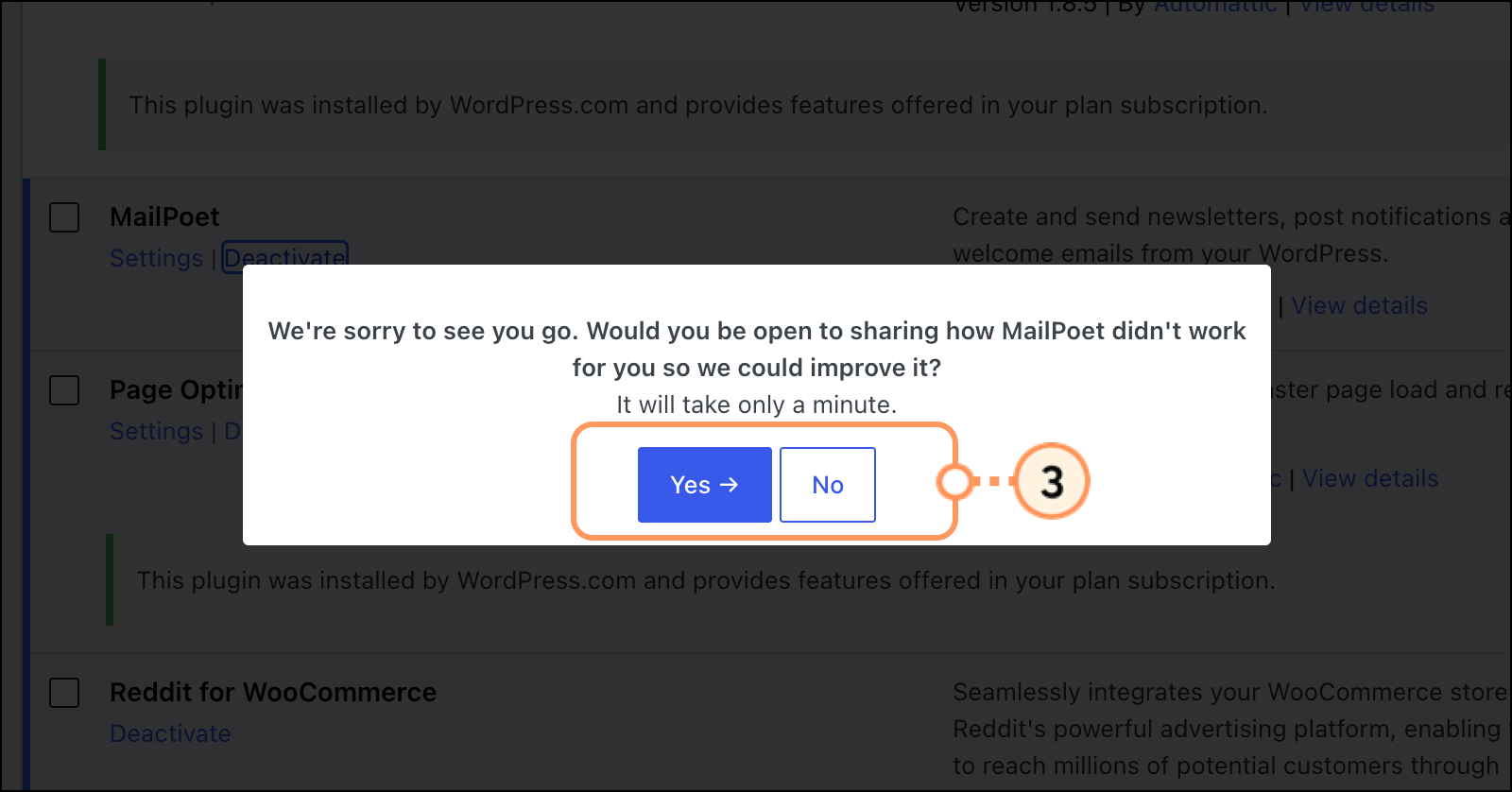
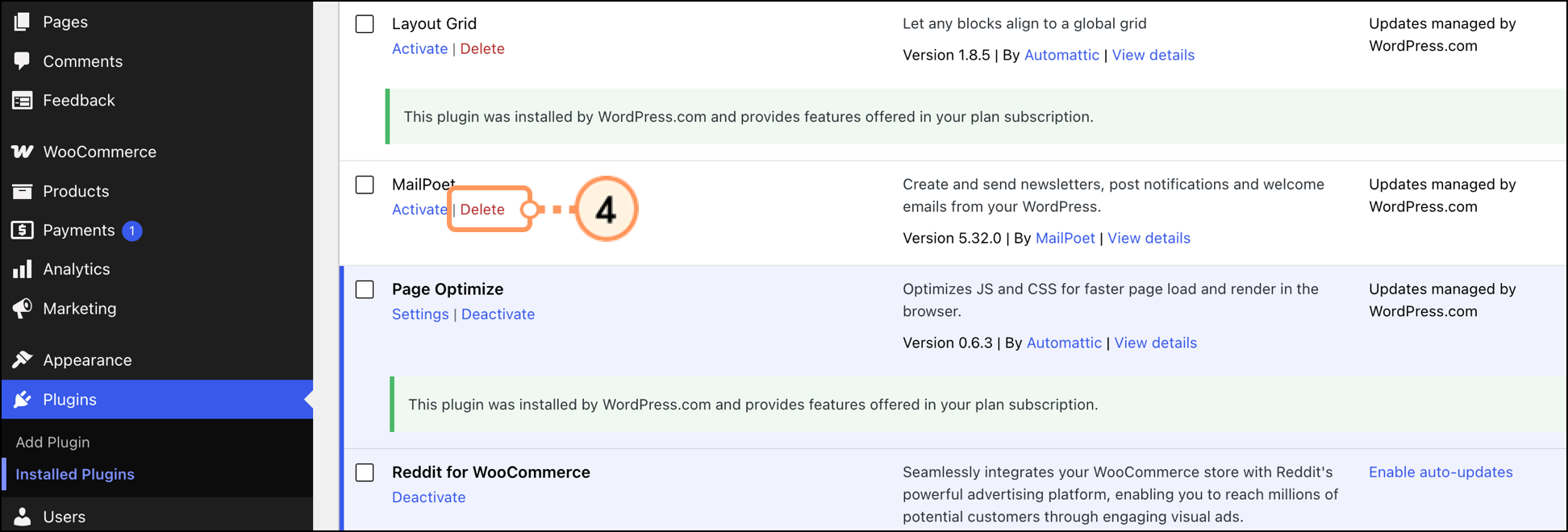
If you have any activated plugins you are no longer using, we suggest deactivating them in case one is causing the problem.
If the integration is experiencing unexpected behavior, check the Integration details page to confirm that the store name appears.
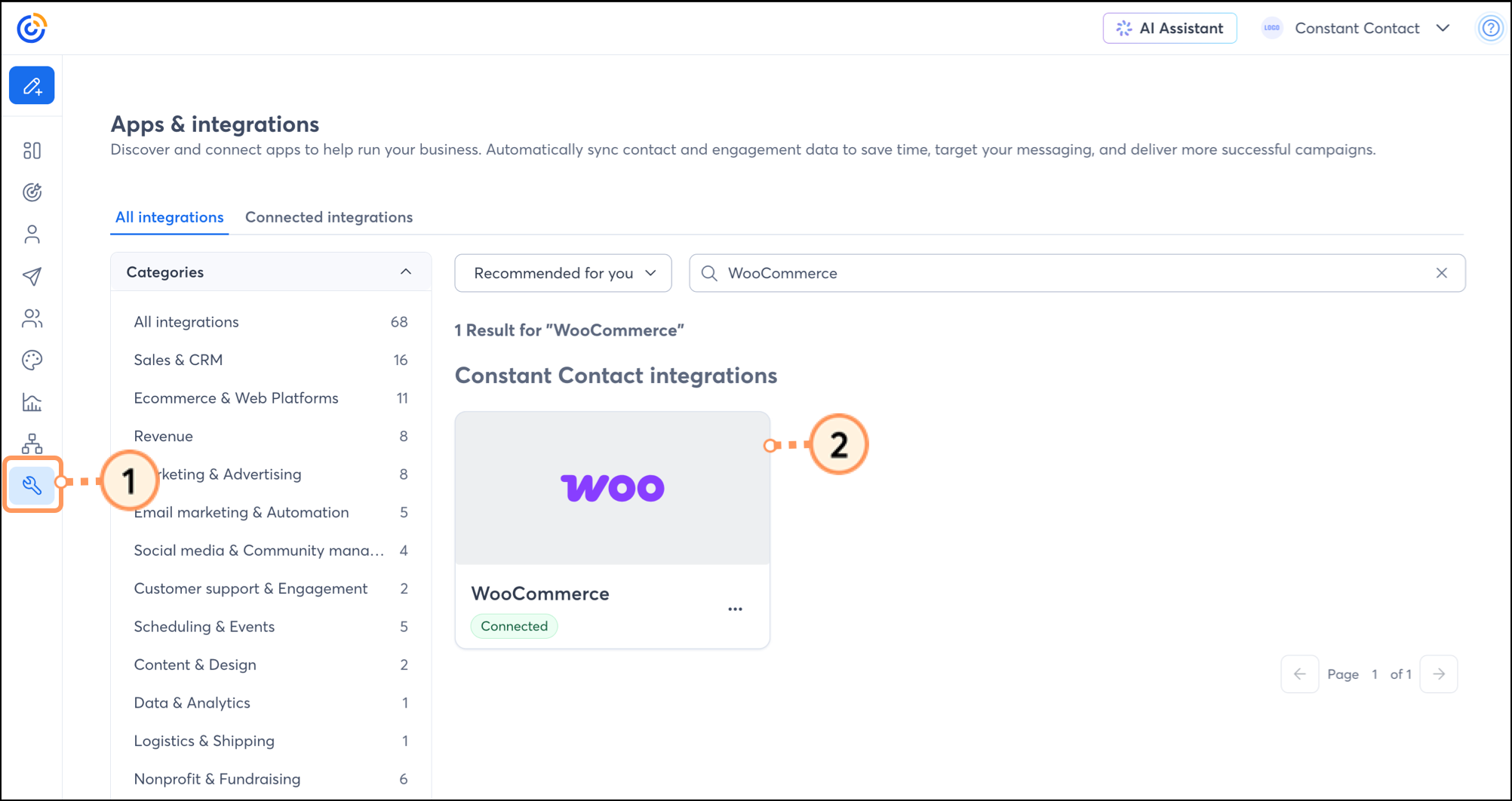
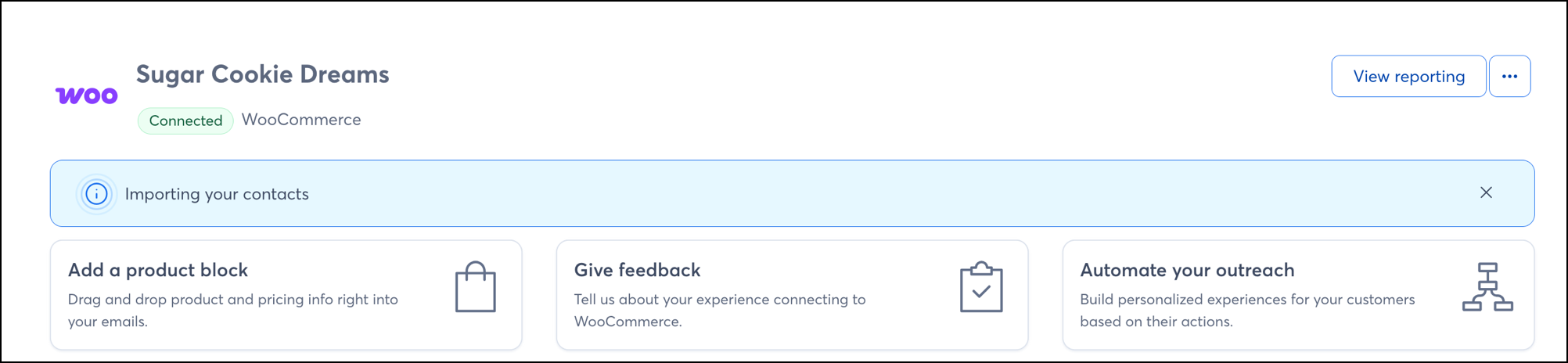
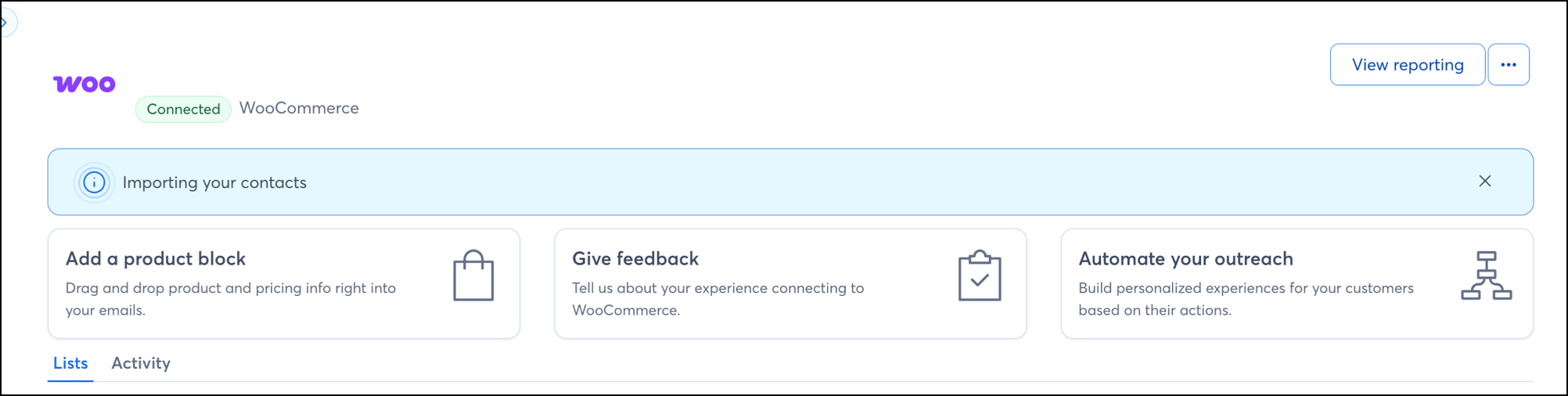
If the store name does not appear, then the connection is likely in a bad state. Uninstall and reinstall the integration:
If these steps don't work, continue to Issue 2.
Some security programs, such as SiteLock, Sucuri Website Firewall, or GoDaddy Firewall, may block our requests. The security software provider needs to safelist our IP address 208.75.122.36.
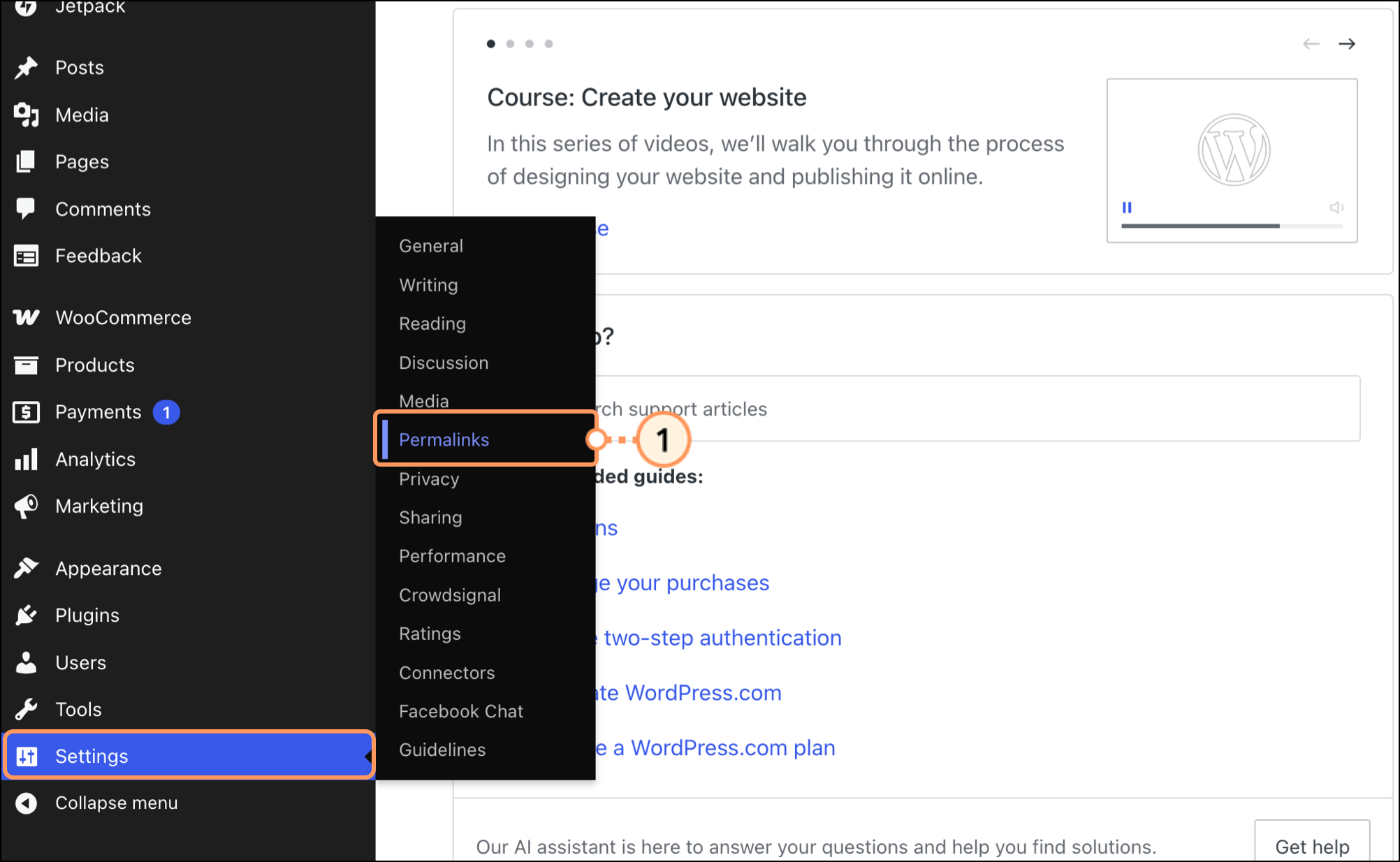
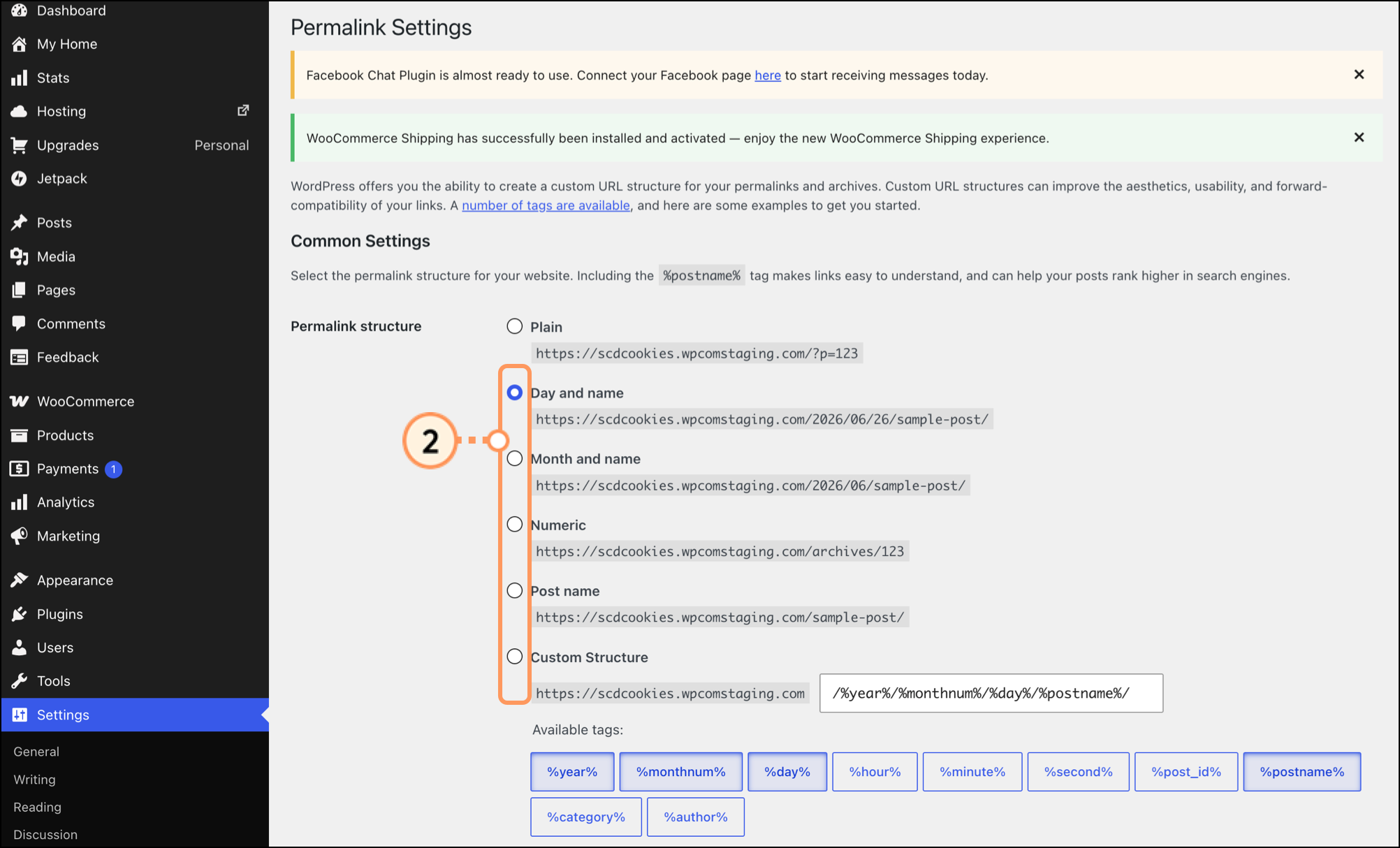
An issue can occur when using the WordPress "Plain" permalink type. The type needs to be changed for the installation, but it can be changed back once the integration is successfully connected. To update this setting, within WordPress:
Any links we provide from non-Constant Contact sites or information about non-Constant Contact products or services are provided as a courtesy and should not be construed as an endorsement by Constant Contact.
Copyright © 2026 · All Rights Reserved · Constant Contact · Privacy Center