Email and social media work hand in hand to establish relationships and build trust with your audience; email gives you control over your contacts and the information you share with them, and social media is a great place to engage with your audience through direct conversations. You ultimately want your social media contacts to opt in to your email list, but your emails are also a tool for steering your contacts toward what you want them to see, including your social media presence!
If you're new to email marketing or you've been at it for a while, it's easy to promote your social media profiles with just a few tools.
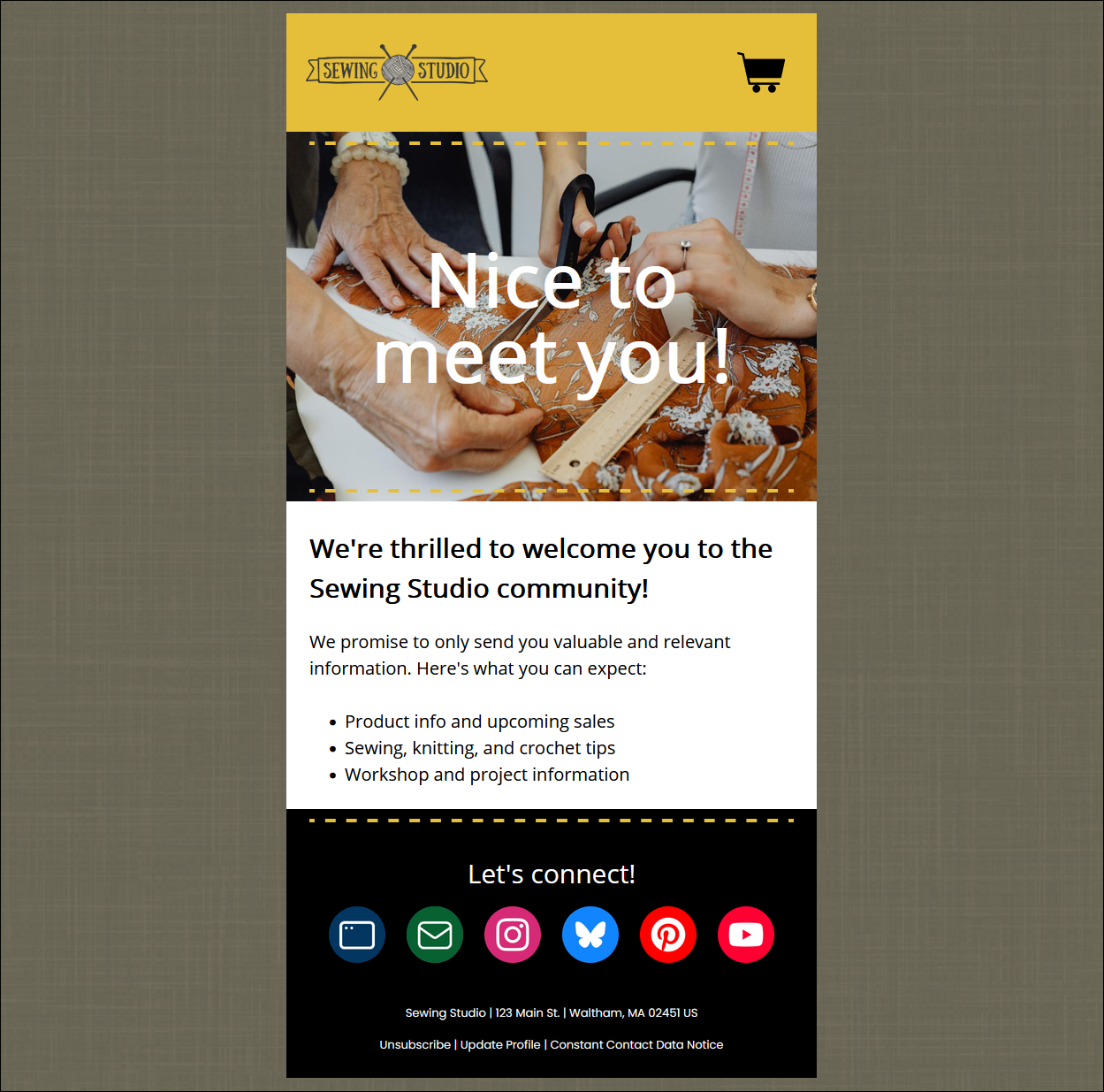
A welcome email is a great place to ask your contacts to join you on your social media profiles when their interest is at its highest. Welcome emails often say, "thank you," but lack a call to action. An invitation to join you on social media is perfect when introducing yourself to those who've just joined your mailing list.
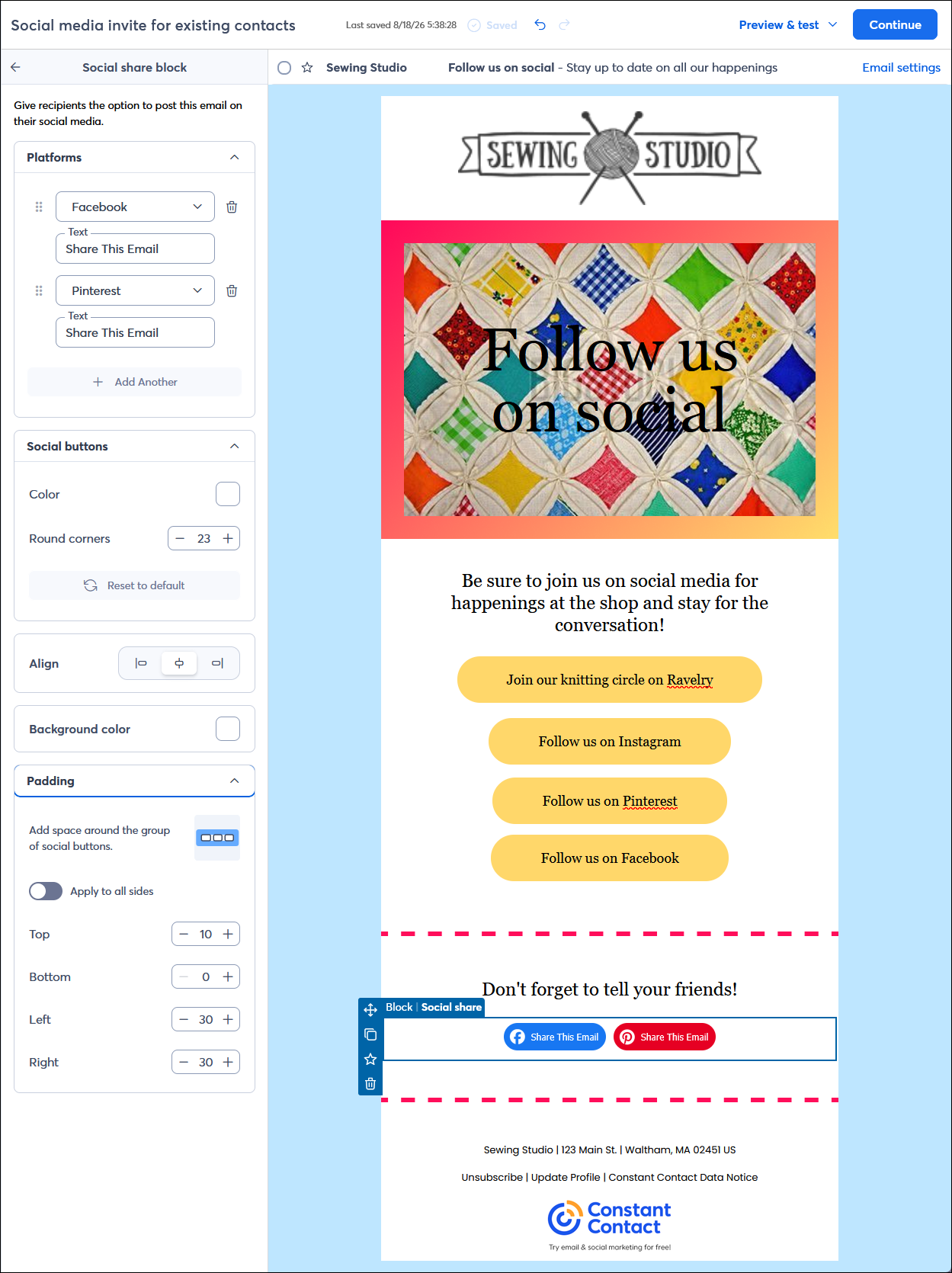
In addition to adding buttons to your email that can point to any URL you want, there are two types of blocks that can be added that give you branded social icons for the more popular platforms. The Social follow block lets you list out the different social media platforms you're on and provide links directly to your profile pages. The Social share block lets your contacts share your email in a post on their social media profiles. Both types of blocks can be styled to stand out as your main call to action, or be more subtle when you don't want them to distract from your main call to action.
 | Design tip: When using the Social share block, it's also a good idea to include the Social follow block or linked buttons so that when the email is shared, your potential contacts can find your social page easily because they're already logged into them. |
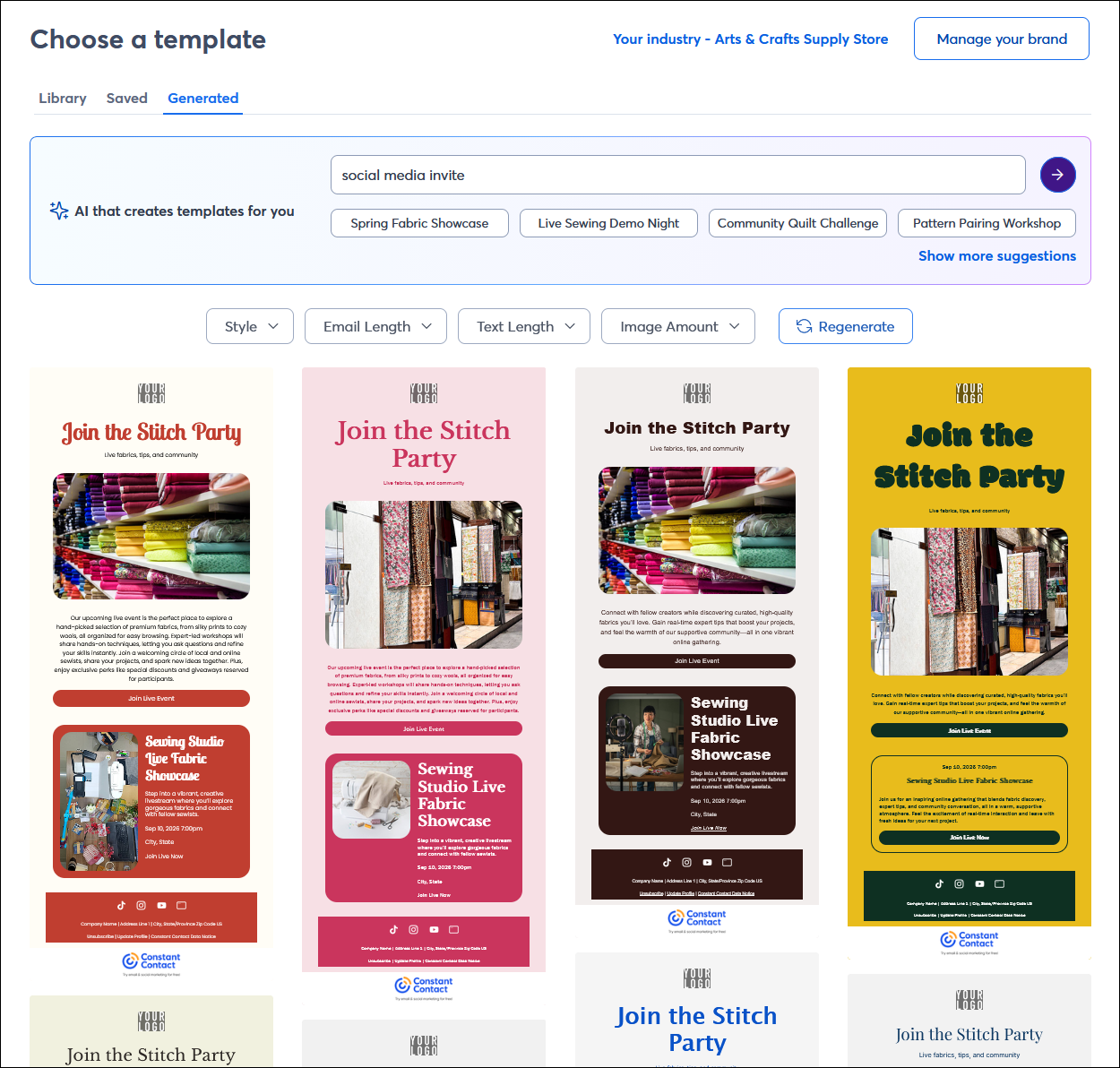
The easiest time to choose a template is when you know exactly what your content is going to be, and searching for "social" when choosing an email template makes it even easier. But, sometimes you can't find the right template, or you're just not sure, and that's ok! You can generate template options with a simple AI prompt, and when you're ready to make your choice, you can edit the template to refine the content even further with your own branding and content.
 | Did you know? We have segmentation tools, like contact tags and our segment builder, that help you keep track of the contacts that have already joined you on your social medial platforms and those that haven't so you can use the right messaging in your email content to get them there. |
When you're asking your email contacts to join you on your social media platforms, you need to have a clear reason or benefit for them to do so. It could be as simple as you want them to view, like or share your content, or you want them to actively engage in the discussion. Whatever it is, your email should have a clear call to action that lets your contacts know what you want them to do. You may even want to offer an incentive, like a discount code or exclusive access to information, as a reward for seeing the action through.
Your contacts are people with their own busy lives, and the quality of your content matters! When someone takes the time to engage on social media, they're usually look for connection, information, entertainment, or inspiration, so your social content should reflect that:
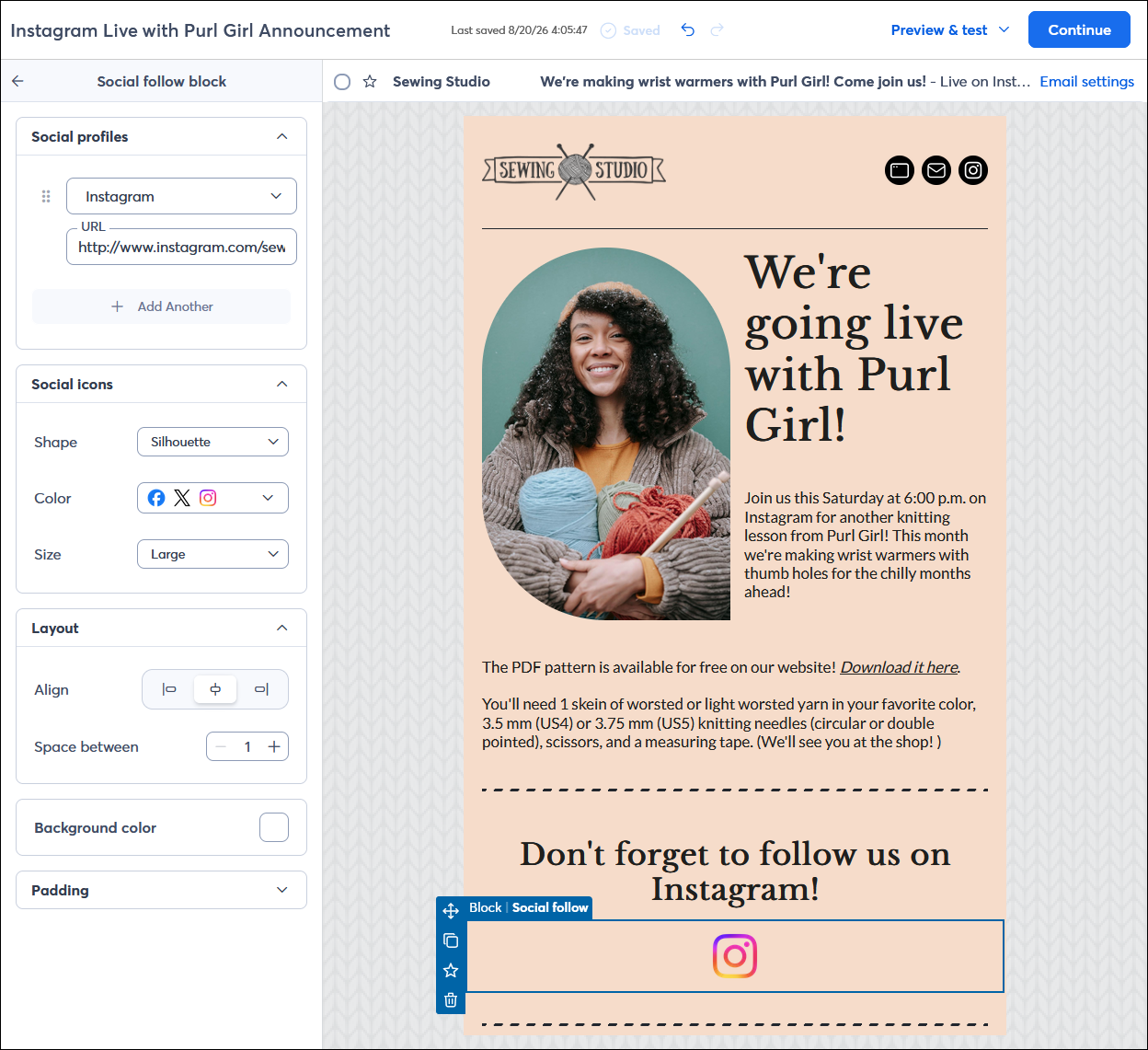
Most people know about Facebook, Instagram, TikTok, and LinkedIn, but there are many other social media and social networking platforms, some of which target specific industries or communities. Since these social media platforms are highly specialized, you want to make it clear exactly what the benefit of joining is. While niche platforms aren't available in the social blocks in the email editor, you can share the URL for your profile through a text link, button, or clickable image.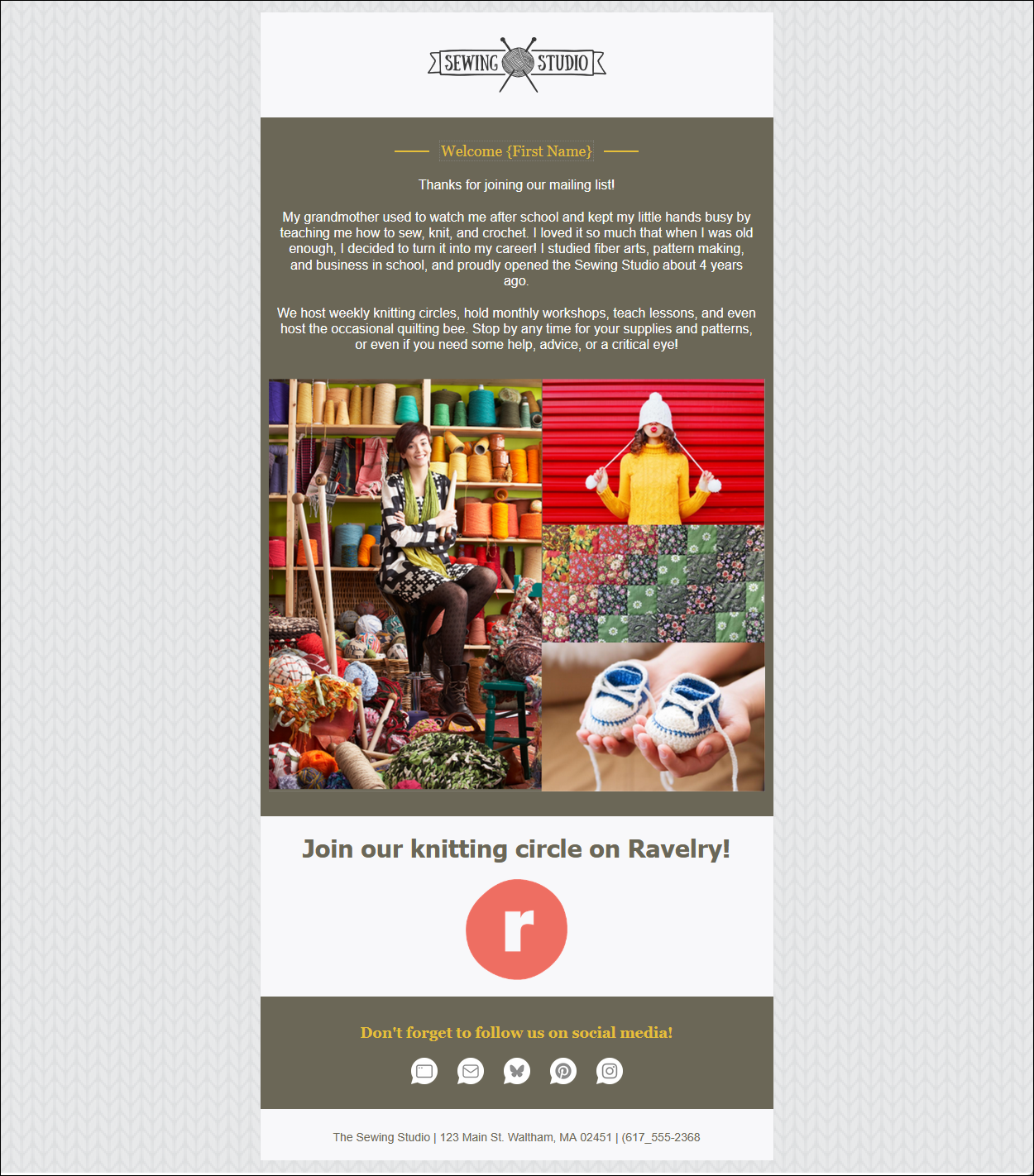
 | Save time: Adding the logo for the social platform helps your contacts know that they're on the correct social platform. Before you spend time creating your own logo for a niche social media platform, search for the platform's brand guidelines. They may have pre-approved button images that you can use instead, and you can turn them into clickable image links within your email for a more polished look. |
Any links we provide from non-Constant Contact sites or information about non-Constant Contact products or services are provided as a courtesy and should not be construed as an endorsement by Constant Contact.
Copyright © 2026 · All Rights Reserved · Constant Contact · Privacy Center