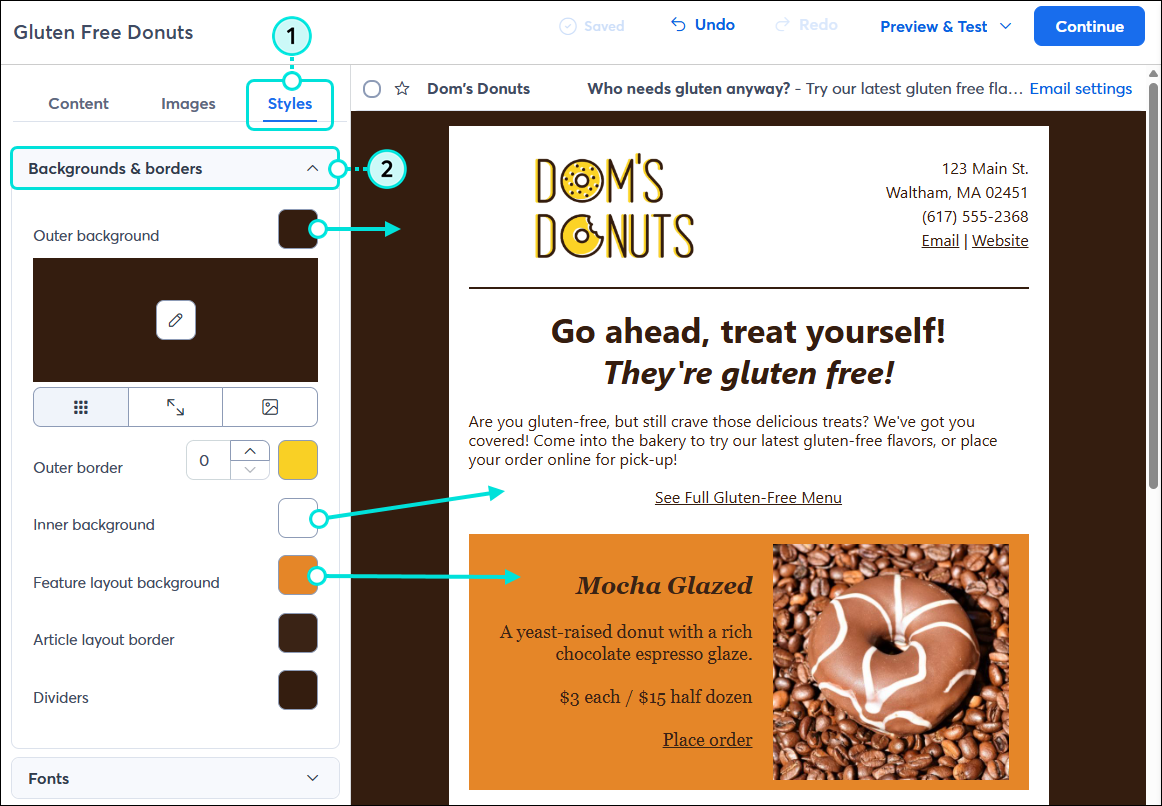
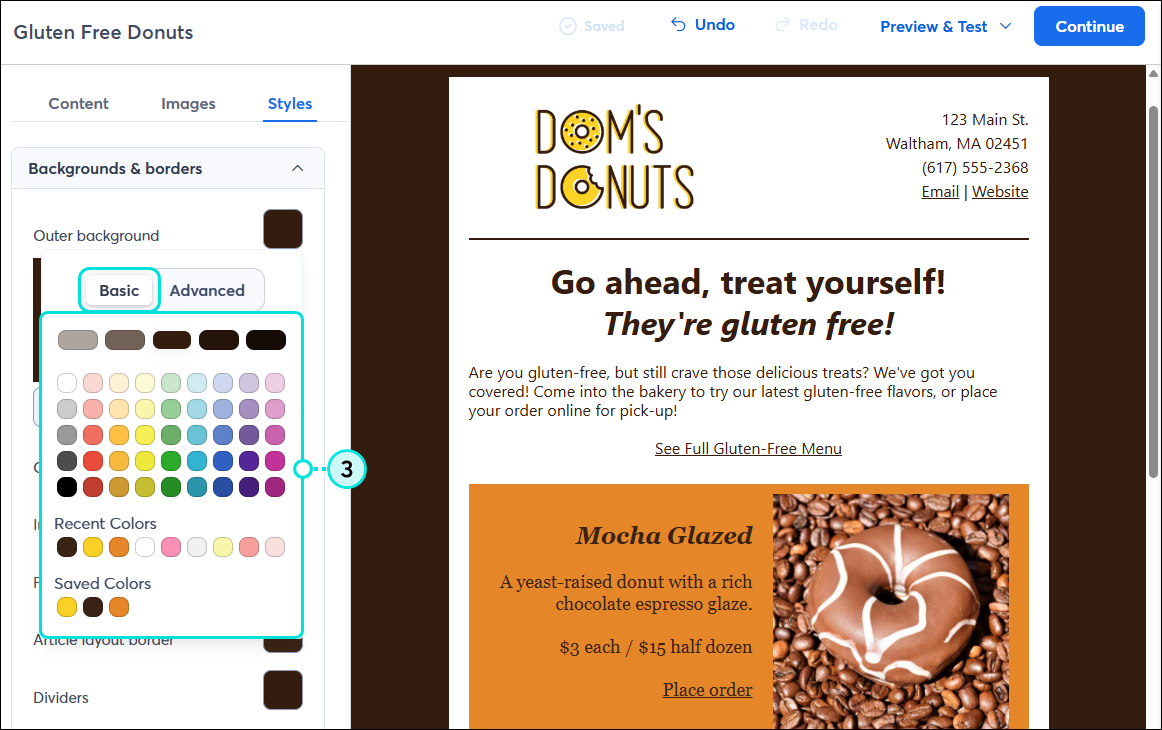
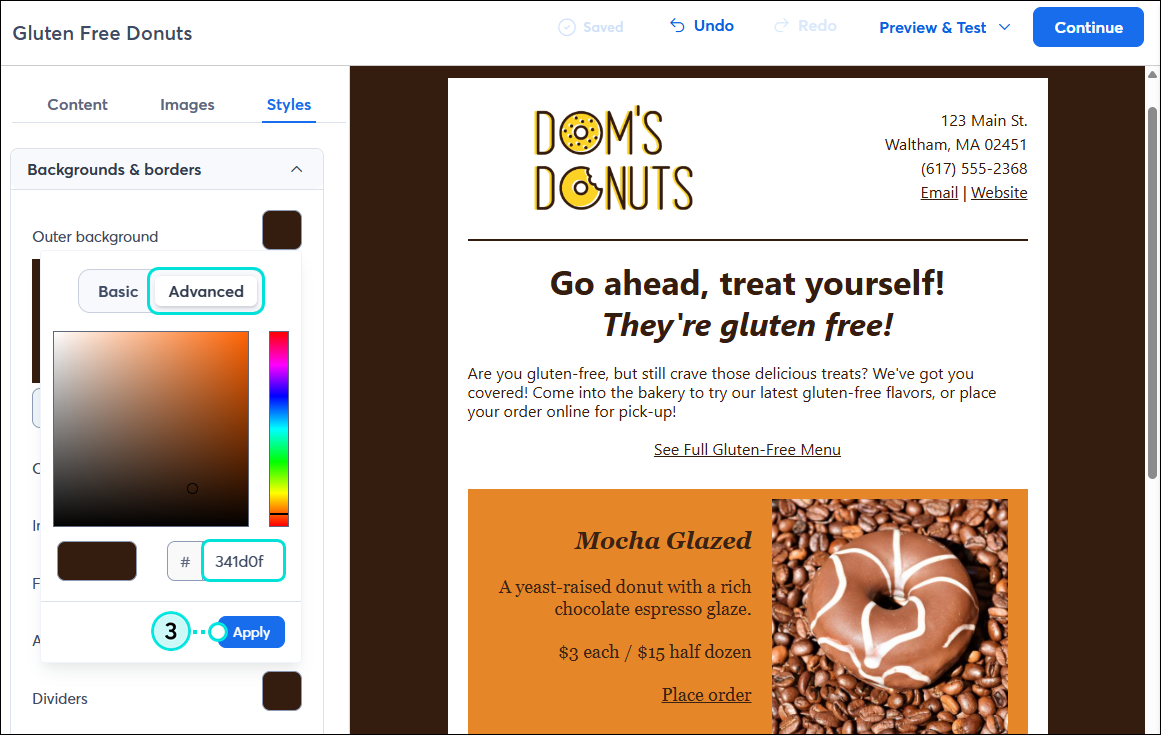
Changing the background color and pattern is an easy way to brand and style your email. If your background pattern is transparent, your background color shows too, so don't be afraid to experiment with different combinations to find one you really like!
Note: The outer background isn't always displayed when viewing your email on a mobile device. Make sure to preview the mobile view of your email to make sure it reflects the branding you intend.
The background colors of your email can be changed to match your branding and help the main content really pop.
 | Design tip: You can access additional customization options and choose to use an image for the inner background of your email! |
| Design tip: You can make certain content in your email stand out by changing the background color of an individual block. If you make changes later through the Styles tab, the block keeps its custom color. |
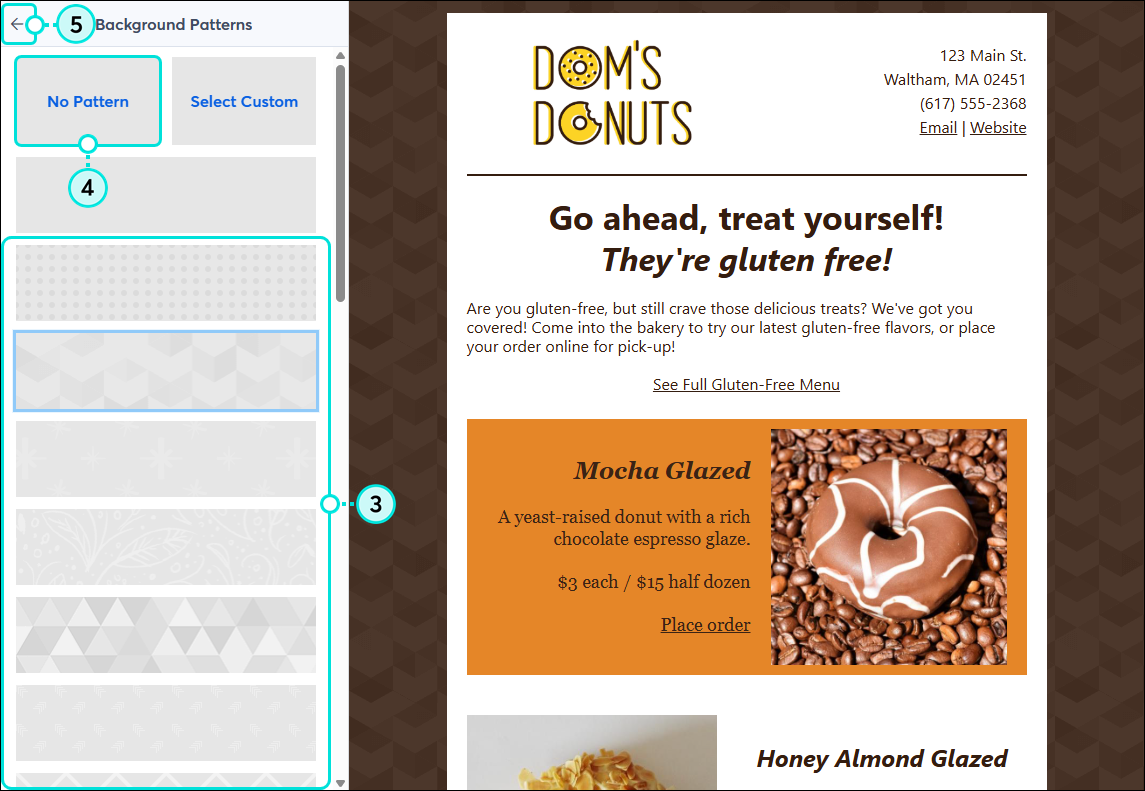
If you want to add some more interest to your email background, it's easy to add a pattern or custom background, change it, or remove it:
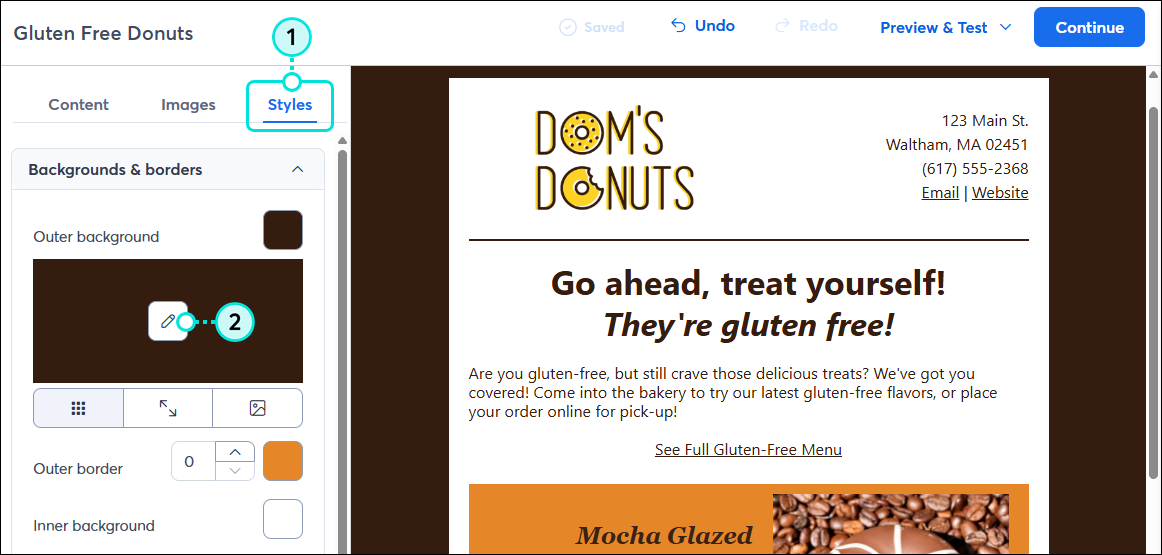
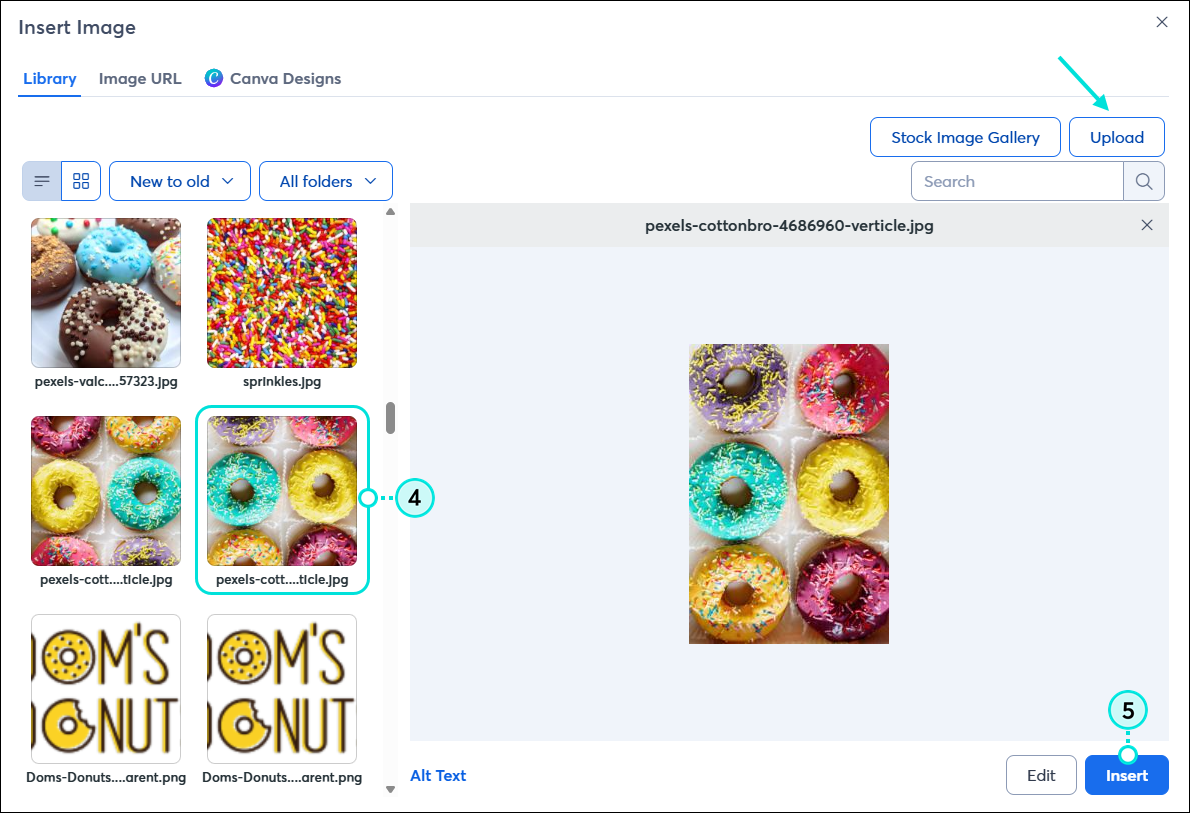
In addition to the pre-designed background patterns available, you can choose to use an image from your Library for your email background.
When you use a custom image, it tiles behind your email content. The "seam" runs vertically down the middle of the template, but isn't noticeable since it's covered by the body of the email. The size of your image and the length of your email can affect how the tiles render. For example, longer emails with smaller images have more tiling than shorter emails with larger images.
| Design tip: The best background images appear seamless, so you can't tell where one tile ends and the next begins. If you're looking for a subtle image that tiles correctly, there are hundreds of open-source images available at www.toptal.com/designers/subtlepatterns/. |
If you plan to tile the background image, the recommended image size is 100 x 100px and less than 100KB.
If you plan to center your background image, it should be twice the inner width of your email template. For example, if the body of your email is 600px wide, the background image should be at least 1,200px wide.
If you plan to have your background image span the full background, the image should be no more than 2,000px wide. The image height will depend on the length of your email; longer emails require larger images.
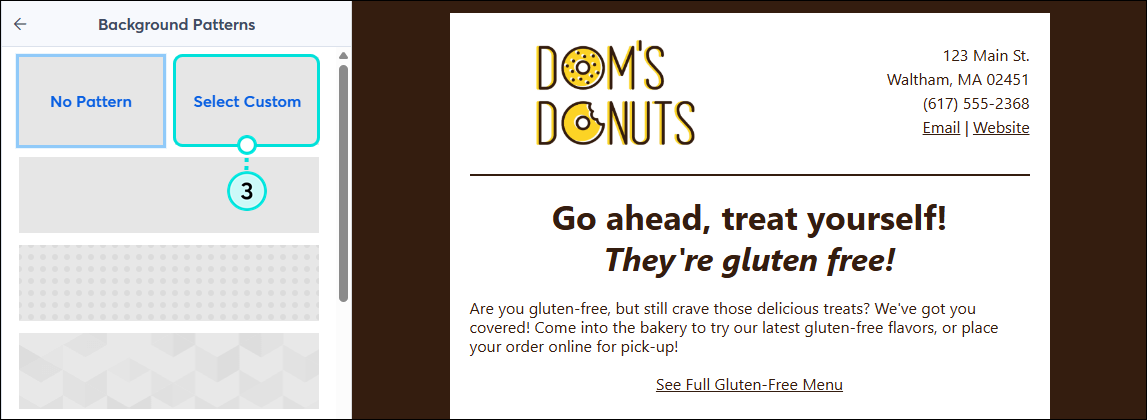
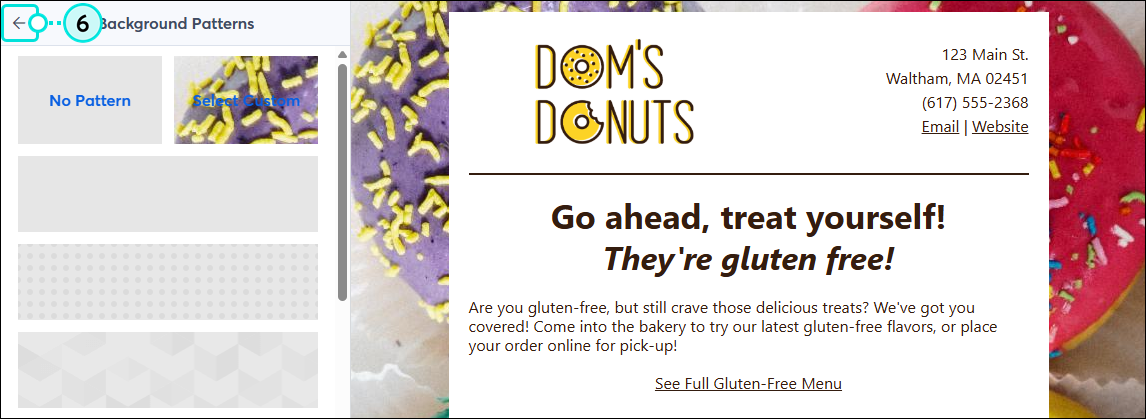
To use an image for your background:
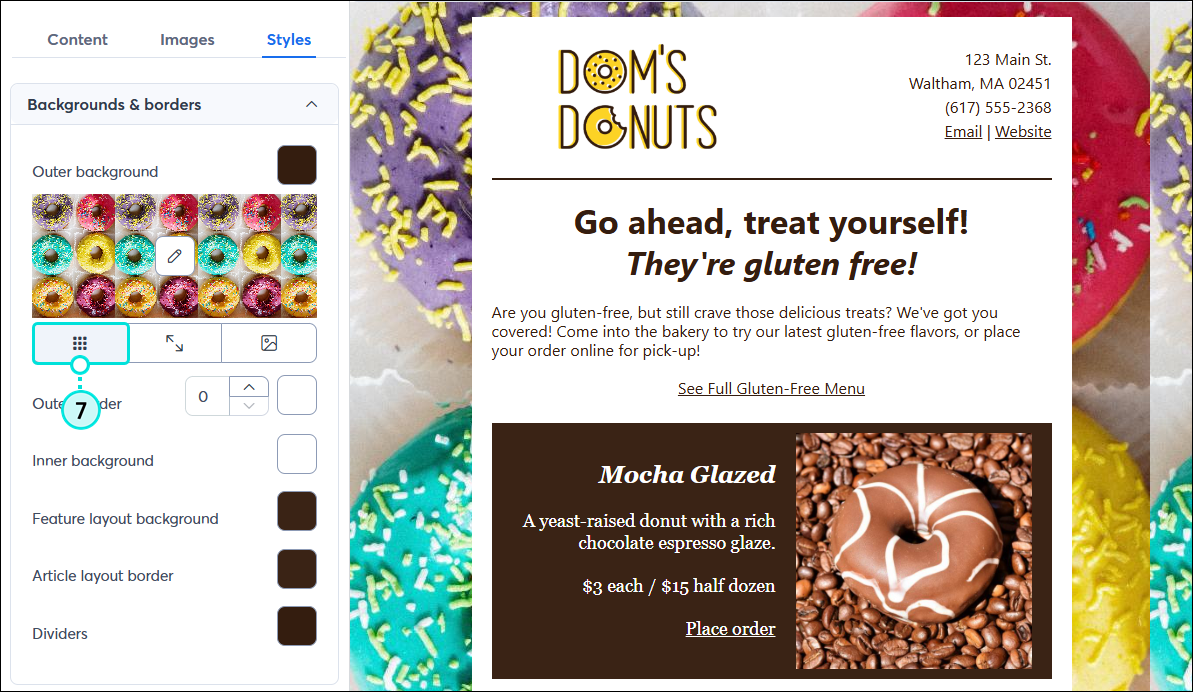
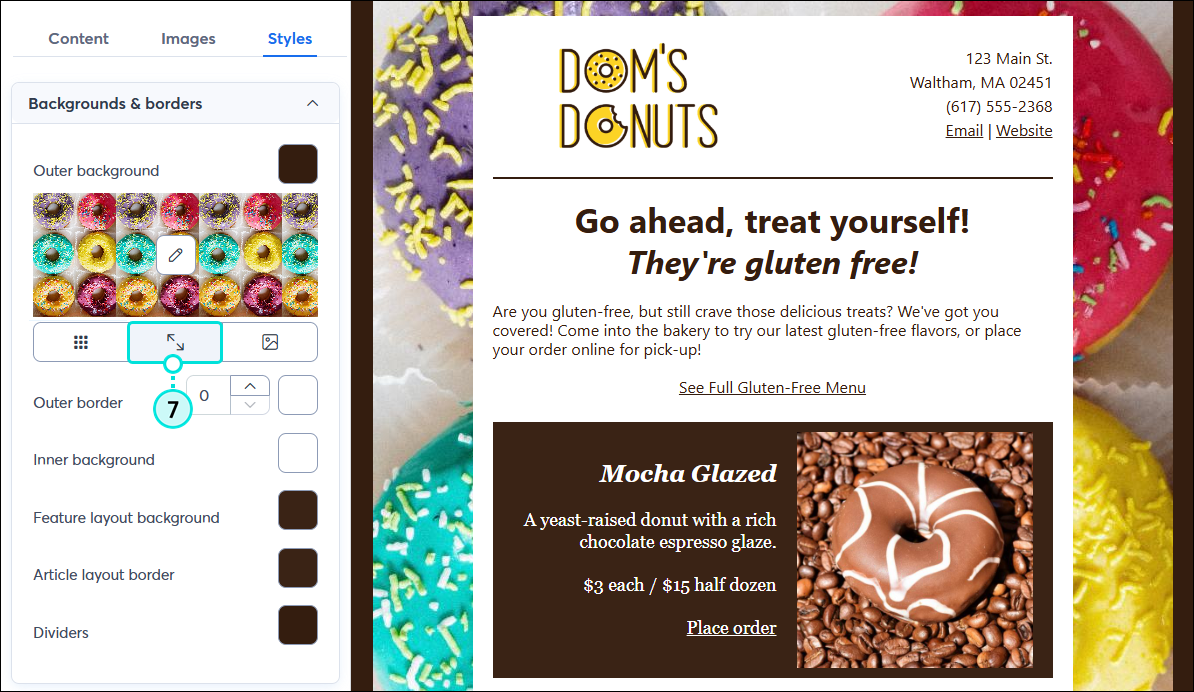
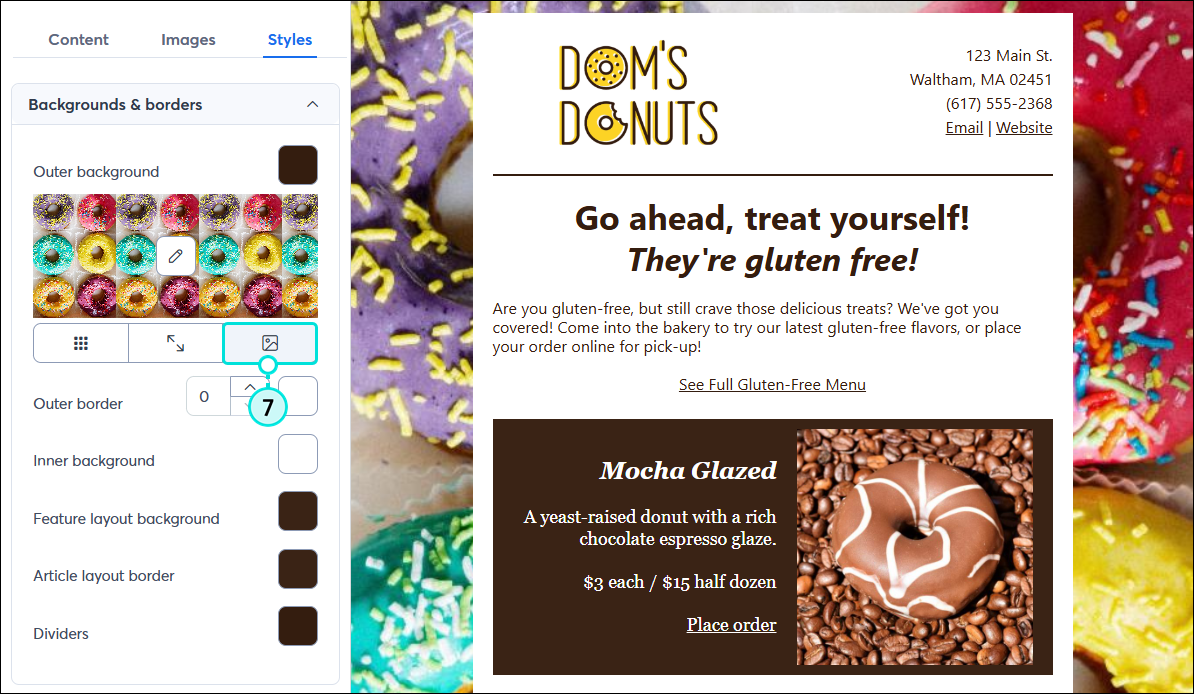
If your background image is transparent, you can further customize your email design by changing the background color.
If you've added sections to your email template, you can also add a background image to a specific section.
Any links we provide from non-Constant Contact sites or information about non-Constant Contact products or services are provided as a courtesy and should not be construed as an endorsement by Constant Contact.
Copyright © 2026 · All Rights Reserved · Constant Contact · Privacy Center