| Important: Starting on November 7, 2024, all email campaigns created with our legacy Third-Generation Editor will go into a read-only state and will no longer be usable. Legacy emails that were sent can be previewed, but you won't be able to copy them. |
We’re excited to be replacing our old email editor (we call it the Third-Generation Editor) with our newest editing experience. It's designed to let you seamlessly edit your emails, whether you’re working on a desktop or on the go with our mobile app. While the look and feel are similar to our older editor, we've added enhanced functionality and exclusive new features to make the email editing experience better for you.
Whether you're using our mobile app on your mobile device or tablet, or on your desktop computer, we want to make sure Constant Contact is available to you. With the Email Editor, we've made it easy for you to create, edit, and manage your email marketing campaigns anywhere, anytime, across multiple devices. Whether you're at the office or standing in line at the coffee shop, you can access your email and pick up exactly where you left off, without losing any edits.
We’ve also added more design customization options, enhanced drag-and-drop functionality, introduced our AI Content Generator to write email content for you, and more! Get to know the email editor and explore more of the amazing features and benefits!
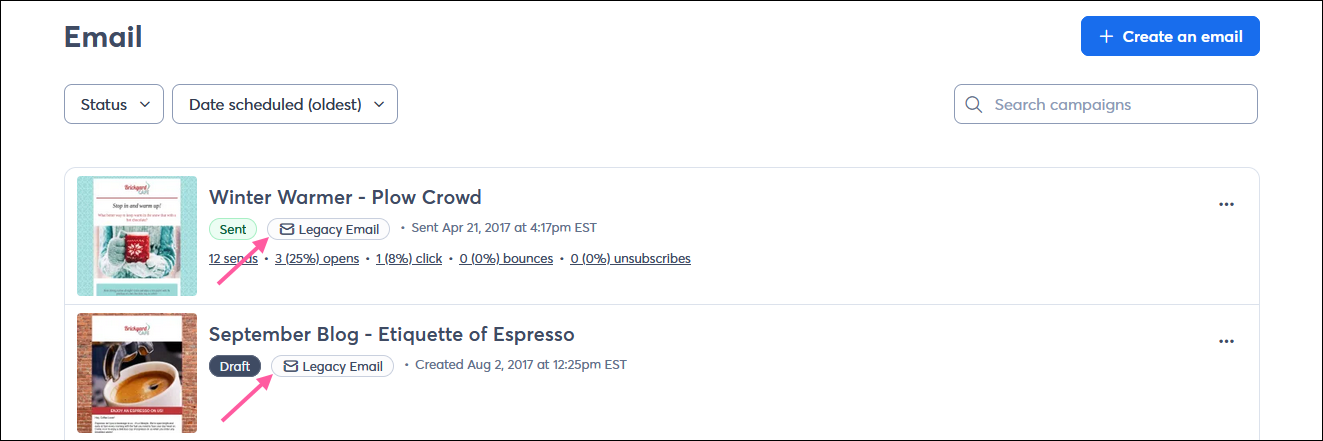
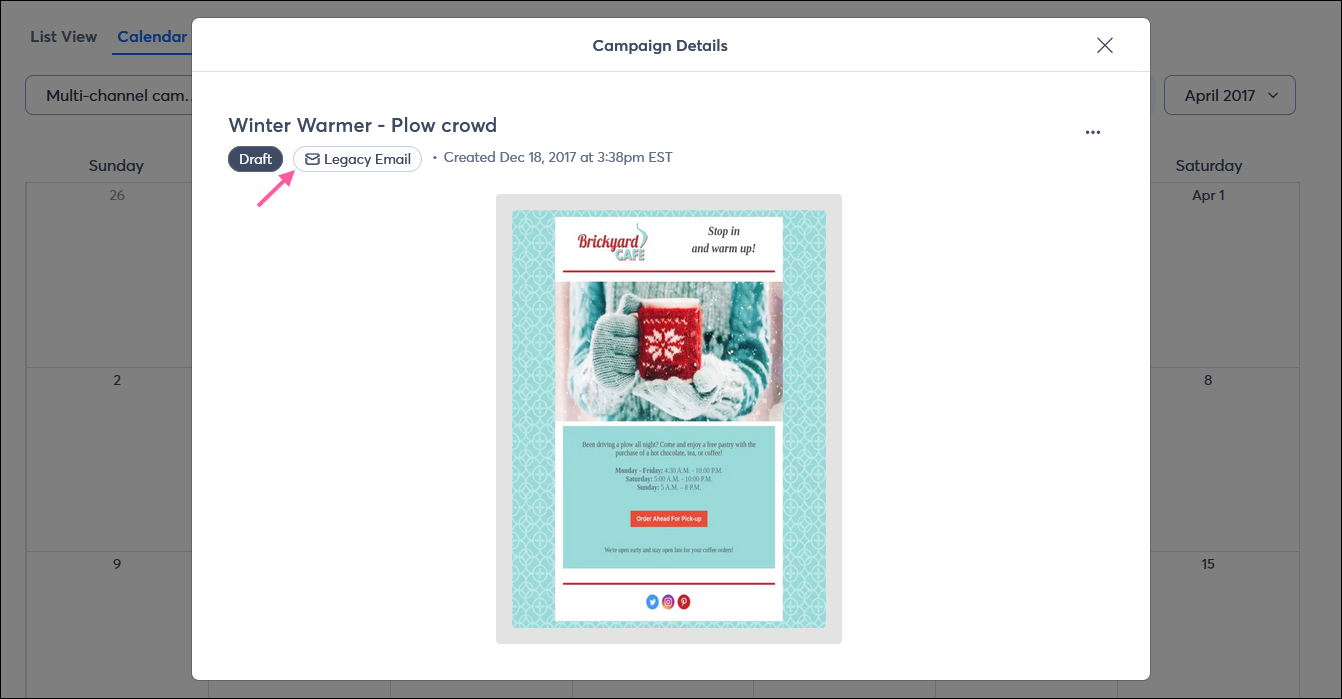
How do I identify the legacy emails in my account?
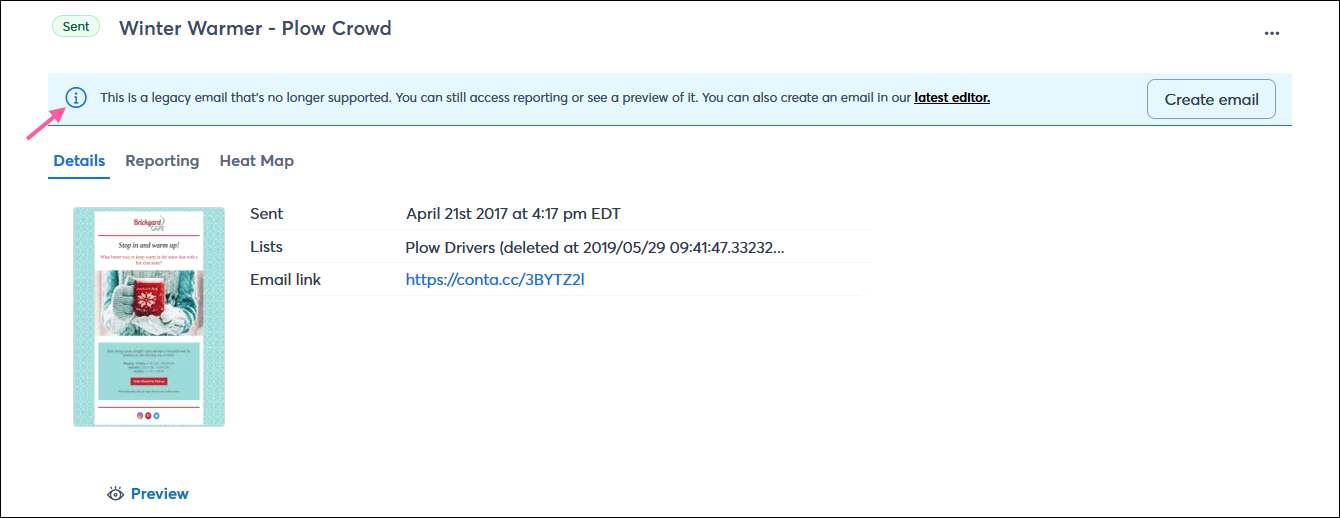
All emails created with the legacy Third Generation Editor have a visual indication:
Can I still copy and send my legacy emails?
As of 11/7/2024, all emails created with the legacy Third Generation Editor are read-only. You're no longer able to make copies of your legacy emails, and any legacy email drafts can no longer be previewed, scheduled, or sent.
Is the reporting for my legacy emails affected?
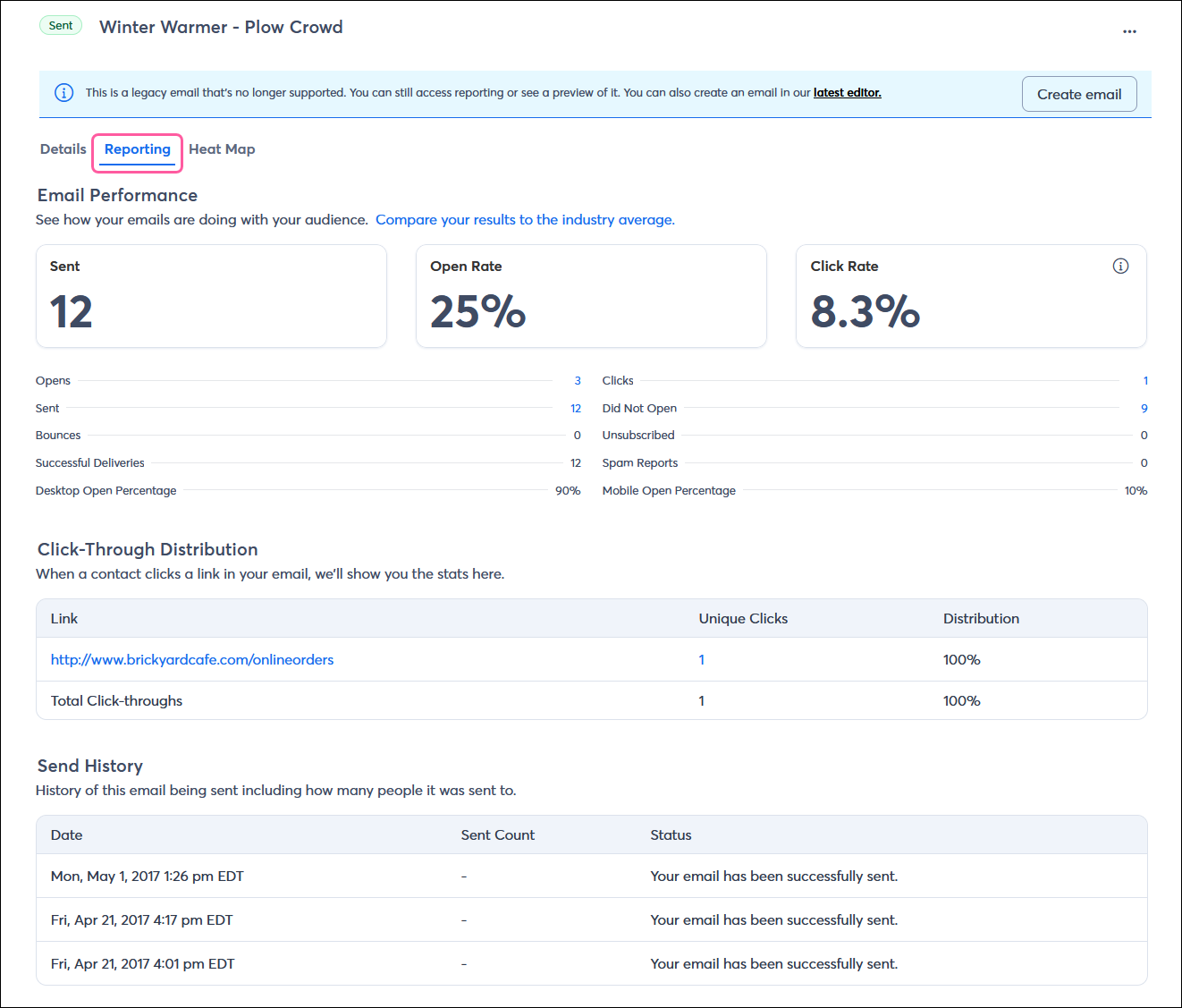
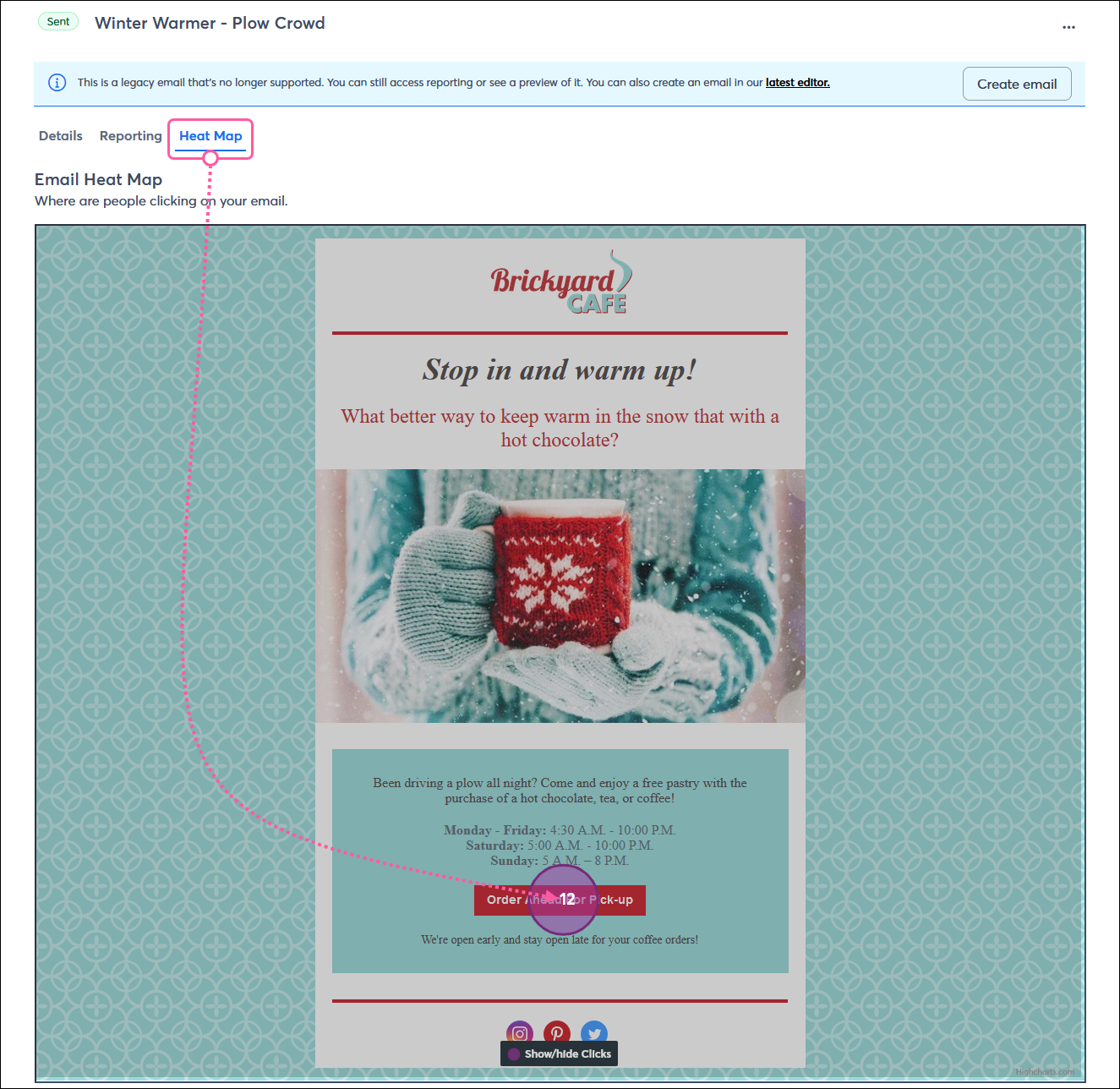
The Reporting tab on the Email Details page continues to show reporting for your legacy email, and the Heat Map tab remains available.
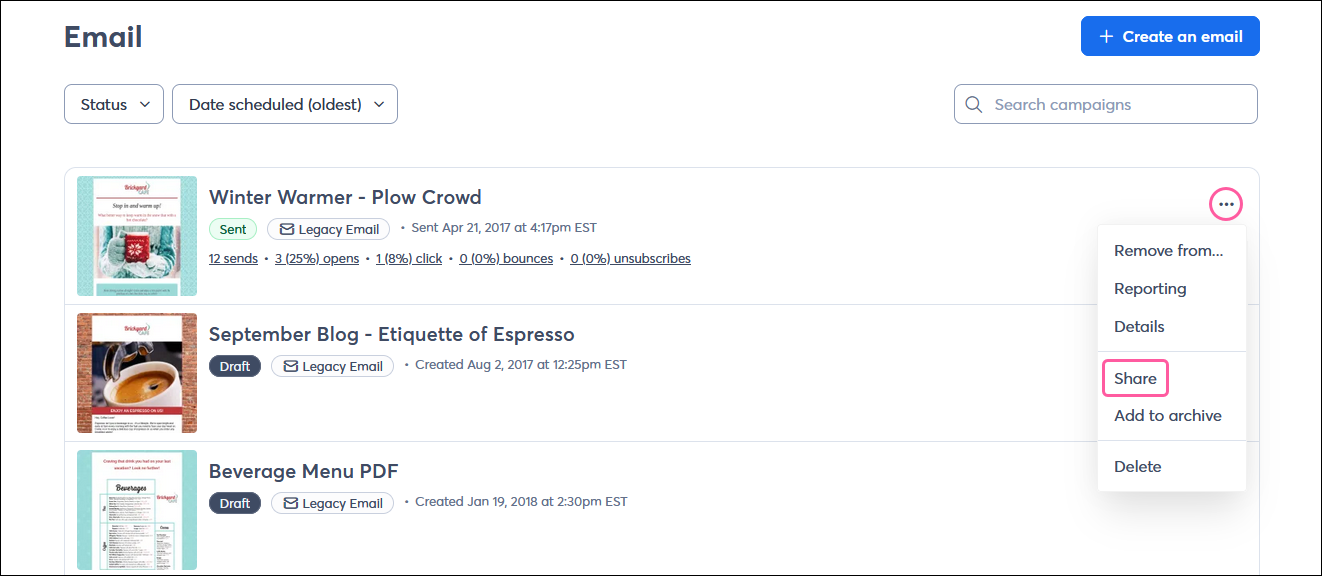
Is the permanent URL for my legacy email still active?
Yes, you can still copy and share the link for your legacy emails.
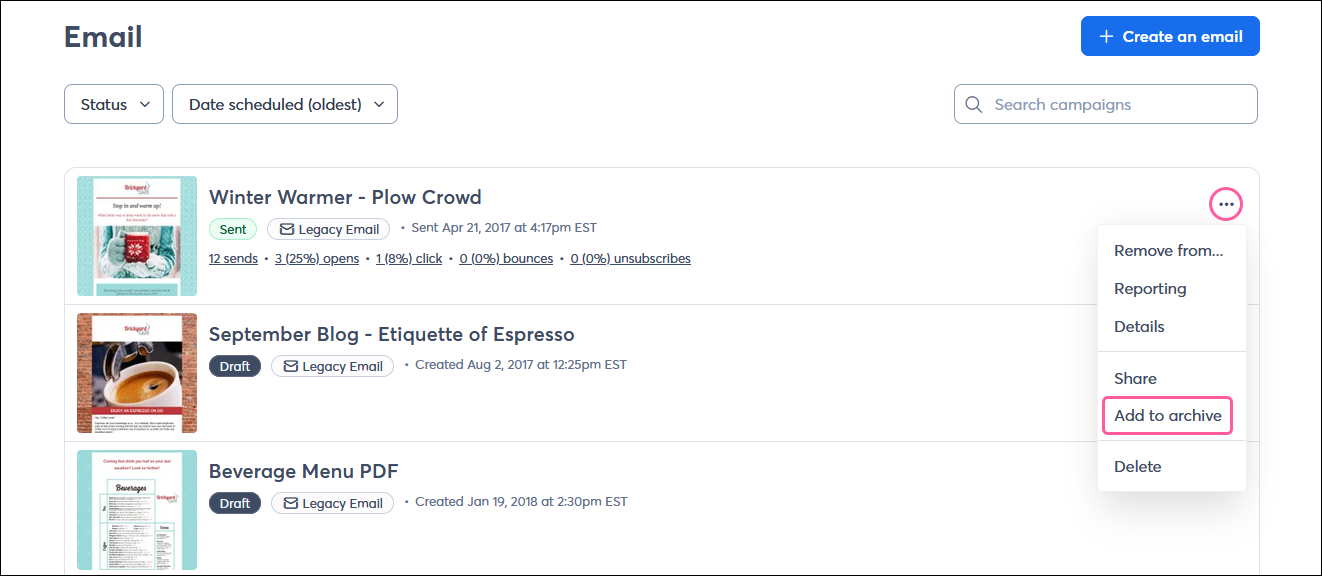
Can I still add legacy emails to my email archive?
Yes. Since the permanent URL is still active, your emails remain compatible with the email archive feature.
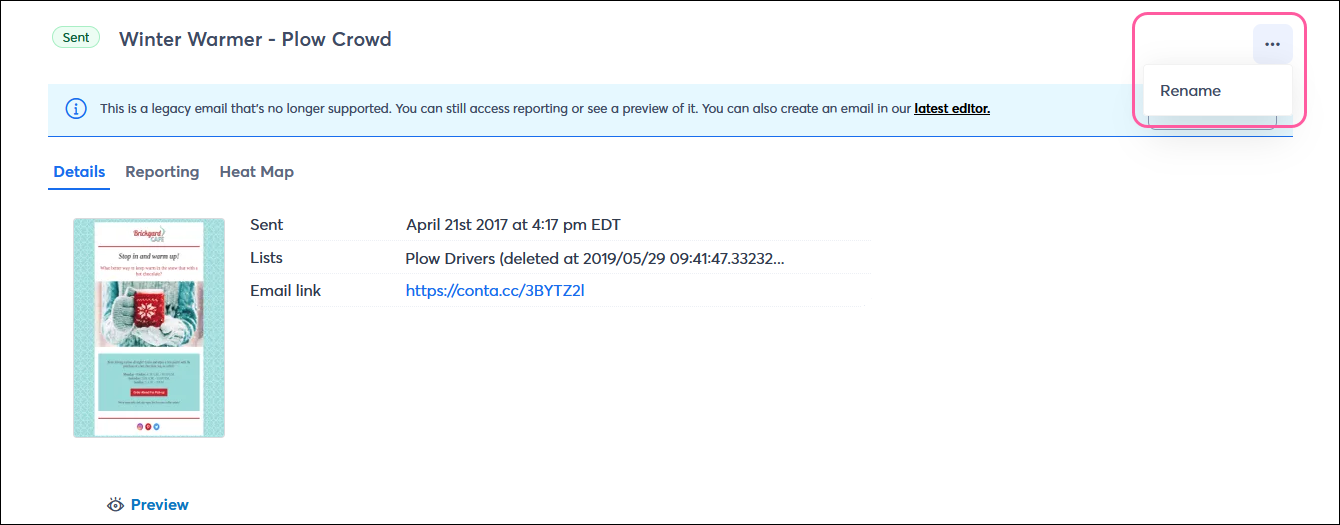
Can I rename a legacy email?
Yes, the option to rename a legacy email is available on its Email Details page.
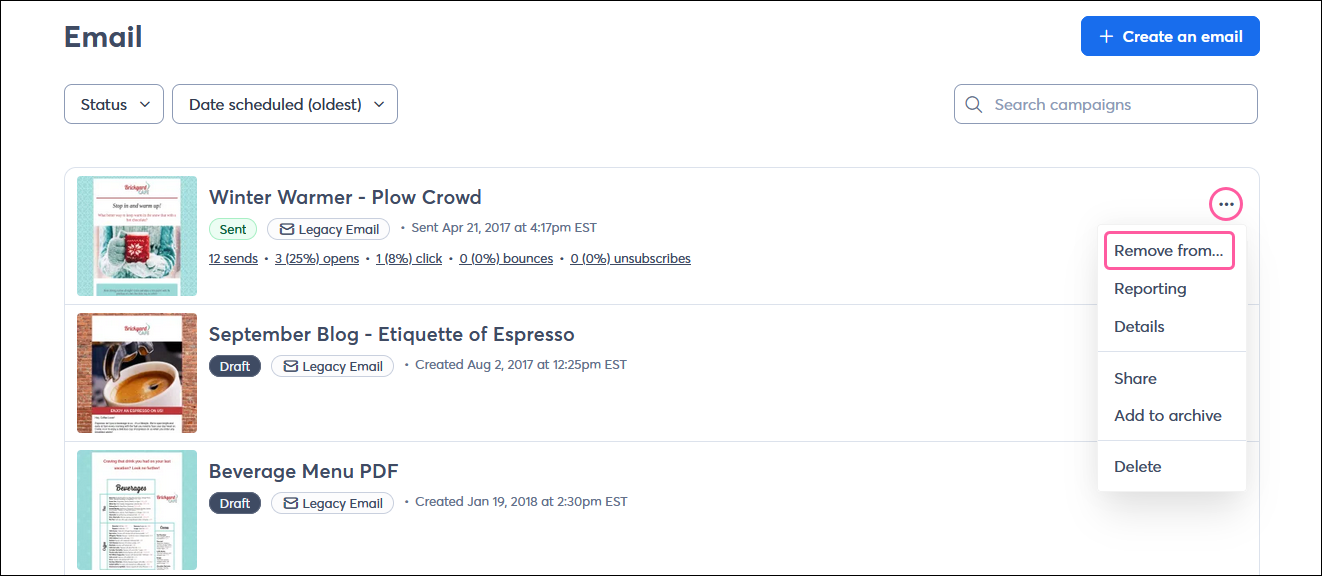
I have a multi-channel campaign. How do I remove a legacy email?
Legacy emails that are part of a multi-channel campaign can be deleted from the Emails dashboard or Campaigns dashboard.
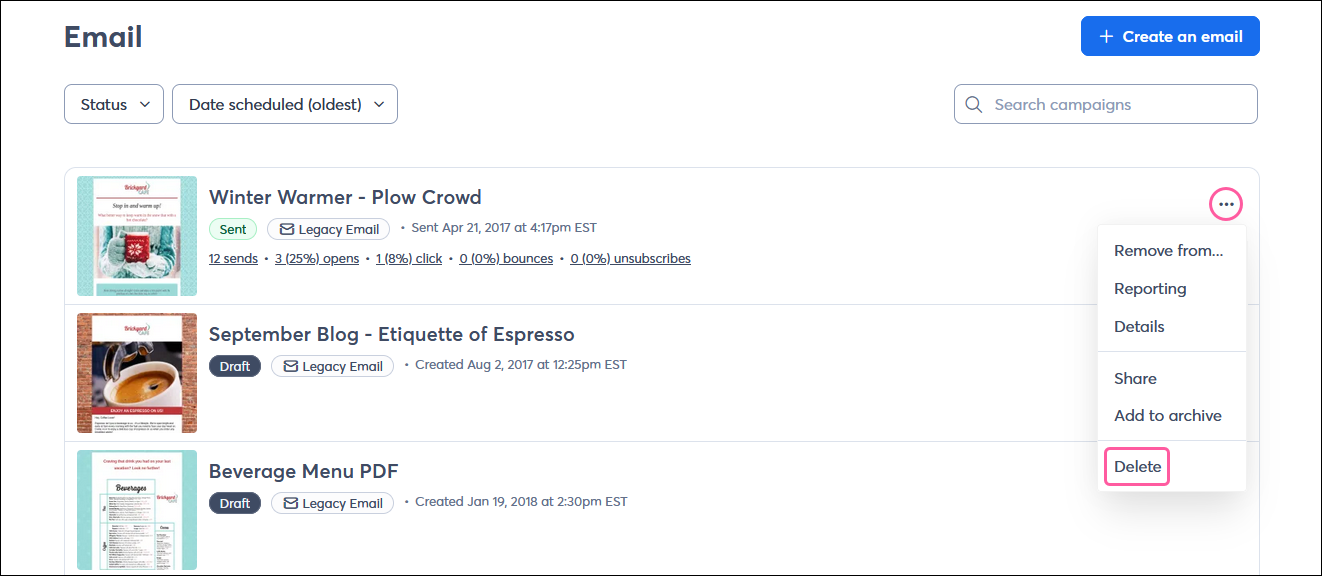
Can I delete legacy emails?
You can continue to delete unwanted legacy emails the same way you always could.
Copyright © 2026 · All Rights Reserved · Constant Contact · Privacy Center