Constant Contact's integration with Real Grader’s Instacard platform allows real estate professionals to capture, nurture, and convert more leads using our email and automation tools.
Every new contact captured via your Instacard digital business card automatically triggers a Constant Contact automation path: first a "Connect with me" email and then a "Follow me on social" email, prebuilt with all of your social media links.
Connect your Real Grader Instacard account
View your Instacard contact list
Access the Instacard Email Automation
Nurture your relationship with Constant Contact tools
Get started by connecting your Real Grader Instacard account to Constant Contact:
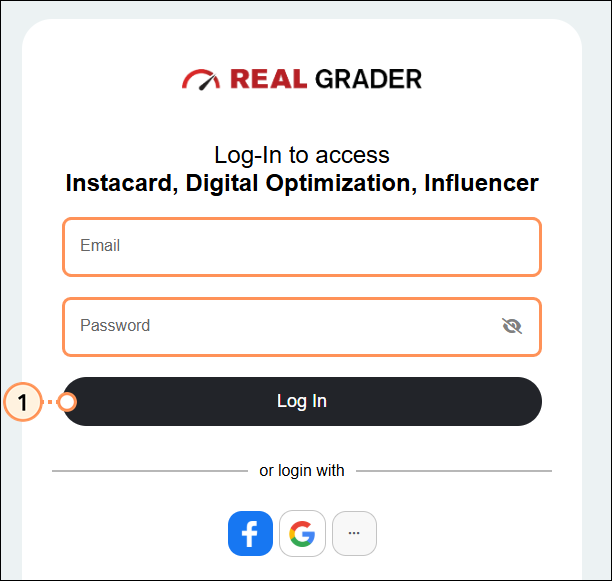
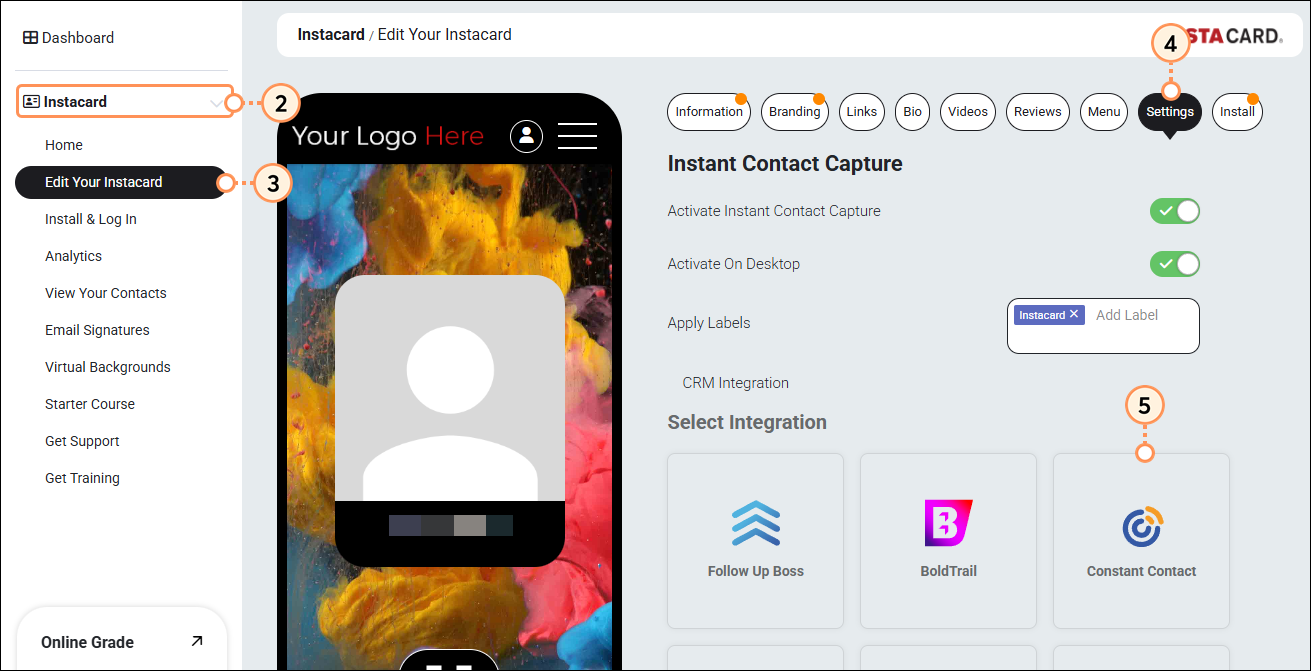
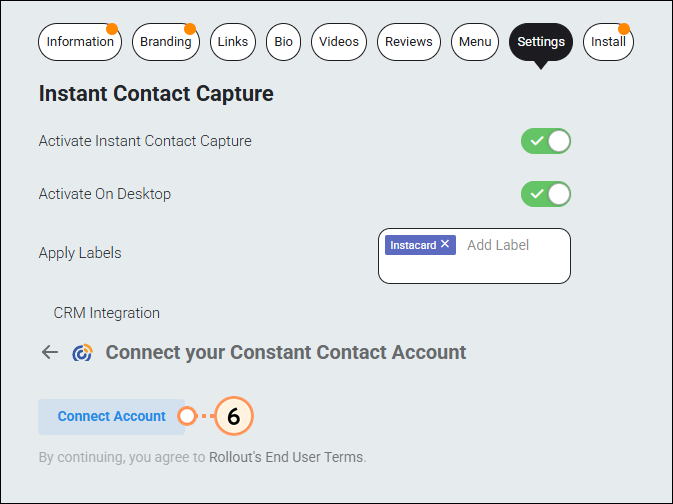
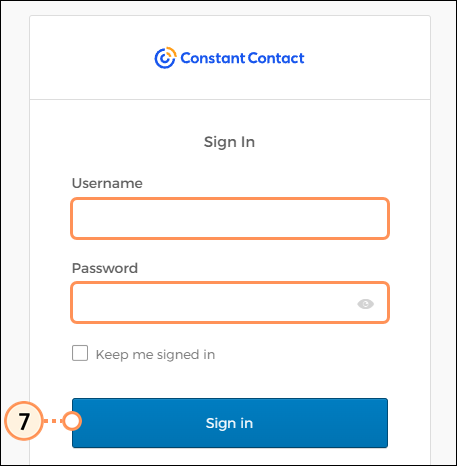
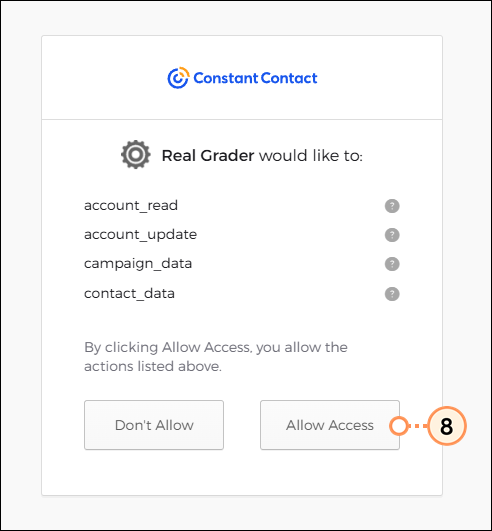
You will be brought back to your Real Grader account, where you will see your Constant Contact account listed as a connected CRM integration. Every time you receive a new contact via your Instacard, they will automatically be imported into Constant Contact and added to an "Instacard" contact list.
Go to Audience > Lists and segments and search for "Instacard" to see the list of contacts that have been synced.
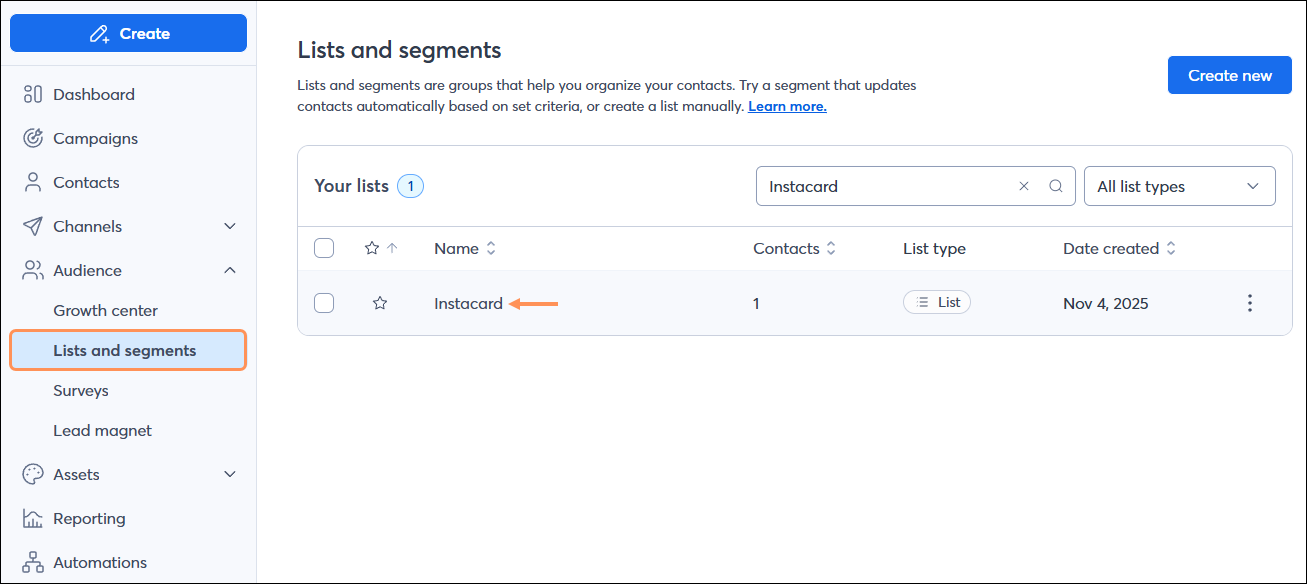
When you connect Real Grader's Instacard to your Constant Contact account, an Automation Path with two prebuilt emails will be automatically activated for you. When a new contact is synced into your Instacard list, the email automation will be triggered. The contact will first be sent a "Connect with me" email and then three days later they will be sent a "Follow me on social" email.
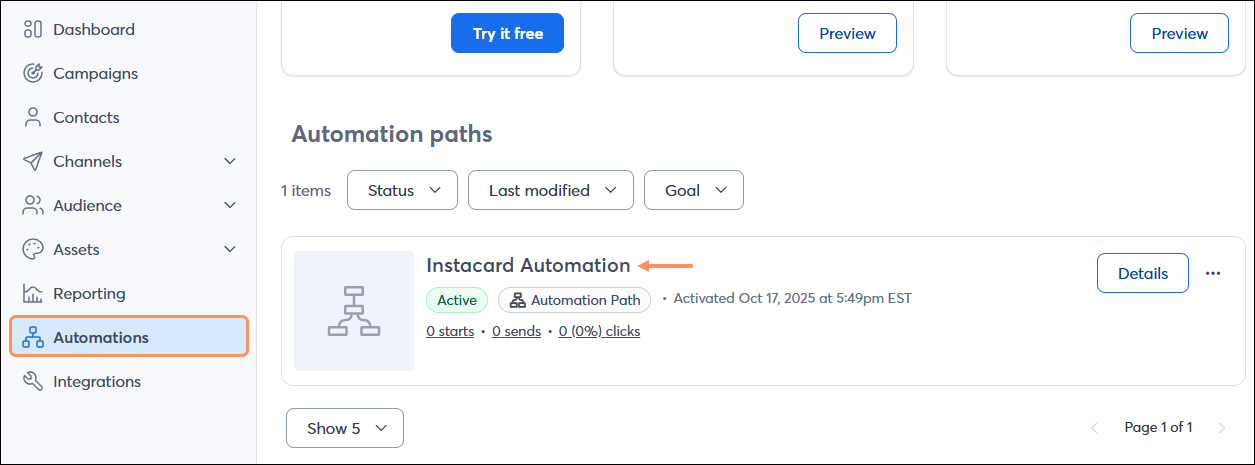
To view the automation, click Automation from the left-hand menu. You'll see it listed with the name "Instacard Automation".
Utilize Constant Contact tools to build a relationship with your new contacts:
Copyright © 2026 · All Rights Reserved · Constant Contact · Privacy Center