 | Important: This article requires you to use HTML code. If you work with a webmaster, they can help you install the code into your website. If you're using a website builder, please contact their support for help with updating the code. |
Your branding is important! The code for the email archive widget can be modified to match the fonts, colors, line spacing, and list styles that you already use on your website. You can also quickly change the maximum number of emails that you want to display in the widget without having to re-copy and paste the widget code.
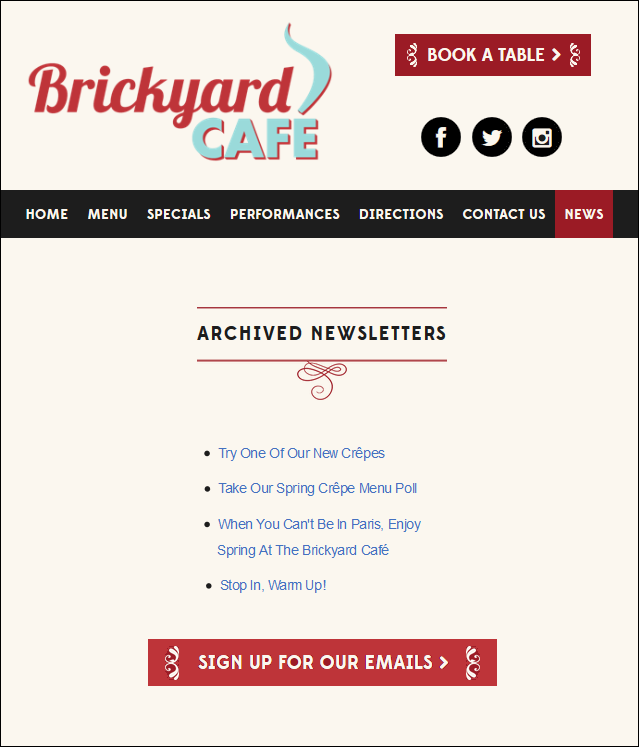
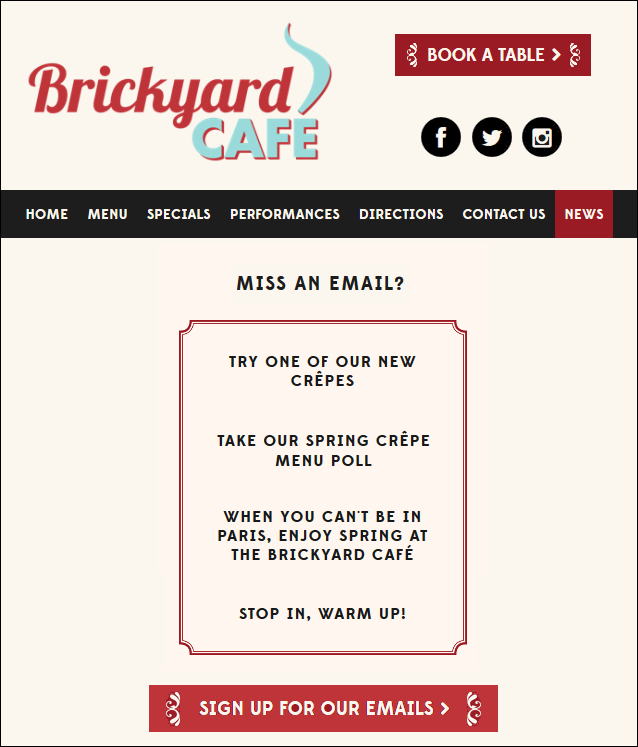
By default, the email archive widget is a simple bulleted list. With a little bit of code, you can change the font type, font size, font and bullet colors, bullet styles, line spacing, and background color.
<style>
       #archiveList {
                     border: 1px solid #000000;
                     line-height: 2;
       }
</style>
<style>
       #archiveList > ul {
                          list-style-type: circle;
                          list-style-position: inside;
       }
</style>
<style>
       #archiveList li {
                        color: blue;
       }
</style>
There are many online resources, such as W3Schools and MDN, that you can use as a reference when styling your archive.
You can share up to 100 emails in the email archive widget. If you want to change the number of emails that display on your website, you can edit the code (in red below) with a number between 1 and 100 after you've added the widget code to your website:
<div id="archiveList" data-archive-count="5" data-m="a07e1jef1ar0"></div>
Once the number is updated, you can add or remove emails from the widget on your website through your Constant Contact account without needing to continuously update your website's code.
Emails display within the widget in the order that you archive them, with the most recently archived emails at the top of the list. All archived emails display their subject line, not their campaign name. If you need to change the email subject line that displays in the widget, you can do so by copying the original.
Any links we provide from non-Constant Contact sites or information about non-Constant Contact products or services are provided as a courtesy and should not be construed as an endorsement by Constant Contact.
Copyright © 2026 · All Rights Reserved · Constant Contact · Privacy Center