Email and Digital Marketing
How can we help you?
Search our help articles, video tutorials, and quickstart guides

You've got this. You've got us. Search our Knowledge Base to quickly find answers to your questions.

Pay for your account with a paper check

Article: 000014973
Updated: January 28, 2026

Generate a prepayment invoice to pay for your Constant Contact subscription with a check

Exclamation point iconNote: This payment method is not available to all customers.


If you want to pay for your Constant Contact account by check, you need to generate a prepayment invoice to send to our Billing team along with the check. Paper checks are only accepted for prepayment plans and are only available to some US customers. 

Follow the steps below to get started:
  1. Access your account settings.
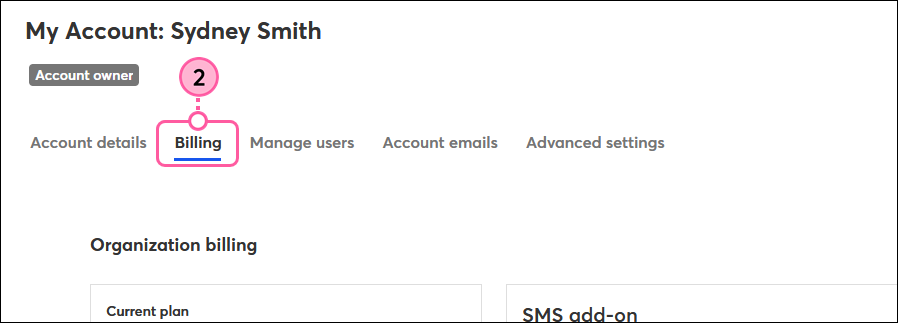
  2. Click the Billing tab.

    Profile name dropdown, Account settings options, and Billing tab
     
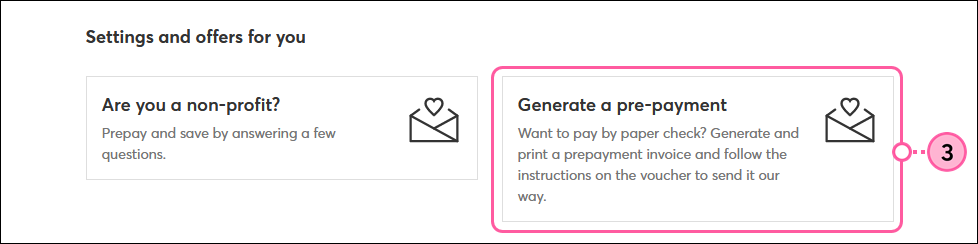
  3. Scroll down to the Settings and offers for you section and click Generate a pre-payment.

    Settings and Offers For You section and Generate a Pre-Payment block
     
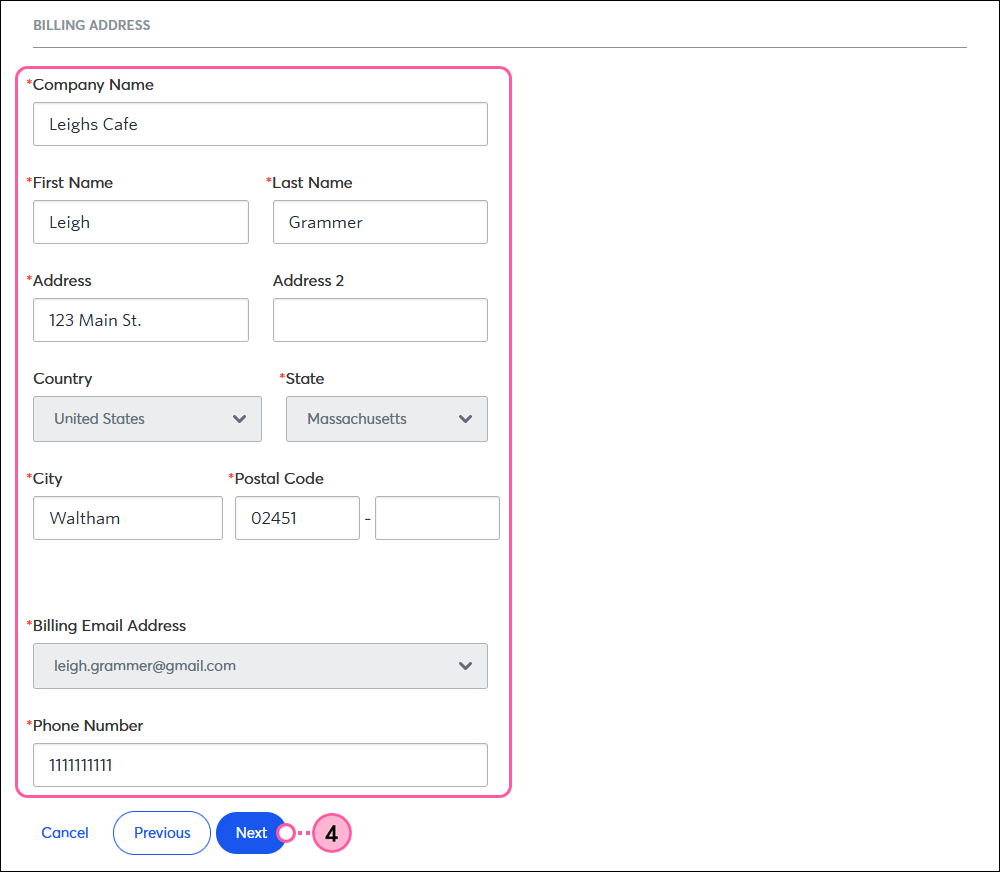
  4. Fill out or update your Billing Address and then click Next.

    Update address
     
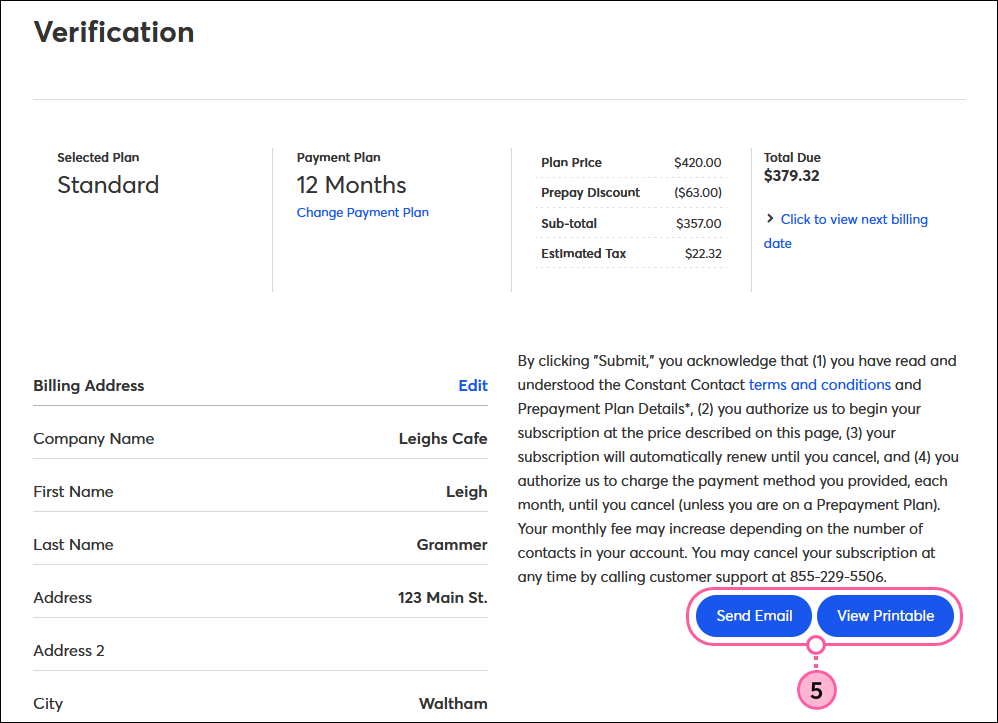
  5. Review your selections and decide how you want to receive the invoice. You can either receive it by email or view a printable version.

    Send email or print


Once you've generated your invoice, mail it to the address below with your check:

Constant Contact
Attn: Accounts Receivable
890 Winter Street
Suite 300
Waltham, MA 02451

Repeat this process each time your funds are running low to continue receiving your prepay discounts. We'll send a reminder email to let you know when your balance is running low.


Questions?

Ask the Community

Did this article answer your question?


Constant Contact Logo

Copyright © 2026 · All Rights Reserved · Constant Contact · Privacy Center