Strategically adding a single emoji to a subject line can draw the eye, imply a sense of friendliness, and help to increase your open rate! Similar to writing a text message with your mobile phone, you can choose from a variety of emojis, including smiley faces, food and drink, and objects, to help your subject line stand out in the inbox. However, keep in mind that overusing them can make your email look like spam.
 | Test your audience: Not sure if using emoji is right for your audience? Try doing a simple subject line A/B test to see how they affect your open rates. |
 | Did you know? Emojis can be included in the body of your email by copying and pasting them into a Text block. |
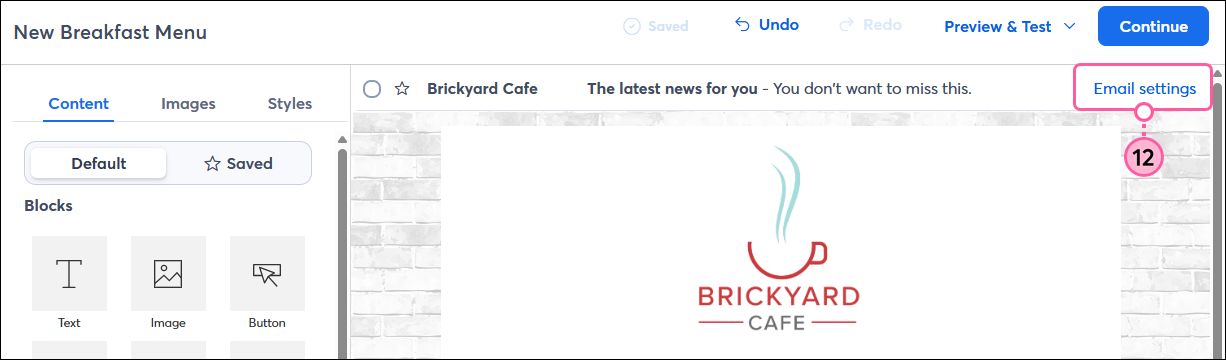
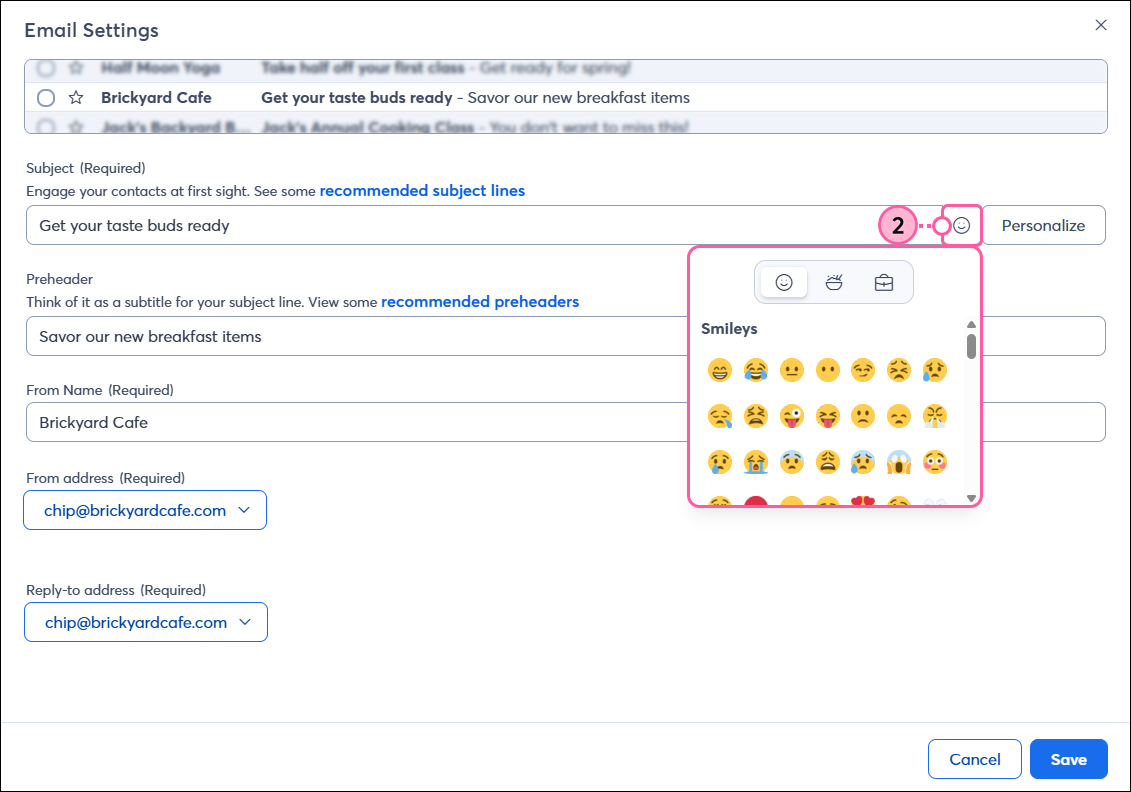
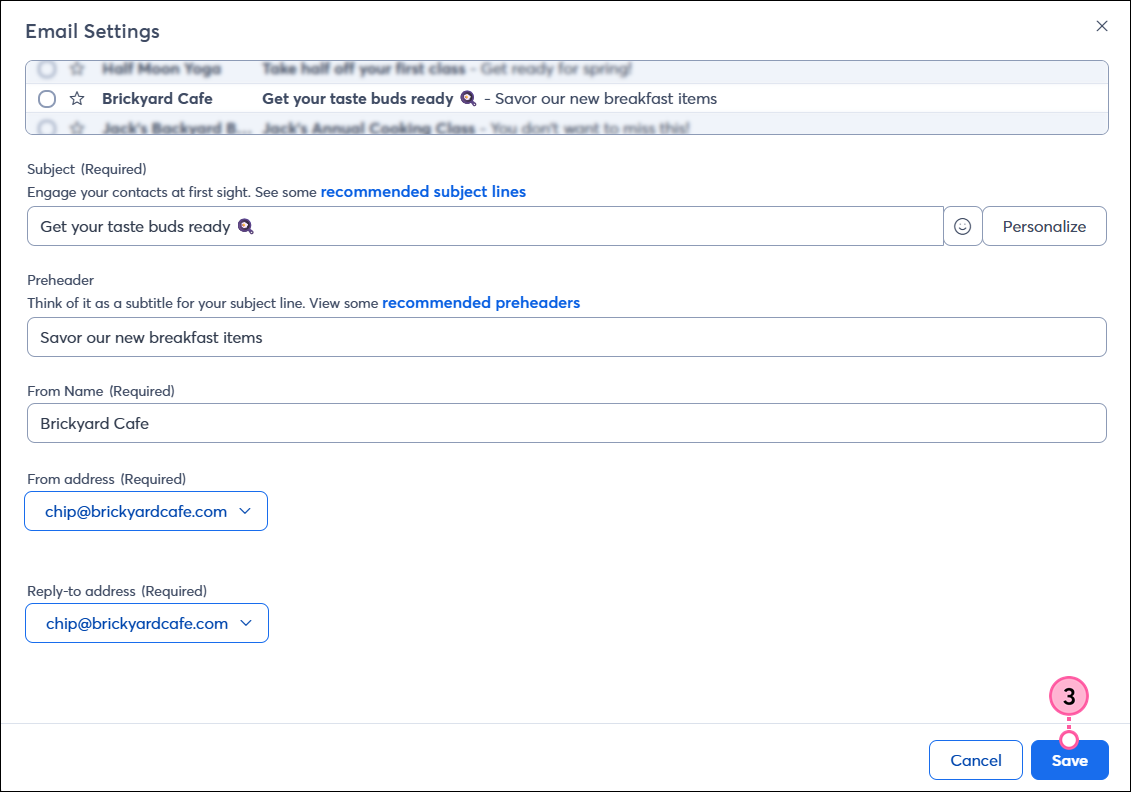
When you're finished editing your email, click Continue to schedule it to send to your contacts.
Think of emoji as a type of font — if you or your contacts don't have a font installed, a default backup font displays in its place. The same is true for emoji — if it's unsupported, it won't display, and is usually replaced with a generic square □, question mark ⍰, or X ⮽.
 | Important: Adding emojis to a bad subject line only makes the subject line worse, so stay away from phrases that are known to trigger spam complaints and stick to one emoji per subject line. |
Any links we provide from non-Constant Contact sites or information about non-Constant Contact products or services are provided as a courtesy and should not be construed as an endorsement by Constant Contact.
Copyright © 2026 · All Rights Reserved · Constant Contact · Privacy Center