Email and Digital Marketing
How can we help you?
Search our help articles, video tutorials, and quickstart guides

You've got this. You've got us. Search our Knowledge Base to quickly find answers to your questions.

Connect your Constant Contact account with EZ texting

Article: 000039075
Updated: July 8, 2026

Connect with your contacts through targeted text messaging using our integration with EZ Texting.


Our integration with EZ Texting allows you to seamlessly sync, sort, and segment your Constant Contact email list. You can start sending group texts and direct messages to your list in no time. We can also help encourage new subscribers to receive text messages with our easy opt-in solution.

  1. Click Integrations.
  2. Under the "All Integrations" tab, either search for EZ Texting or scroll through the list to locate it. Then, click on the block.

    EZ Texting integrations card in the Integrations tap of Constant Contact

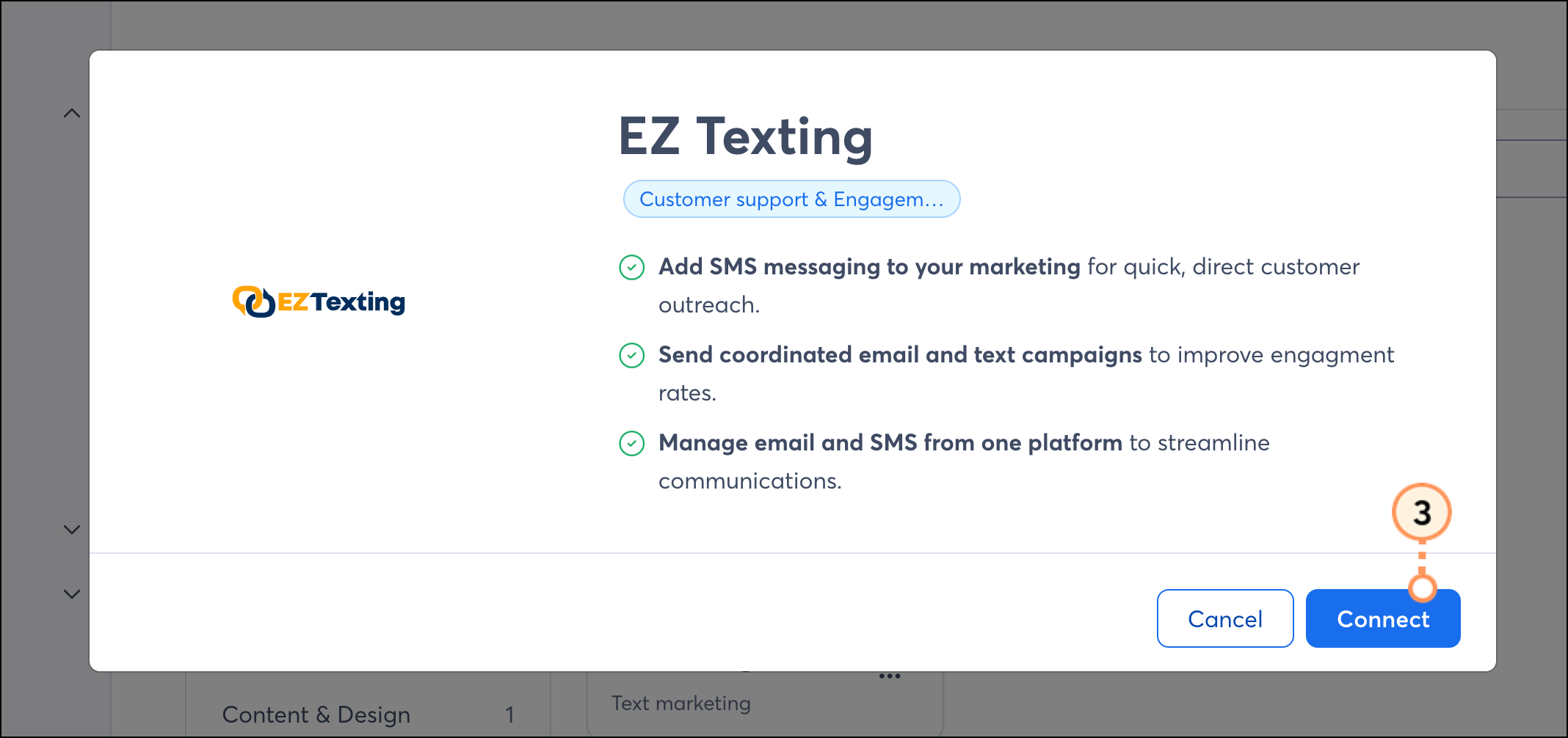
  3. Click Connect

    Blue Connect button on the EZ Texting informational pop-up

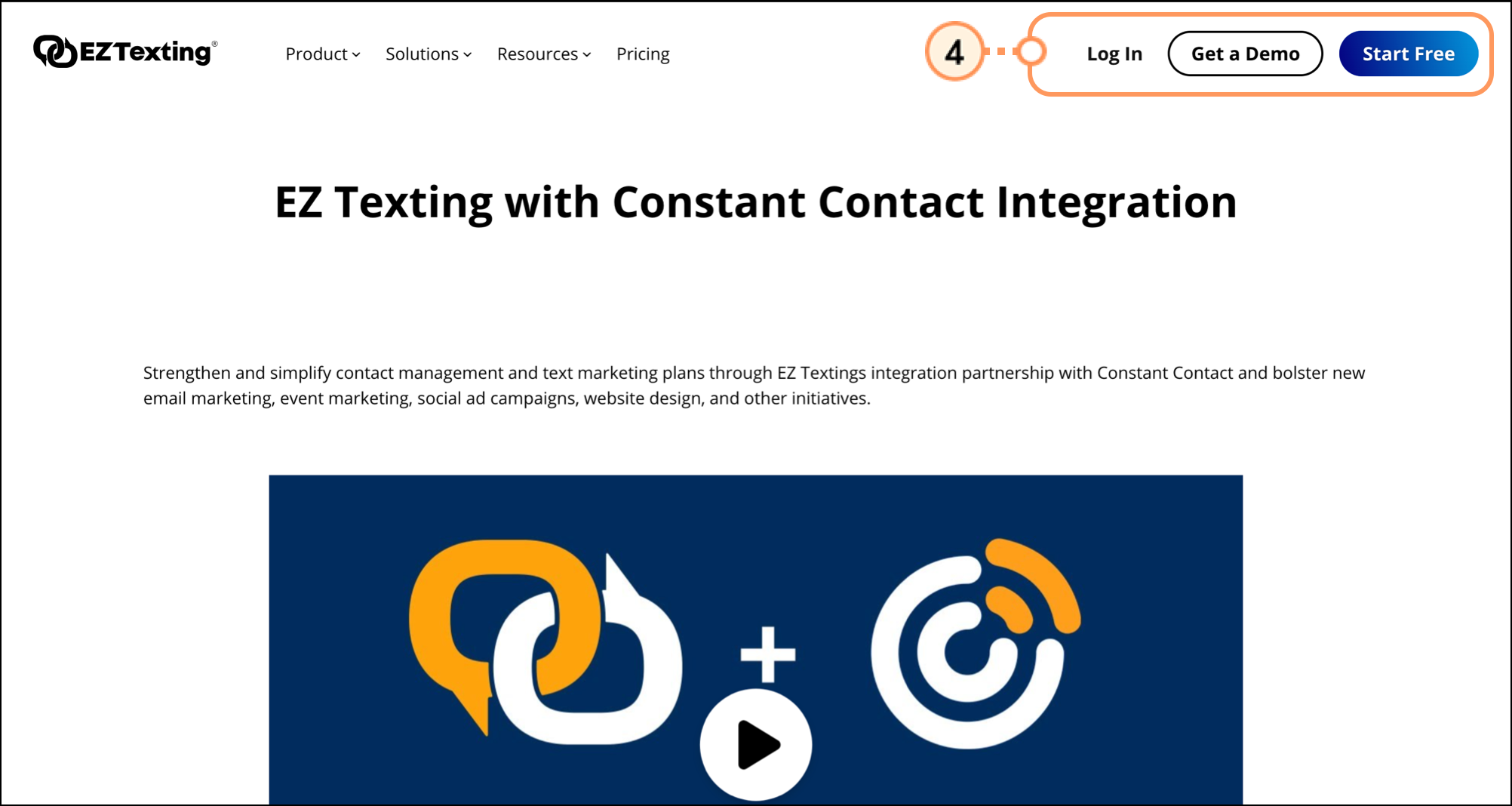
  4. Click Log In to log into your existing account, or Start Free to create a new account.

    Log In button in the top right corner of the EZ Texting website homepage

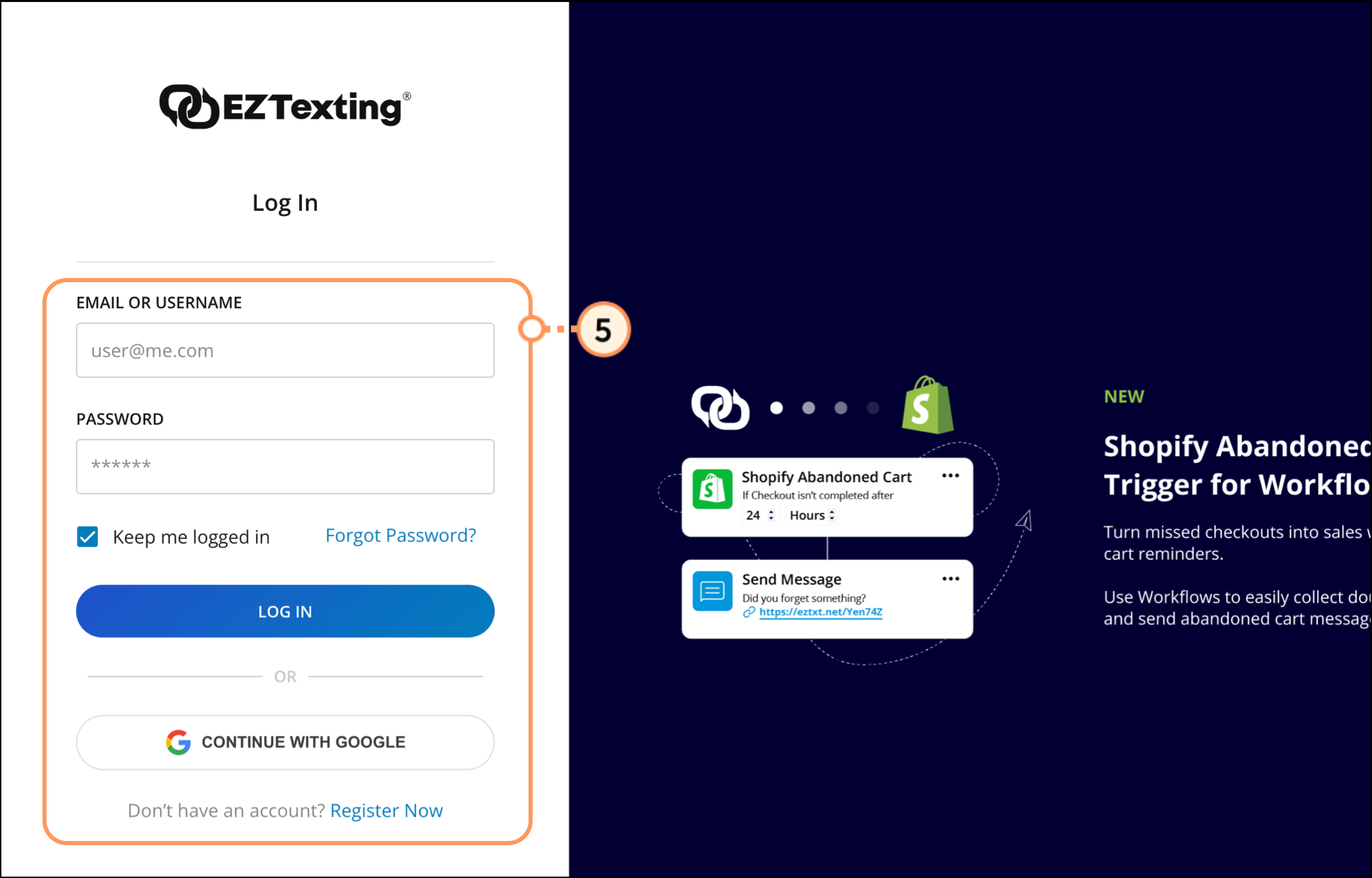
  5. Enter your information and click LOG IN. If you need an EZ Texting account, select Register Now.

    Login form with email and username option and Google SSO  

You can set up the integration with Constant Contact within your EZ Texting account. For step-by-step instructions, please see their help article.


Questions?

Ask the Community

Did this article answer your question?


Constant Contact Logo

Copyright © 2026 · All Rights Reserved · Constant Contact · Privacy Center