Asking your new sign-ups to confirm their interest with a "double opt-in" isn't required, but it's the strictest way to obtain consent to send your emails. It may be an option that's right for you because it gives you high confidence that the person who subscribes really wants to receive your emails.
If you chose to enable the opt-in checkbox when you created your form, it prevents sign-ups to your list unless the box is checked. It's an extra step to ensure that the people submitting the form want to be added to your list and is especially handy if you're using a "contact us" form instead of a sign-up form.
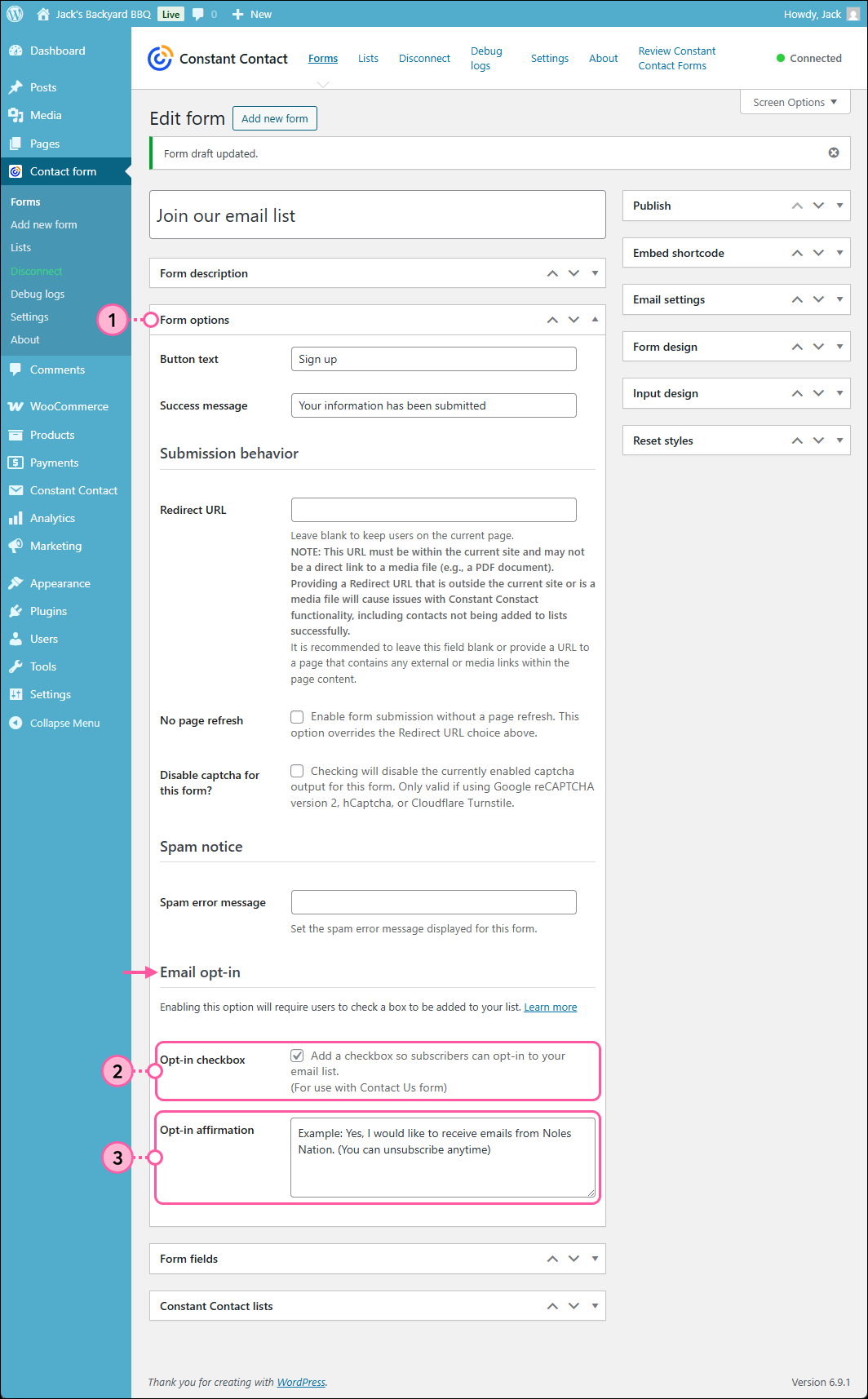
When the opt-in box is on your sign-up form, your contacts must check the box to be added to your list. If the box is unchecked, it won't prevent your contact from submitting the form, but that contact won't be added to your list.
 | Did you know? Contacts who join your list through the WordPress Forms plugin are all automatically documented as having given express consent. To see the contacts who have given express consent, make sure you've enabled advanced email permissions in your Constant Contact account. |
If you experience issues with people joining your list through the Contact Form on your WordPress site, but the names aren't ending up on the selected list in your Constant Contact account, there could be a couple of factors:
For further help, you can visit our Constant Contact Forms Plugin Support Forum.
Copyright © 2026 · All Rights Reserved · Constant Contact · Privacy Center